


Raid Coordination and Automation Tool.
An internal guild project for now :)
Overview Window
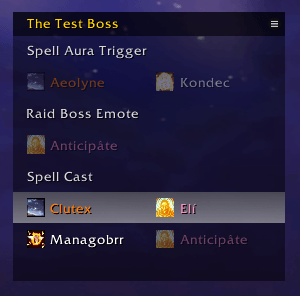
This shows an overview of the current encounter, showing the next upcoming assignments marked with a white bar.
Notification
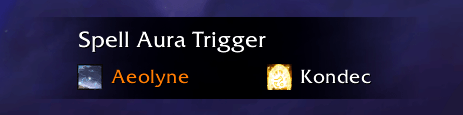
This will pop up when a trigger is happening, and the assignments shown should be cast. Player discression is required here, and be mindful of raid callouts.
Appearance Options
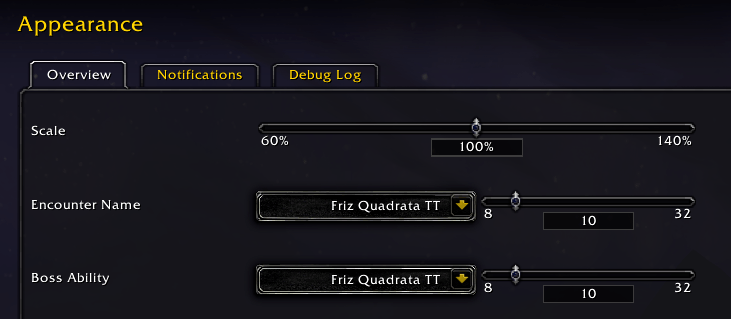
Most of the interface elements can be altered and customized to your liking. This is available through the options screen addons tab.
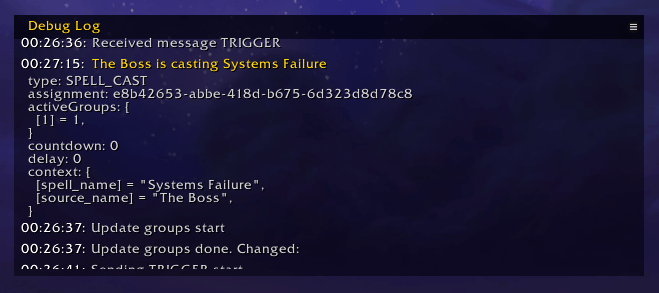
Debug Log
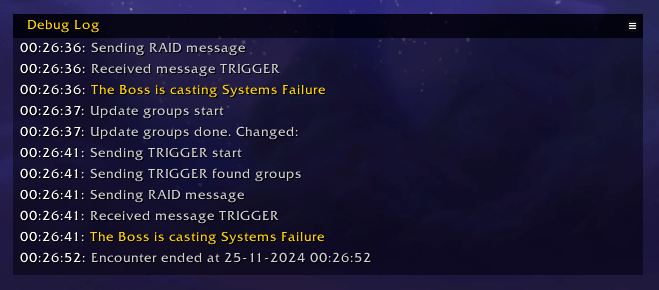
The log is mostly for developer purposes. It can help in diagnosing issues with triggers and certain fights not behaving as intended. Any lines in bold or yellow text can be folded out to show more internal addon information.
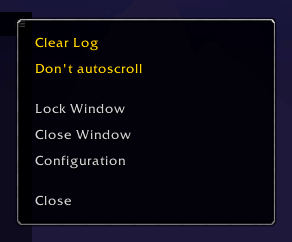
Window Menu
Every window in SRT has this popout menu when clicking on the menu button at the top right. Use this to lock/unlock or close the window. Most menu's will have some window specific functions, those are marked in yellow.
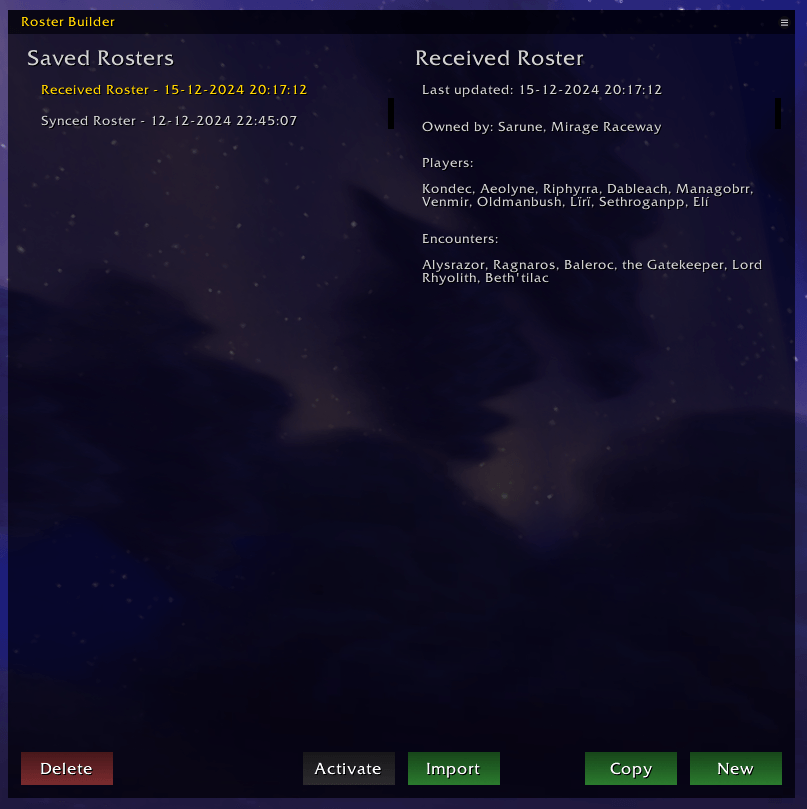
Roster Builder
Selecting, Adding or Editing Rosters
On the left you have a list of saved roster. These can be synced, imported, created or copied rosters. Rosters owned by the current player can be edited, otherwise these can be copied to then be editable. The yellow roster is selected, a blue roster is the active roster and is up to date. A purple roster is active and has local changes that have not been synced, this situation should not really happen.
The left side shows some information on the selected roster, showing last updated, roster owner, players and encounters with assignments.
Importing Rosters from Saru's Assignment Sheets
The left pane is an input field for the sheet export. The right parsed information on the roster, or errors in the import if there are any.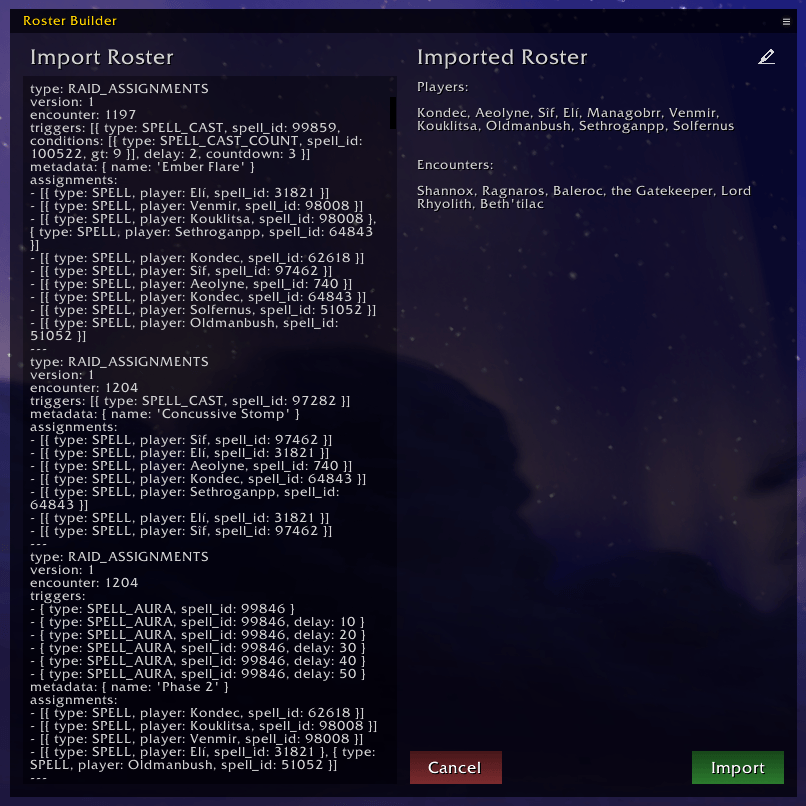
Adding and Removing Players
This has a drag and drop style workflow. The right pane is all players in party/raid, and all players in raid. The filter can be used to refine the players shown. Player names can be dragged onto- and out of the roster list.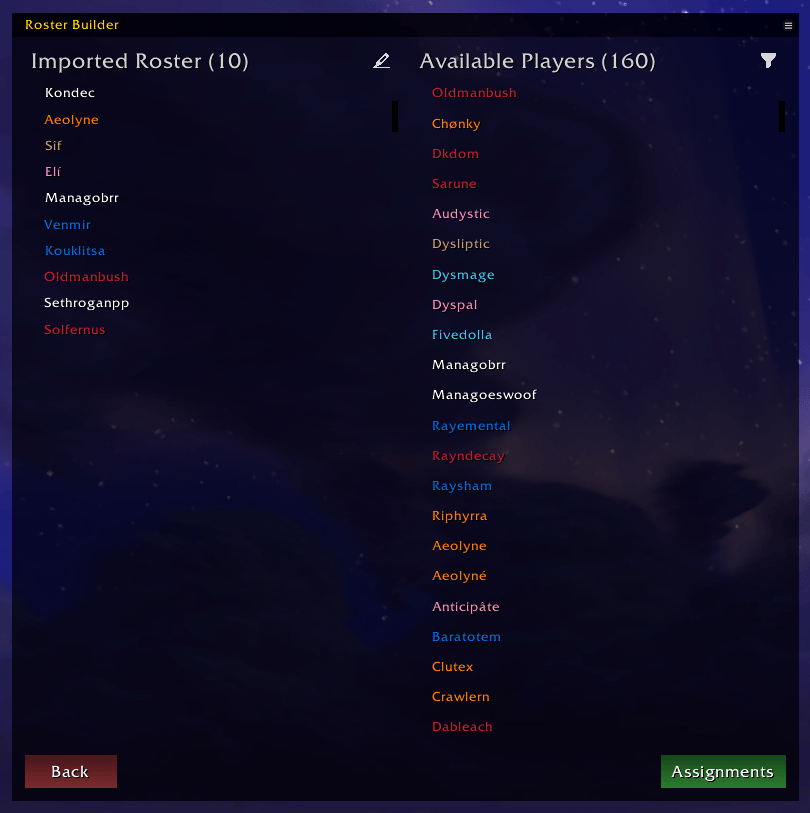
Assigning Player CDs to Triggers
Similar to the player pane; this pane is drag and drop. Players can be dragged onto a trigger, and assigned a new group or be added to an existing group (max 2 players per group). Right click removed players from the assignments. 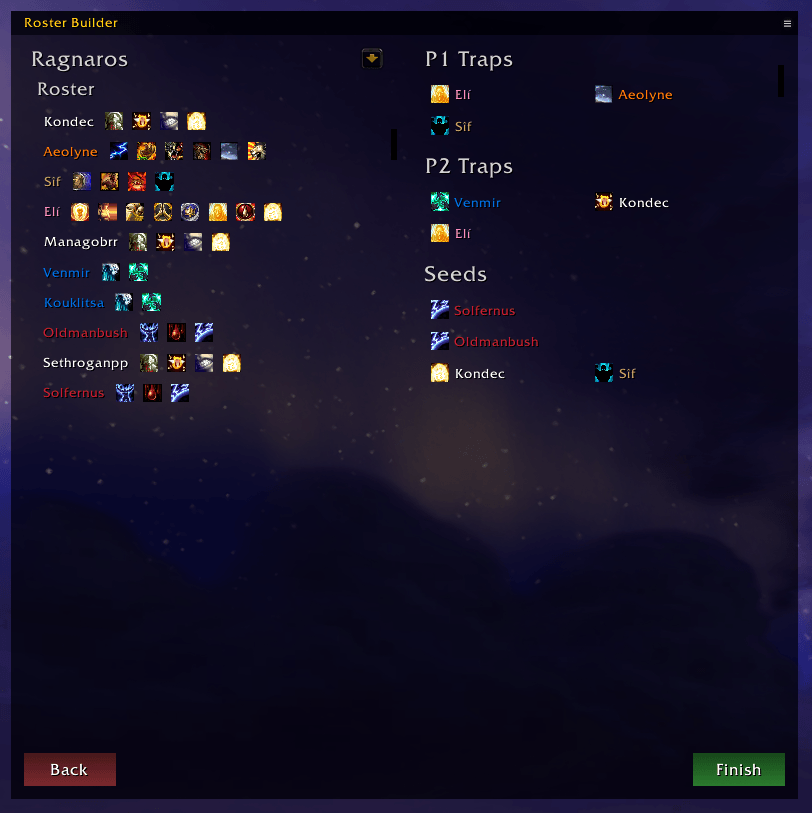
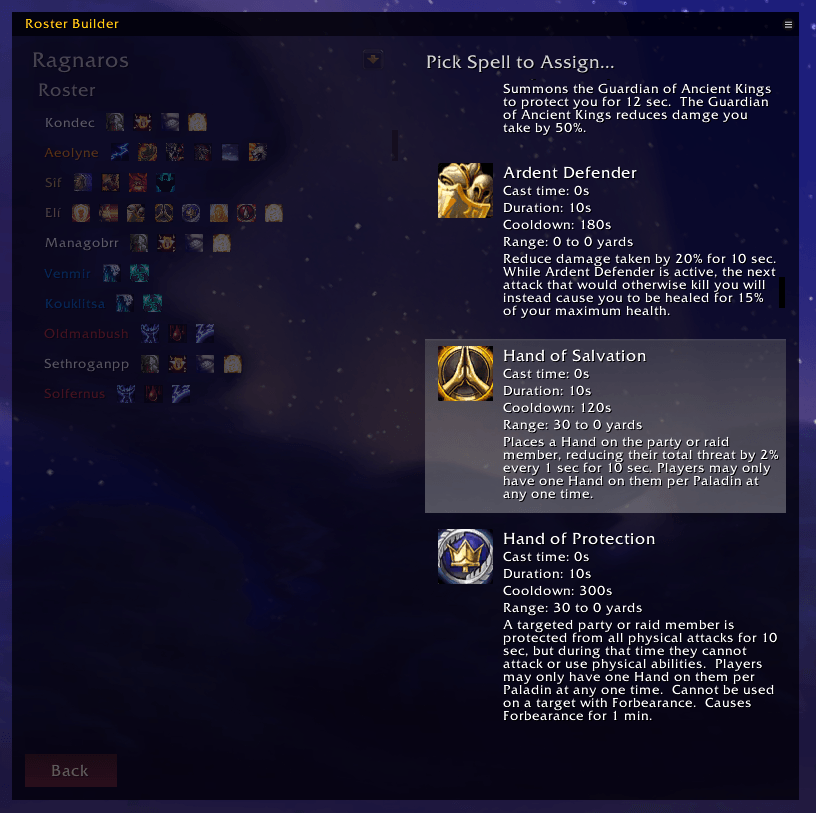
Dragging a player onto an assignment trigger opens up the spell selection screen:
The Swiftdawn Raid Tools Team


