Surf Forever
- By
Screenshot 2026-10-12 11123612.png
Screenshot 2026-10-21 06544412.png
Description
Surf Forever
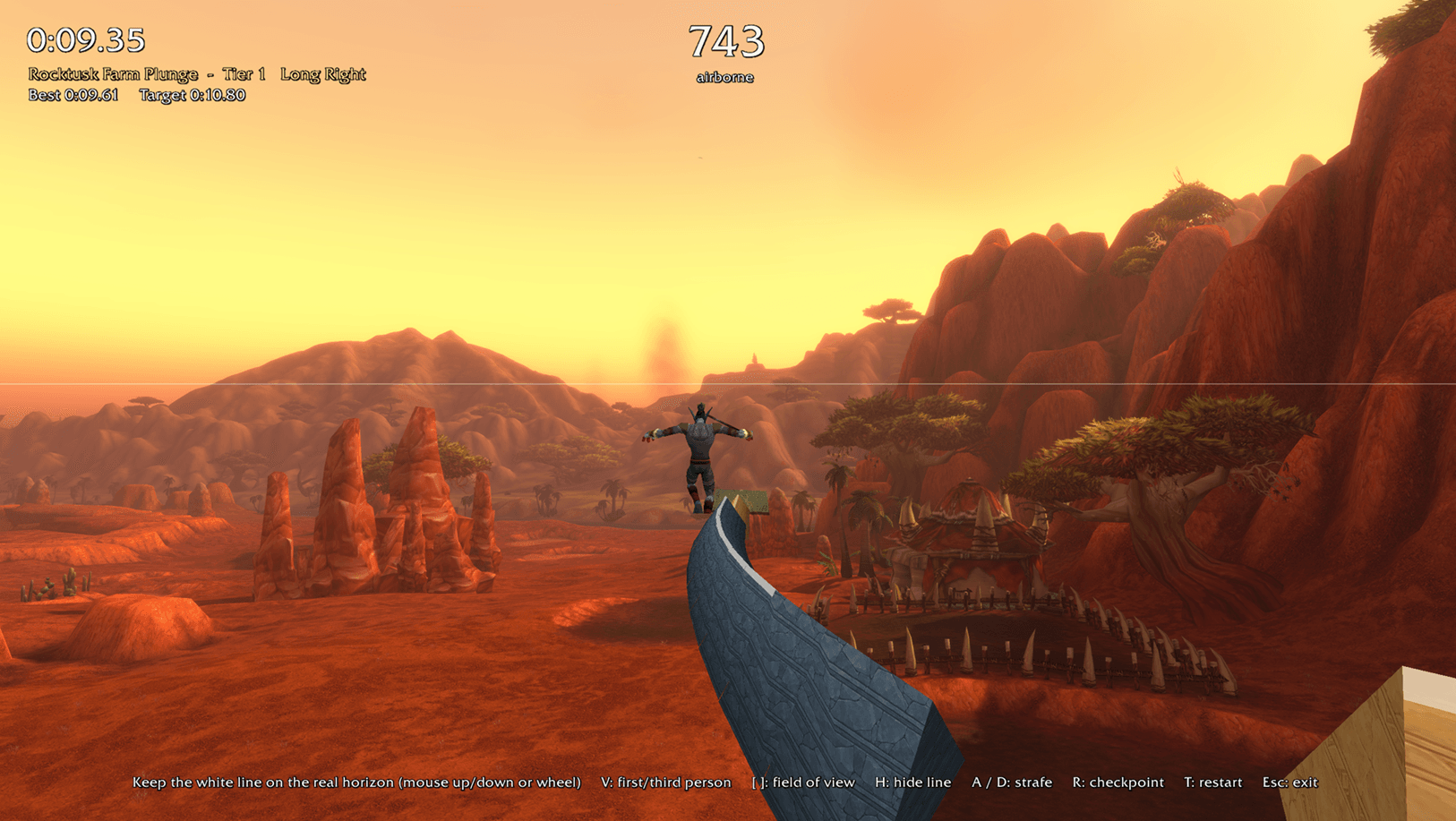
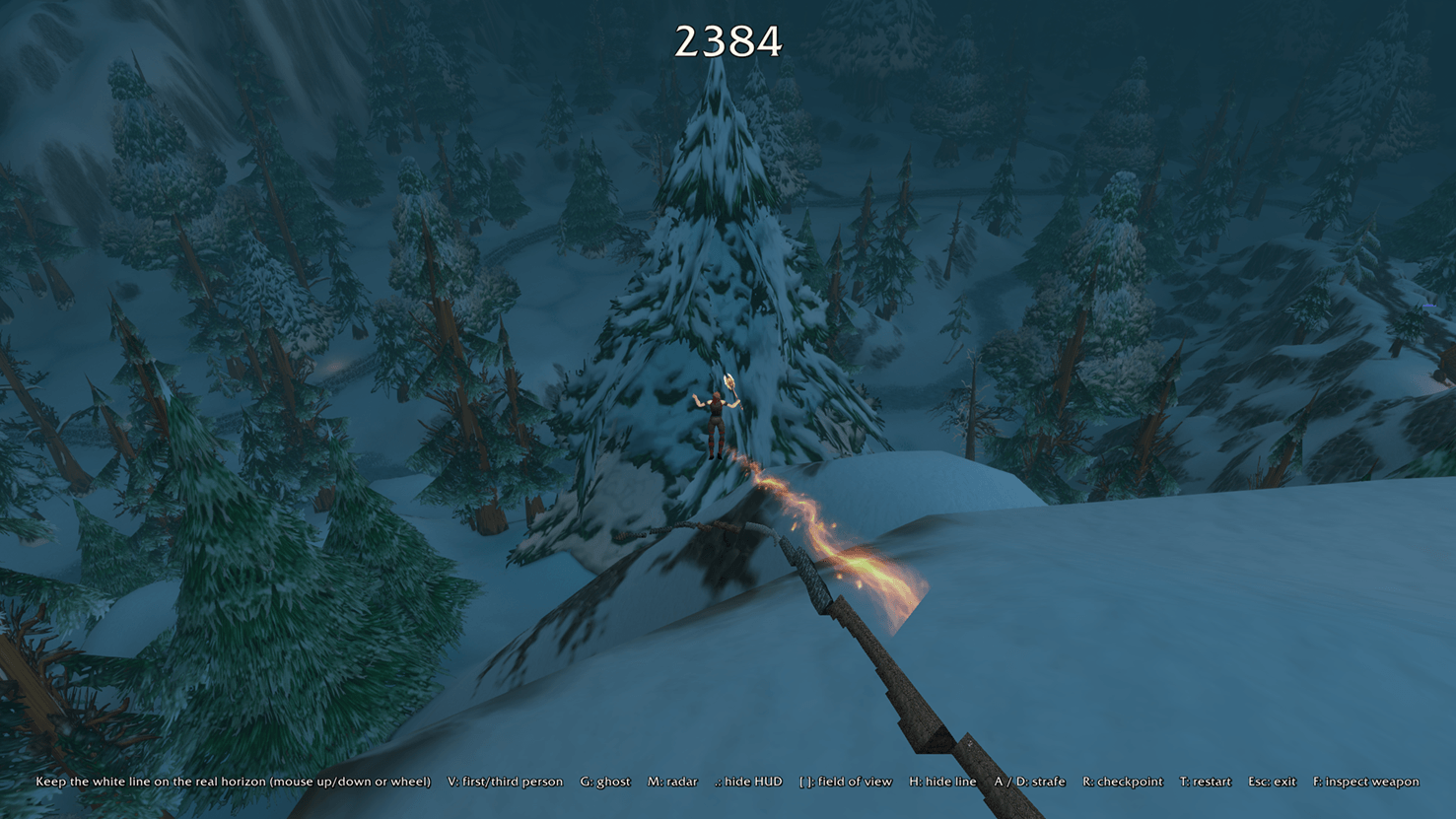
Surf Forever adds Counter-Strike style surfing to WoW Forever. You slide along steep ramps, strafe through the air to keep your speed and try to beat your own times. The physics match Counter-Strike: Source surf servers (100 tick, air accelerate 150).
New to surf? The Learn to Surf tutorial covers the basics in a few minutes.
Getting started
Click the Surf Forever button on your minimap to open the menu. Pick "Where I'm standing" and press Ride. The first time you log in, the addon offers you the tutorial.
Controls
- Mouse: turn
- A / D: strafe (hold the key that points into the ramp)
- W: walk off the start platform
- Space: jump
- R: back to the last checkpoint
- T: restart
- V: first or third person
- G: ghost on or off
- M: radar
- F: inspect your weapon
- . (period): hide the HUD
- Mouse wheel: look up or down
- Esc: stop riding
In Real world mode, H hides the horizon line and [ ] change the field of view. The keys also show at the bottom of the screen while you ride.
Features
- Courses for all 50 zones, plus named places and harder Elite courses in the larger towns.
- A campaign: the tutorial and four hand-built courses.
- Five traveling maps. Hold left click while you ride and your character runs through the world with you.
- Medals from Bronze to Diamond on each course, and 25 Surf Ranks.
- Over 1,000 classic weapons to collect. You unlock them by ranking up or find them as drops in each zone. Your character, your ghost and your first-person view all carry the one you equip.
- The Armory: browse your weapons by type, Ctrl-click to try one on, and pick trails and ghost effects.
- A ghost of your best run, and checkpoint splits.
- A course editor with 31 piece types and 70 looks. You can share courses as text codes.
- Leaderboards with your guild, party and raid, and your realm if you opt in.
- Two views: a drawn sky that follows the realm clock, or Real world mode, which draws the course over the game world.
- English, German, Spanish, French, Portuguese, Italian, Russian, Korean and Chinese (Simplified and Traditional).
FAQ
Does it change my settings? While you ride, the addon hides your interface and changes a few display settings. It puts them back when you stop, when combat starts, or at your next login after a crash. The Fix my UI button in the menu also restores them.
Can I ride in combat? No. Combat ends the ride.
Is sharing courses and leaderboards safe? The addon has no internet access. Leaderboards travel over WoW's addon messages, and the addon checks everything it receives from other players. Share codes are text you copy and paste.
My frame rate dropped. Lower View distance on the Options page.
Notes
- Each player's addon reports their own times to the leaderboard.
- Real world mode works best from high ground. You keep the horizon line level yourself.
- To report a bug, open Options, click Error report and copy the text.
Made by White Lotus Realms.
Surf Forever Team