


StyleBound
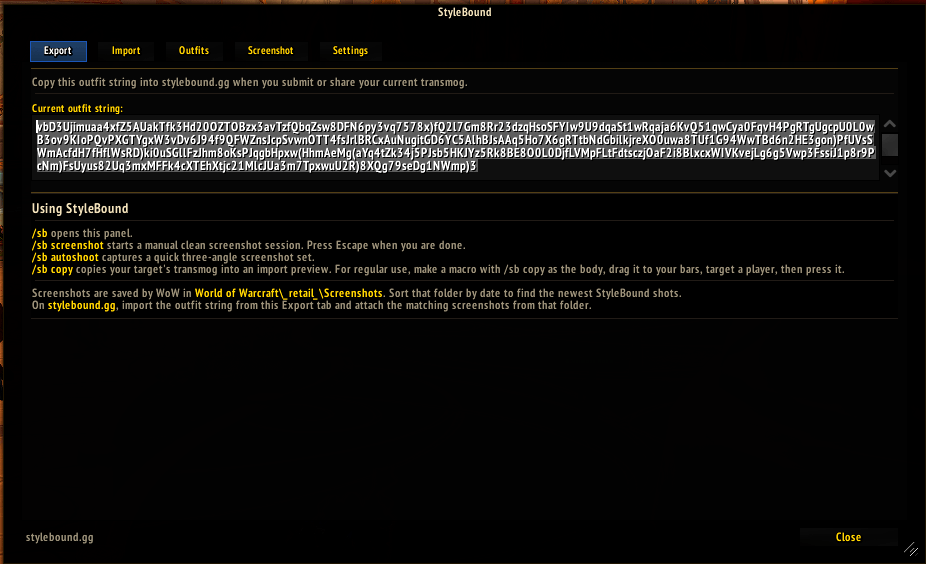
Export.png
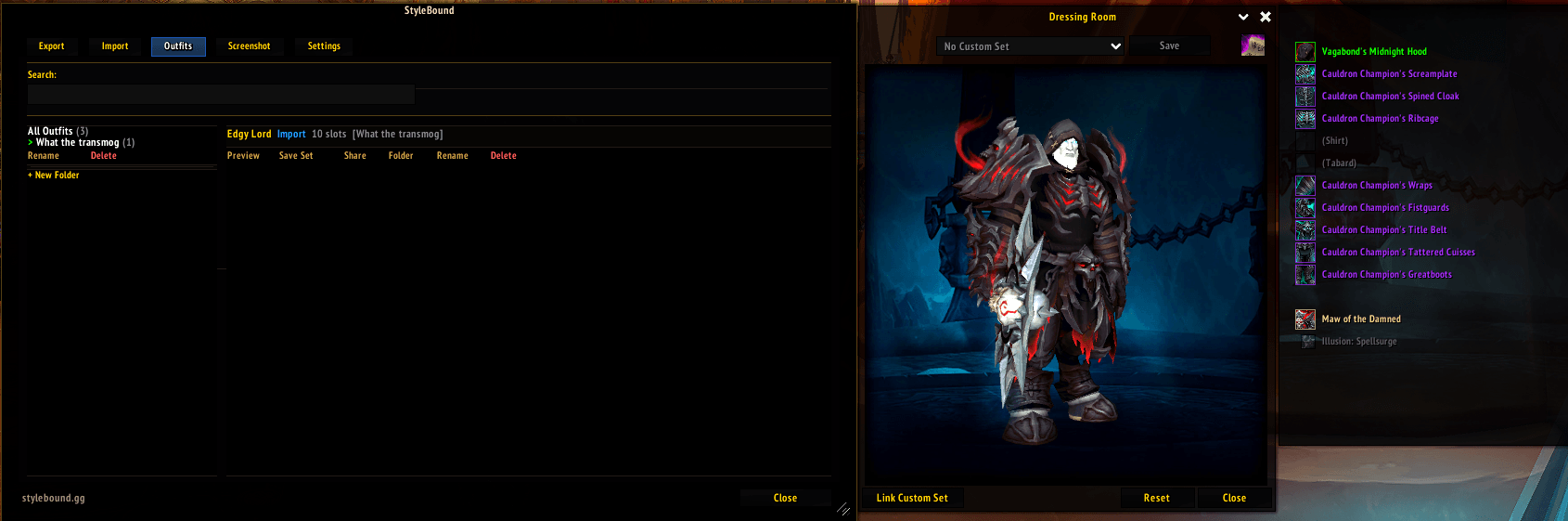
Outfits.png
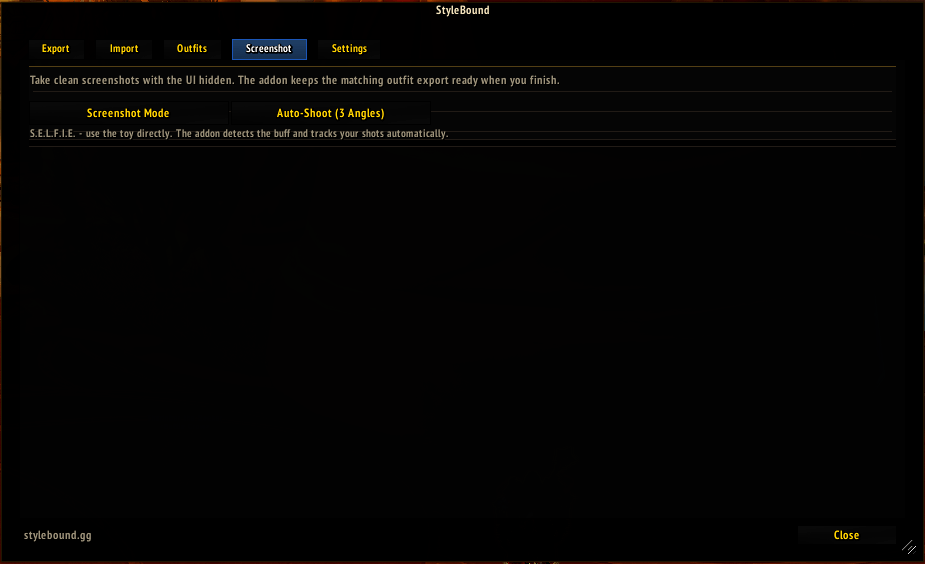
ScreenshotMode.png
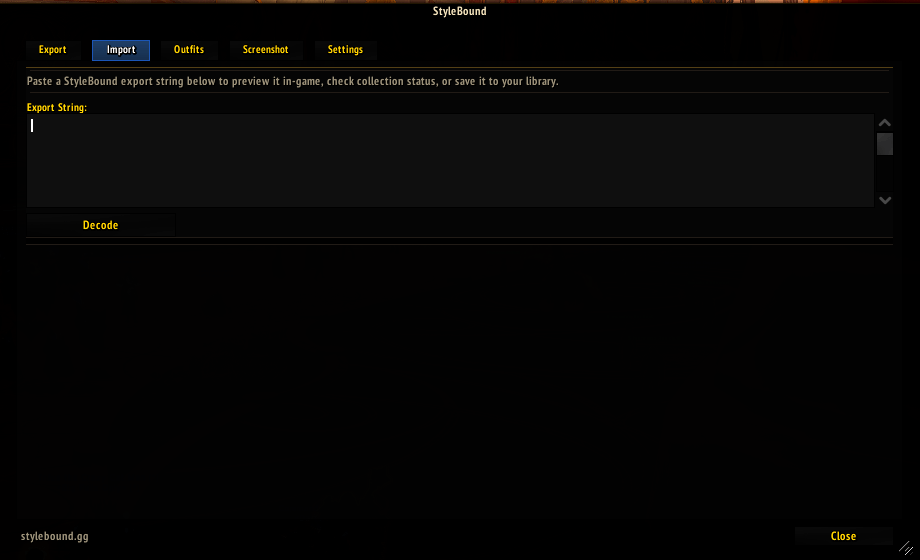
Import.png
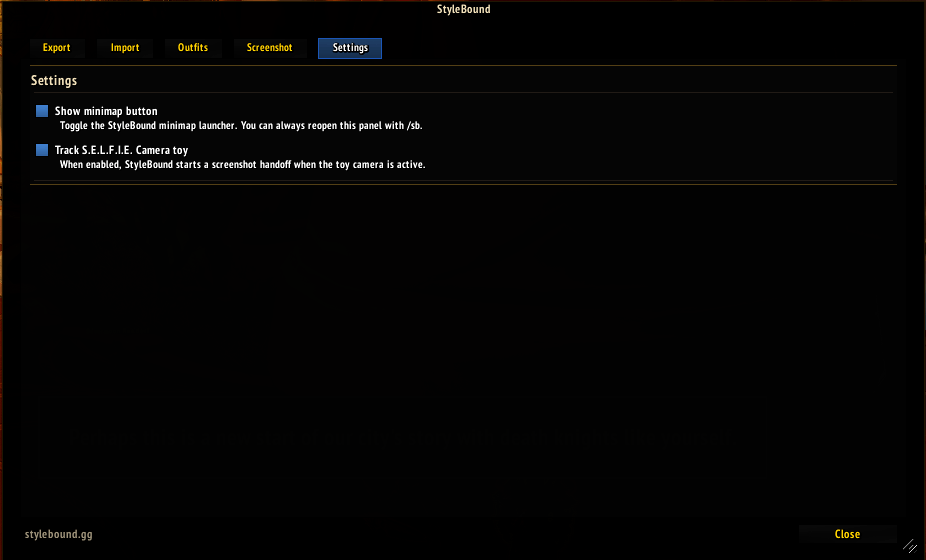
Settings.png
Description
StyleBound helps you share World of Warcraft transmogs and housing blueprints with StyleBound.gg.
Transmog features
• Export your current transmog as a compact StyleBound string.
• Import StyleBound outfit strings for in-game preview.
• See which outfit slots you already own and which pieces are missing.
• Save, search, organize, preview, share, rename, and delete outfits in an in-game library.
• Copy a nearby targeted player's visible transmog with /sb copy.
• Promote saved outfits into Blizzard custom sets.
Housing blueprint features
• Adds an Export to StyleBound button to the Housing Dashboard blueprint details panel.
• Creates a copyable manifest containing the public blueprint code, furnishing quantities, catalog and item details, acquisition sources, placement costs, and blueprint budget totals.
• Paste the manifest into the housing submission form on StyleBound.gg to build a detailed, shareable housing page.
• Use /sb housing <code> as an alternative way to read a blueprint code.
Screenshot features
• Take clean manual screenshots with /sb screenshot.
• Capture a quick three-angle screenshot set with /sb autoshoot.
• Screenshots are saved by WoW in World of Warcraft\_retail_\Screenshots for upload to StyleBound.gg.
Use /sb to open the addon.
StyleBound stores saved outfits and settings locally in WoW SavedVariables. It does not upload data or screenshots automatically.
The StyleBound Team
