Storytale
- By
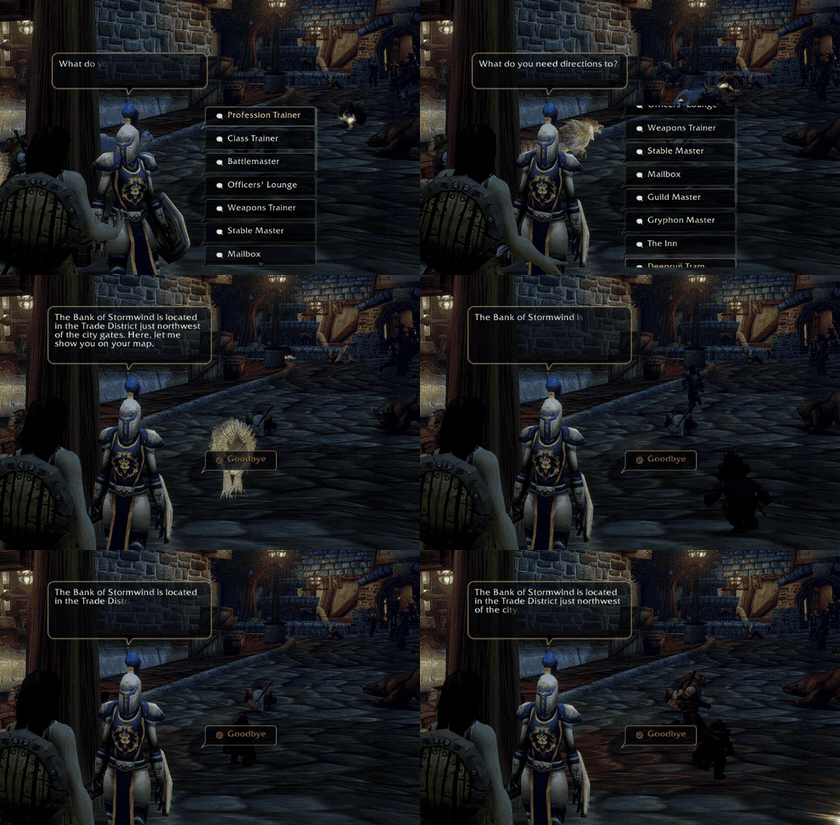
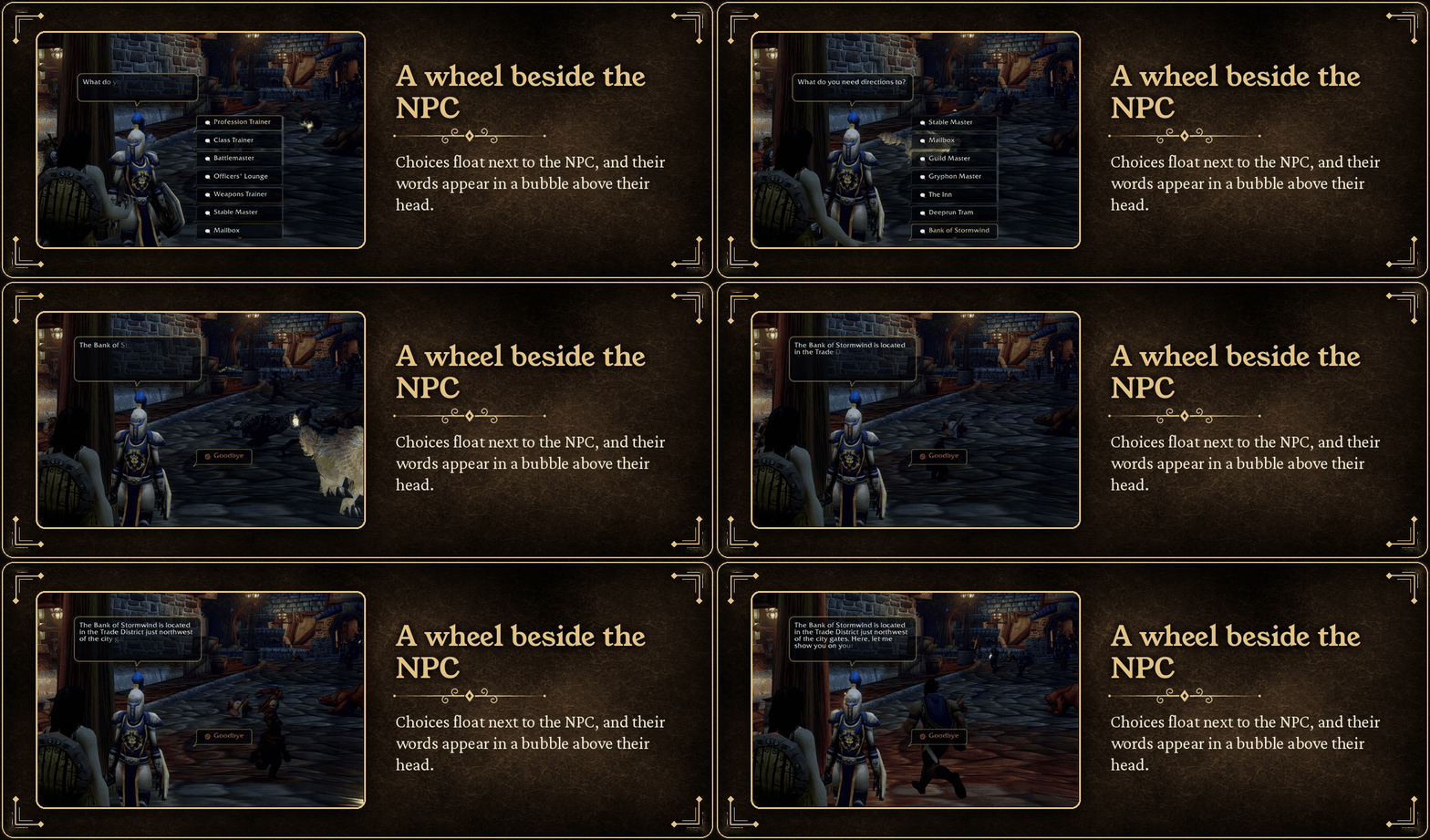
Choices float next to the NPC, and their words appear in a bubble above their head.
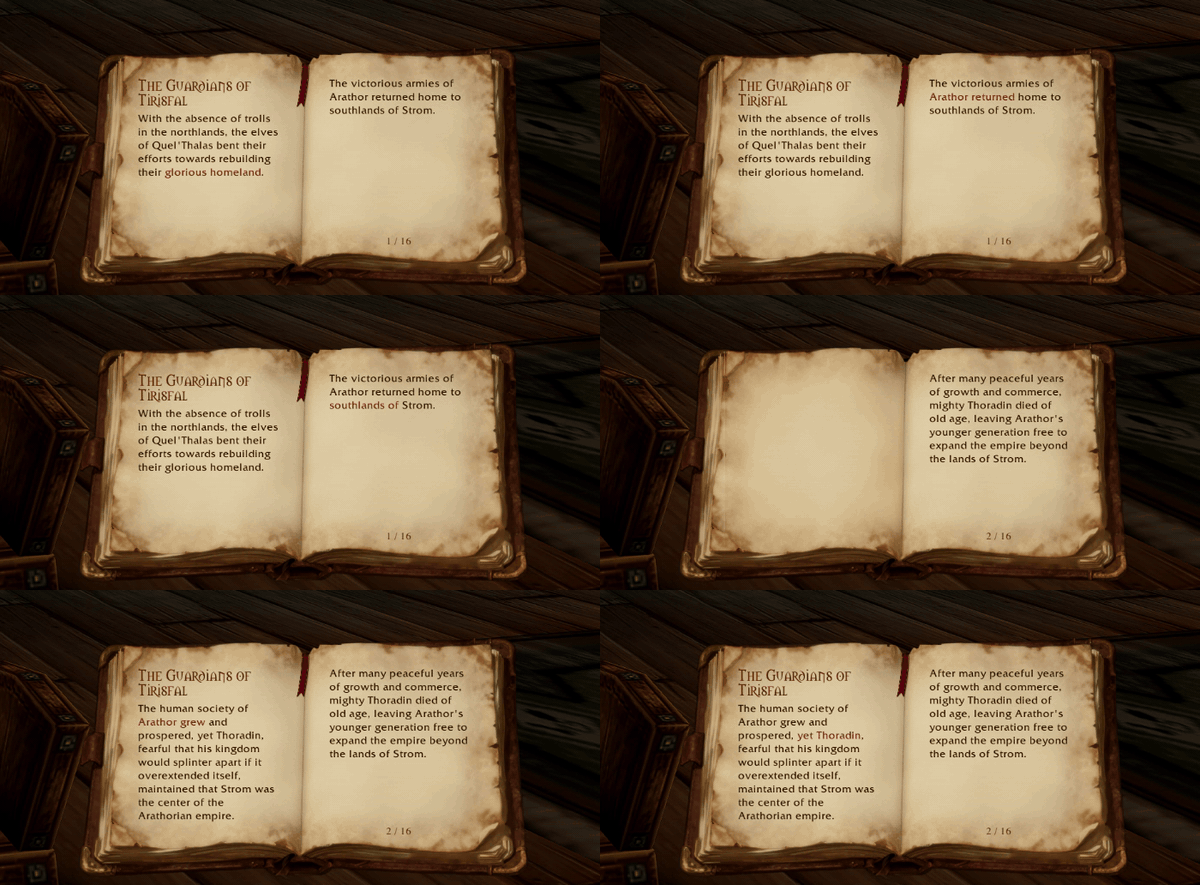
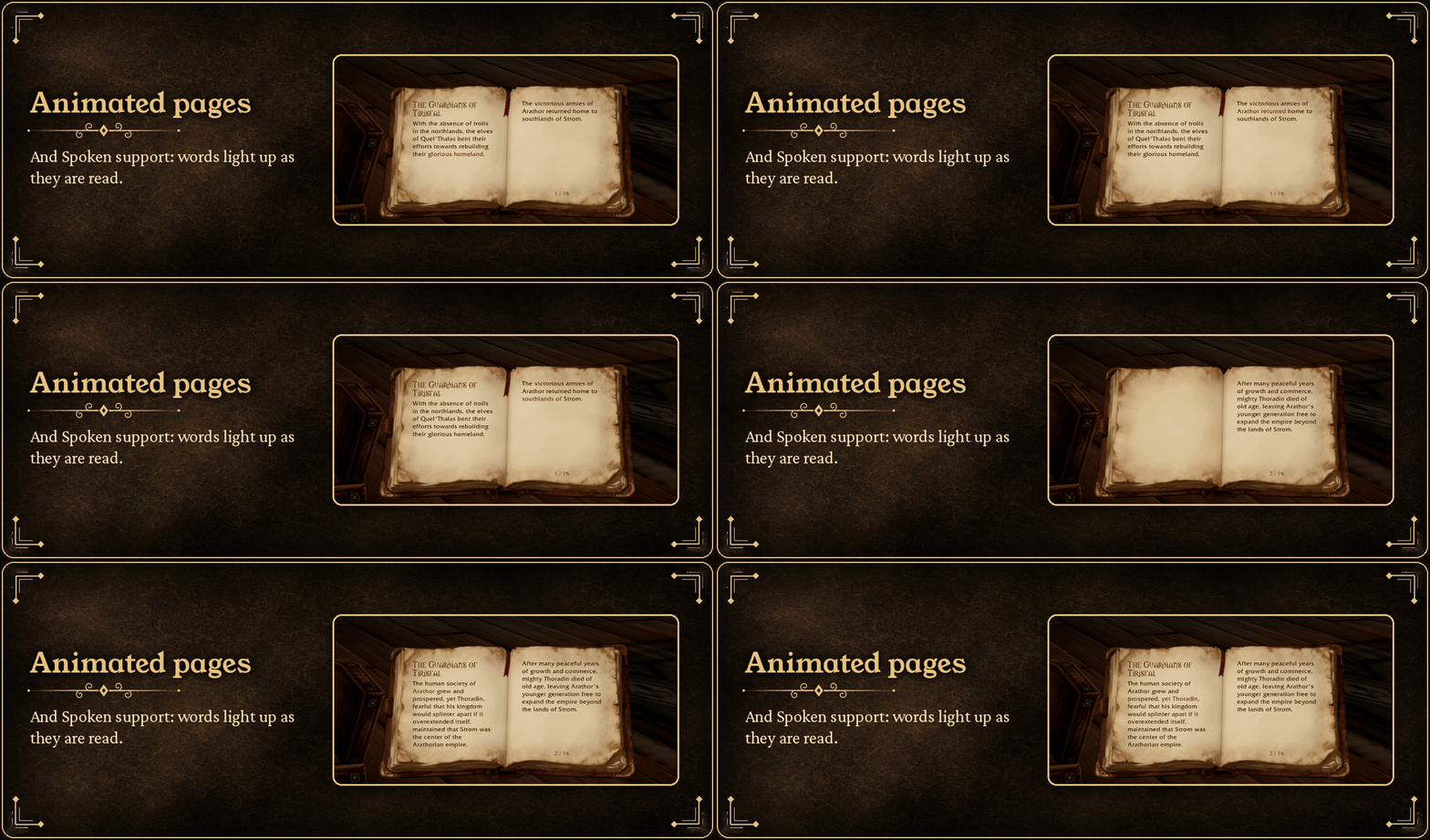
And Spoken support: words light up as they are read.
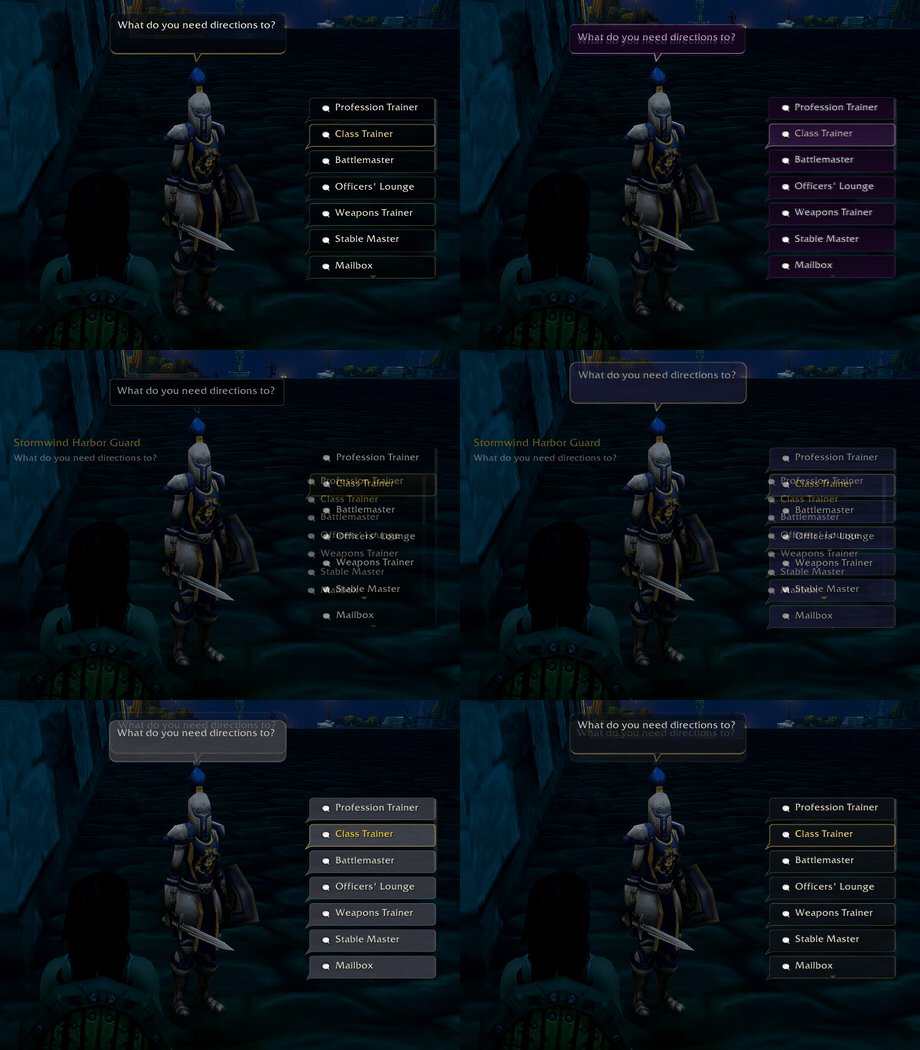
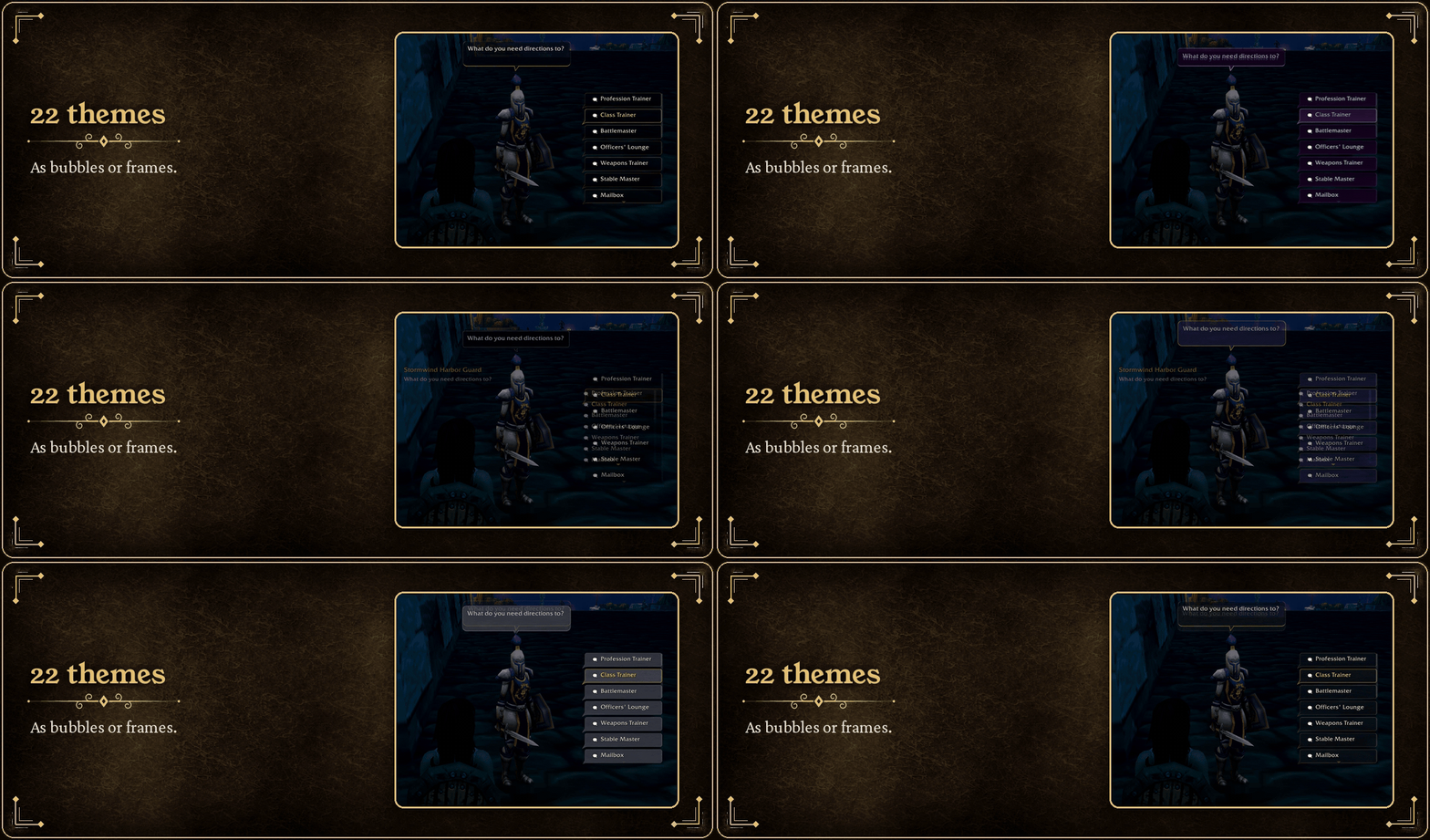
As bubbles or frames.
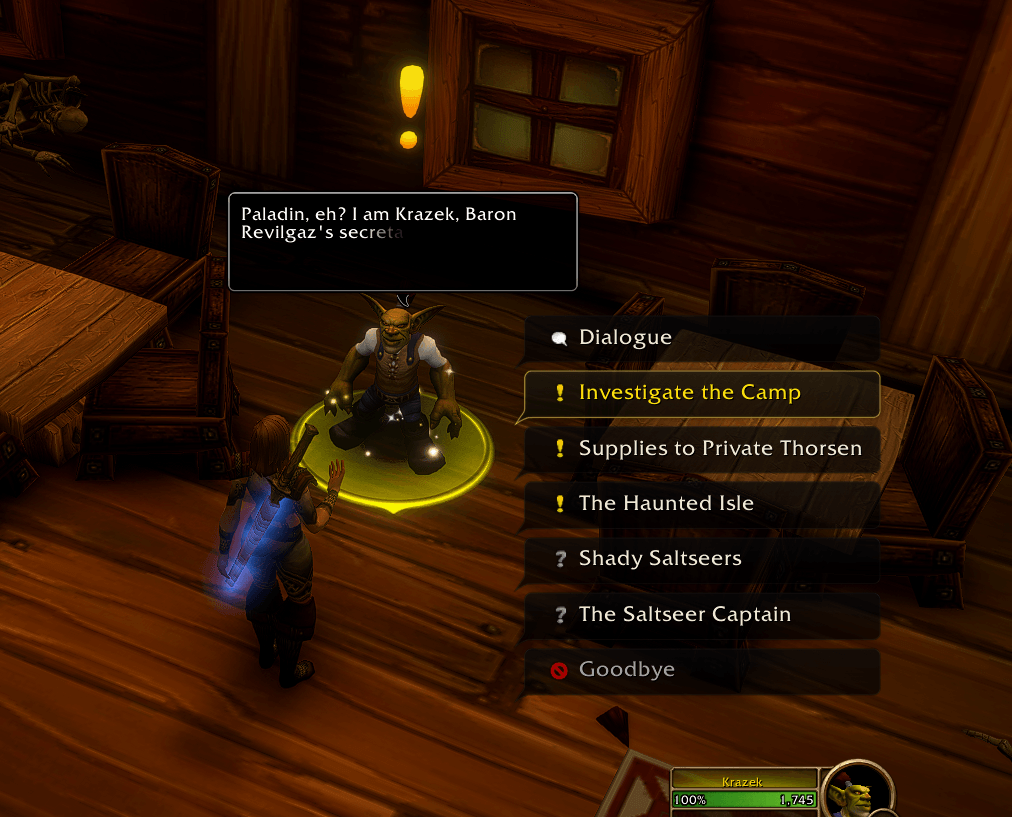
The NPC speaks in a bubble, your choices sit right beside them.
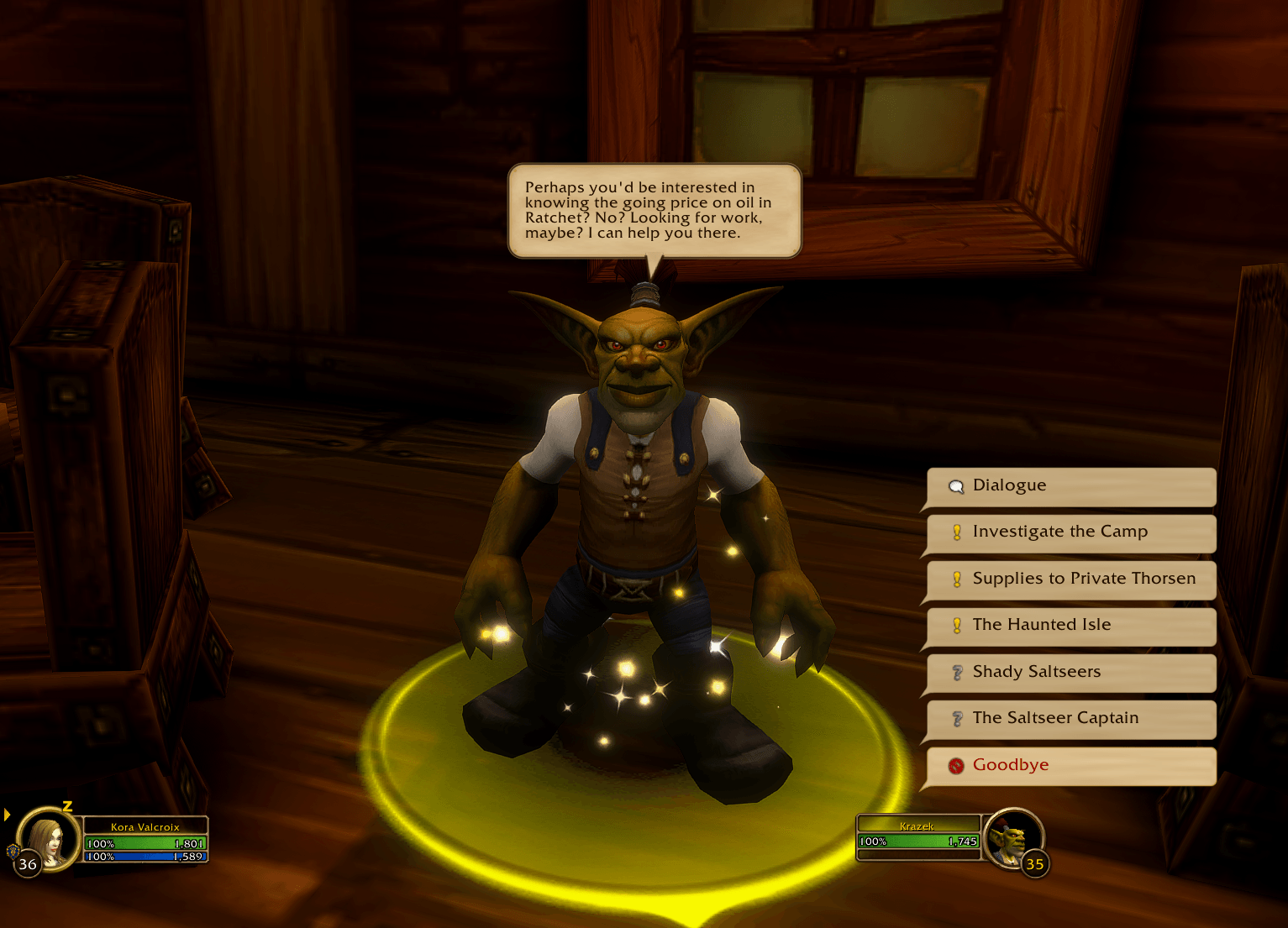
Warm parchment for the bubble and the choices.
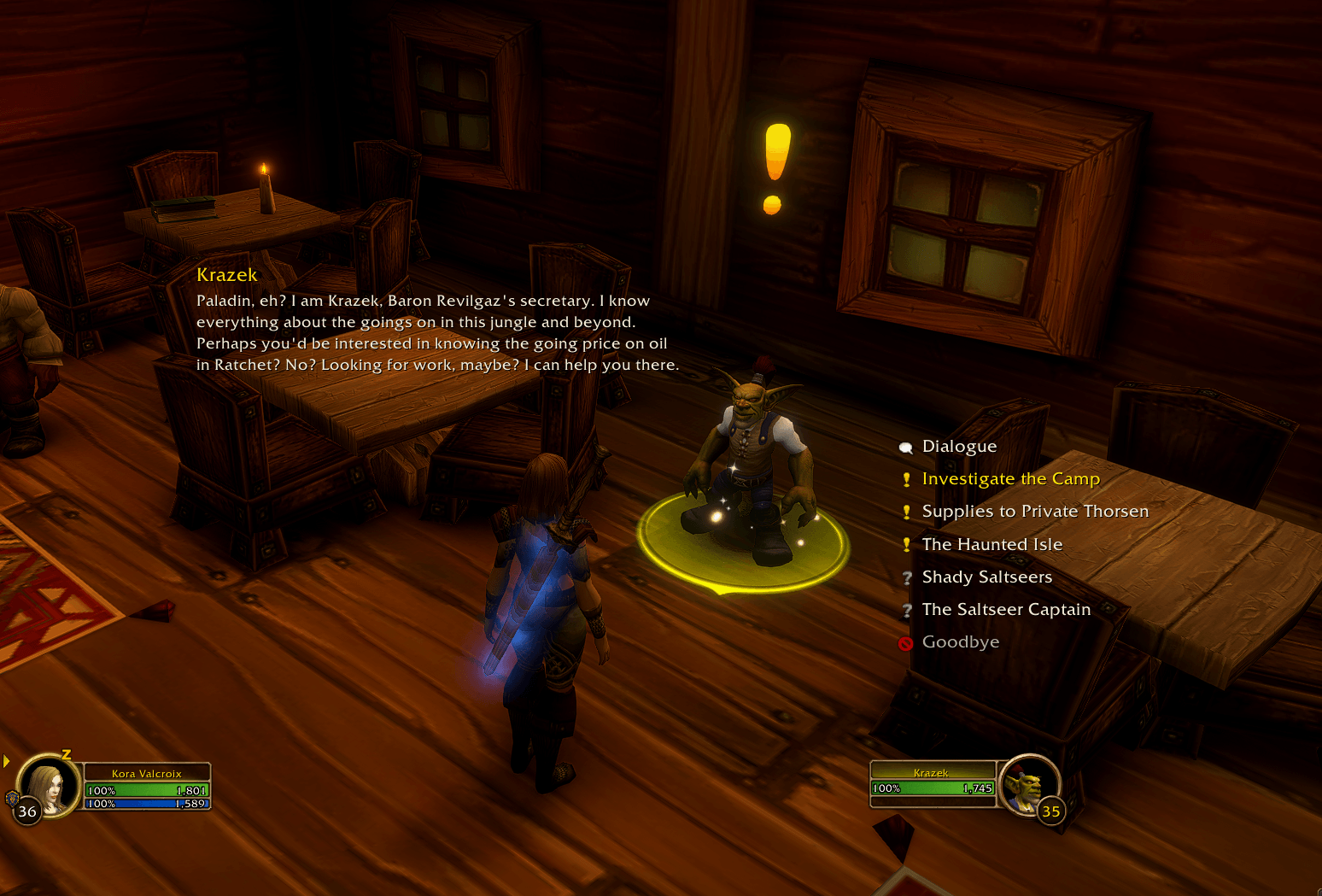
Just the words, straight on the scene.
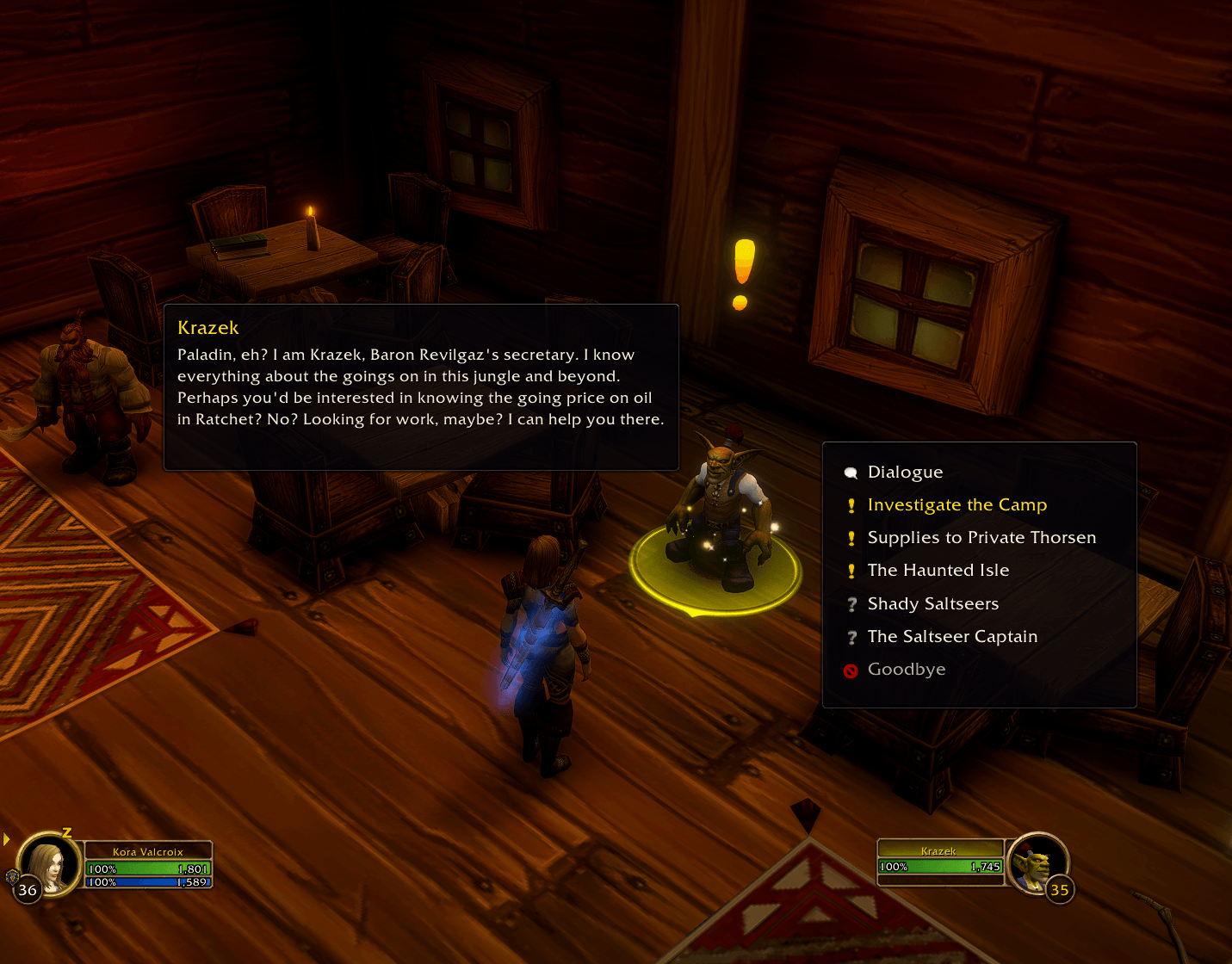
Dialogue and choices in sober dark panels.
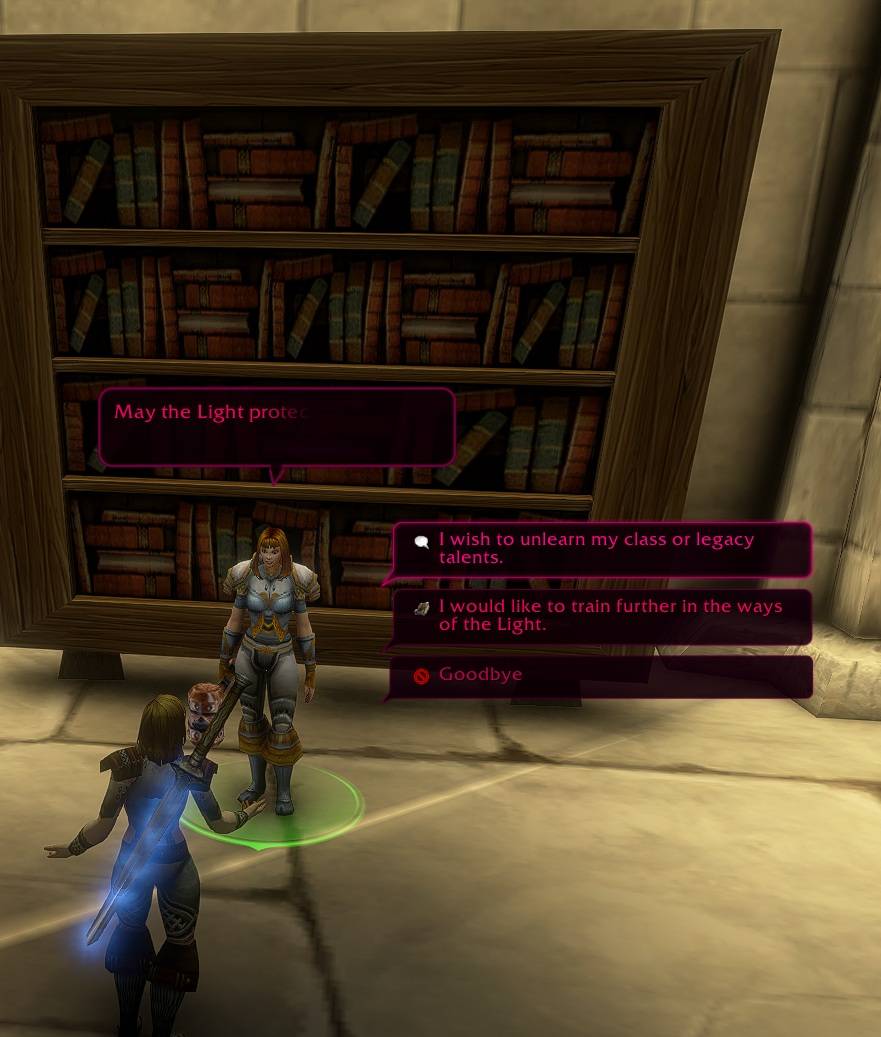
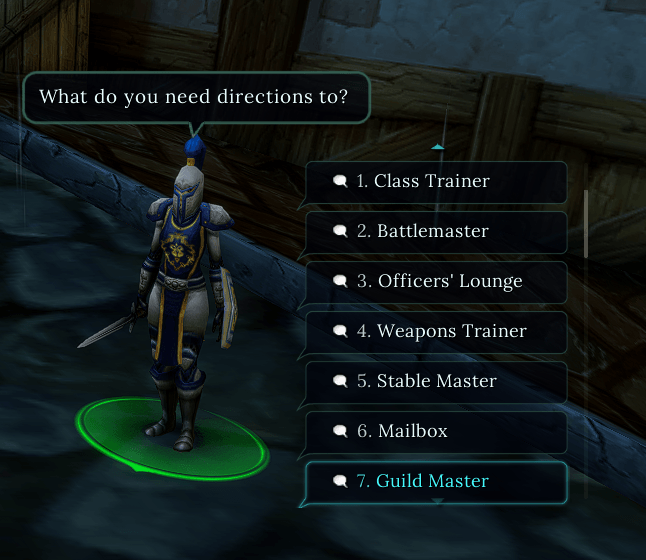
Your own colours, font and opacity.
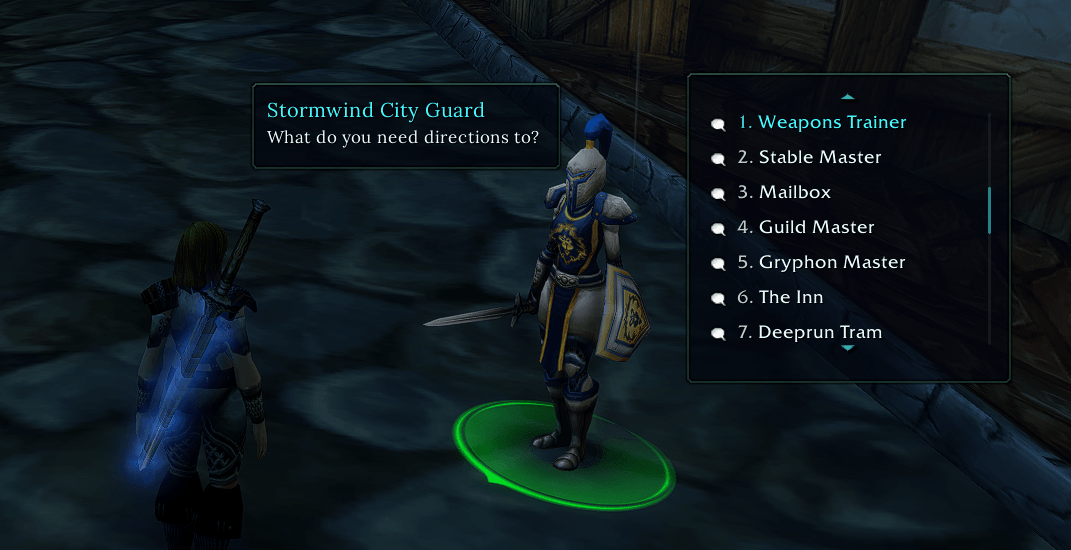
The same theme, as a fixed frame.
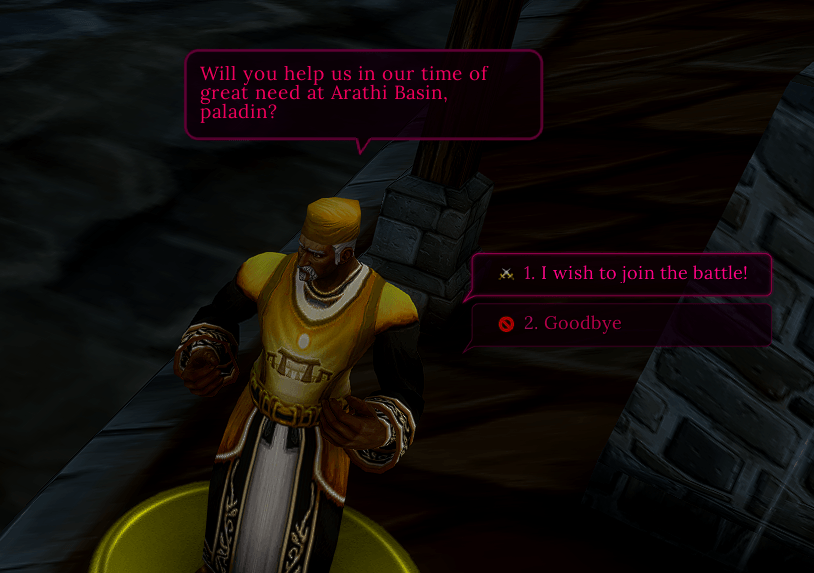
One of the two example custom themes.
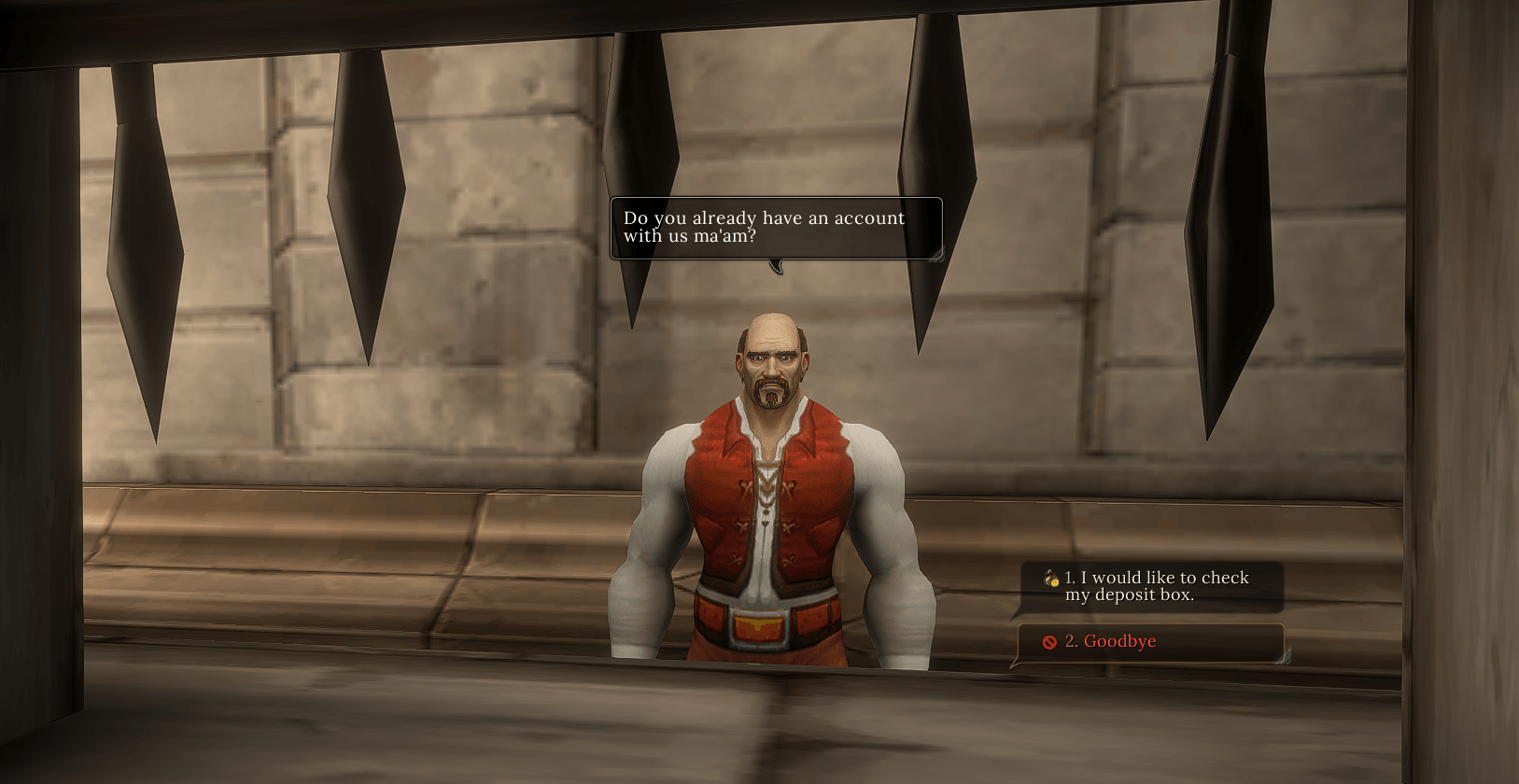
Hide the interface while talking, for a first-person RPG feel.
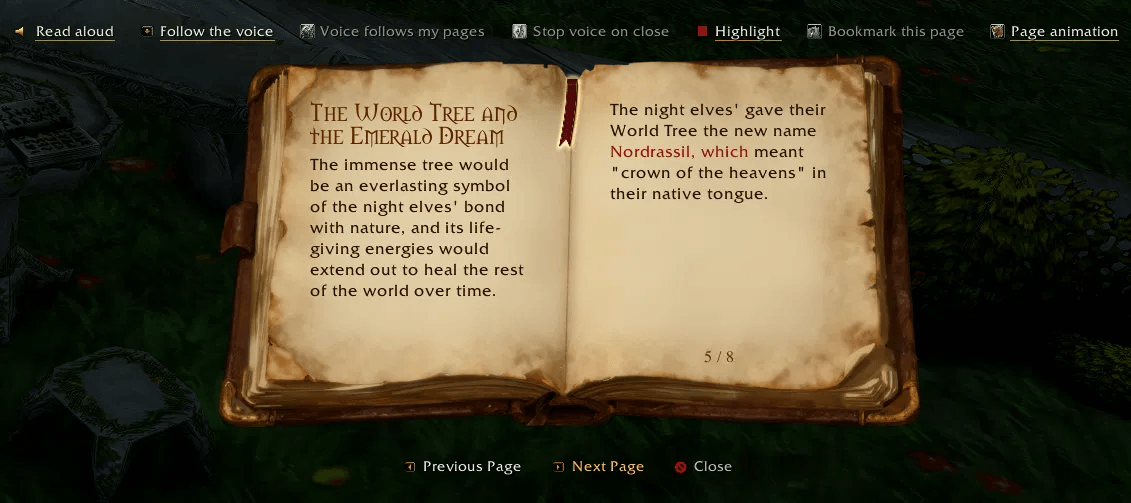
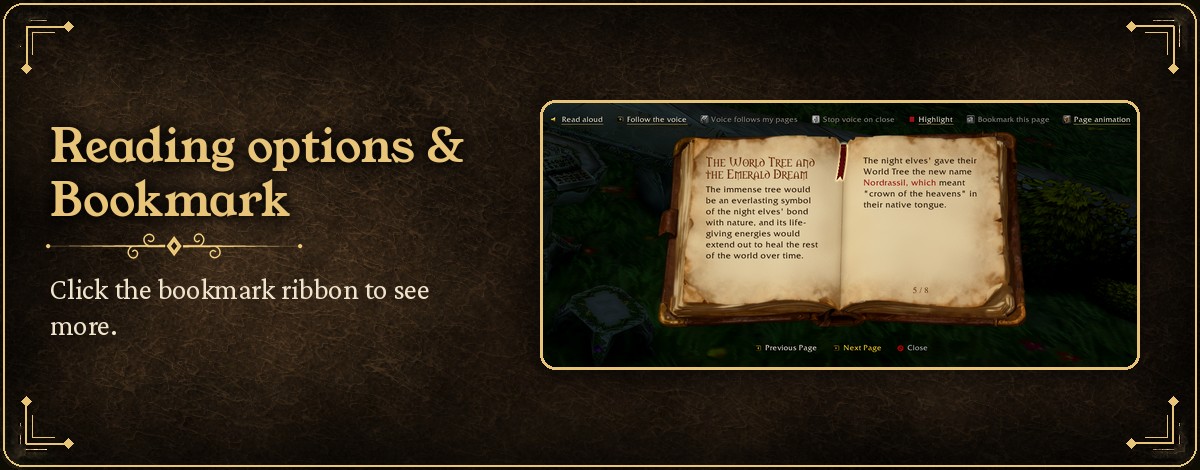
Click the bookmark ribbon to see more.
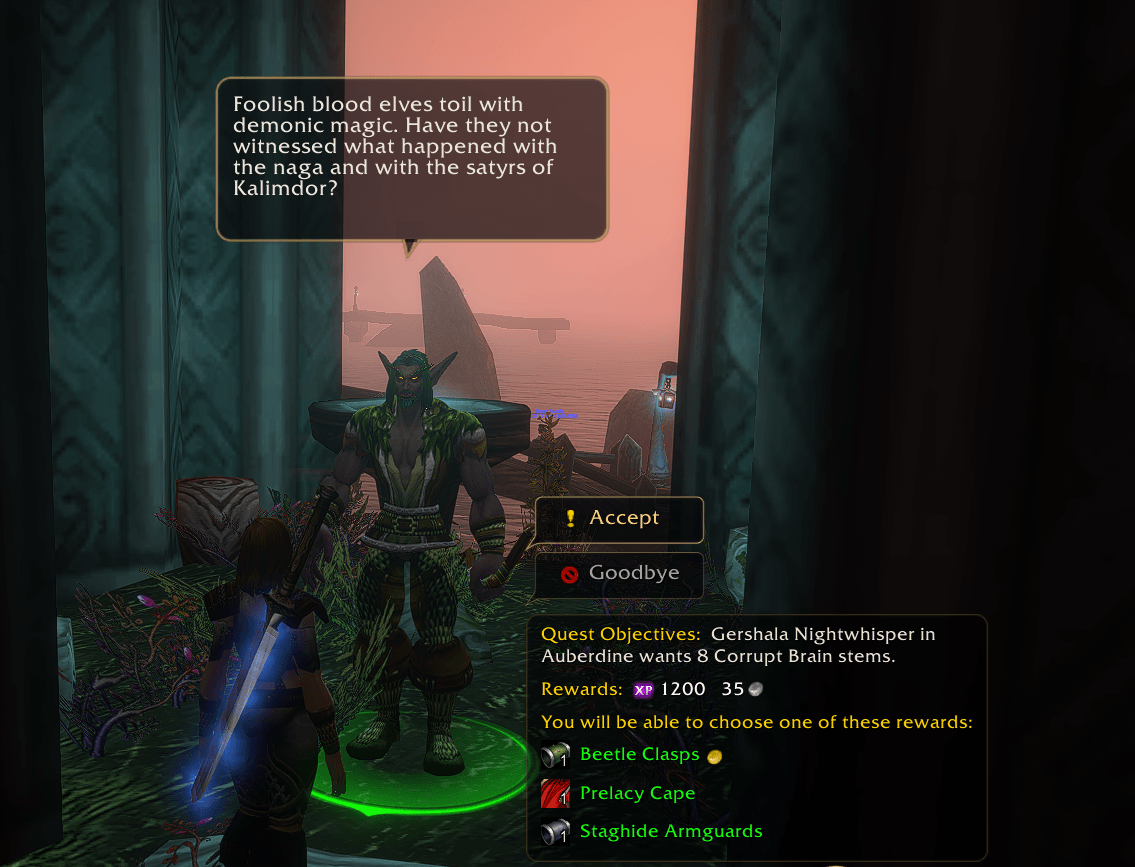
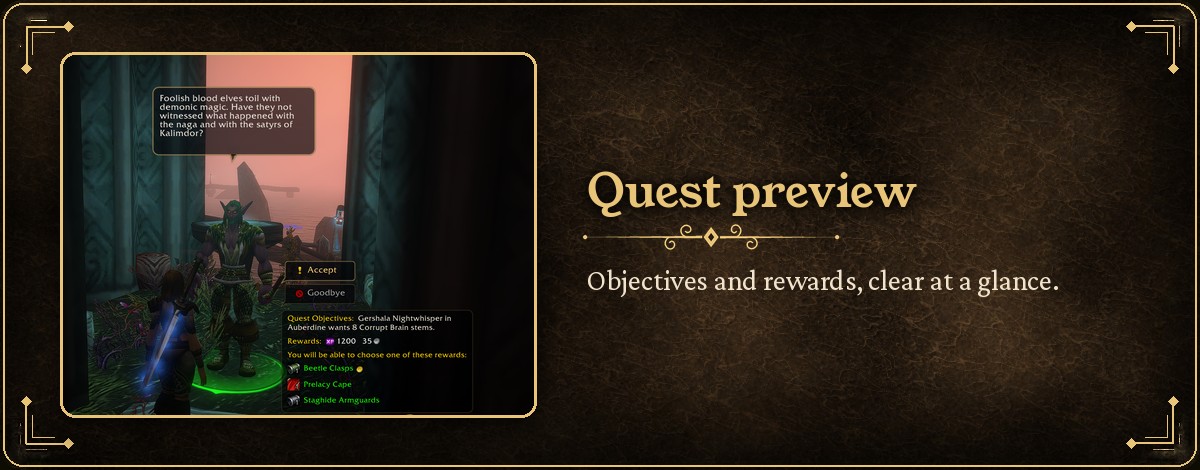
Objectives and rewards, clear at a glance.
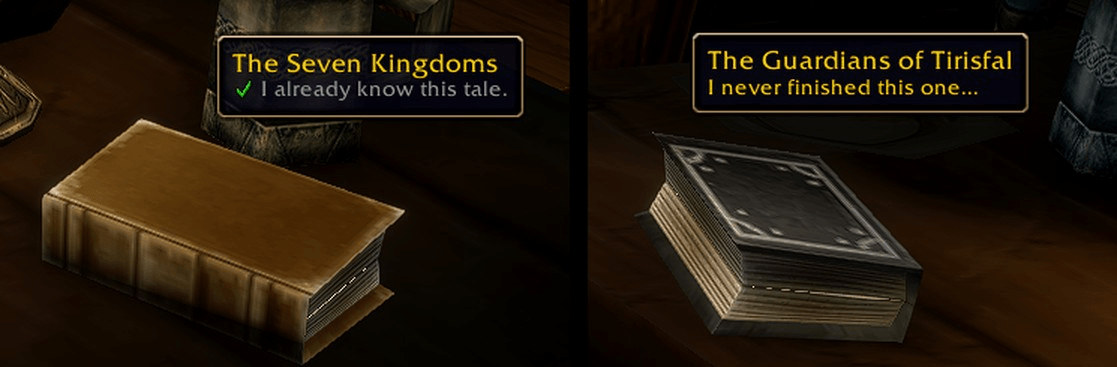
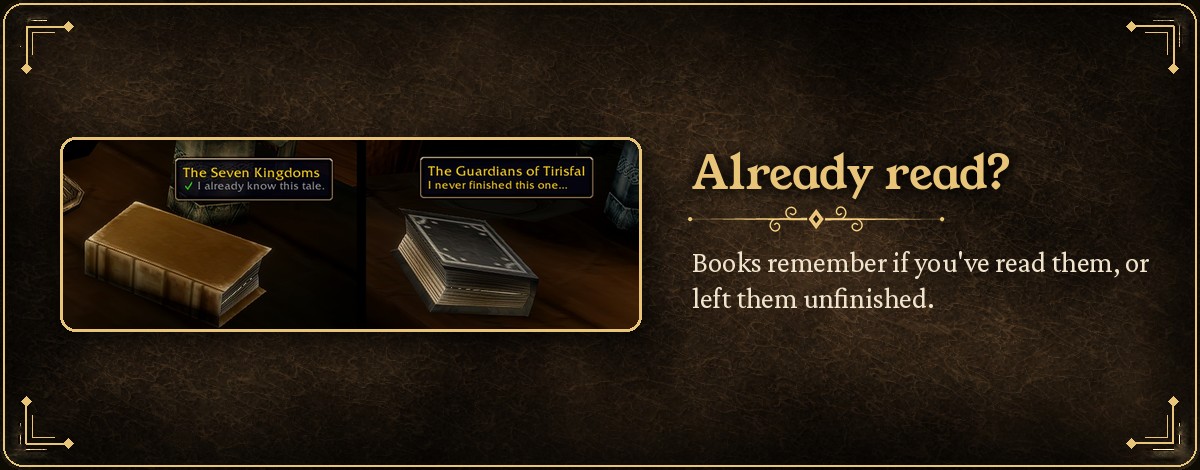
Books remember if you've read them, or left them unfinished.
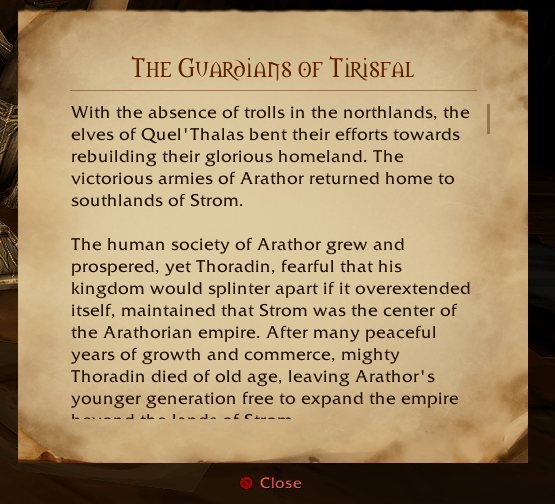
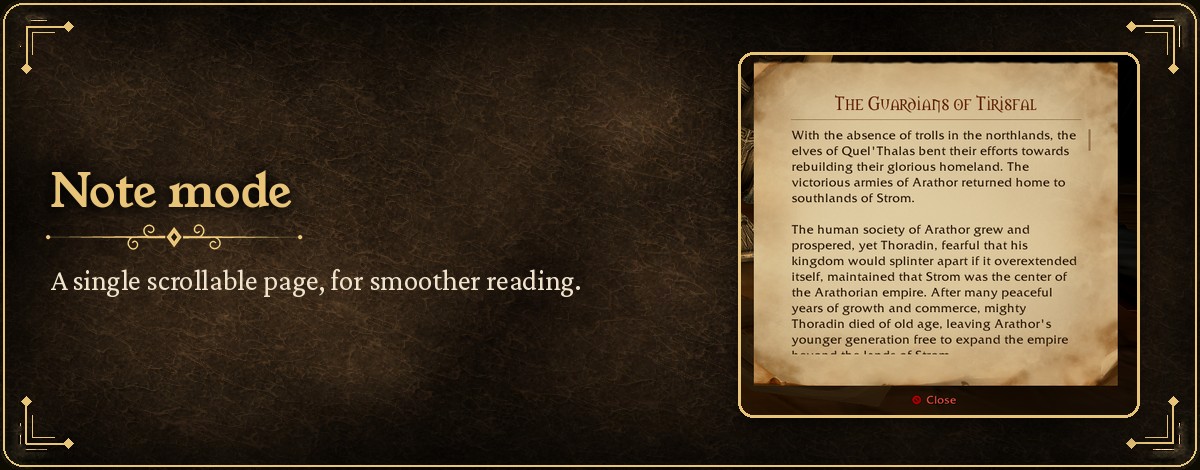
A single scrollable page, for smoother reading.
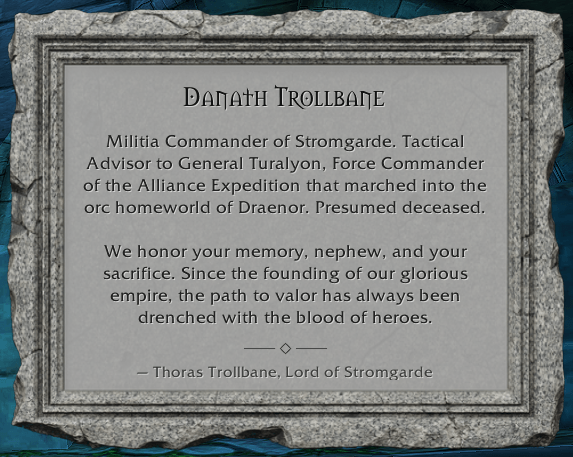
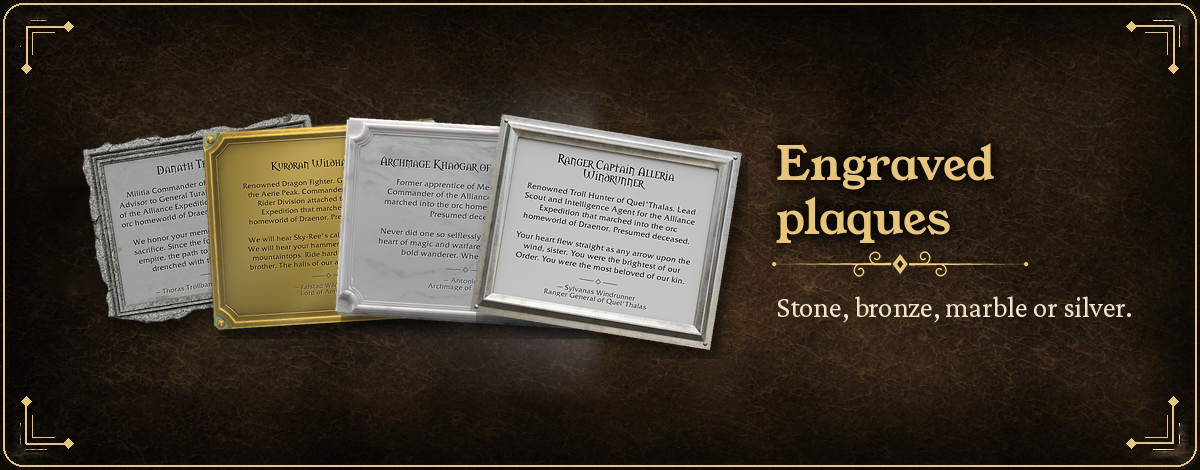
Engraved plaques, in the game's own material.
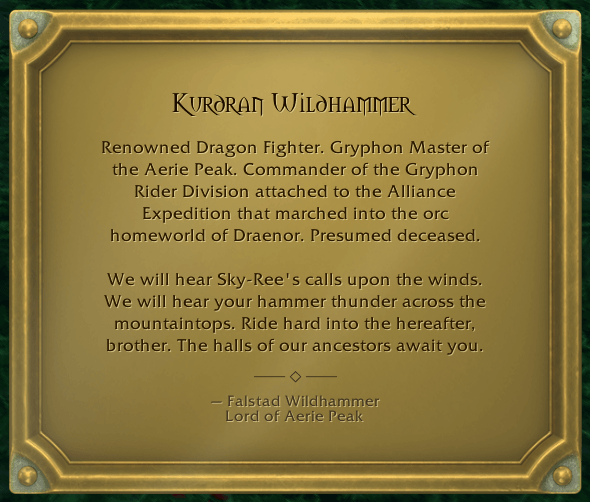
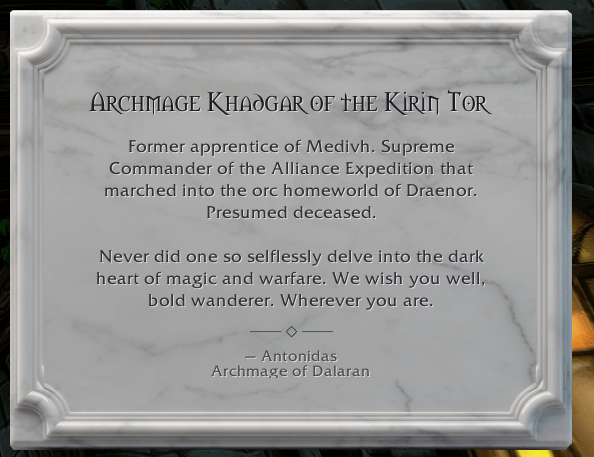
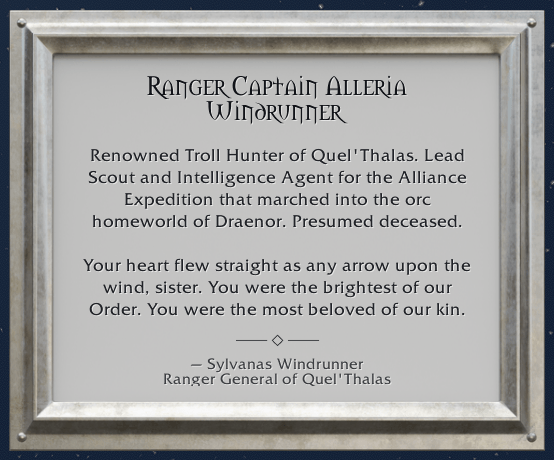
plaque_silver.png
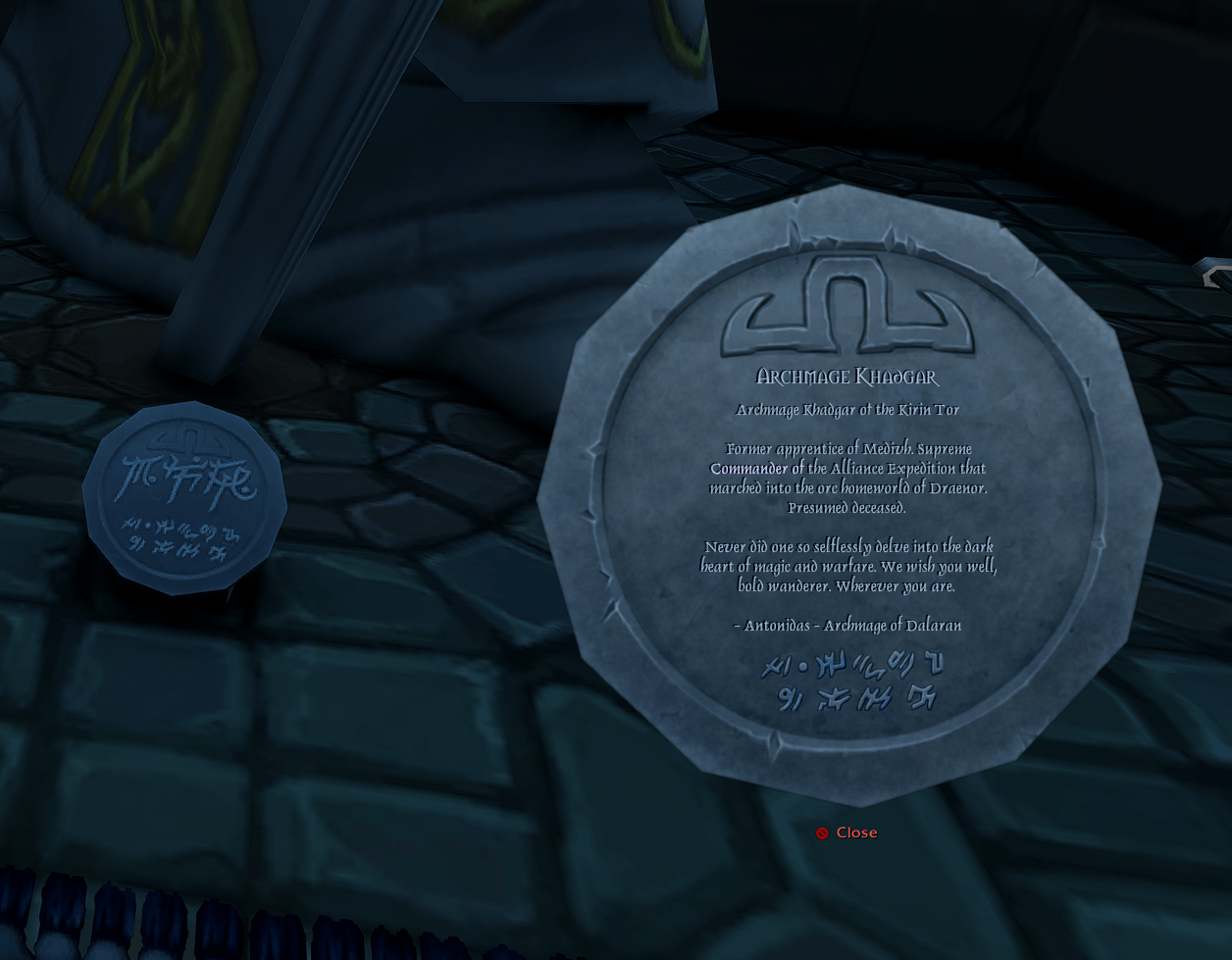
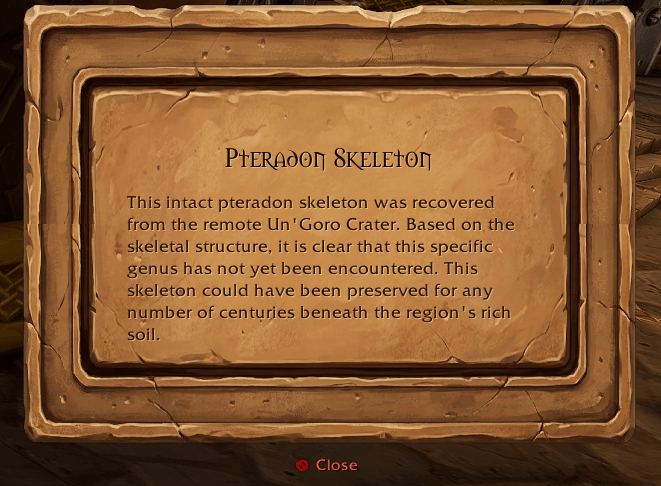
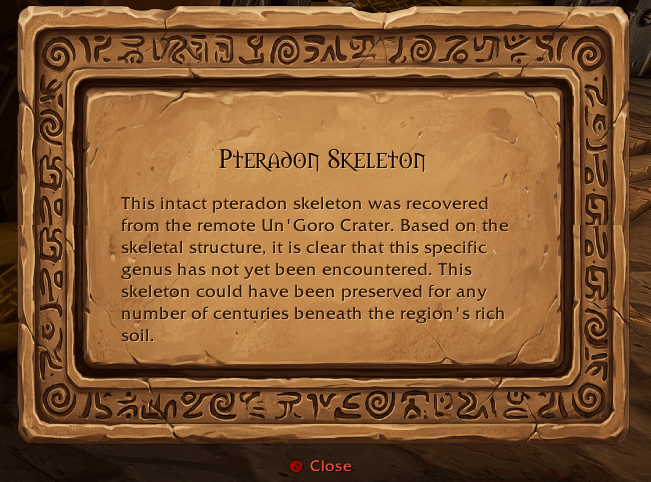
Runes light up, then the translation writes itself.
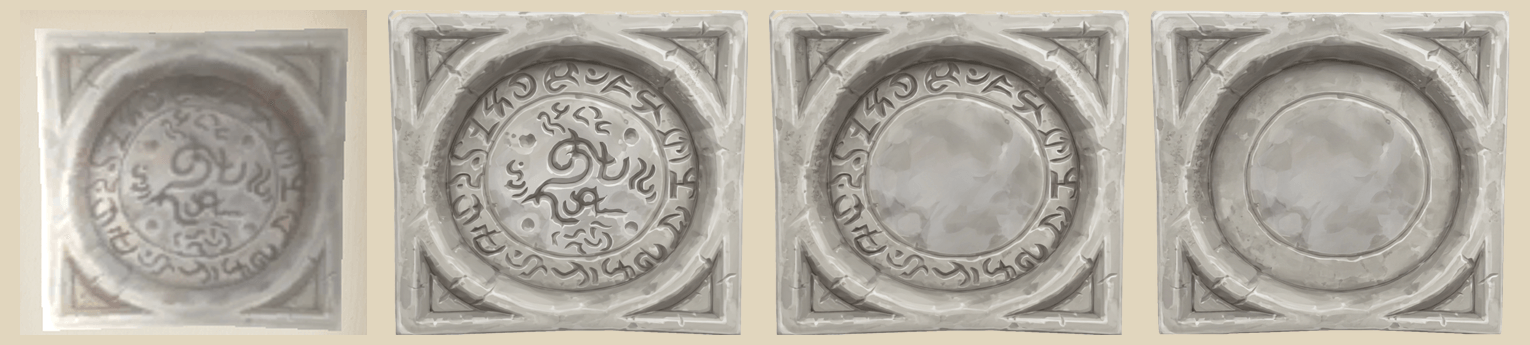
From the game's original to Storytale.
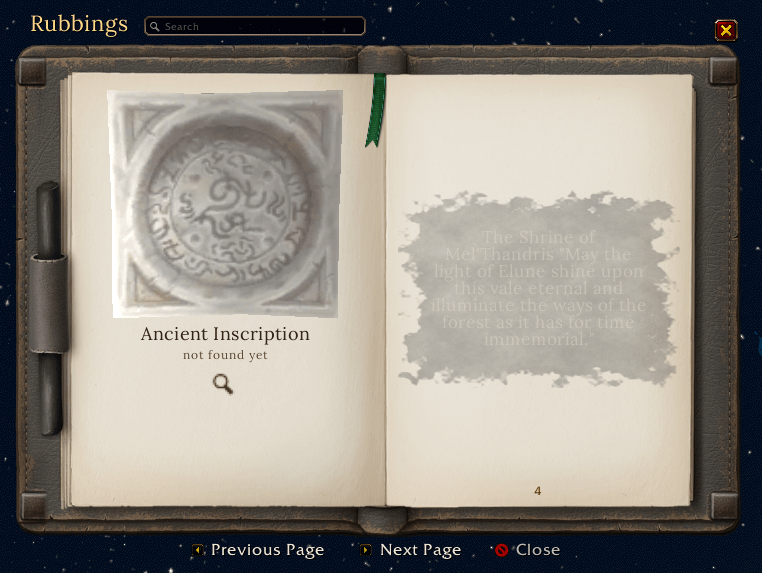
Inscriptions not found yet.
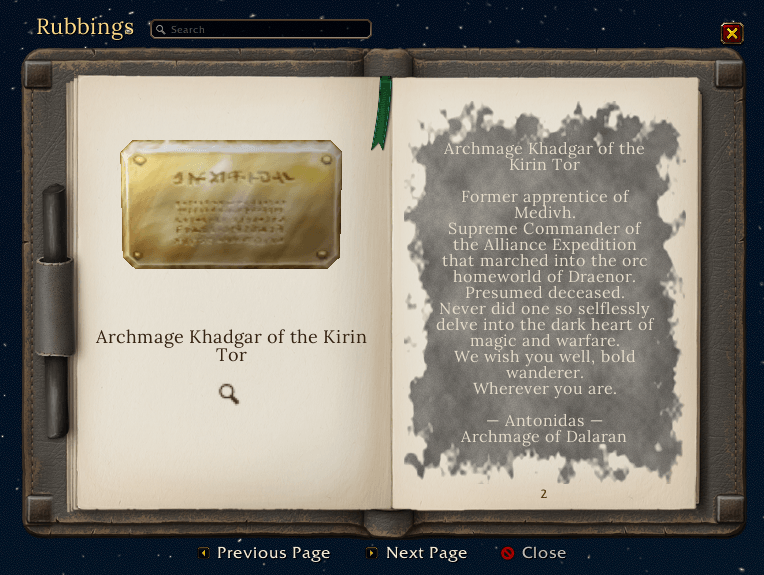
Engraved texts you find are kept, with their paragraphs and signature.
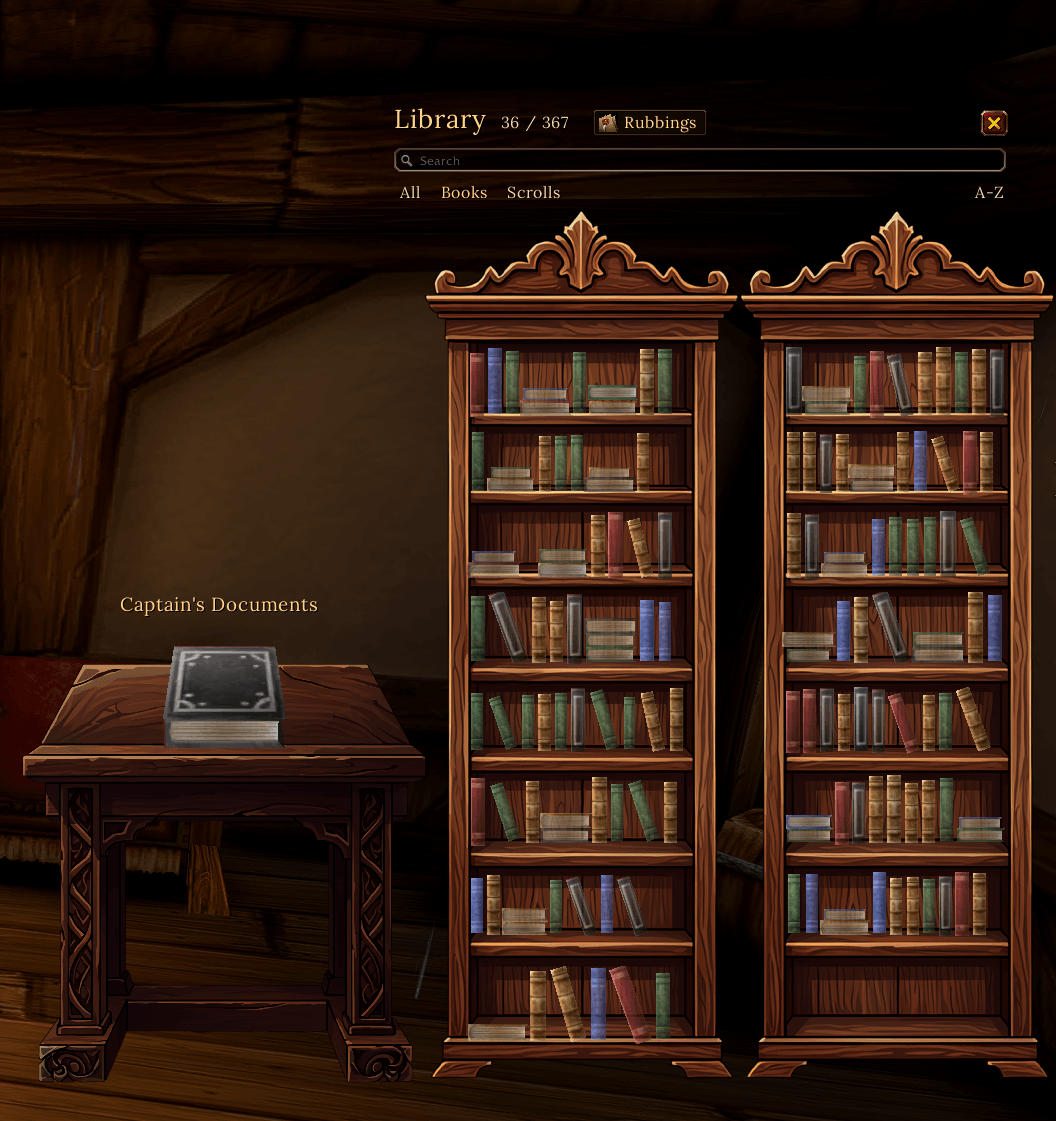
Every book and letter you read stays on your shelves, using the game's real 3D models.
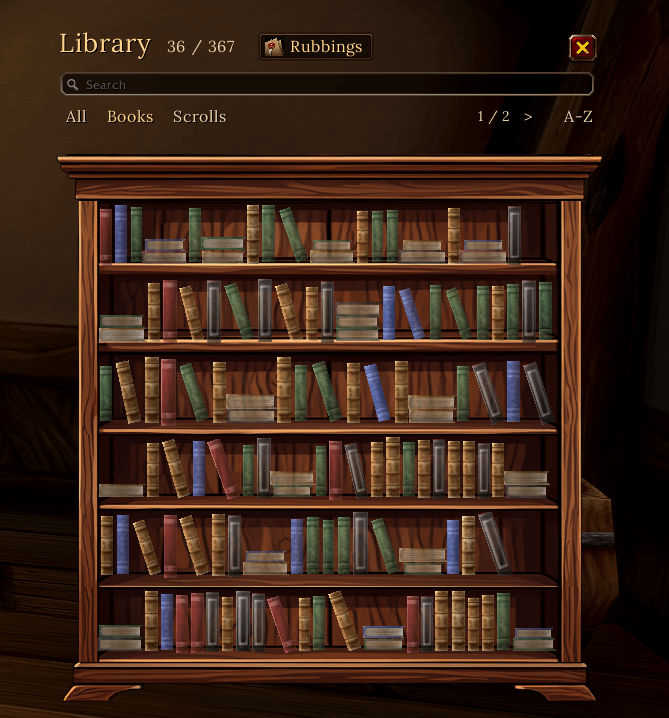
The bookshelf
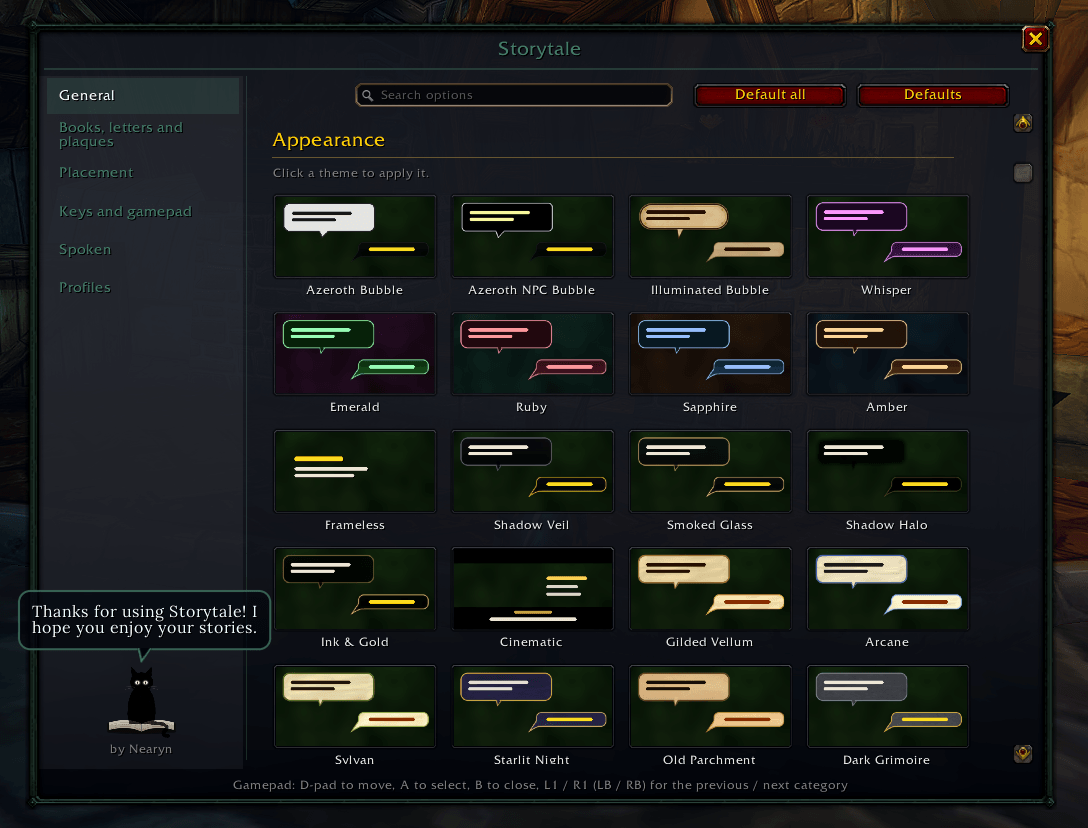
Pick a theme, and the cat has opinions.
Description

Made for World of Warcraft: Forever. Talk to NPCs, take and turn in quests, and read books with a little more flavor to it.
And also
- Your own library: every book and letter you read stays on your shelves, using the game's real 3D models. Show the full list to see the ones still out there.
- Rubbing notebook: engraved texts you find are kept in a notebook.
- Three ways to show what the NPC says: Typewriter, All at once (the whole text in one bubble, scrollable), or Manual advance (it stays until you turn it, like a book).
- Hide the interface while talking or reading, for a first-person feel. You choose what stays visible.
- Keys 1-9 pick a dialogue choice directly.
- Profiles: each character can keep its own settings.
- With Spoken: the word being read can be highlighted in the bubble, and the bubble can show the whole page at once instead of writing it.
- Bookmark a page: the book reopens right there.
- Books, notes and plaques are movable and resizable.
- Mouse wheel on the open book turns the pages.
- Works alone, or alongside Spoken, DialogueUI and GW2 UI. Translated into every game language.
- Using GW2 UI? Storytale works with it out of the box, even with its Immersive Questing on, and comes with a GW2 UI theme: the bubbles and the dialogue wheel take GW2 UI's own look.
- Prefer Spoken's player rather than speech bubbles? In the options, next to "Show the NPC's line in", pick Spoken's player. You can also show a button on the wheel, or use a key, to switch between the two during a conversation.
- Something wrong? Type
/storytale errorsand send me what it shows.
Usage
- Mouse wheel: move between choices. Interact key / click: choose.
- Settings: type
/storytale, click the minimap button, or set a key (Options → Keybindings → AddOns → Storytale). - Library: right-click the minimap button, or set a key.
Gamepad
- Works with the game's gamepad mode and any controller it supports.
- Conversations and books: D-pad to pick, A / Cross to confirm, B / Circle to close. In a book, D-pad left/right turns the pages and Y / Triangle opens the ribbon's menu.
- Speech bubble: RB / R1 goes to the next part, LB / L1 back to the previous one (in All at once, they scroll the text). You can change both buttons in the options.
- Options window: fully usable with a gamepad.
- Spoken's player: View / Share: tap to pause, hold to skip, hold View / Share + Y / Triangle for the reading queue.
En français
Conçu pour World of Warcraft: Forever. Parlez aux PNJ, prenez et rendez vos quêtes, et lisez les livres avec un peu plus de saveur.
- Une roue à côté du PNJ : les choix flottent près de lui, et ses paroles s'affichent dans une bulle au-dessus de sa tête.
- Pages animées, et compatibilité Spoken : les mots s'illuminent pendant la lecture.
- Aperçu des quêtes : objectifs et récompenses, clairs d'un coup d'œil.
- Options de lecture et marque-page : cliquez sur le ruban marque-page pour en voir plus.
- Déjà lu ? Les livres se souviennent si vous les avez lus ou laissés inachevés.
- Mode « Note » : une seule page à faire défiler, pour une lecture plus fluide.
- Plaques gravées : pierre, bronze, marbre, argent, disques de Dalaran et tablettes trolles.
- 22 thèmes, en bulles ou en cadres, dont un thème personnalisé à vos couleurs.
Et aussi
- Votre bibliothèque : chaque livre et chaque lettre que vous lisez restent sur vos étagères, avec les vrais modèles 3D du jeu. Affichez la liste complète pour voir ceux qu'il reste à trouver.
- Carnet d'estampage : les textes gravés que vous trouvez sont gardés dans un carnet.
- Trois façons d'afficher ce que dit le PNJ : machine à écrire, tout d'un coup (tout le texte dans une seule bulle, qui défile), ou avance manuelle (il reste jusqu'à ce que vous le tourniez, comme un livre).
- Cacher l'interface pendant les dialogues et la lecture, pour une immersion à la première personne. Vous choisissez ce qui reste affiché.
- Touches 1 à 9 : choisir directement une réplique.
- Profils : chaque personnage peut garder ses propres réglages.
- Avec Spoken : le mot lu peut être surligné dans la bulle, et la bulle peut afficher la page entière d'un coup au lieu de l'écrire.
- Marque-page : le livre se rouvre à la page marquée.
- Livres, notes et plaques se déplacent et se redimensionnent.
- La molette sur le livre ouvert tourne les pages.
- Fonctionne seul, ou avec Spoken, DialogueUI et GW2 UI. Traduit dans toutes les langues du jeu.
- Vous utilisez GW2 UI ? Storytale fonctionne avec sans rien régler, même avec son Immersive Questing activé, et propose un thème GW2 UI : les bulles et la roue de dialogue prennent le style de GW2 UI.
- Vous préférez le lecteur de Spoken aux bulles ? Dans les options, à « Afficher la réplique du PNJ dans », choisissez Le lecteur Spoken. Un bouton sur la roue, ou une touche, permet aussi de passer de l'un à l'autre pendant une conversation.
- Un problème ? Tapez
/storytale errorset envoyez-moi ce qui s'affiche.
Utilisation
- Molette : se déplacer entre les choix. Touche d'interaction / clic : choisir.
- Réglages : tapez
/storytale, cliquez sur le bouton de la mini-carte, ou choisissez une touche (Options → Raccourcis → AddOns → Storytale). - Bibliothèque : clic droit sur le bouton de la mini-carte, ou choisissez une touche.
Manette
- Fonctionne avec le mode manette du jeu et toutes les manettes qu'il accepte.
- Conversations et livres : flèches pour choisir, A / Croix pour valider, B / Rond pour fermer. Dans un livre, flèches gauche/droite pour tourner les pages, Y / Triangle pour le menu du ruban.
- Bulle de dialogue : RB / R1 passe à la suite, LB / L1 revient en arrière (en mode tout d'un coup, ils font défiler le texte). Les deux boutons se changent dans les options.
- Fenêtre d'options : entièrement utilisable à la manette.
- Lecteur de Spoken : Vue / Share : appui court pour la pause, appui long pour passer, Vue / Share maintenu + Y / Triangle pour la file de lecture.
Have an idea, a suggestion or a bug? Write to me at storytale.addon@proton.me, I'd love to hear it. You can also leave a comment in the Comments tab.
Une idée, une suggestion ou un bug ? Écrivez-moi à storytale.addon@proton.me, je serai ravi de vous lire. Vous pouvez aussi laisser un commentaire dans l'onglet Comments.
Storytale Team