


Stinkie UI
- By
WoWScrnShot_110326_102811.jpg
WoWScrnShot_110326_105659.jpg
WoWScrnShot_110326_105627.jpg
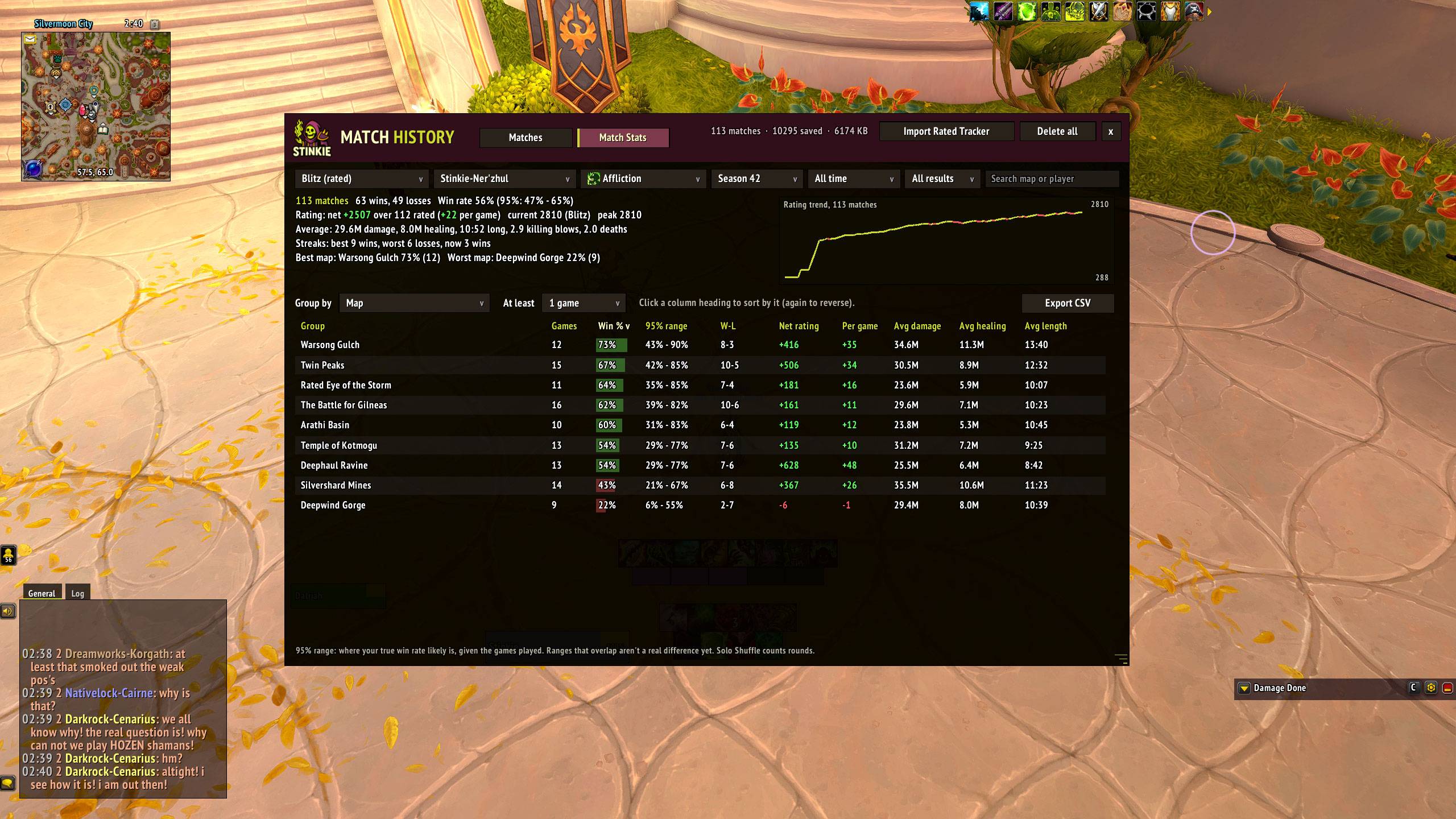
WoWScrnShot_110326_144034.jpg
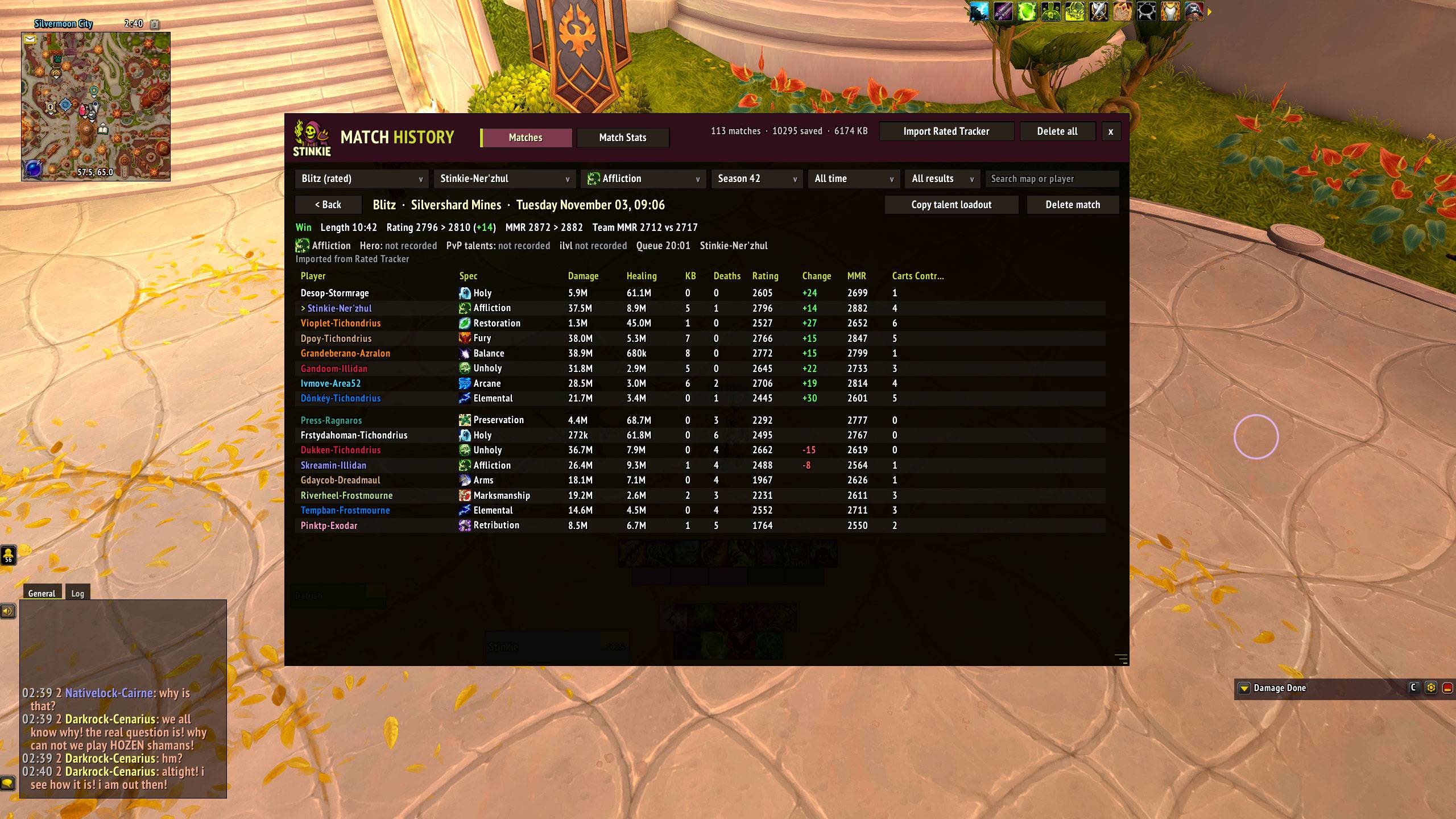
WoWScrnShot_110326_144042.jpg
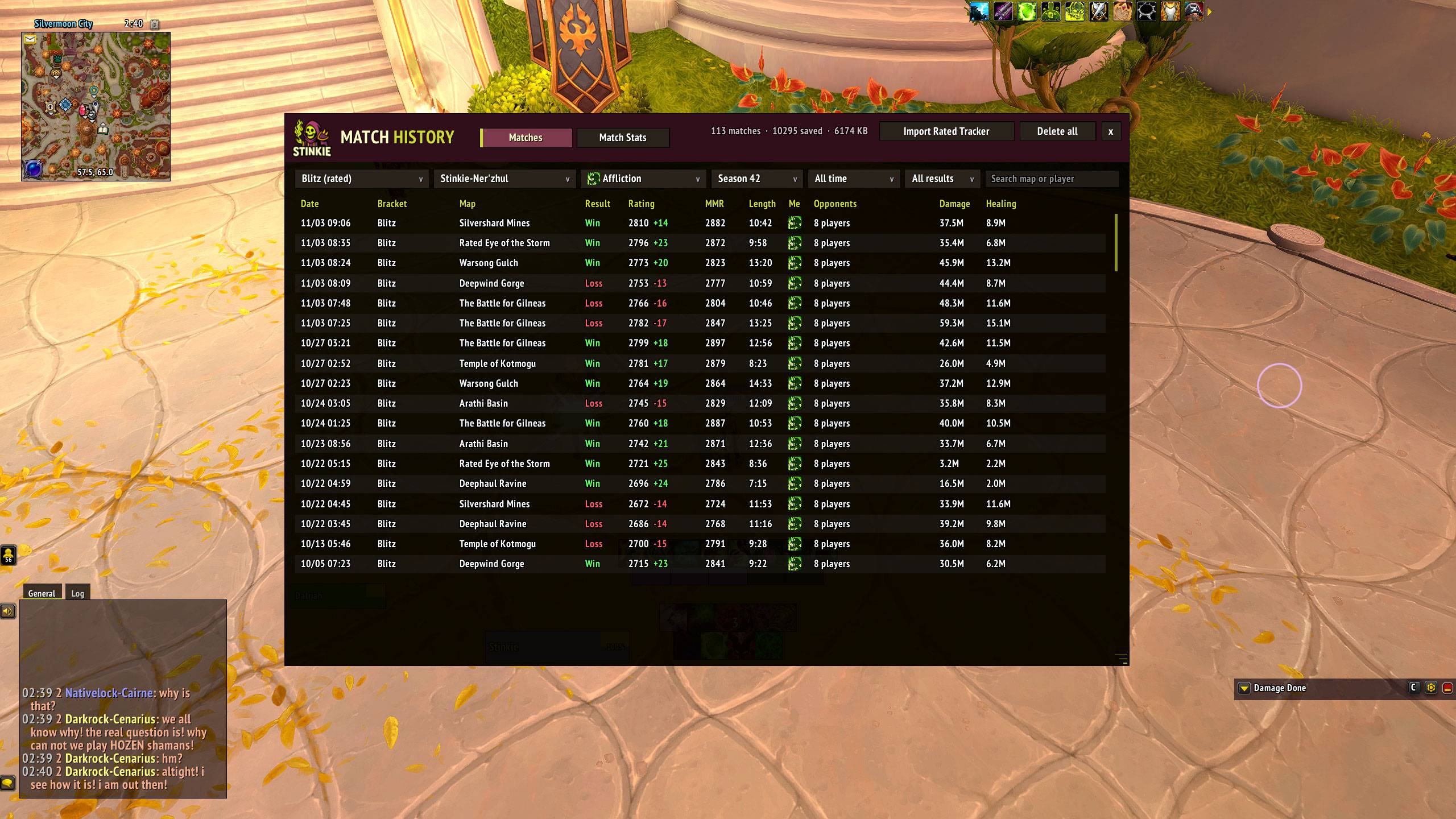
WoWScrnShot_110326_144039.jpg
Description
Stinkie UI
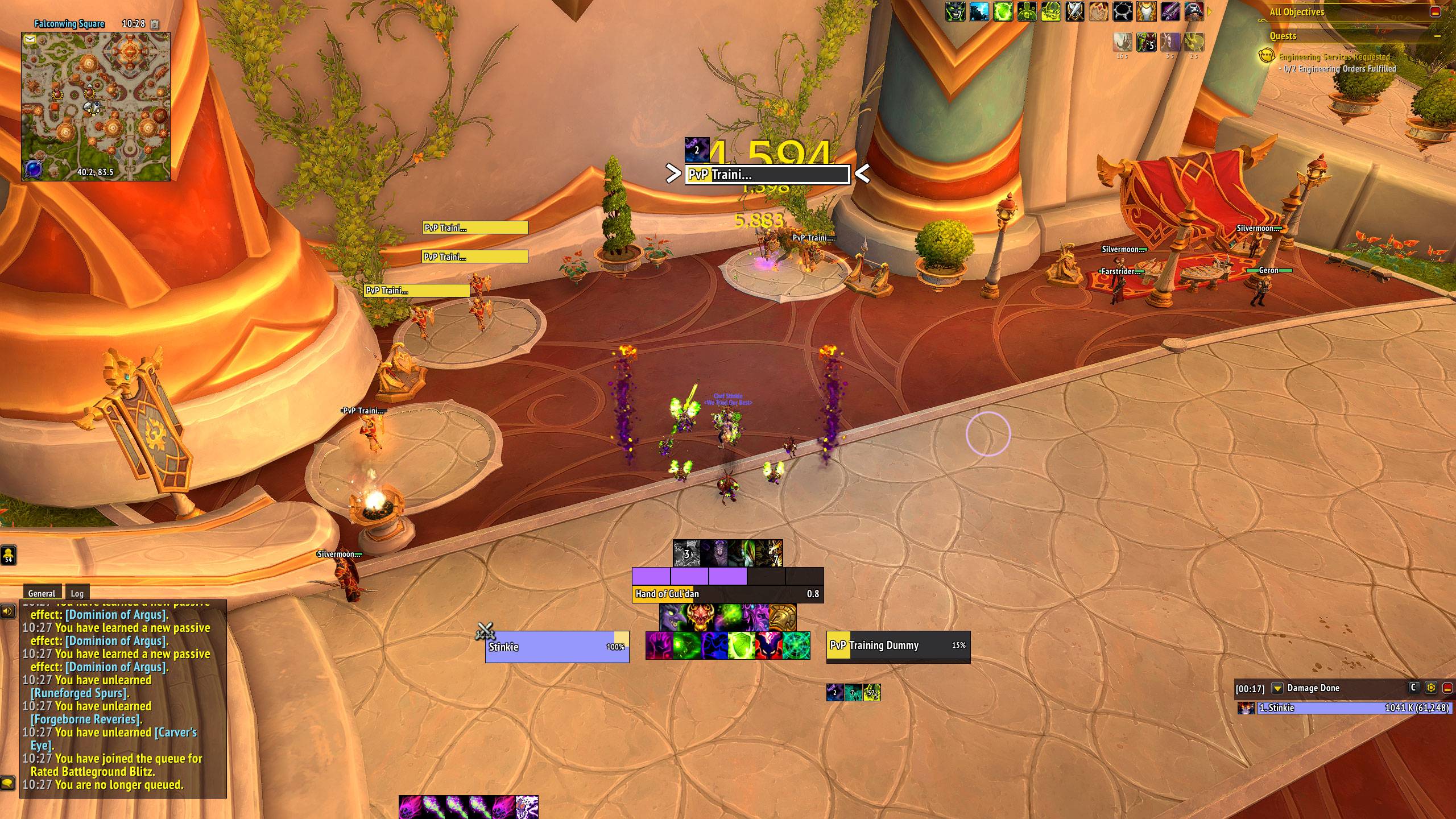
A clean, flat, PvP-first UI that handles unit frames, party and arena frames, battleground frames, nameplates, castbars, cooldowns and more. It's self-contained, with no library dependencies, and most of it can be tuned from one in-game options window.
Built by Stinkie, a Rank 1 Warlock, for arena, Solo Shuffle and Blitz, and comfortable everywhere else too.
What's new: see the changelog on the Files / Versions tab.
Install
- Works on retail and WoW Forever. Forever has no arena, so the arena features stay off there.
- The folder must be
Interface/AddOns/StinkieUI/, with the.tocdirectly inside it. - After an update, fully restart WoW if something looks missing. WoW only loads new art and font files on a restart, not on
/reload.
Commands
/stinkieor/sui: open options (also in the addon compartment and Options > AddOns)/stinkie unlock//stinkie lock: move frames. Drag them, or click and use the arrow keys (Shift = 10 px). Every element also has exact anchor and X/Y fields./stinkie reset: restore defaults and reload/stinkie fontcheck: font troubleshooting
Features
PvP
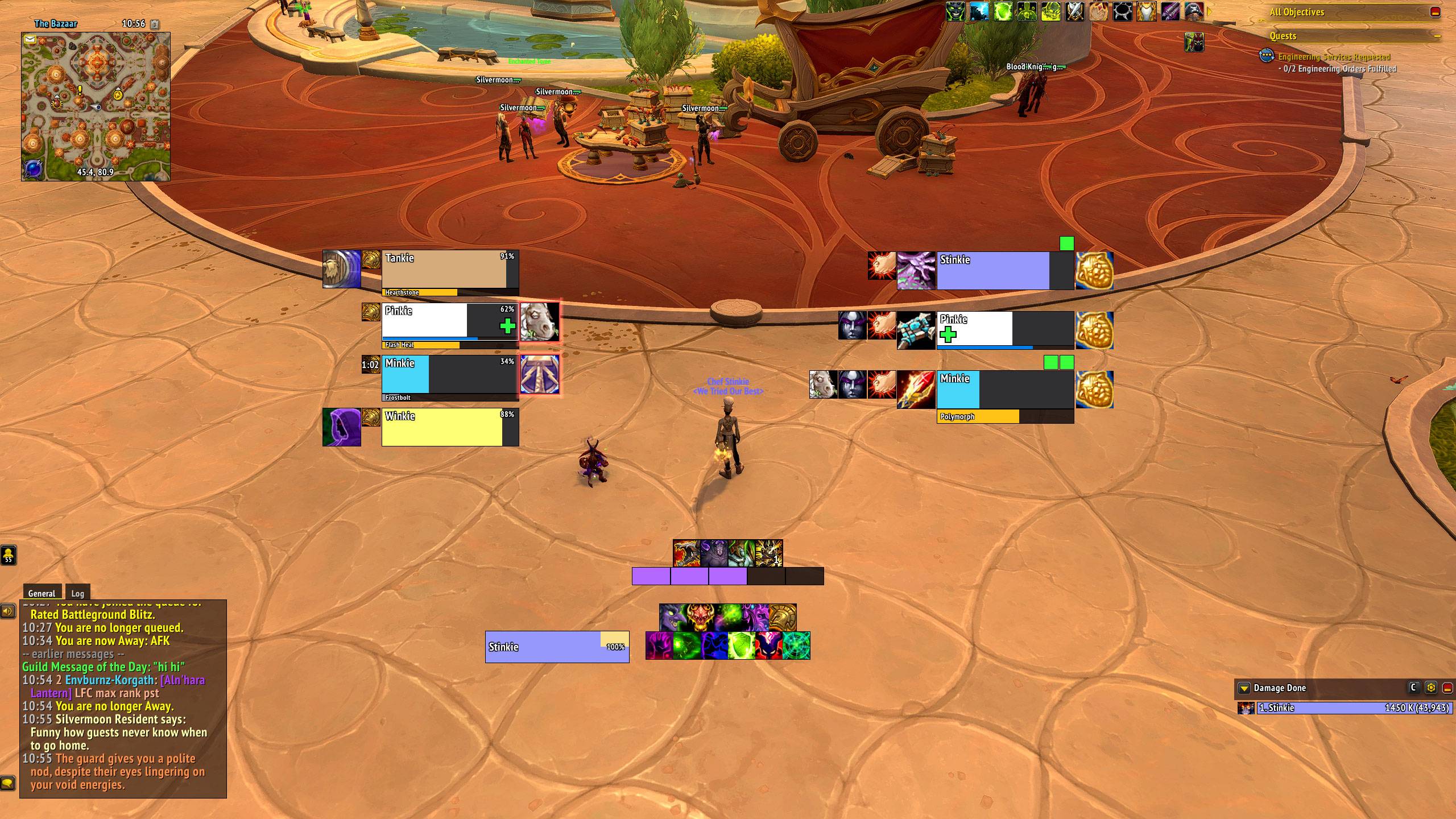
- Arena frames: health, healer power, castbar, spec icon, healer cross, trinket, DRs (pick the categories), teammate-targeting squares, a border on your target, and configurable right-click (focus by default). They turn themselves off if sArena or Gladius is loaded.
- Party frames in arena-frame style: PvP trinket and defensives on one side, crowd control on the other, dispellable debuffs, range fade and a healer cross. Hidden in battlegrounds by default.
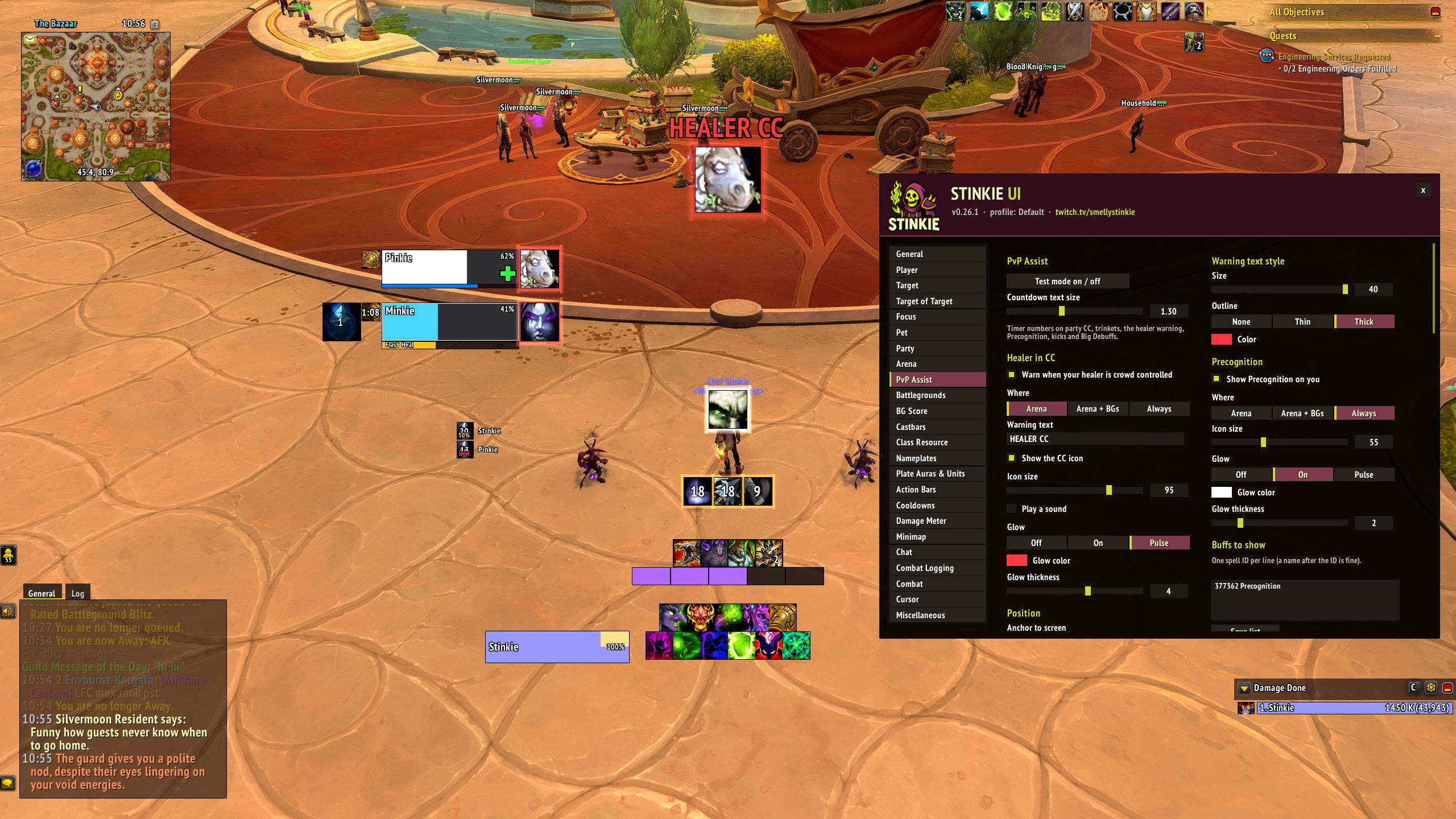
- Arena Assist: a big "Healer in CC!" warning (optional sound), Precognition or any buffs you list shown large and glowing, and an enemy interrupt tracker showing who kicked you or a teammate, with a cooldown timer.
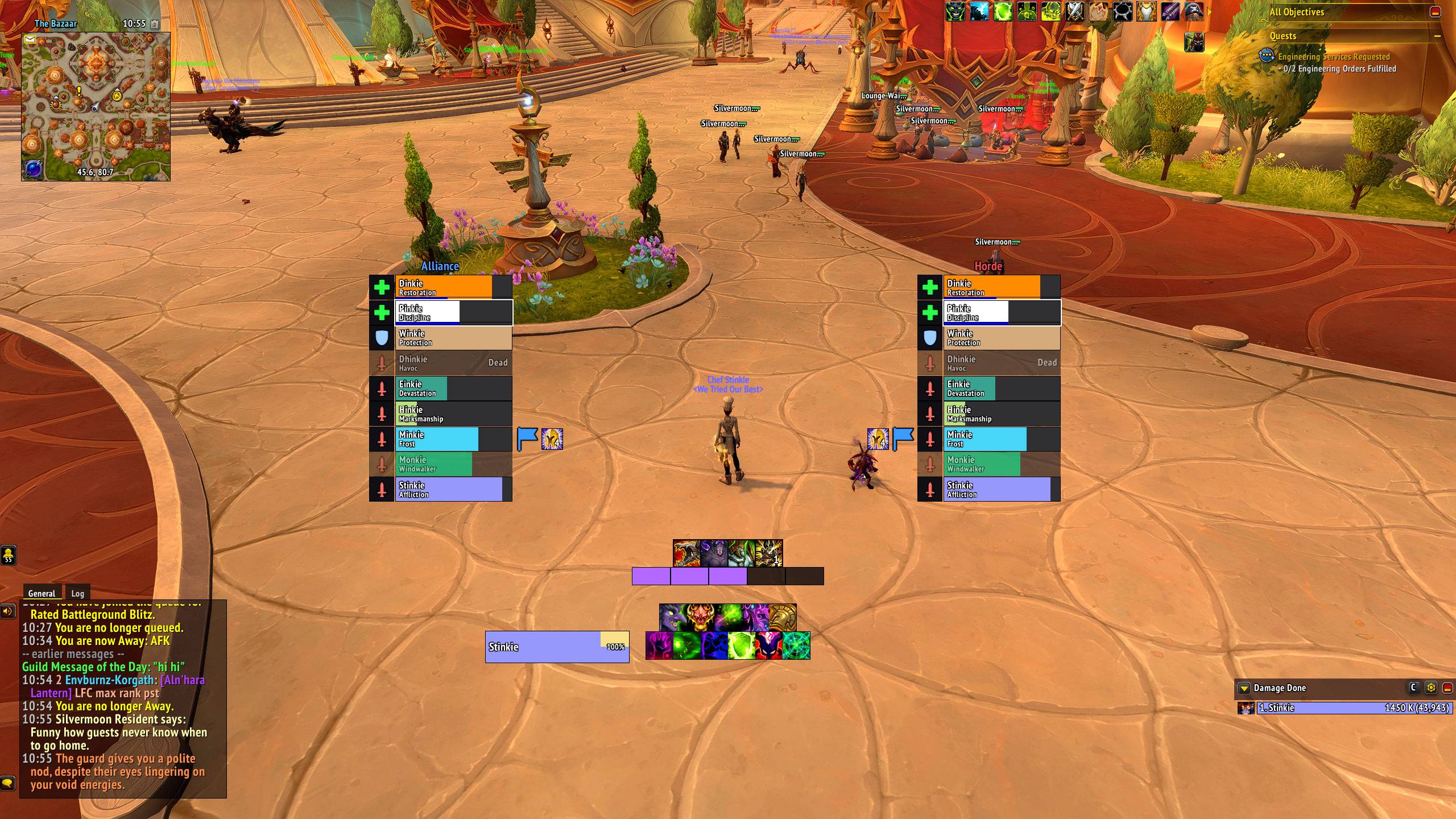
- Battleground frames for Blitz and 10–15 player battlegrounds: enemy and ally blocks sorted healers, tanks, then damage. Each row has role or spec icons, flag and orb carriers with stack counts, live health and range for players you can see, click-to-target, and an optional healer mana strip.
- Battleground widgets: move, resize and restyle the score, the capture / cart progress and the Return to Graveyard button.
- Automatic combat logging for arena, Shuffle, Blitz and battlegrounds, plus optional Mythic+, dungeons and raids. It can also log a whole session to one file.
Frames and bars
- Unit frames: player, target, target of target, focus and pet. Flat class-colored health, an optional power bar, and a clear absorb / overshield display. Target and focus show your debuffs, CC and major defensives, plus one big crowd-control icon.
- Castbars float or attach to their frame, with interruptible / not-interruptible / interrupted colors.
- Class resource bar: soul shards (partial shards for Destruction), combo points, holy power, chi, arcane charges, essence.
- Cooldowns: a square, flat skin for Blizzard's Cooldown Manager, plus two custom bars for any spell, item, trinket, racial or Healthstone. Drag to reorder, and ping any icon with your ping key. Spells you don't have are left off the bars.
- Action bars: restyles Blizzard's bars to match, with no bar art, macro text and keybinds on or off, cooldown numbers, and per-bar mouseover. Layout stays in Edit Mode. Off automatically with Bartender, Dominos or ElvUI.
Nameplates
- Enemies: health, level, name, castbar, your debuffs, CC and big defensives, with all / important-only / whitelist modes and a blacklist.
- Target highlight with optional
> <arrows. Important totems and Psyfiend in pink, drawn on top, with a bigger click area. Elite / boss star. - Small, clean friendly plates with healer crosses, optional spec icons above players, flag and orb carrier icons, and a name-length cap.
- Toggles for enemy pets, guardians, totems and minor units.
Everything else
- One font everywhere, including Blizzard's own UI (PT Sans Narrow Bold by default). Every text element has its own size, outline and color.
- Chat: restyled chat with timestamps, colors, transparency, mouseover-only, a copy button, shorter channel names, whisper tabs, and history kept across a reload. Off automatically with Chattynator, Prat, ElvUI or Glass.
- Damage meter: restyles Blizzard's built-in meter to match.
- Minimap: round or square, fonts, coordinates, button hiding, and auto-hide in arena, battlegrounds, Mythic+ and raids.
- Extras: GCD history, a combat indicator with "Entering / Leaving Combat" text, a cursor ring, and auto-confirm for housing decor purchases.
- Profiles: per-character profiles, copy, and export / import as a string.
- Test modes for party, arena, Arena Assist, battleground frames and widgets, so you can set everything up outside a match.
Blizzard limits (not bugs)
Midnight restricts what addons can see in combat and PvP. Stinkie UI works within those rules:
- Health, power, casts and auras are "secret values" in combat and PvP. Addons can display them but can't do math on them.
- Battlegrounds: addons get no DR data, and no trinkets. Enemy health and range exist only for enemies you can currently see. Out-of-sight enemies keep their last known health, faded.
- Arena: trinkets and DRs come from Blizzard's own widgets, which Stinkie UI moves and restyles. DR category filtering only works when Blizzard reveals the category.
- Target of target is blank inside arenas and battlegrounds.
- Teammates' cooldowns (other than the PvP trinket) aren't available. Their defensives show while active.
- Enemy healer crosses appear only where the game reveals roles.
- Chat inside instances and PvP matches can only be lightly restyled.
- Friendly nameplates in dungeons and raids are locked to Blizzard's defaults.
- The cursor image can't be recolored. The ring is the colored option.
- Death Knight runes and aura-based resources aren't on the class resource bar yet.
Community
- Questions, bugs and ideas: #stinkie-ui on Discord
- Live: twitch.tv/smellystinkie
- Videos: youtube.com/@SmellyStinkie
- Donate: https://ko-fi.com/smellystinkie
License and credits
MIT, © 2026 Stinkie (twitch.tv/smellystinkie). PT Sans Narrow © ParaType, SIL Open Font License 1.1.
Stinkie UI Team
