StikTalk
- By
StikTalk-Screen-1.jpg
StikTalk-Screen-2.jpg
StikTalk-Screen-3.jpg
Description
StikTalk — Controller Chat for WoW Forever
By Brootul
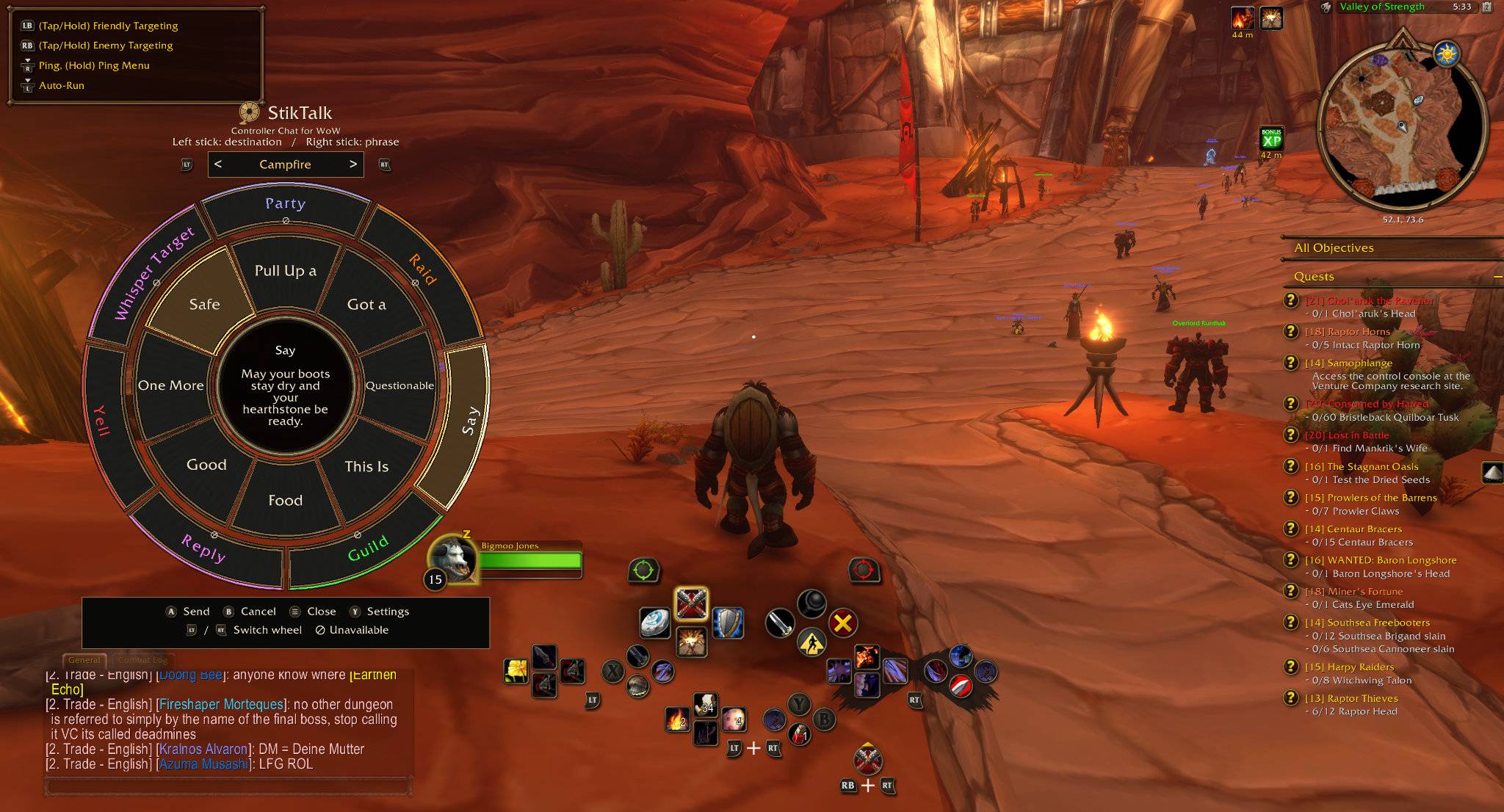
Chat without reaching for your keyboard. StikTalk adds a controller-friendly wheel for choosing a chat destination and sending preset or custom phrases.
Features
• Choose a chat destination with the left stick and a phrase with the right stick.
• Switch message wheels on the fly with LT and RT.
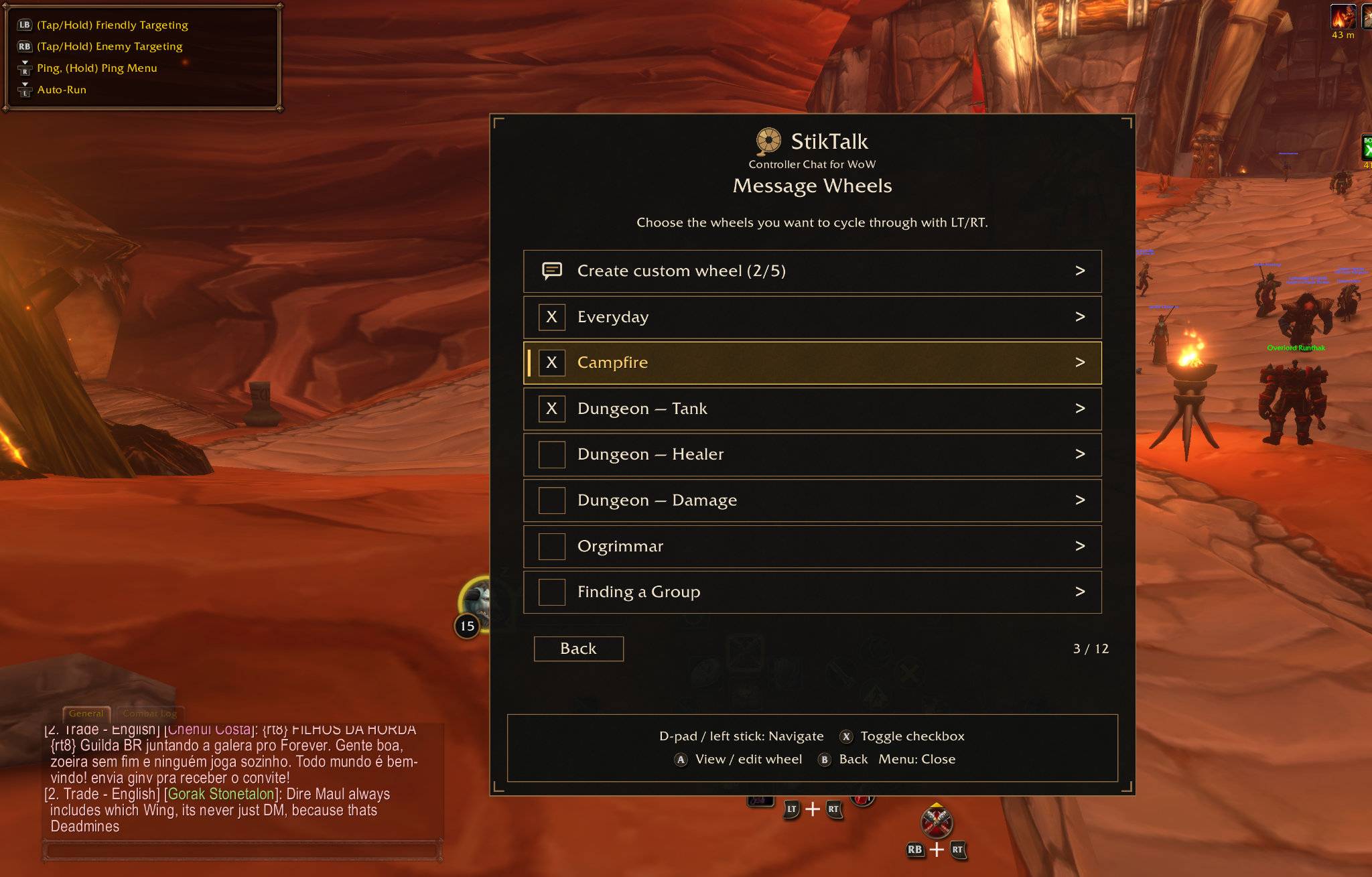
• Use premade wheels for everyday conversation, dungeon roles, campfire chats, and more.
• Create custom wheels with eight phrases each.
• Choose which wheels stay in your rotation.
• Preview your selected message and destination before sending.
Getting Started
Open Blizzard’s controller menu, then press D-pad Left to open StikTalk. Follow the wheel’s on-screen prompts to select, send, or cancel.
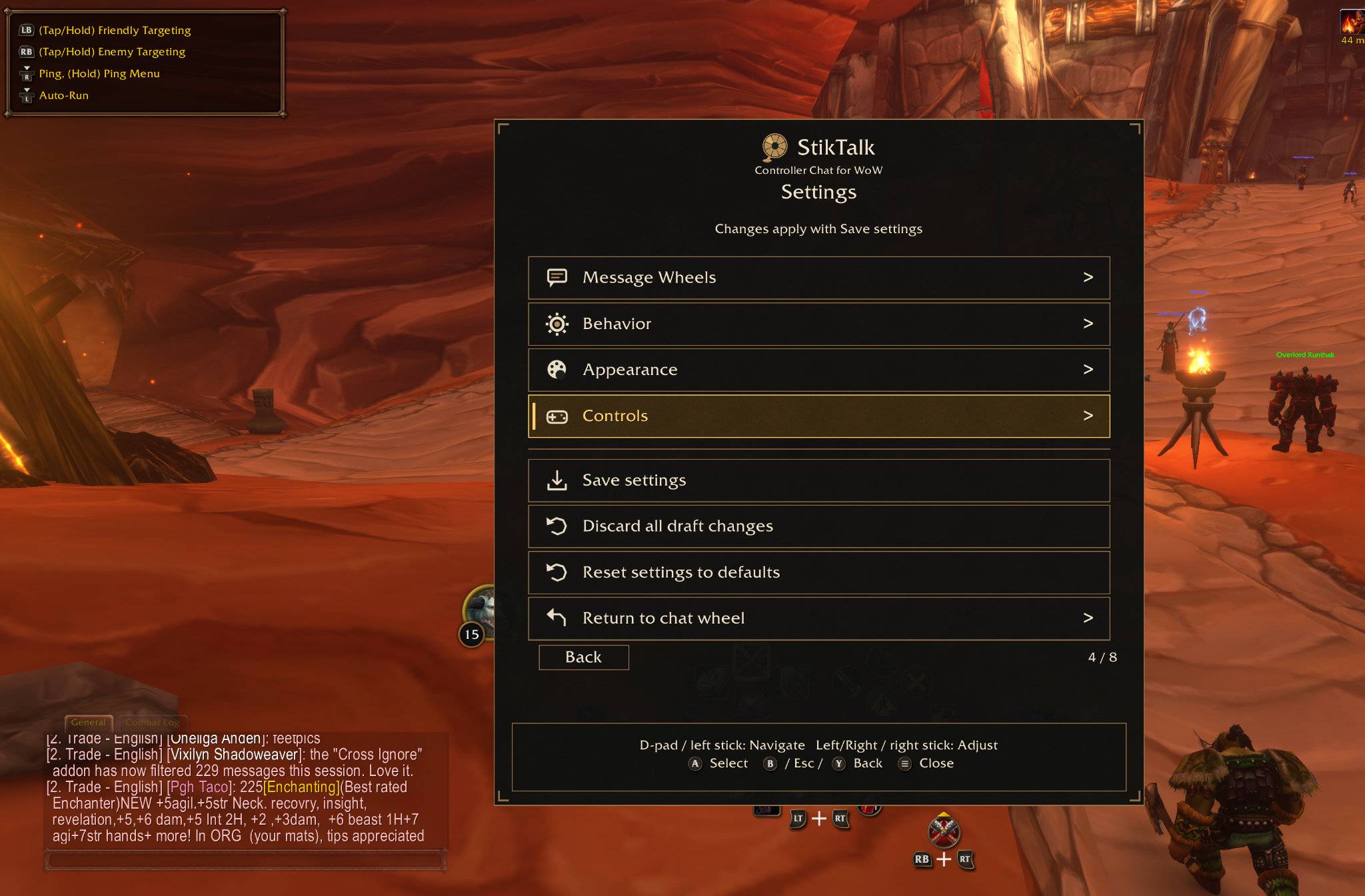
Setting Menu can be accessed by typing /stiktalk settings. Or by opening the StikTalk wheel with Menu → D-pad Left, then press Y.
Manual Installation
Extract the download into your Forever client’s Interface/AddOns folder. The installed folder is named ControllerChat; keep that name when installing or upgrading.
Feedback
Report bugs and suggest features at:
https://github.com/mrdmarcus2013/Brootul-WoW-Addons/issues
Include your addon version, game version/build, controller model, steps to reproduce the problem, and any Lua error.
Free to download, install, and use. All Rights Reserved.
StikTalk Team