Stay Active
- By
1-status-display.png
3-settings.png
2-menu-overview.png
4-sit-warning.png
Description
Stay Active
Your back doesn't care how close you are to that next level.
Stay Active keeps track of how long you've been sitting or standing while you play. It reminds you to switch, suggests short exercises and nudges you to take real breaks. It stays out of your way in combat and in dungeons.
Works great with a standing desk, but you don't need one.
Features
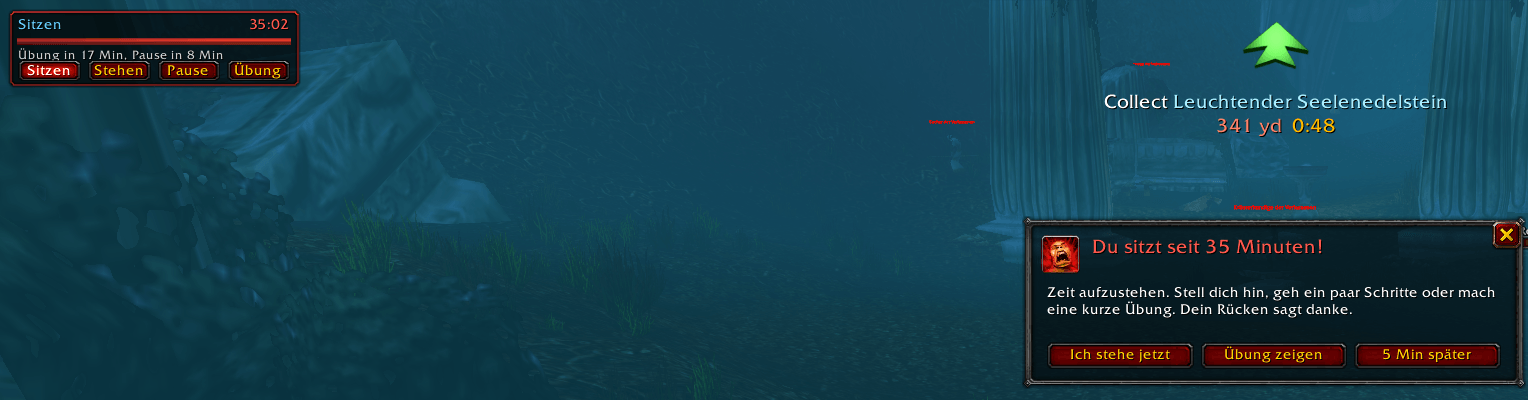
- Sit/stand timer. Tell it once whether you're sitting or standing and it counts along. After 30 minutes of sitting (adjustable) you get a warning with sound and a flashing taskbar icon, plus a short heads-up 2 minutes before. Standing has its own, gentler limit.
- 20 quick exercises. Neck, shoulders, back, hips, legs, wrists and eyes, each with simple instructions and a countdown timer. Every 25 minutes you get one, matched to your posture: no seated stretches while you're standing.
- "Give me an exercise" button. Waiting for a queue or a respawn? One click shows a random exercise.
- Real breaks. After 60 minutes without a break, Stay Active suggests a proper one. During a break all timers pause. Going AFK in game counts as a break too.
- Posture checks. Every now and then a short, unobtrusive reminder: shoulders down, feet flat, have a drink.
- Never in your way in combat. Windows are held back during combat and show up a couple of seconds after it ends.
- Dungeon mode. In dungeons, raids, battlegrounds and arenas, exercises and break suggestions wait until you're out. You still get reminded to stand up or sit down, but only as a notice, without a window.
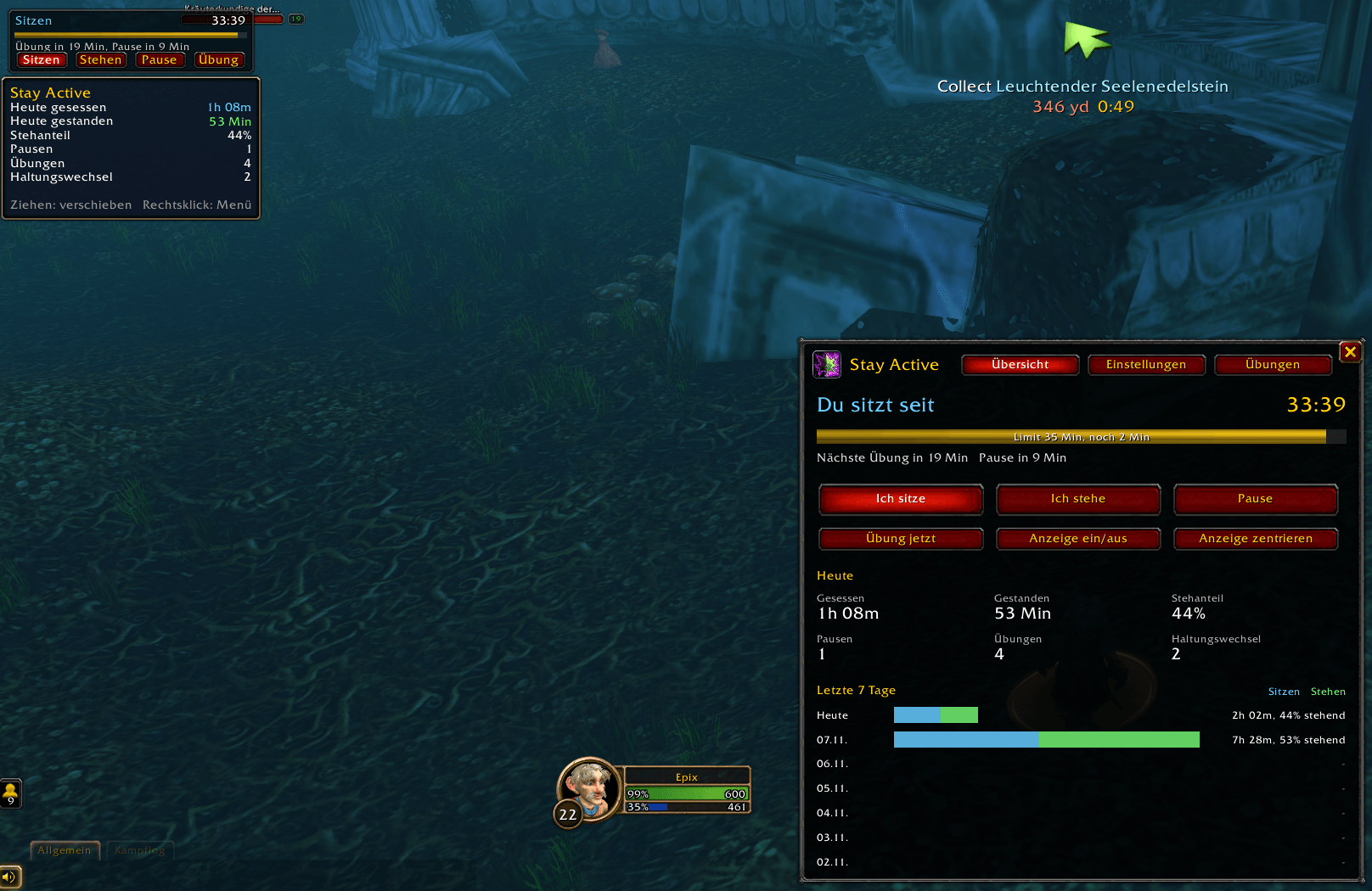
- Statistics. Time spent sitting and standing, your standing share, breaks, exercises and posture switches. Includes a chart for the last 7 days and keeps 90 days of history.
- Picks up where you left off. After a /reload or a character switch it keeps counting. If you were gone longer, that counts as a break.
How to use it
Everything works with the mouse, no commands needed.
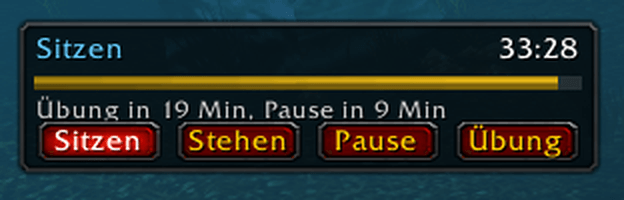
Status display. A small window with your current posture, a timer, a progress bar and buttons for Sitting, Standing, Break and Exercise. Drag it anywhere, right-click it to open the menu.
Minimap button
| Click | Action |
|---|---|
| Left-click | Open the menu |
| Right-click | Switch between sitting and standing |
| Middle-click | Break on/off |
| Drag | Move the button around the minimap |
The icon shows your state at a glance: yellow = posture unknown, grey = on a break, flashing red = limit exceeded.
Menu with three tabs:
- Overview: current status, big posture buttons, today's stats and the 7-day chart
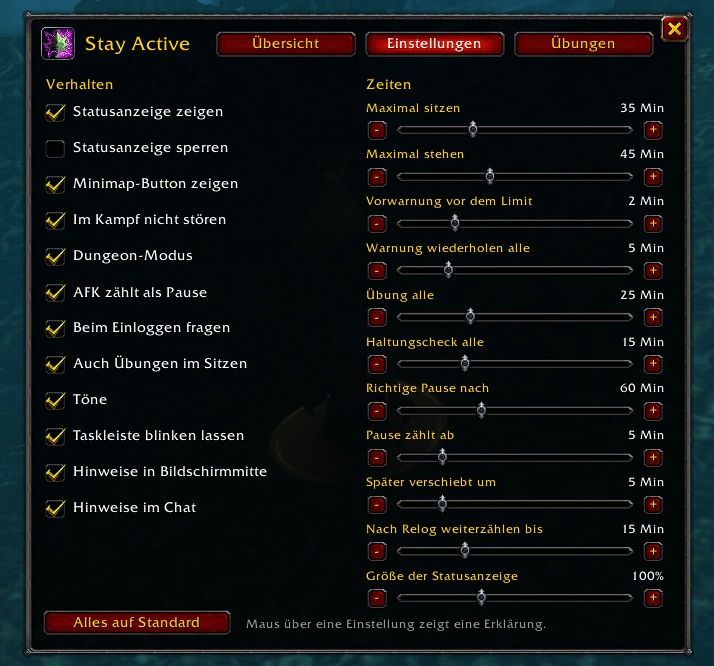
- Settings: every option as a checkbox or slider, with a tooltip explaining it
- Exercises: all 20 exercises with instructions and a Do it button
Key bindings for switching posture, toggling a break and showing an exercise are under Options > Keybindings > AddOns.
Every timer can be adjusted or turned off. Moving a slider all the way to the left turns that reminder off.
Commands (optional)
/sa (also /stay or /stayactive) followed by: menu, sit, stand, pause, toggle, exercise, stats, options, show, hide, lock, position, reset, help
Languages
English and German. Stay Active follows your game client's language automatically.
Supported versions
- World of Warcraft: Forever
- Retail
- TBC Anniversary
Tip
To hear the reminders while WoW is in the background, enable Sound in Background under System > Audio. Stay Active plays its sounds on the Master channel, so you hear them even with music and effects muted.
Stay Active is a friendly reminder, not medical advice. If something hurts, stop and talk to a professional.
Stay Active Team