
StageCraft
- By
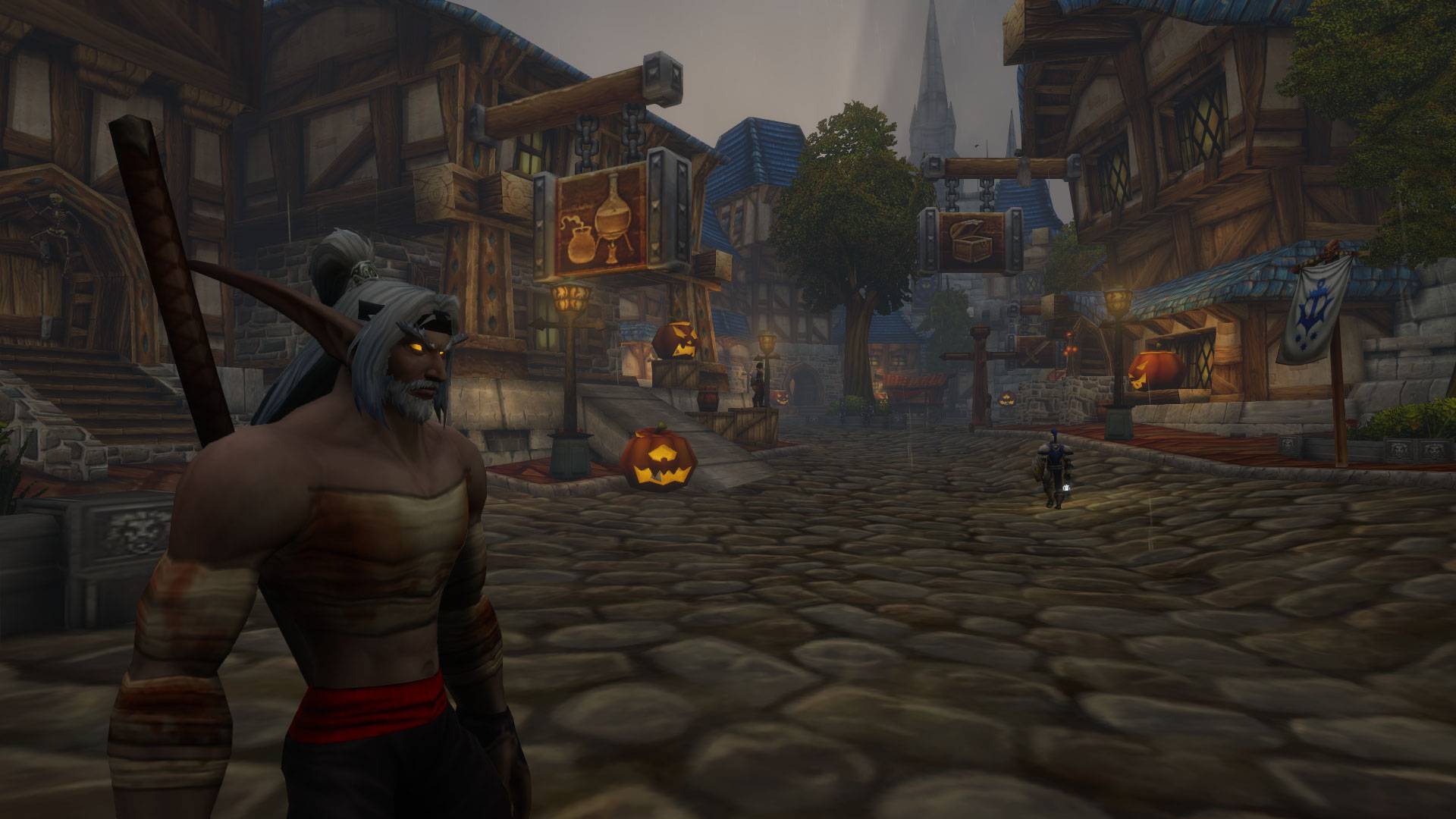
WoWScrnShot_102726_190839.jpg
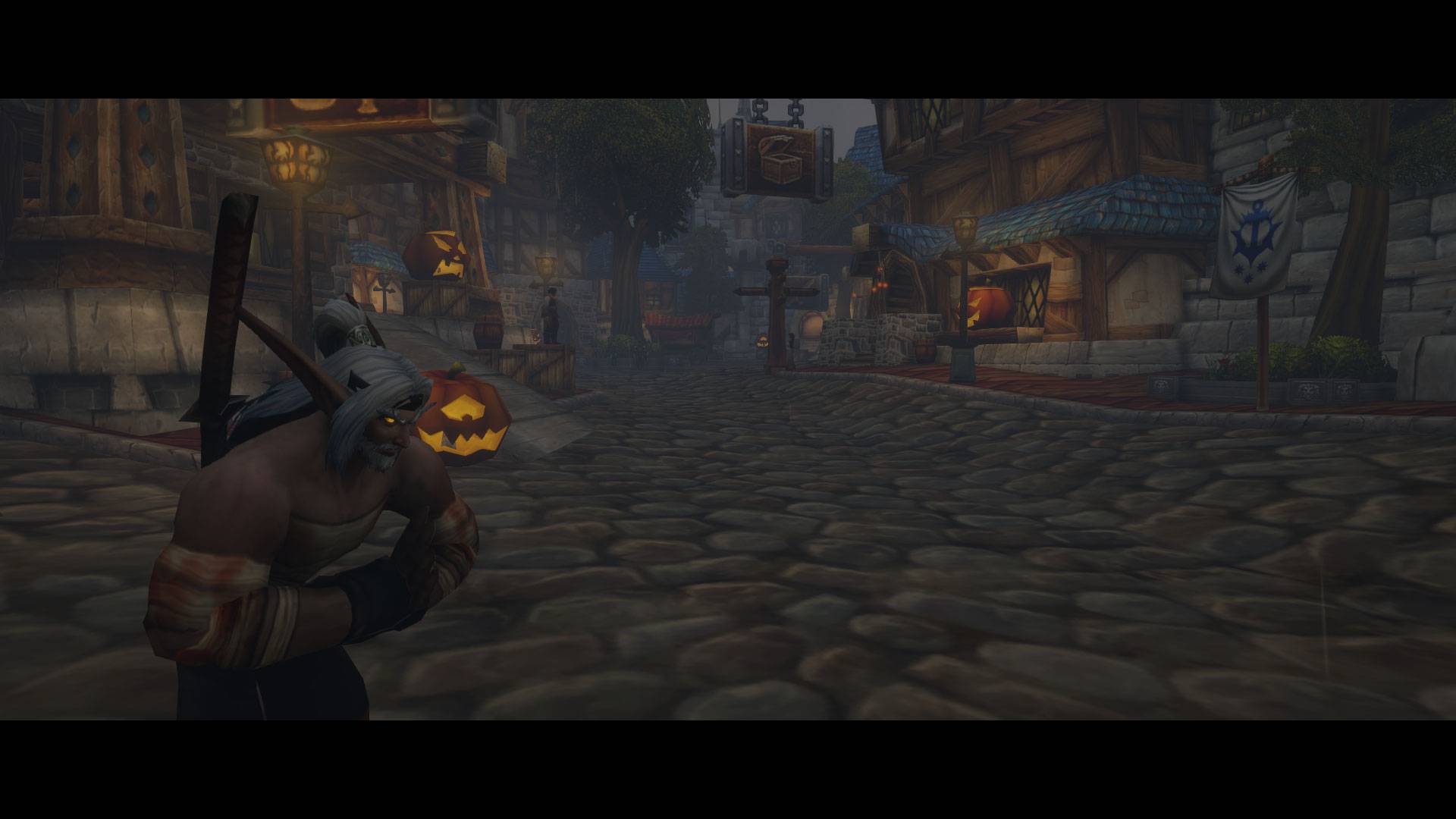
WoWScrnShot_102726_192117.jpg
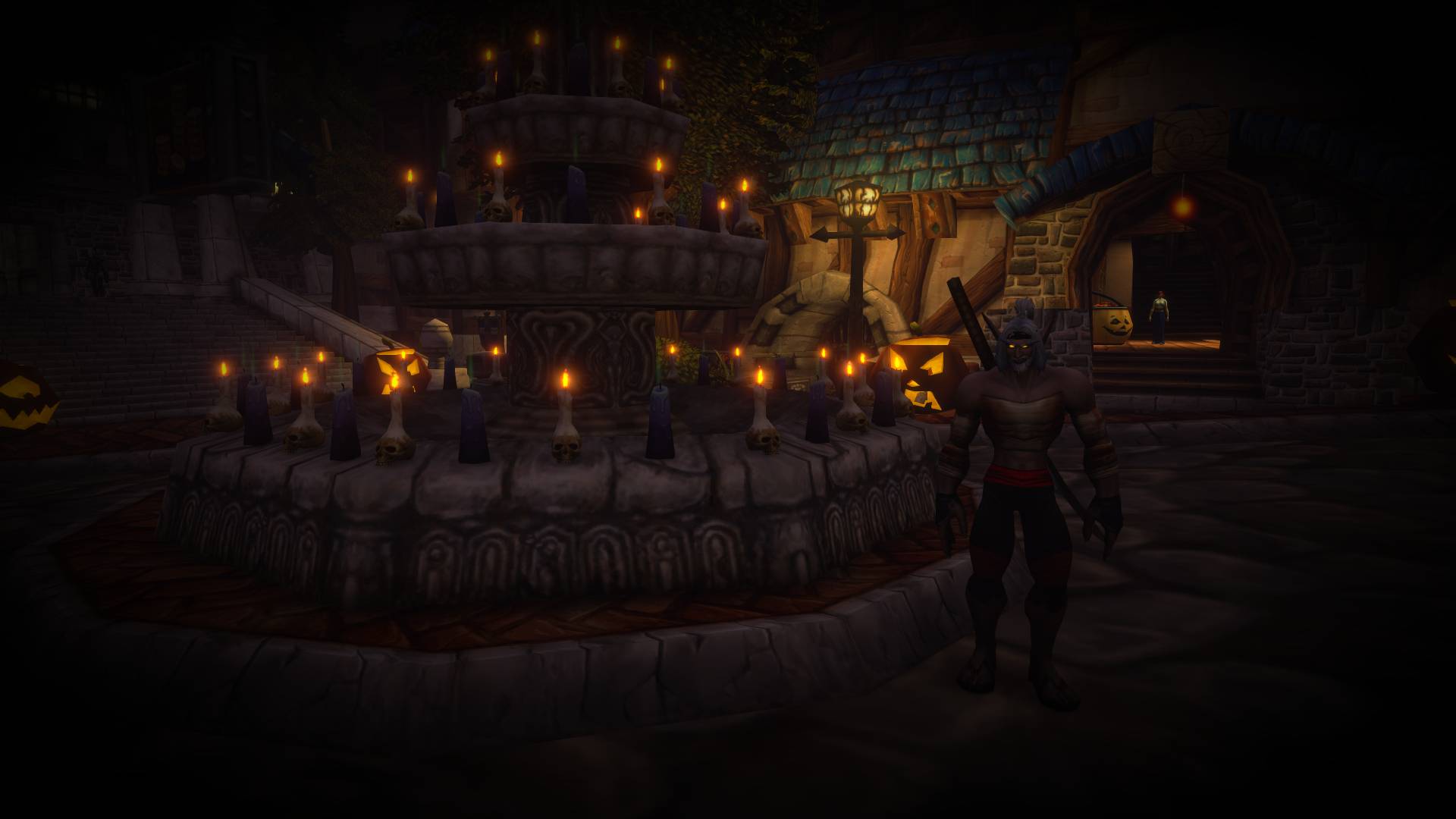
WoWScrnShot_102826_210452.jpg
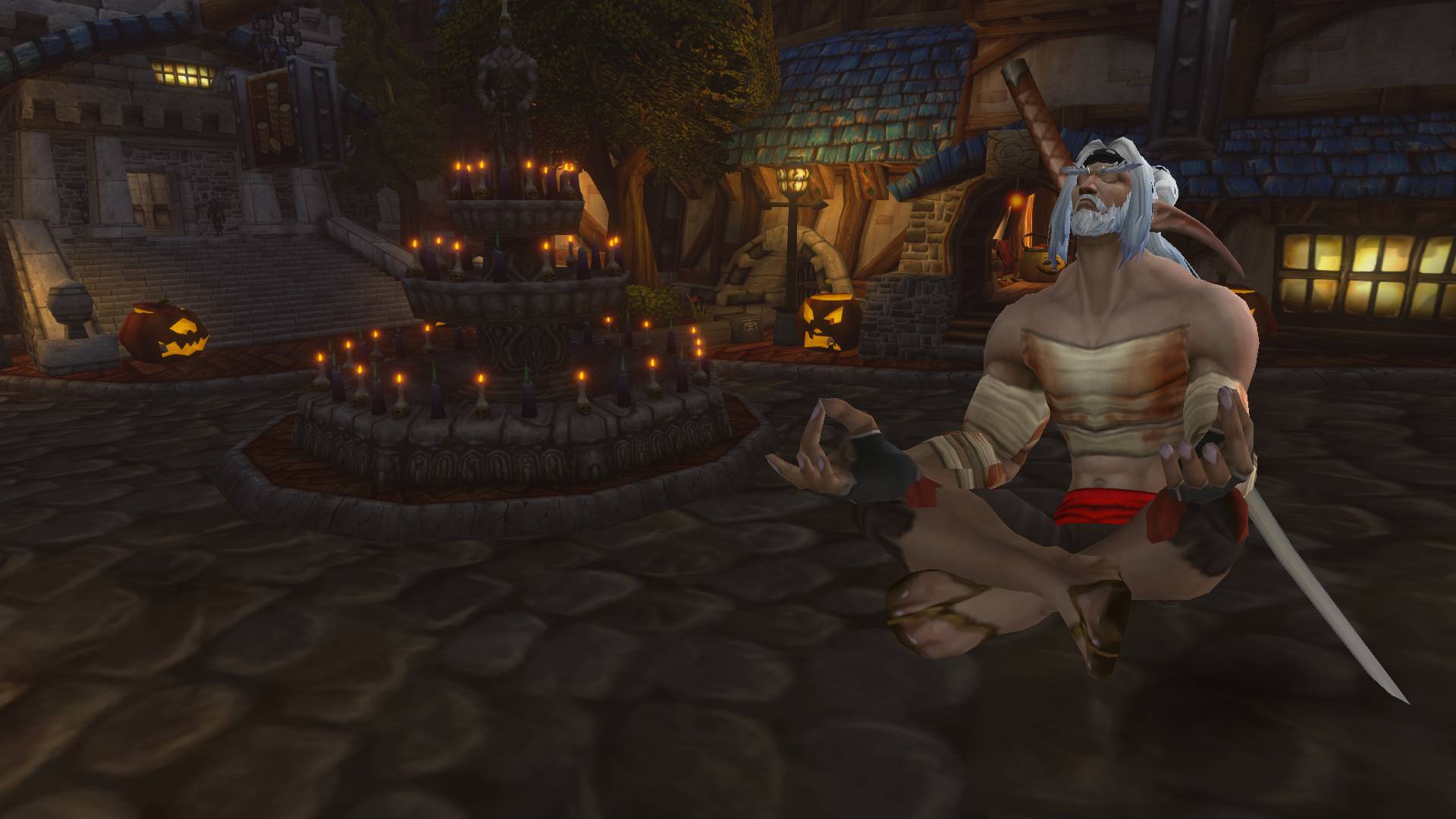
WoWScrnShot_102826_212513.jpg
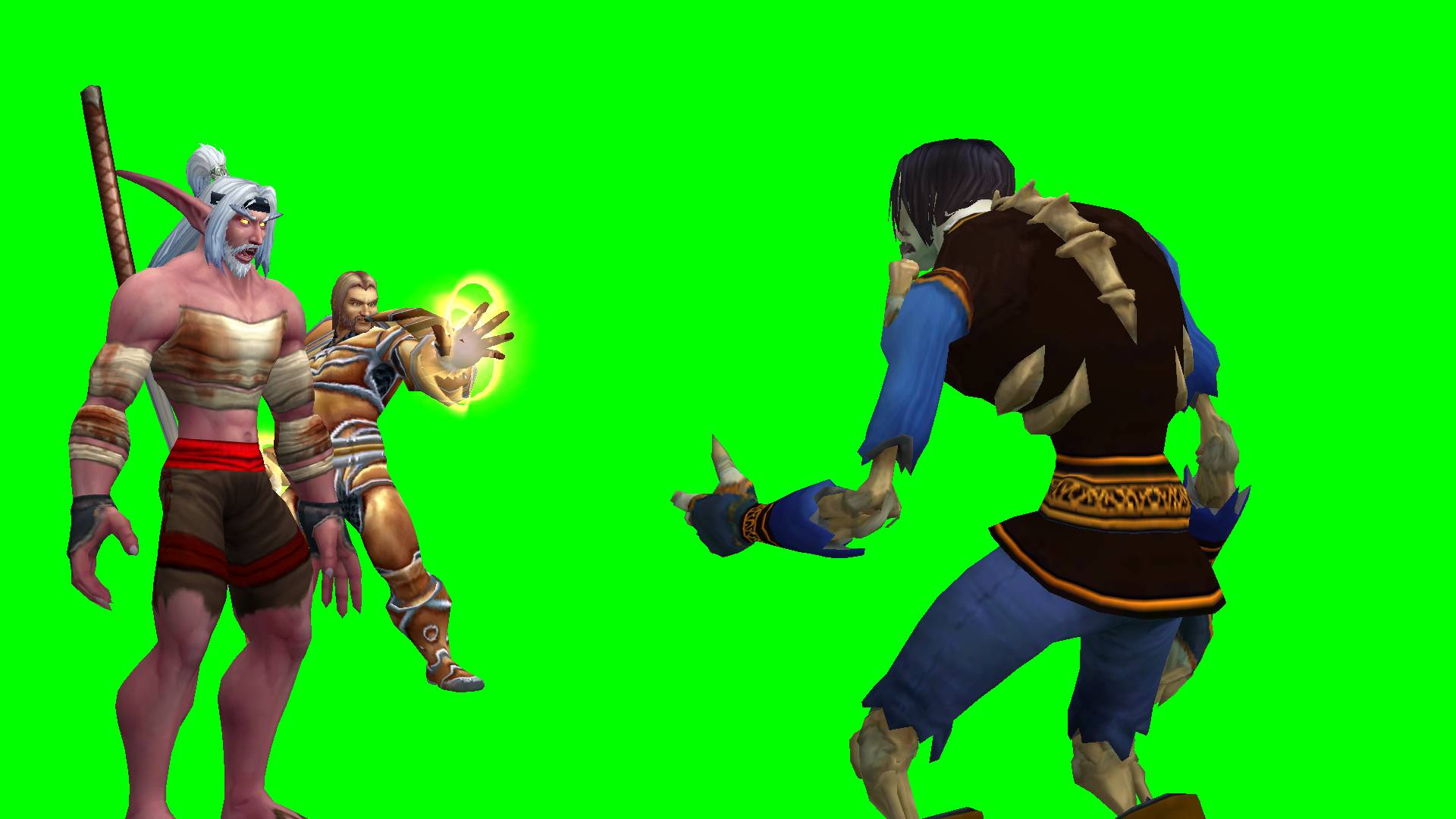
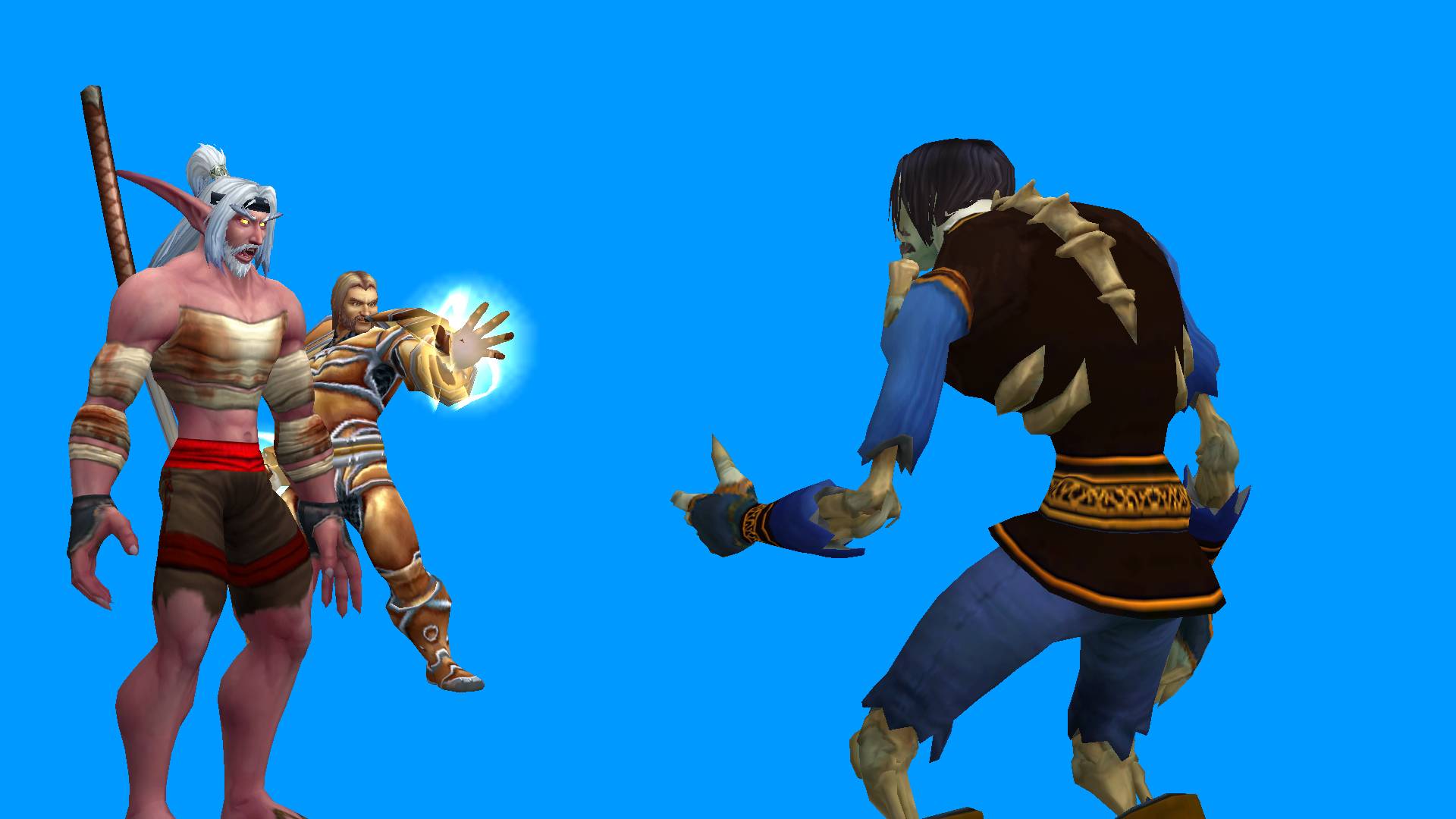
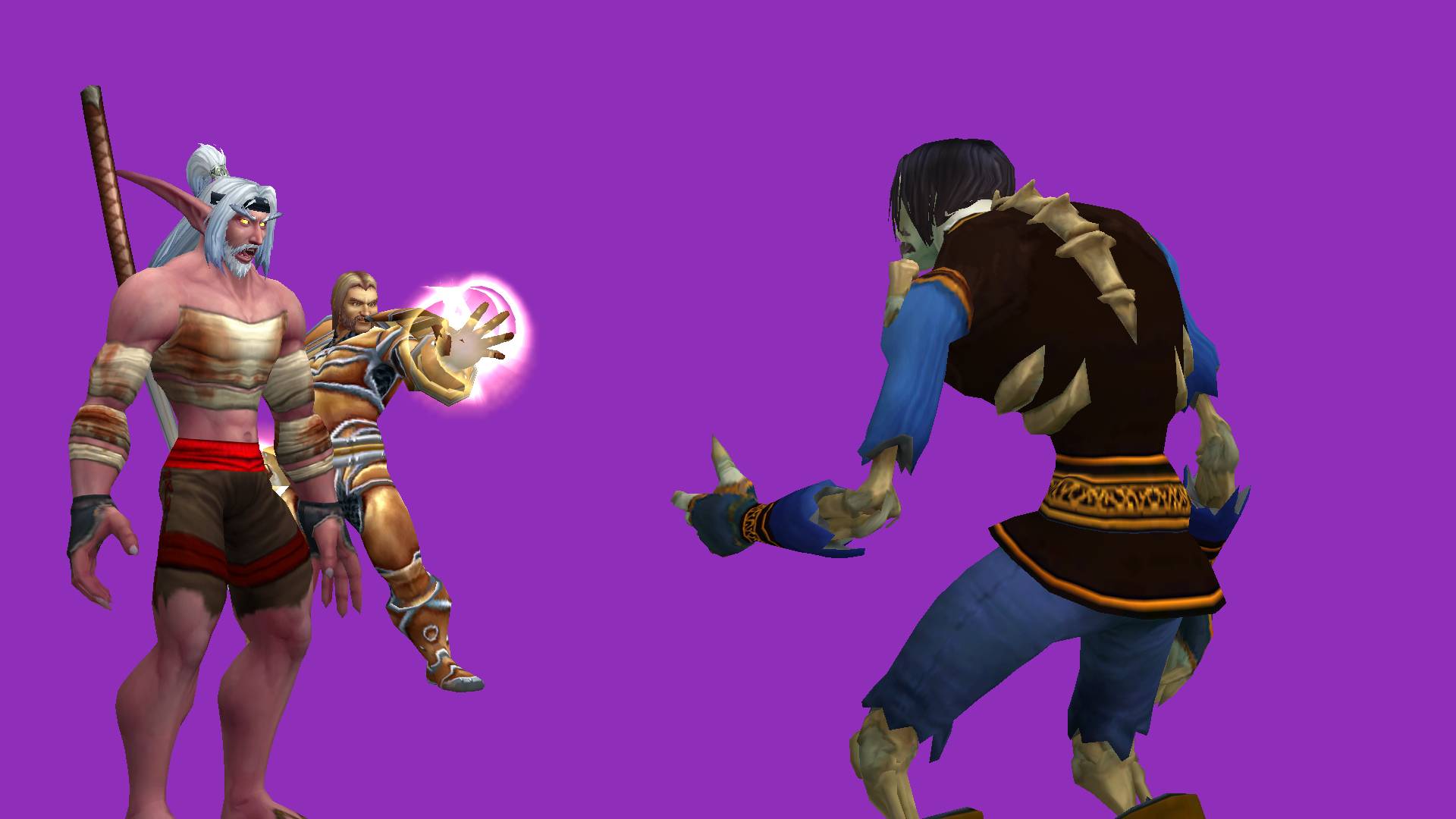
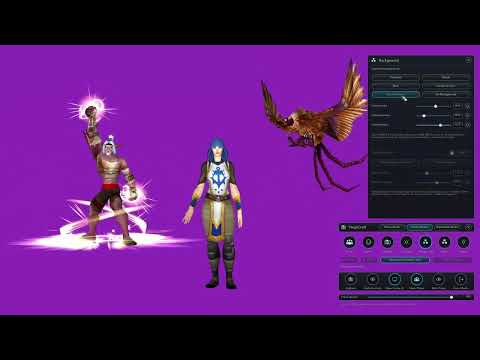
Description
Description
⚙️ StageCraft v1.1.2 — Studio Mode Gizmo Controls
StageCraft v1.1.2 introduces new Move and Rotate gizmos to Studio Mode, giving creators more precise control over character positioning and rotation when building custom scenes.
What's new in v1.1.2
- Move Gizmo: Position actors using three-axis movement arrows for Depth (red), Horizontal (green), and Vertical (blue).
- Rotate Gizmo: Rotate actors independently across three axes using interactive Yaw, Pitch, and Roll rotation circles.
- Precise Rotation Controls: Adjust all three rotation axes using sliders and numerical input fields in the Camera popup.
- Synchronized Controls: Gizmos, sliders, and numerical inputs update together, allowing seamless switching between direct manipulation and precise adjustments.
- Improved Actor Manipulation: Replaced the previous left-click/right-click actor dragging with dedicated Move and Rotate gizmos.
⚔️ StageCraft v1.1.1 — Combat Support & Interface Update
StageCraft continues to evolve with new improvements for screenshots, cinematic footage, and character presentation!
What's new from v1.1.1
- Combat Support: StageCraft no longer automatically closes when combat begins. Continue using supported camera and presentation controls while fighting.
- Combat Screenshots: Capture action during combat without automatically changing the game HUD's visibility.
- Show/Hide Names: Now available across Photo Mode, Studio Mode, and Turntable Mode.
- Hide Player: Consistent character visibility controls across all three modes.
- Improved Interface: Updated button placement and removed redundant Hide Controls buttons.
- Updated First-Install Tour: Reflects the new controls and combat functionality.
Some controls remain subject to WoW Forever's combat restrictions.
📸 StageCraft — Your In-Game Creative Toolkit
StageCraft is a visual content creation addon for World of Warcraft: Forever, designed to help players capture screenshots, build character scenes, create presentations, and produce cinematic footage without leaving the game.
Whether you're a roleplayer creating scenes for your character's story, a content creator building YouTube thumbnails and machinima assets, or someone who simply enjoys taking screenshots, StageCraft gives you control over how your characters and the world are presented.
Its four modes serve different creative purposes:
- Photo Mode for capturing and enhancing screenshots in the game world.
- Studio Mode for arranging characters, creating poses, and building custom scenes.
- Turntable Mode for showcasing characters, equipment, and animations.
- Immersive Camera for customizing gameplay camera behavior and recording cinematic adventures.
StageCraft brings these tools together into one addon, giving you the freedom to create everything from a simple character portrait to an elaborate machinima composition.
Build the scene. Pose the characters. Capture the moment. Tell your story.
✨ Four Ways to Create
📸 Photo Mode — Capture the World
Photo Mode gives you control over screenshots and cinematic compositions directly in the game world.
- Camera Controls: Adjust framing, zoom, and shoulder offset.
- Color Filters: Customize color tints, intensity, and RGB values.
- Visual Effects: Add vignettes, cinematic letterbox bars, and composition guides.
- Emote Controls: Browse, search, favorite, and play character emotes.
- Timed Captures: Coordinate emotes with adjustable screenshot timing.
- Presets: Save and reuse your favorite photography settings.
- Clean Screenshots: Hide the game interface, composition guides, or player model when capturing images.
Perfect for portraits, landscapes, roleplay screenshots, and cinematic combat footage.
🎭 Studio Mode — Build Your Own Scene
Studio Mode provides a dedicated 3D environment for arranging characters, creating poses, and building custom compositions.
- Up to 8 Actors: Stage player characters and NPCs.
- Move Gizmo: Position individual actors with three-axis movement arrows.
- Rotate Gizmo: Adjust actor orientation using interactive Yaw, Pitch, and Roll controls.
- Precise Actor Controls: Use synchronized sliders and numerical input fields to fine-tune positioning and rotation.
- Actor Customization: Scale and adjust individual characters.
- Character Posing: Access hundreds of animations with playback controls.
- Frame-by-Frame Control: Pause, scrub, and step through animations.
- Stacked Effects: Combine multiple visual effects on individual characters.
- Scene Customization: Adjust lighting, backgrounds, camera settings, and filters.
- Undo and Redo: Reverse or restore actor placement adjustments.
Create battle poses, character interactions, roleplay scenes, and custom machinima assets.
🔄 Turntable Mode — Showcase Your Character
Turntable Mode focuses on clean character presentations, equipment displays, and rotating showcases.
- Character Sync: Load and refresh your character's appearance.
- Animation Controls: Select animations for presentations.
- Automatic Rotation: Create full 360-degree character showcases.
- Manual Controls: Adjust positioning, zoom, and rotation.
- Backgrounds: Choose solid colors, custom images, and ground shadows.
- Equipment Labels: Display equipped item names.
- Presentation Settings: Customize rotation speed, character size, and text.
- Image Quality: Adjust lighting and temporary anti-aliasing.
- Screenshot Capture: Create still images for thumbnails, guides, and character profiles.
Ideal for transmog showcases, character presentations, and video assets.
🎥 Immersive Camera — Experience Azeroth Your Way
Immersive Camera introduces customizable gameplay camera behavior for exploration, roleplay, combat, and cinematic recording.
Seven Camera Profiles
Choose from seven built-in perspectives:
- Default Gameplay
- Standard Gameplay
- Over-the-Shoulder
- Close-Up
- Wide View
- Cinematic
- Immersive
Each profile provides a starting configuration that can be customized, saved, and restored to its original factory settings.
32 Configurable Camera Instances
Camera Instances automatically adjust camera behavior in different gameplay situations, including combat, fishing, NPC interactions, camping, RP walking, death, and more.
Configure individual Instances with their own camera settings, transition timing, and actions.
Advanced Camera Customization
- Camera distance and smooth zoom.
- Shoulder offset and character framing.
- Field of View adjustments.
- Vertical Pitch and Smart Pivot controls.
- Camera following behavior.
- Smooth transitions between camera configurations.
- Automatic camera rotation and UI fading.
- Precise numerical input for supported settings.
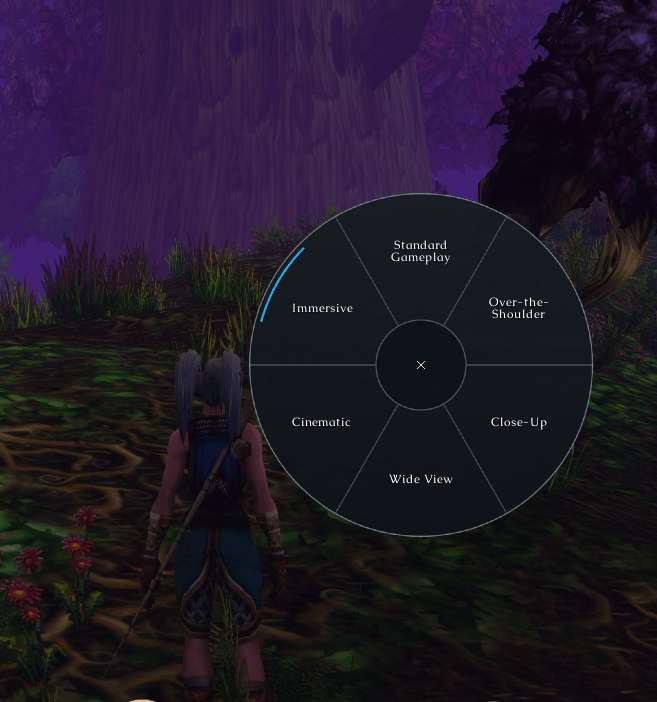
Camera Selection Wheel
Quickly switch between six customizable Camera Profile selections using a radial wheel that opens at your mouse cursor.
Select a profile to change perspectives, reselect your active profile to restore its Instance framing, or close the wheel using the center X.
Immersive Camera is especially useful for roleplay adventures, cinematic gameplay, machinima recording, and personalized camera perspectives.
🔮 NPC, Equipment & Visual FX Browsers
StageCraft includes dedicated browsers for creating custom compositions in Studio Mode.
NPC Browser
Search available NPC models and add characters or creatures to your scene.
Equipment Browser
Find equipment by name or item ID, preview appearances, and customize staged characters without collecting every item.
Visual FX Browser
Explore thousands of indexed Visual Kit IDs, search by ID or associated spell names, and preview effects on a dedicated character model.
Apply supported effects to Studio actors and combine multiple Visual Kits for custom presentations.
Some models, equipment appearances, animations, and Visual Kits may not render or function on every character. Visual FX preview animations may work even when the corresponding effect is unavailable in the current game build.
🖼️ What Can You Create With StageCraft?
From screenshots to full machinima projects, StageCraft supports a wide range of creative work:
- Character portraits and profile artwork.
- Transmog and equipment showcases.
- Roleplay scenes and character interactions.
- Cinematic gameplay and combat recordings.
- YouTube thumbnails and video assets.
- Guild banners and promotional artwork.
- Custom character compositions and visual effects.
🎮 Simple Controls, Creative Freedom
StageCraft keeps its tools accessible while allowing extensive customization.
- Open StageCraft with
/scor/stagecraft. - Switch between its four dedicated modes.
- Access the addon through the minimap button.
- Move popup windows independently.
- Use Hide Panels to clear the interface without losing your scene.
- Control overhead names and player visibility in Photo Mode, Studio Mode, and Turntable Mode.
- Use keybindings for supported shortcuts and camera selection.
- Follow the First-Install Tour to explore the available features.
Screenshots use WoW's normal screenshot system.
⚙️ Compatibility
World of Warcraft: Forever
StageCraft is developed specifically for WoW Forever. Compatibility with other World of Warcraft clients is not provided.
StageCraft — Create the scene. Capture the moment. Tell your story.
💀 Created By
Grim — ItsGrims
StageCraft is created and developed by Grim for the World of Warcraft: Forever community.
StageCraft Team
