SSX UI
- By
Lightweight all-in-one UI suite: nameplates, unit frames, cast bars, enemy list, info bar, action bars, movable windows, UI colors, automations and more, in one addon with one settings window.
d83ba631-01bb-4c3d-a6be-64050de6555c
Description
SSX UI brings many quality-of-life features together in a single addon, configured from one window. Type /ssx to open it.
Lightweight. Modules you turn off don't run at all, and the rest only update when something changes. SSX UI is designed not to weigh on your frame rate.
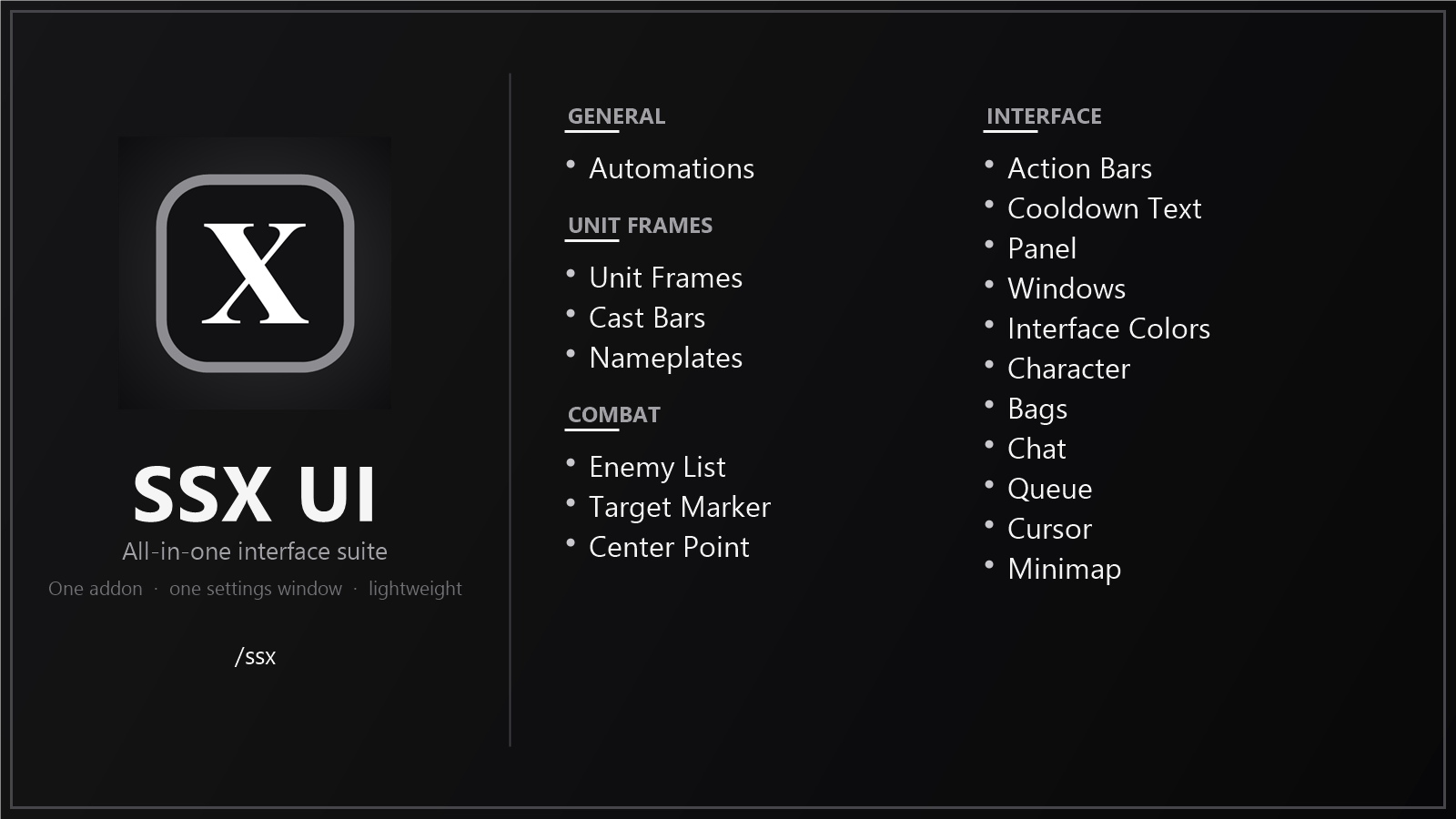
Modules
General
- Automations – sell gray items, auto repair (optional guild funds) and optional auto quests.
Unit frames
- Unit Frames – restyles the default player, target, focus and pet frames.
- Cast Bars – custom player and target cast bars, with latency on yours and an alert when the target's spell is on you.
- Nameplates – clean enemy nameplates with cast bar, debuffs, target highlight and threat colors.
Combat
- Enemy List – compact list of the enemies fighting you or your group.
- Target Marker – a bar with the 8 raid markers, usable in combat.
- Center Point – a small mark at the center of the screen.
Interface
- Action Bars – button text font, out-of-range tint and a key press effect.
- Cooldown Text – cooldown and aura timers colored by the time left.
- Panel – info bar with FPS, latency, gold, currencies, durability, bags, group, zone and time.
- Windows – move the game's windows anywhere.
- Interface Colors – tint the default UI with a color or your class color.
- Character – item level, enchants and gems on the character window.
- Bags – item level in bags and banks; option to hide the bag bar.
- Chat – copy button on each chat window.
- Queue – a small window with all your queues.
- Cursor – a ring around the mouse cursor.
- Minimap – one button that gathers all addon minimap buttons.
Also
- Shared appearance (font, bar texture, border and background colors) with extra fonts and textures for LibSharedMedia.
- Shared colors for aggro and enemy casts.
- First-run setup of the SSX UI Edit Mode layout and a few game options.
- Turn each module on or off, and profiles.
- Replaces the old separate SSX addons and imports their settings.
Commands
/ssxor/ssx config– open the settings/ssx info– addon info/ssx reset– restore all settings to default
Built with Ace3, LibSharedMedia-3.0 and AceGUI-3.0-SharedMediaWidgets.
SSX UI Team