SSQW - Smart SpellQueueWindow Manager
- By
Dynamically adjust your SpellQueueWindow based on your latency and haste to maximize your mechanical input efficiency.
Screenshot_9.png
Screenshot_7.png

ssqw.gif
Description
SSQW - SmartSpellQueueWindow
SpellQueueWindow defaults to 400ms. With that value, you're not utilizing your inputs to their full potential. It means they are queuing up way earlier than they need to, which causes clipping, early re-queues and generally badly feeling gameplay. It also gives you more control over your inputs in situations like an unexpected proc. SSQW manages this automatically so you don't have to touch the CVar.
What it does
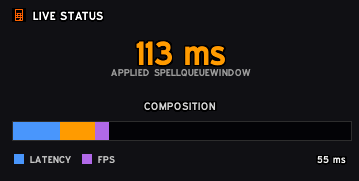
Instead of a static value, SSQW reads your world latency and combines it with a configurable offset to set the lowest safe SpellQueueWindow for your current conditions.
Live haste sampling
SSQW samples your actual GCD duration data mid-combat and adjusts the offset down as haste increases (e.g. during Bloodlust or Power Infusion). No manual input needed during a pull.
Calculator
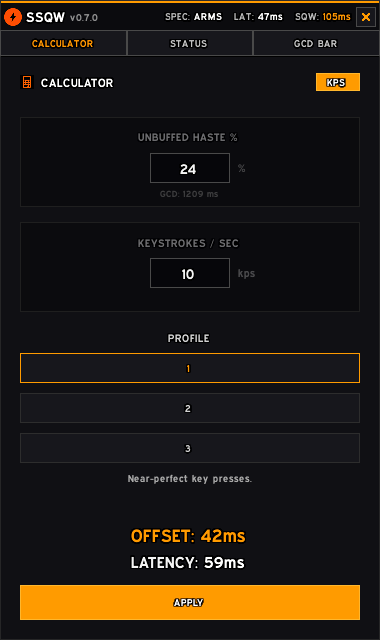
Engine of SSQW. There you input your unbuffed haste % and your keystrokes per second, pick a skill profile (1/2/3 - from near-perfect to solid), and the addon executes live calculations afterwards.
GCD Bar
Minimal overlay bar that shows a live fill as the GCD progresses and highlights the SQW window at the end. Also displays current latency and the active SQW value. Draggable, configurable width/height/colors.
Slash commands
/ssqw- toggle main window/ssqw status- print current latency and SQW to chat/ssqw bar- toggle GCD bar
The SSQW - Smart SpellQueueWindow Manager Team