SplitActionBars
- By
Add custom gaps between columns and rows of native Blizzard action bars. Configure each gap in Edit Mode without replacing your bars or changing keybindings.
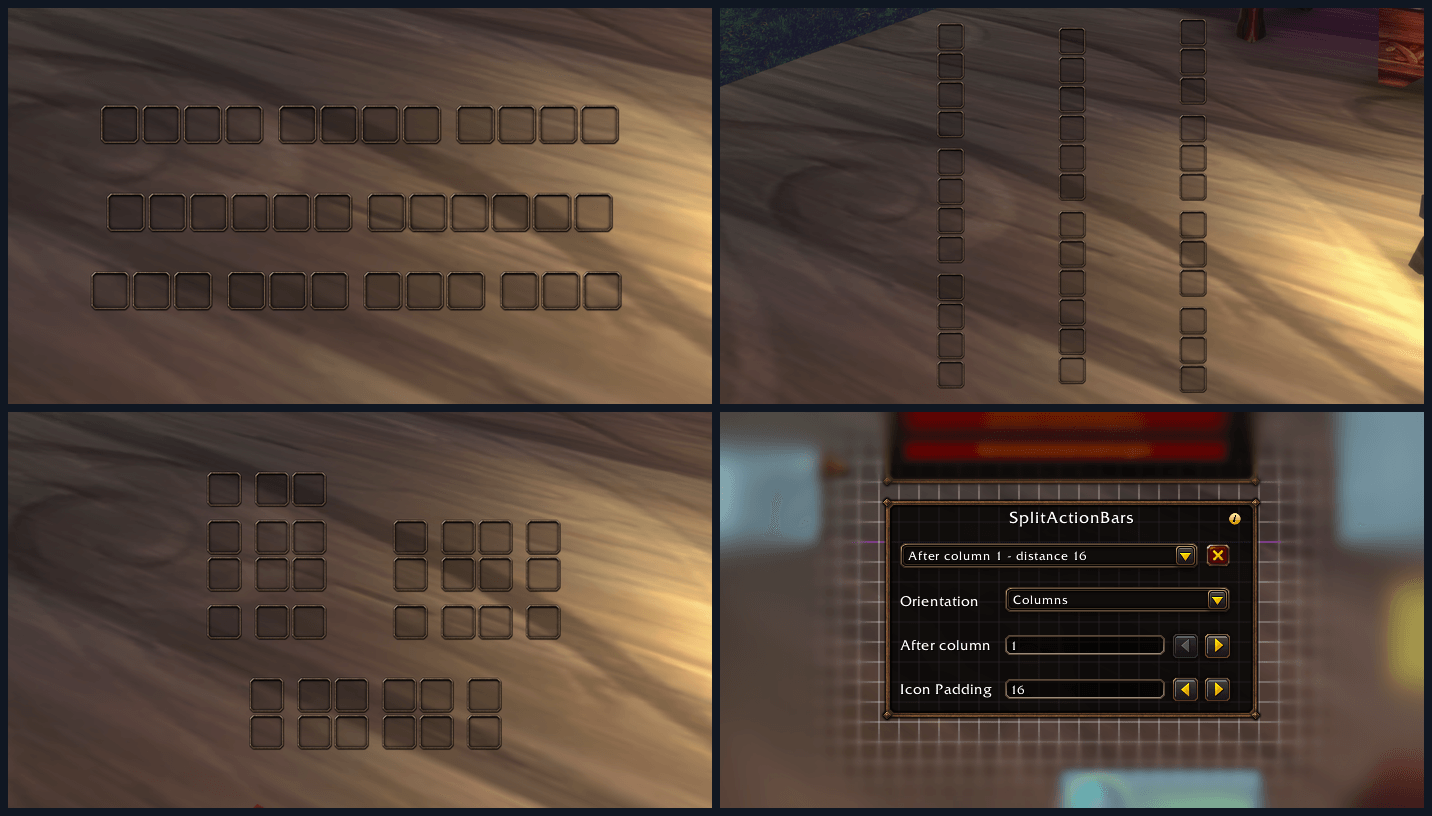
screenshots_all.png
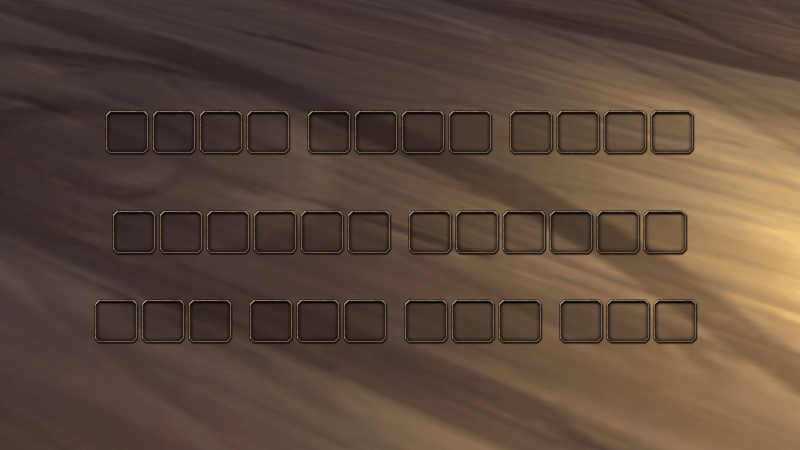
screenshot_horizontal.png
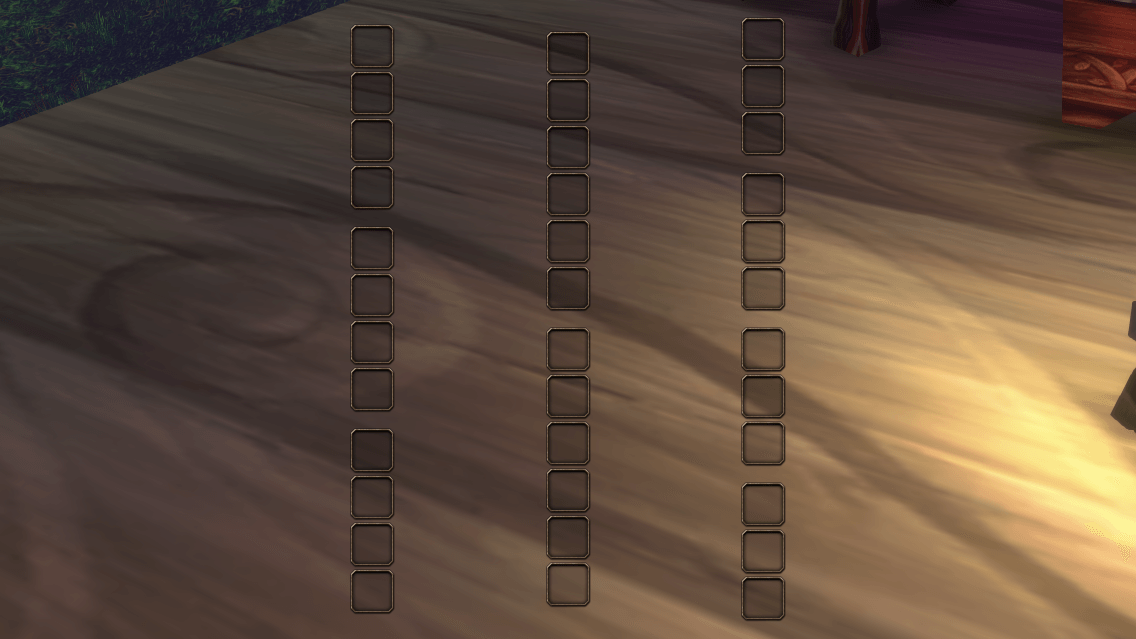
screenshot_vertical.png
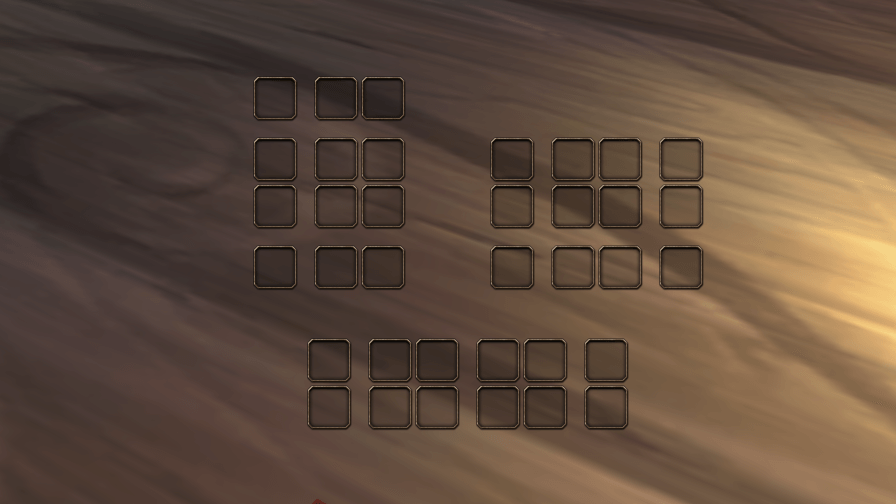
screenshot_block.png
screenshot_menu.png
Description
SplitActionBars
"You ever wanted a gap in your action bar? Nothing more, nothing less, just a gap in your bar. I got you!
You want more than one gap? One horizontal or just vertical or both? I've got you covered!"
SplitActionBars lets you separate Blizzard's action bars into groups by adding gaps between columns or rows. Your buttons and keybindings stay as they are. You choose where each gap goes and how much space it leaves.
Features
- Add multiple gaps to a bar, each with its own spacing.
- Use horizontal, vertical or multi-row bars.
- Preview changes in Edit Mode, then save or revert them with Blizzard's controls.
- Keep separate gap settings for each layout and bar.
If you reduce a bar's rows or columns, gaps that no longer fit remain saved. They return when the bar has room for them again.
The addon is available in English, German, French, Spanish and Italian.
Installation and use
SplitActionBars currently supports WoW Forever.
- Install SplitActionBars through an addon manager, or copy the
SplitActionBarsfolder into your client'sInterface/AddOnsdirectory manually. - Enable the addon, open Edit Mode and select an action bar.
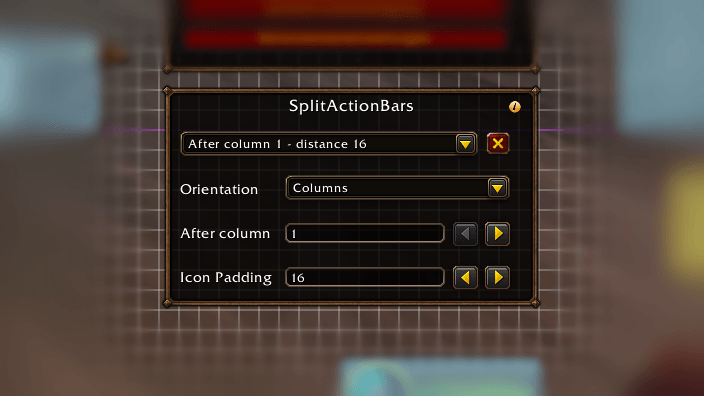
- Choose Add new gap… in the SplitActionBars dropdown.
- Choose columns or rows, the position and the spacing.
- Save the layout with Blizzard's controls, or revert the changes.
Spacing sets the entire gap between the adjacent columns or rows, rather than adding to the bar's normal icon spacing. The addon leaves your bars unchanged until you add a gap.
Configuration changes are unavailable during combat.
License
MIT. See LICENSE.
SplitActionBars Team