SpellBrush
- By
1.png
1.png
1.png
1.png
1.png
Description
About
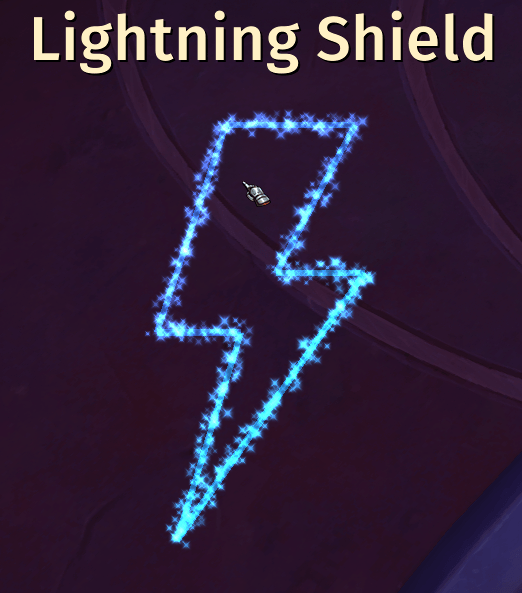
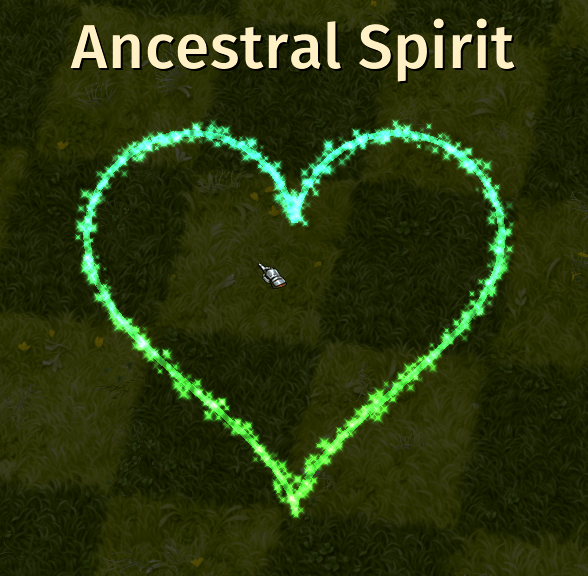
SpellBrush allows you to use abilities by drawing shapes on your screen. This works only out-of-combat due to Blizzard's API restrictions. This is more of an RP addon rather than a utility one. Designed to work in both Retail and Forever.
Please not that this addon is in early development and future updates might break existing saved data.
Usage
You can access addon settings by clicking on the minimap icon or with a /spellbrush command. You need to assign at least one drawing keybind in the "Options" tab before you can draw.
How does it work
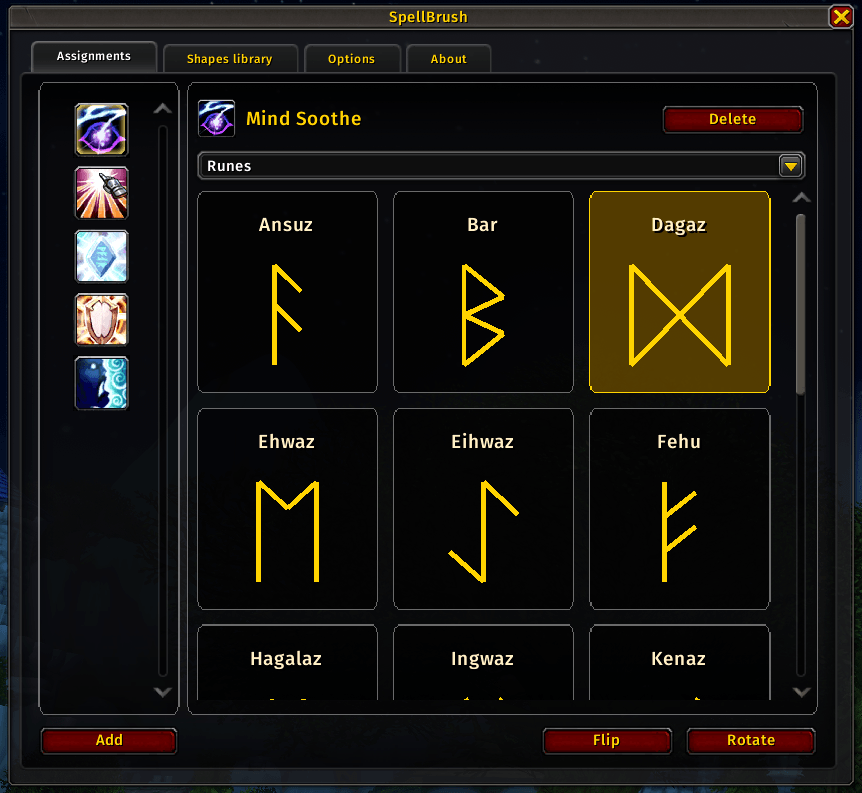
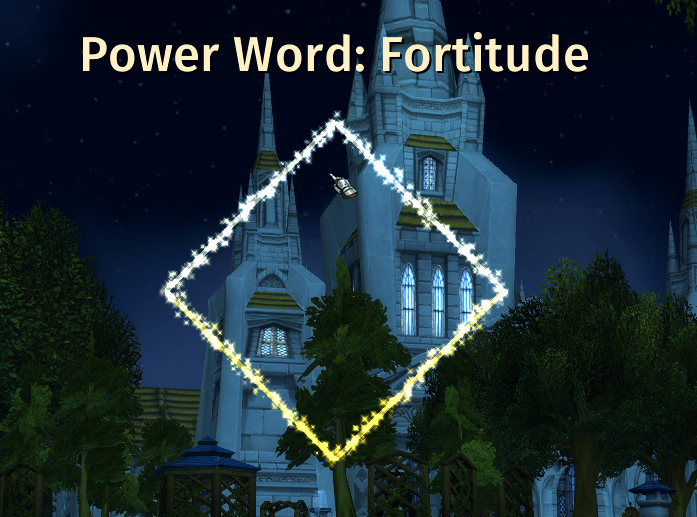
You assign an ability to a shape. Then you can start drawing on your screen with an assigned keybind. If your drawing matches an assigned ability you will be able to use it.
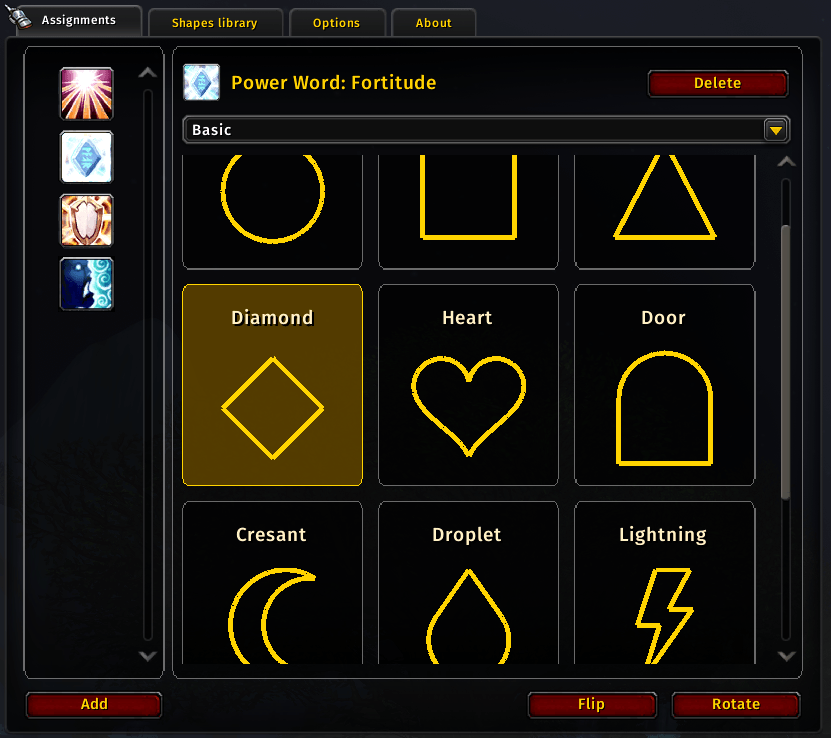
1. First assign an ability to a shape
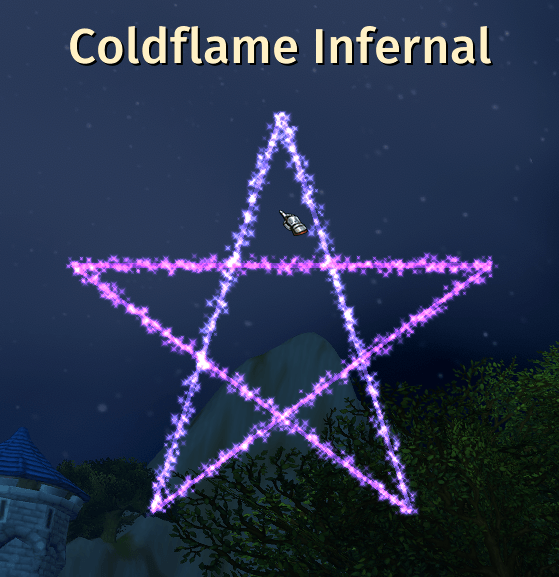
2. Then start drawing on your screen by holding "Draw" keybind,
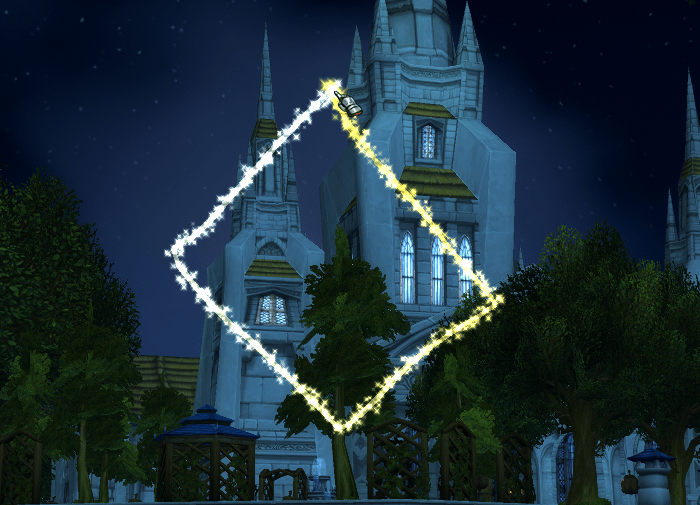
3. If the shape is recognized you can cast the assigned ability
What can be assigned
- Known abilities
- Items in your inventory
- Known mounts
- Any pre-defined macro
I'm also working on adding toys.
Defining your own shapes
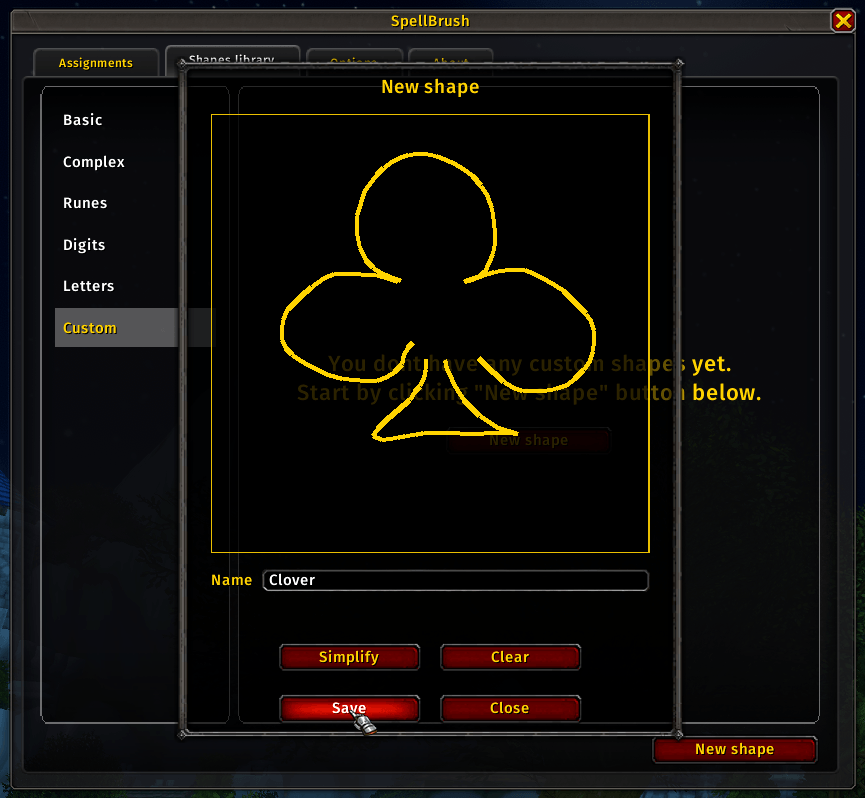
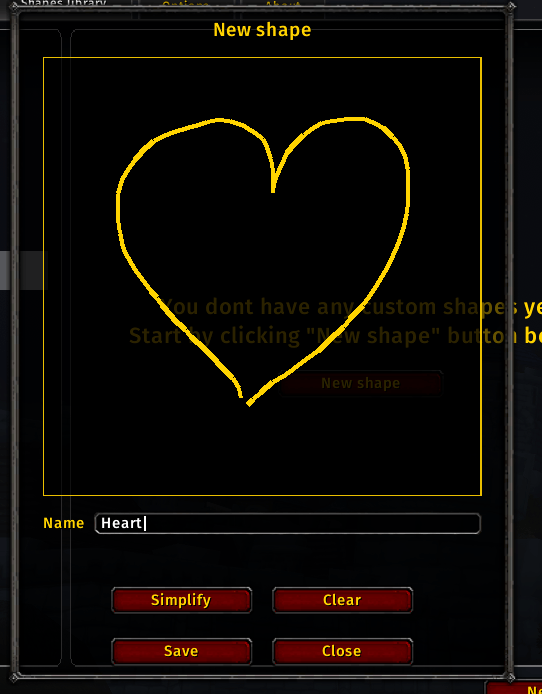
You can create your own shapes in the Shapes library. You can save your drawing as-is or use the "Simplify" tool to straighten uneven lines.
Customizing the brush
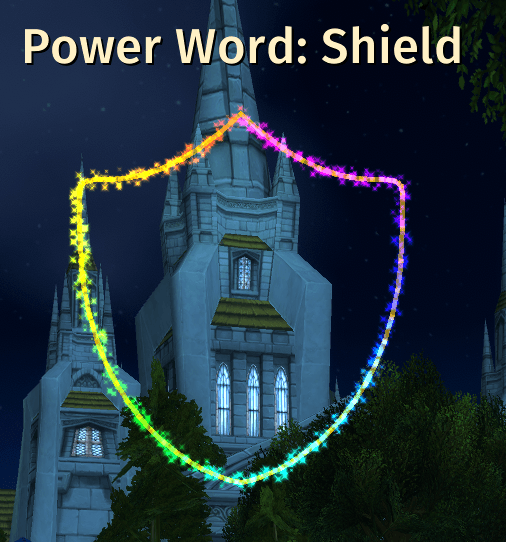
You can set the brush to be one color, a gradient or a rainbow. You can also toggle drawing sounds.
SpellBrush Team