


SpecAlert
Skjermbilde 2026-09-11 213932.png
Skjermbilde 2026-09-11 213906.png
Skjermbilde 2026-09-11 213919.png
Description
Never start a pull on the wrong talent loadout.
SpecAlert flashes your **current specialization and loadout** on screen when a ready check goes out, with an optional sound. Built for **The War Within / Midnight** (interface 12.0).
## What you see
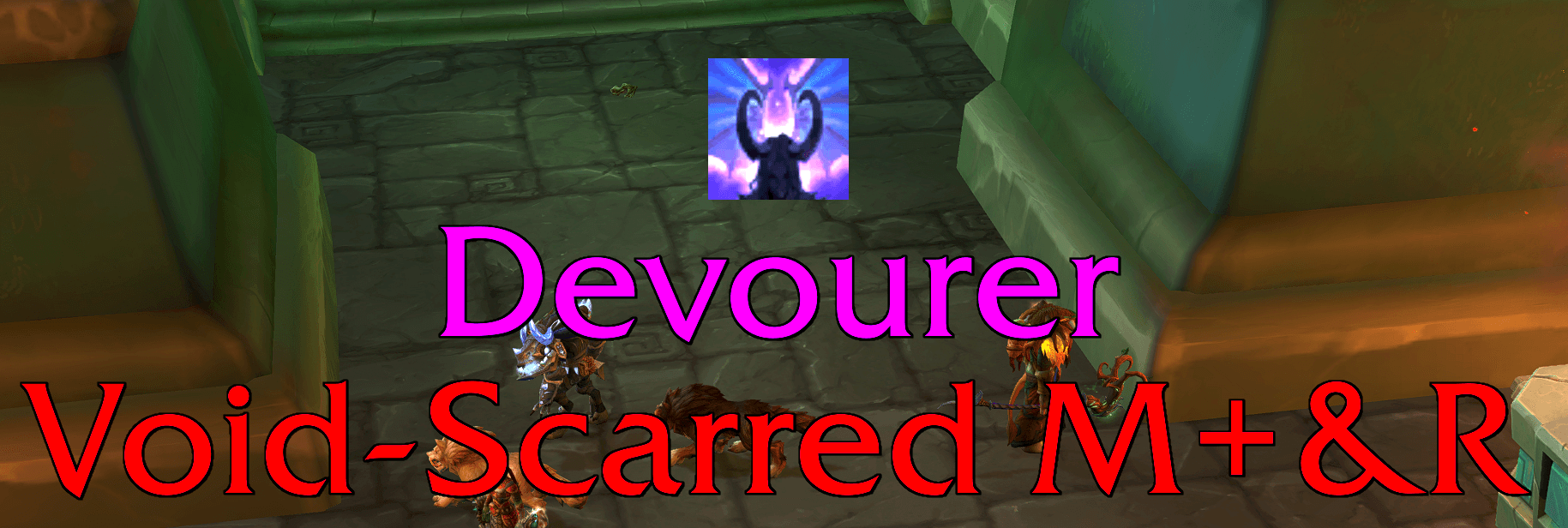
On ready check:
- Spec name on the first line
- Loadout name on the line below
- Centered text, optional spec icon
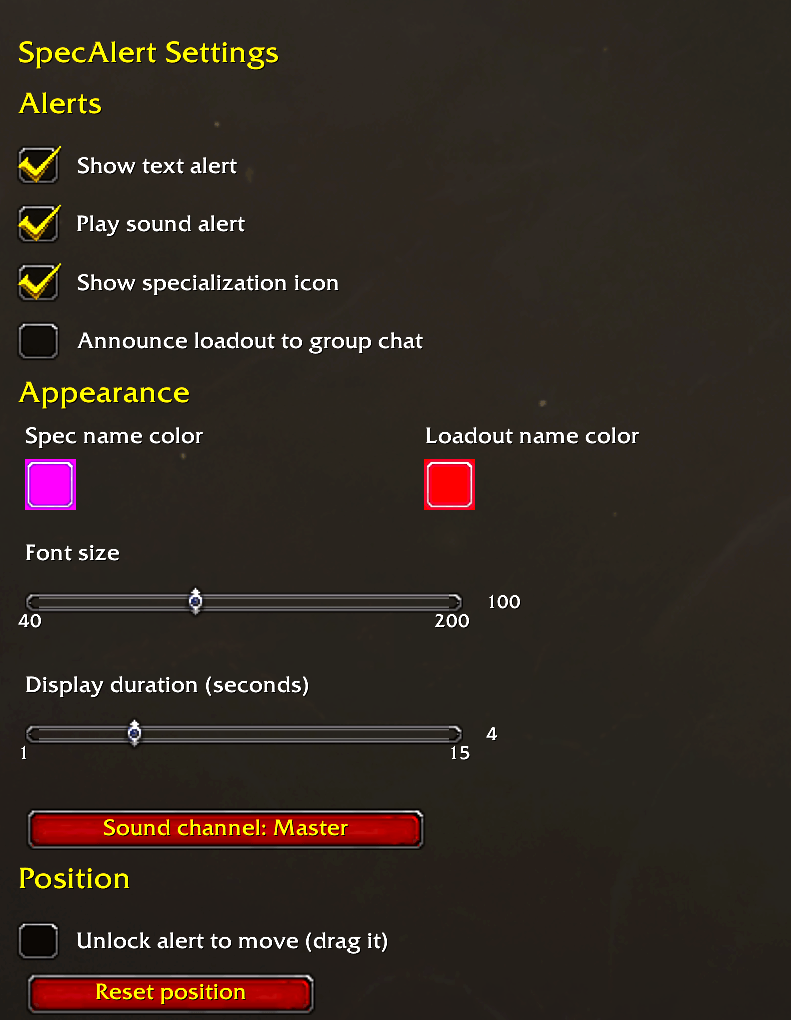
- Separate colors for spec and loadout
Drag the alert wherever you want, then lock it. Size, duration, and sound channel are all configurable.
## Expected loadouts (M+ and raid)
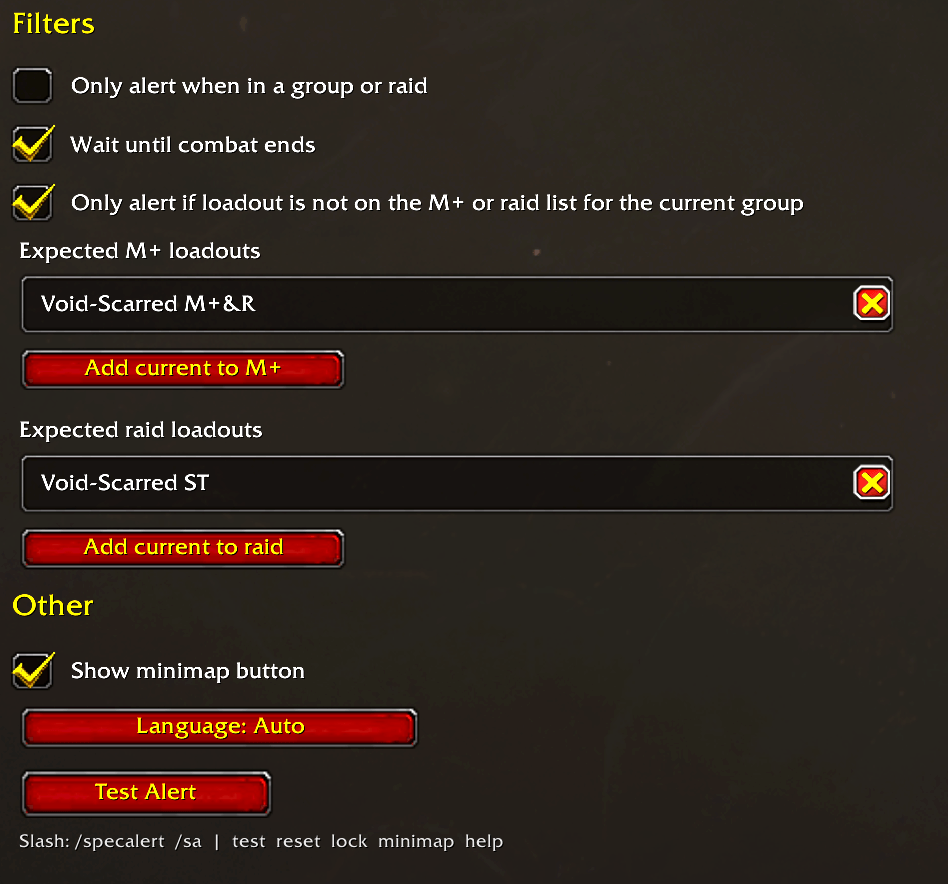
You can keep two lists of loadouts you *should* be on:
- **Mythic+** — used in a 5-player group, dungeon, or keystone
- **Raid** — used in a raid group or raid instance
Add the loadout you are currently on with one click. Remove it with the **X** next to the name.
Turn on **“Only alert if loadout is not on the M+ or raid list”** if you only want a warning when you are on the wrong build. If the loadout matches the list for that group, SpecAlert stays quiet.
How the addon picks a list:
1. Active Mythic Keystone (or keystone difficulty) → M+
2. Raid instance or raid group (`IsInRaid`) → raid — including a raid sitting in town
3. Dungeon or party group → M+
4. Solo → no list (the filter does not hide the alert)
## Other options
- Text and/or sound
- Wait until combat ends before showing the alert
- Only run when you are in a group
- Optional announcement to party / raid / instance chat
- Minimap button (right-click to test)
- English or Norwegian UI
Open settings with **`/specalert`** or **`/sa`**, from Options → AddOns, the minimap button, or the addon compartment.
## Slash commands
| Command | Action |
| --- | --- |
| `/specalert` or `/sa` | Open settings |
| `/sa test` | Preview the alert |
| `/sa lock` | Unlock or lock the alert so you can drag it |
| `/sa reset` | Reset alert position |
| `/sa minimap` | Show or hide the minimap button |
| `/sa help` | List commands |
SpecAlert Team
