Spec & Loot HUD
- By
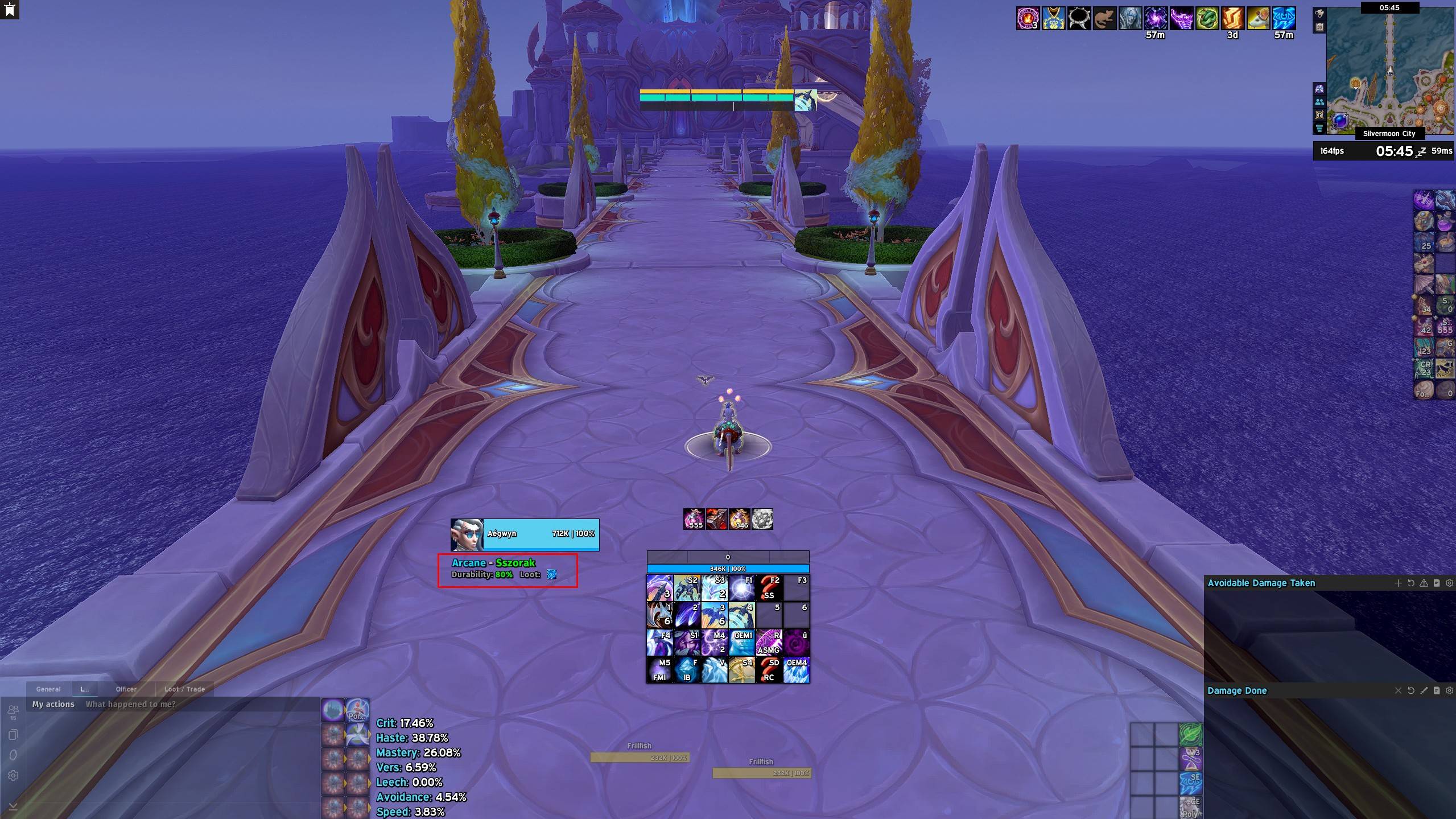
Screenshot_2.jpg
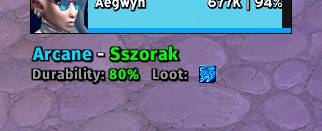
Screenshot_1.jpg
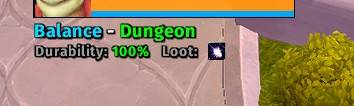
Screenshot_3.jpg
Screenshot_4.jpg
Description
Spec & Loot HUD
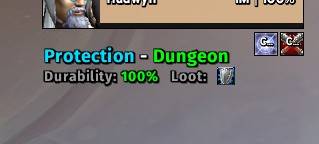
Spec & Loot HUD is a lightweight, clean, and highly responsive World of Warcraft addon designed to keep track of your active Class Specialization, Talent Loadout, gear Durability, and current Loot Specialization right on your screen in real time.
🌟 Key Features
-
Active Spec & Talent Loadout Tracking: Instantly displays your current specialization along with the exact name of your active talent preset (Loadout).
-
Live Gear Durability: Shows average equipped gear durability percentage with dynamic color coding:
-
🟢 Green: Safe (70% – 100%)
-
🟡 Yellow: Caution (30% – 69%)
-
🔴 Red: Low Durability / Repair Needed (0% – 29%)
-
-
Loot Spec Icon Display: Features a crisp icon indicating your selected Loot Specialization so you never accidentally receive loot for the wrong spec in raids or dungeons.
-
Modern Typography: Styled using crisp Fira Sans Bold text with clean subtle outlines and soft drop shadows for optimal visibility against any in-game background.
-
Fast & Event-Driven Sync: Built using optimized WoW event listeners with micro-delay fallbacks to ensure instant updating when changing talents, switching specs, or dying/repairing.
-
Fully Customizable: Drag-and-move support and real-time scaling to fit any UI design or WeakAuras layout.
🎛️ How to Adjust & Move
| Action | Control Shortcut |
| Move Position | Hold Alt key + Left Click Drag anywhere on the text frame. |
| Resize / Scale | Hold Alt key + Mouse Wheel Scroll up or down on the frame. |
💻 Slash Commands
You can use either /slh or /specandloot in the chat window:
/slh — Displays the help menu and available commands.
/slh reset — Resets the frame position and scale back to default center.
/slh scale <value> — Sets exact scale size (e.g., /slh scale 1.2 for 120% size). Range: 0.5 to 2.5.
📁 Installation & Font Setup
-
Extract the
SpecAndLootHUDfolder into yourWorld of Warcraft\_retail_\Interface\AddOns\directory. -
Ensure your font file is placed under the eklenti folder:
...\Interface\AddOns\SpecAndLootHUD\Fonts\FiraSans-Bold.ttf -
Restart the game client completely for new font files to load.
💬 Support & Feedback
If you run into any issues or have feature suggestions, feel free to leave a comment or open an issue on the project page!
Spec & Loot HUD Team