


Spear Timeline
2.png
3.png
1.png
Description
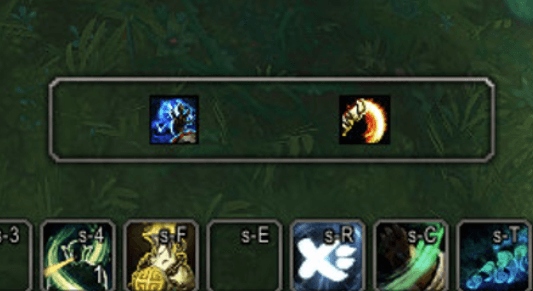
**Spear Timeline** shows the abilities you actually used on a horizontal timeline. A new
icon appears at the right edge, scrolls left, and fades out after 2 seconds — so a glance
tells you what you just pressed and in what order.
### Only what you actually used
Most cast-history addons watch `UNIT_SPELLCAST_SUCCEEDED`, which is not proof that *you*
used an ability: the game reports procs, talent-triggered spells and linked/override
spells as successful casts by "player" too. Spear Timeline pairs that event with
`UNIT_SPELLCAST_SENT`, which only fires when you send a cast to the server:
- **You sent it and it went off** → shown
- **A proc or triggered spell you never pressed** → hidden
- **You pressed it but the cast never happened** (interrupted, out of range, cancelled) → hidden
Spell overrides are matched by `castGUID`, so the bar shows the ability that actually
fired. Turn the filter off if you would rather see every successful cast.
### No duplicates, no overlap
Some abilities fire the success event several times for a single press. Repeats of the
same ability inside a short window fold into one icon with an `x2` / `x3` badge, and
abilities that land at the same instant are spaced a fraction of a second apart so their
icons — and their names — never sit on top of each other. The spacing is derived from
your icon size, bar width and travel time, and widens automatically when ability names
are switched on.
### Made to get out of your way
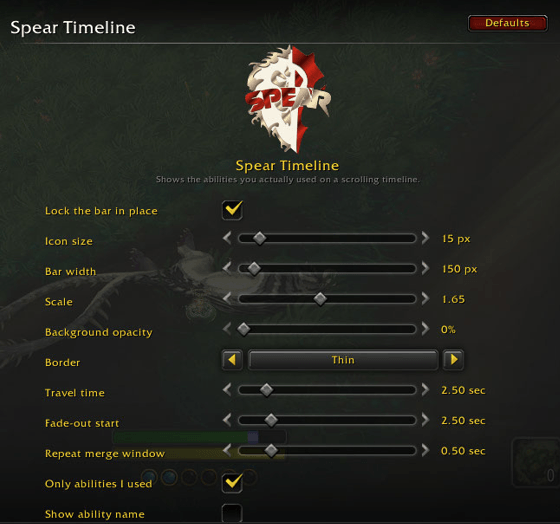
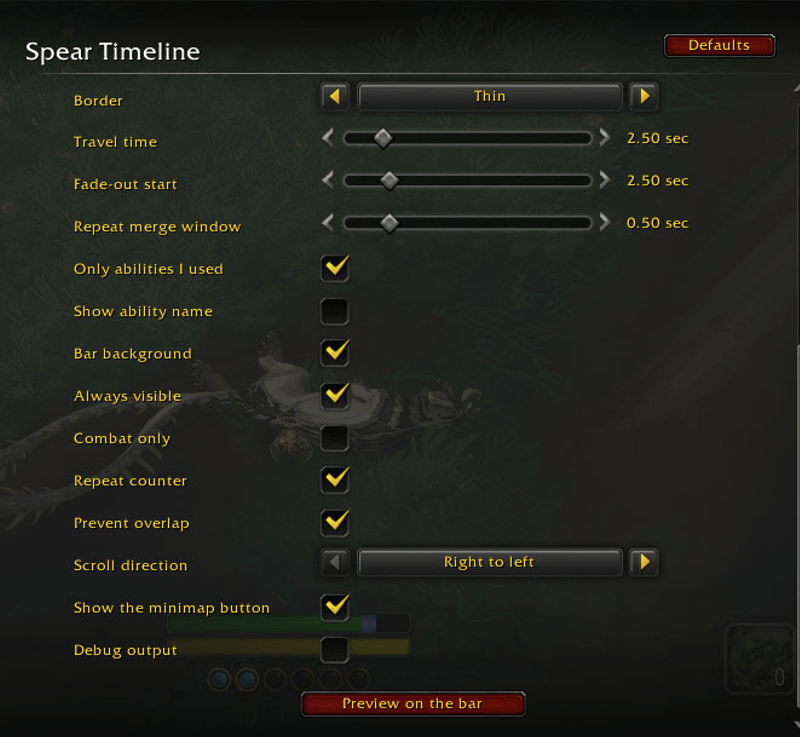
- Fully configurable travel time and fade-out point
- Right-to-left or left-to-right
- Icon size, bar width, scale, background opacity
- Blizzard-style border: none, thin or ornate
- Optional ability names, optional repeat counter
- Combat-only mode, and an always-visible mode
- Drag the bar anywhere; drag the minimap button anywhere around the minimap
- **Zero idle cost:** the bar hides itself and the update loop detaches completely when
nothing is scrolling
### Setup
One command:
```
/speartime
```
That opens the settings, which is where everything lives. You can also click the SPEAR
button on the minimap. Every change previews itself on the bar immediately, so you can
tune it without going into combat.
The Spear Timeline Team
