


SP_Info3.png
SP_Info4.png
SP_Info.png
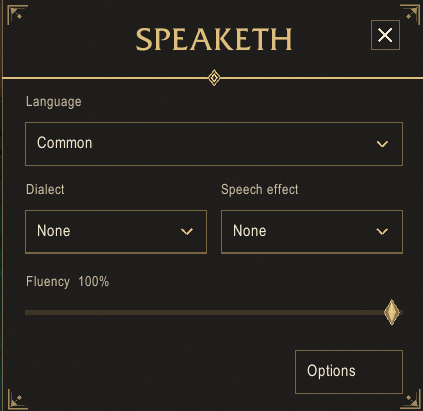
SP_Info2.png
Description
It is highly recommended to use a form of emote splitting addon. You may run into issues with Blizzard's native chat limits without doing so.
- 20+ built-in languages: Common, Orcish, Thalassian, Darnassian, Taurahe, Dwarvish, Gnomish, Forsaken, Zandali, Draenei, Goblin, Shath'Yar, Draconic, Demonic, Nerubian, Nazja, Shalassian, Vrykul, Vulpera, Gilnean, and Pandaren
- Custom languages: create your own language from a pool of words you define
- Custom language sharing: generate a compact import code for any custom language and share it with other players; they paste the code in and the language is added to their addon instantly
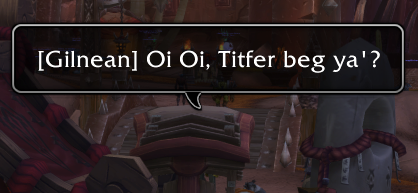
- Built-in dialects: Gilnean, Troll, and more, applied on top of any active language
- Custom dialects: build your own accent using word-swap rules
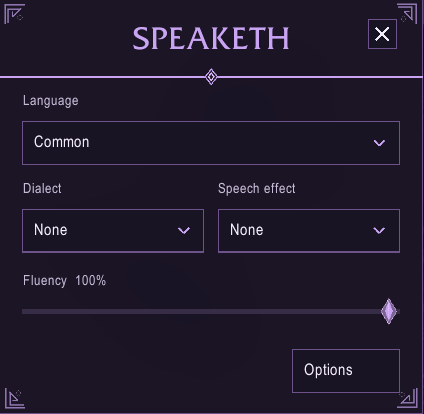
- Independent effects: Drunk, Stutter, Hiss, Growl, and Lisp operate separately from the active dialect
- Adjustable intensity: every effect has four levels, with conservative Light and Moderate settings for readable roleplay
- Drunkenness: retains its themed Off, Tipsy, Drunk, and Smashed progression
- Per-language fluency (0-100%): the higher your fluency, the more of your speech comes through clearly to other Speaketh users
- Passive learning: optionally gain fluency over time just by hearing a language spoken
- Listener-based decoding: two listeners can hear the same message very differently depending on how well each of them knows the language
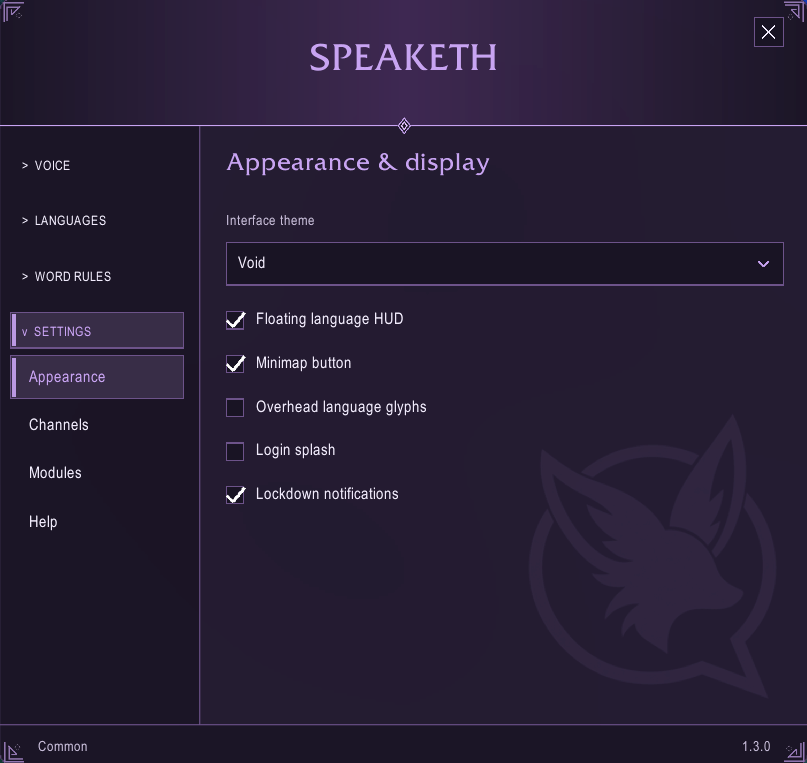
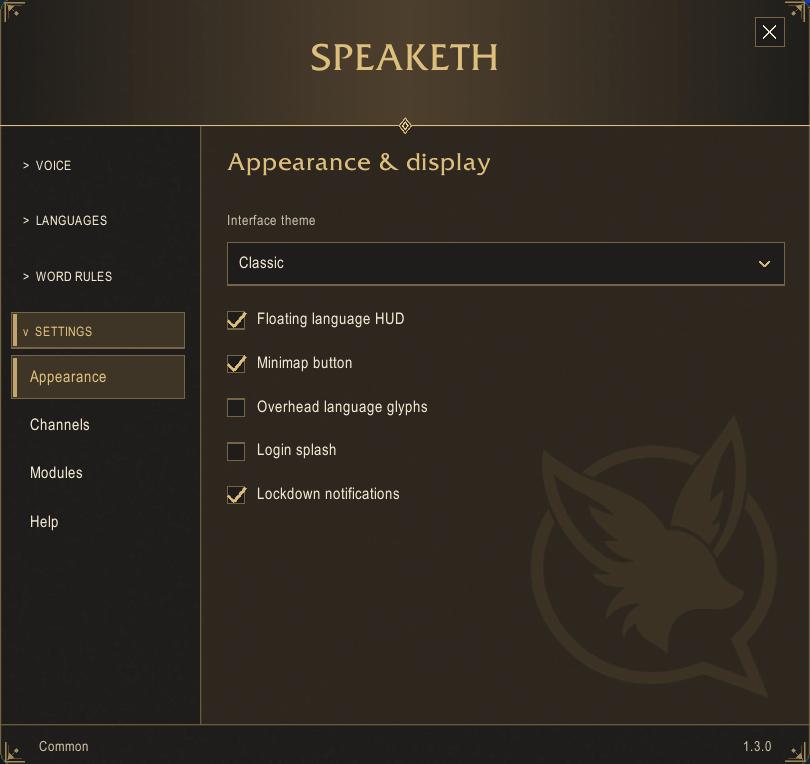
- Overhead glyph speech: when enabled, other Speaketh users see your overhead speech bubble drawn as language glyph textures (one per letter) instead of scrambled text. The chat window still shows the message translated according to each listener's fluency, so glyphs convey "this is a foreign tongue" overhead while the chat box handles understanding.
- Per-language glyph sets: every built-in language ships its own A-Z glyph set; custom languages fall back to the Common set.
- Non-disruptive: players without Speaketh never see glyphs, only the normal scrambled text, exactly as before. Chat bubbles are unavailable inside dungeons and raids (a Blizzard restriction), where the normal text shows instead.
- Toggle: turn glyphs on or off in
/sp optionsunder General.
- Works across party, raid, guild, and whisper: other Speaketh users decode your speech at their own fluency level, while players without the addon see only the scrambled text
- Works in /say and /yell: even players not in your group can understand you if they have the addon and know the language
- Non-disruptive: players without the addon simply see the translated text as written, just like normal language scrambling in WoW
- Passthrough words: define words that are never translated regardless of language, useful for character names and in-game terms
- Minimap button: access your language and settings at a glance
- Floating language HUD: a small draggable label showing your active language
- Download and unzip
Speaketh.zip - Place the
Speakethfolder into:World of Warcraft/_retail_/Interface/AddOns/Speaketh - Launch WoW or type
/reload - Enable Speaketh in the AddOns list on the character select screen
| Command | Description |
|---|---|
/sp or /speaketh |
Open the help screen |
/sp options |
Open the settings panel |
/sp window |
Open the Speak Window |
/sp <language> |
Switch to a language (e.g. /sp orcish) |
/sp none |
Disable translation |
/sp cycle |
Cycle to your next known language |
/sp dialect <name> |
Set a dialect (e.g. /sp dialect troll) |
/sp theme <mode> |
Select the Classic or Void interface theme |
/sp drunk <0-3> |
Set drunkenness level |
/sp share <language> |
Generate an import code for a custom language |
/sp import <code> |
Import a custom language from a code |
/sp list |
List all languages and your fluency in each |
The Speaketh Team
