Description
Spam Cleaner
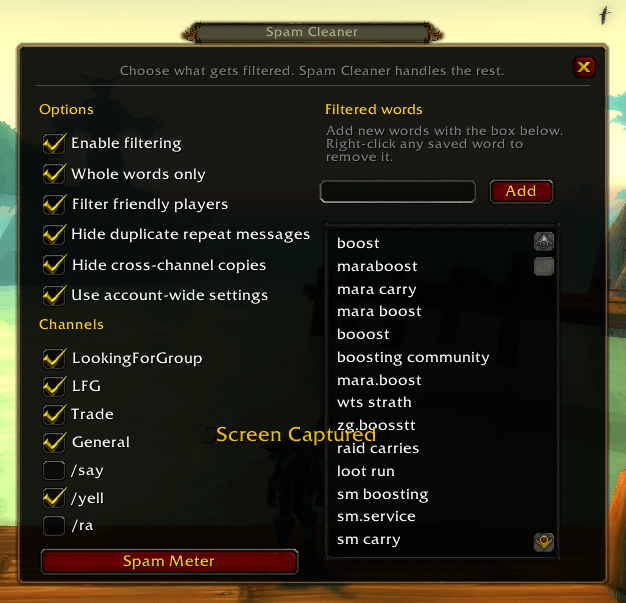
Spam Cleaner cuts down on boost ads, repeated LFM spam, cross-channel flooding, and other unwanted chat noise without filling your Ignore list.
Choose what gets filtered. Spam Cleaner handles the rest.
Commands
/sc or /spamcleaner — Opens Spam Cleaner
Features
Custom Filters
Add any word or phrase you don't want to see.
Enable Whole words only to avoid partial matches. For example, mob will not match mobile.
Right-click a saved filter to remove it.
Cross-Channel Spam
If someone posts the same message across several channels, Spam Cleaner can show the first copy and hide the repeats.
Duplicate Messages
Enable Hide duplicate repeat messages to suppress repeated copies of the same message in the same channel.
Spam Meter
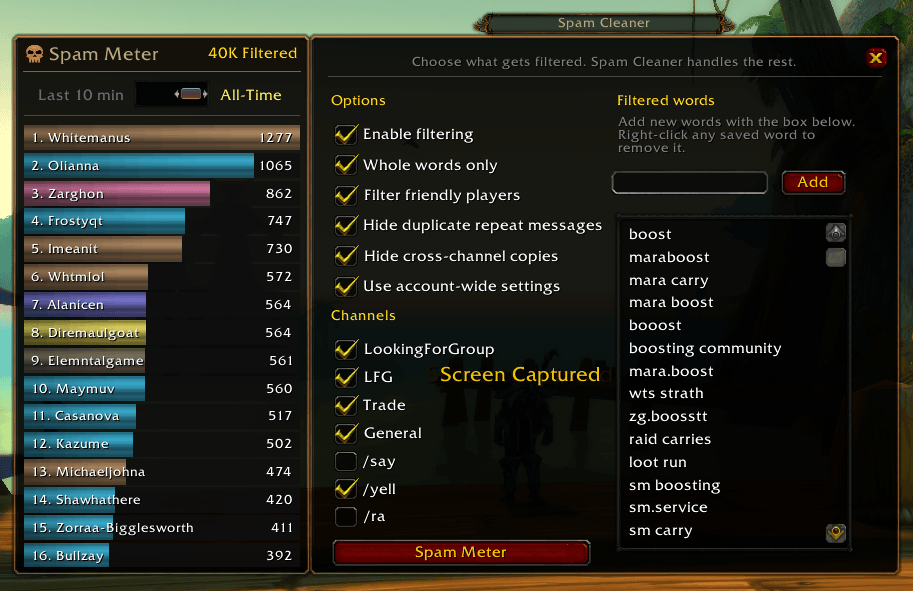
Open the Spam Meter to see who is filling your chat with the most filtered spam.
The live meter:
- Ranks spammers by messages filtered during a rolling 10-minute window.
- Shows each player's Spams Per Minute (SPM).
- Uses class-colored bars with live ranking animations.
- Automatically drops inactive spammers as their older messages fall outside the 10-minute window.
- Supports mousewheel scrolling for longer lists.
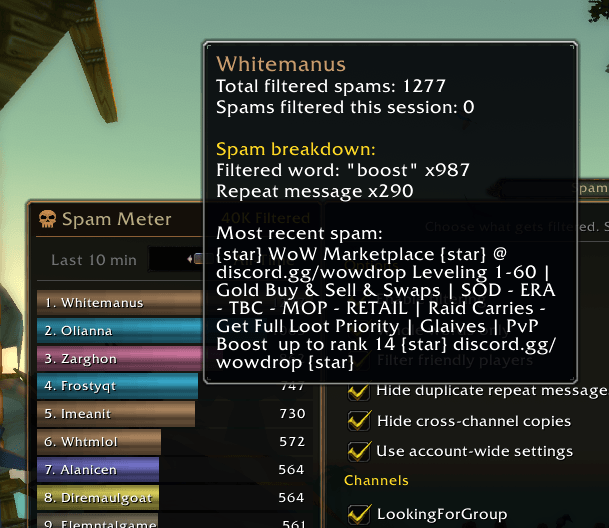
Mouse over a player to see their total filtered spam for the session, why they were filtered, and their most recent offending message.
Session Report
Click Print Filter Report to see the top 10 offenders from your current session and why they were filtered.
Unlike the rolling Spam Meter, the Session Report remains cumulative for the entire session.
Session stats reset on login or /reload.
Account-Wide Settings
Enable Use account-wide settings to share your filters and options between characters.
Spam Cleaner Team