Description
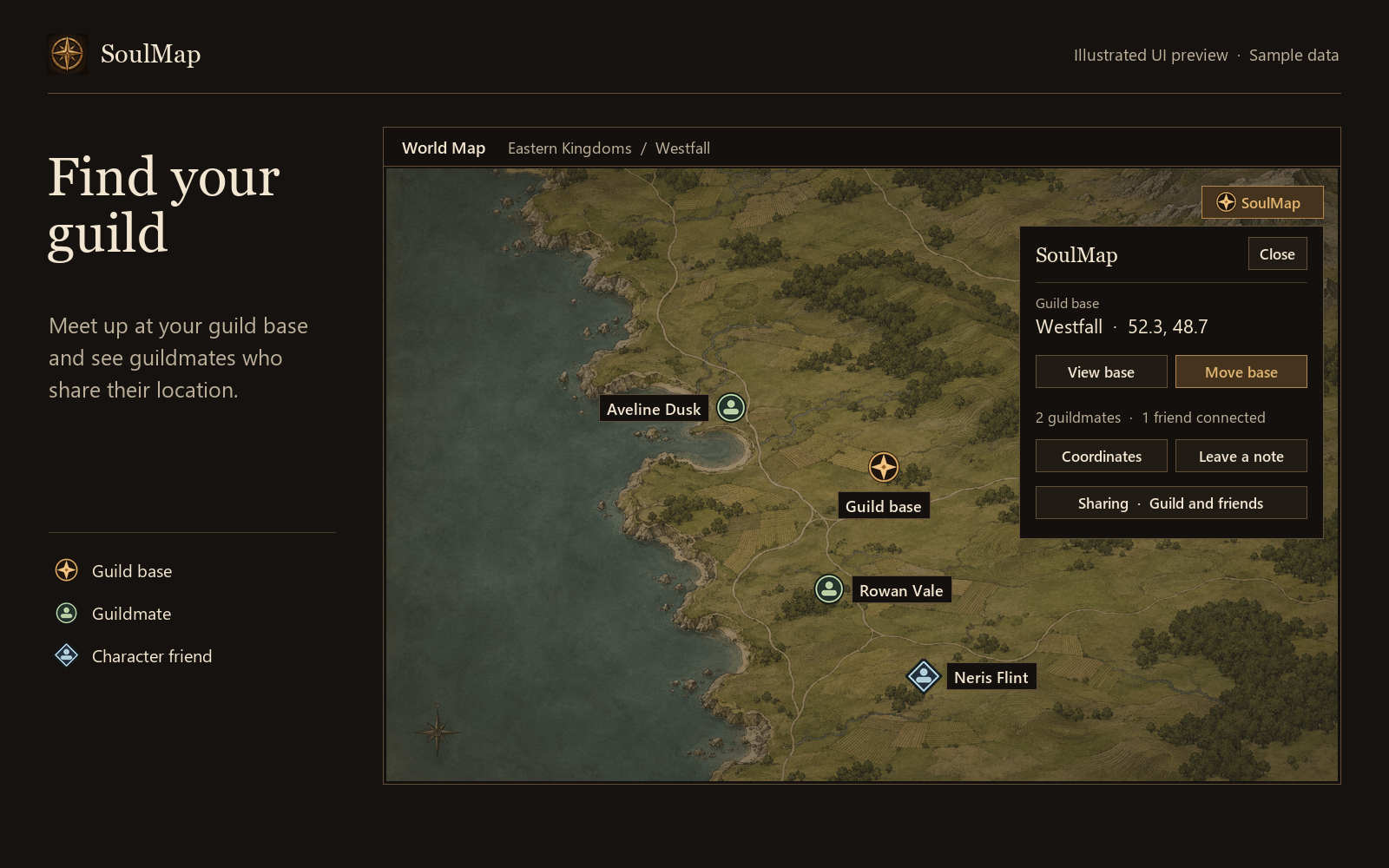
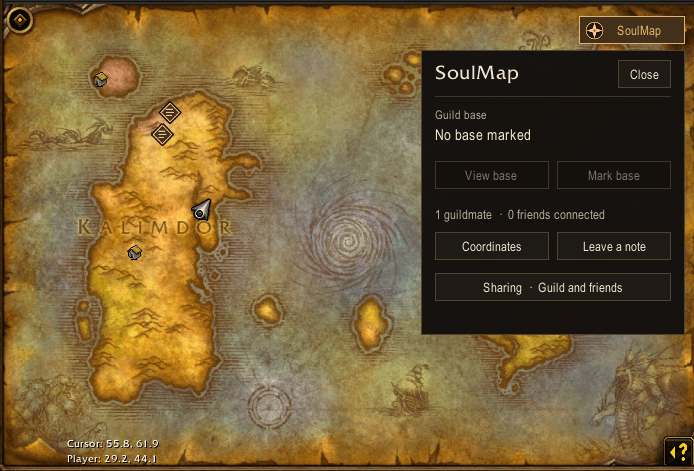
Open the world map and click SoulMap, or type /soulmap. Set a place to meet, see who's sharing their location, or leave a note for someone to find along the way.
- Live pins and class icons. SoulMap automatically finds other users in your guild and among mutual character friends. In Location sharing → Companion pins, you can turn on WoW's class icons for each group separately.
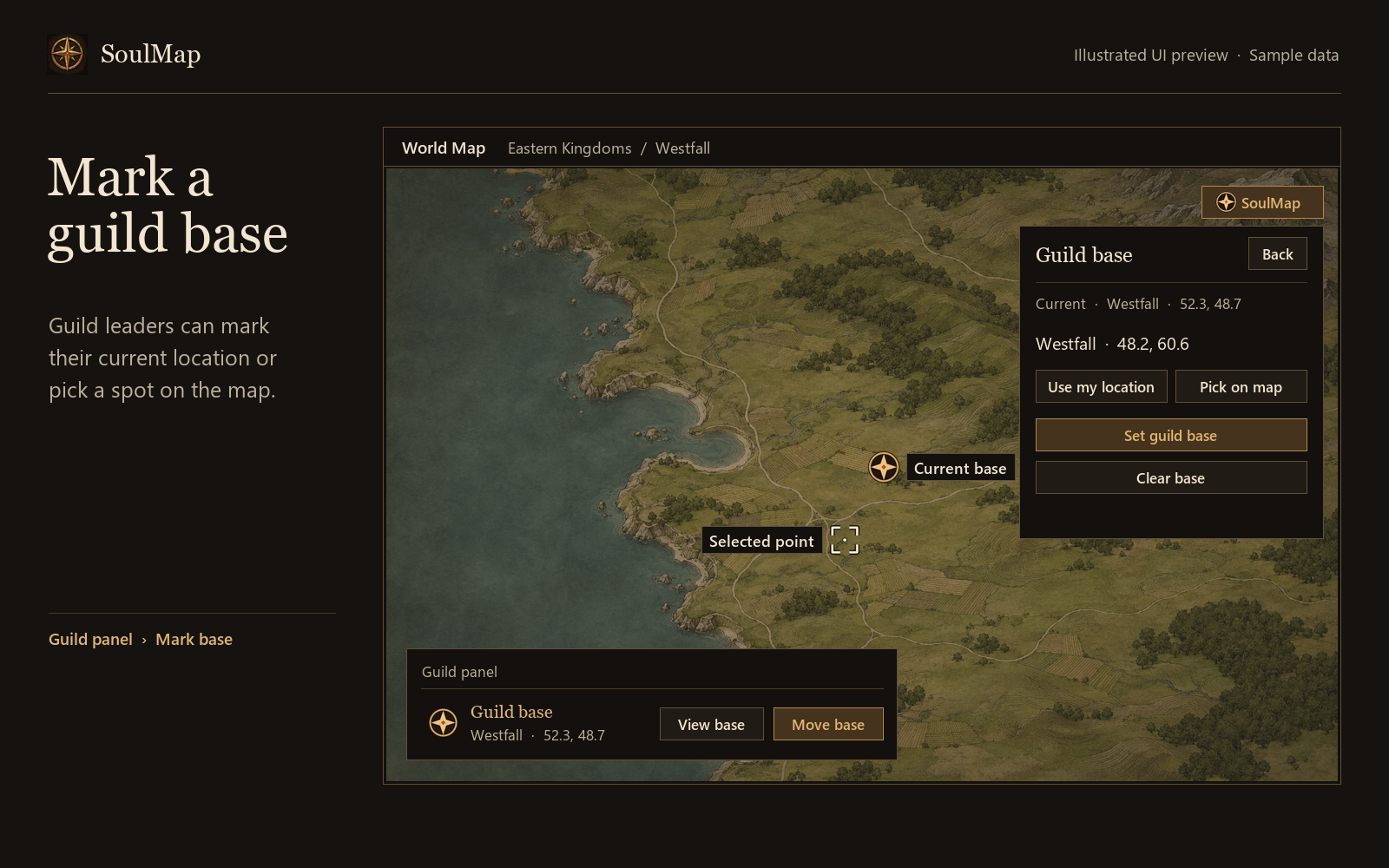
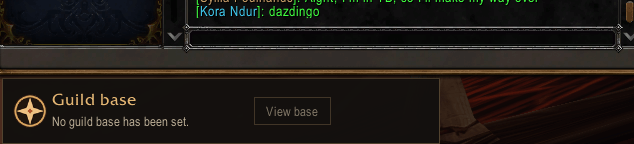
- Guild base. Your guild leader can mark a meeting spot from the guild panel or the map, using their current location or a point they pick.
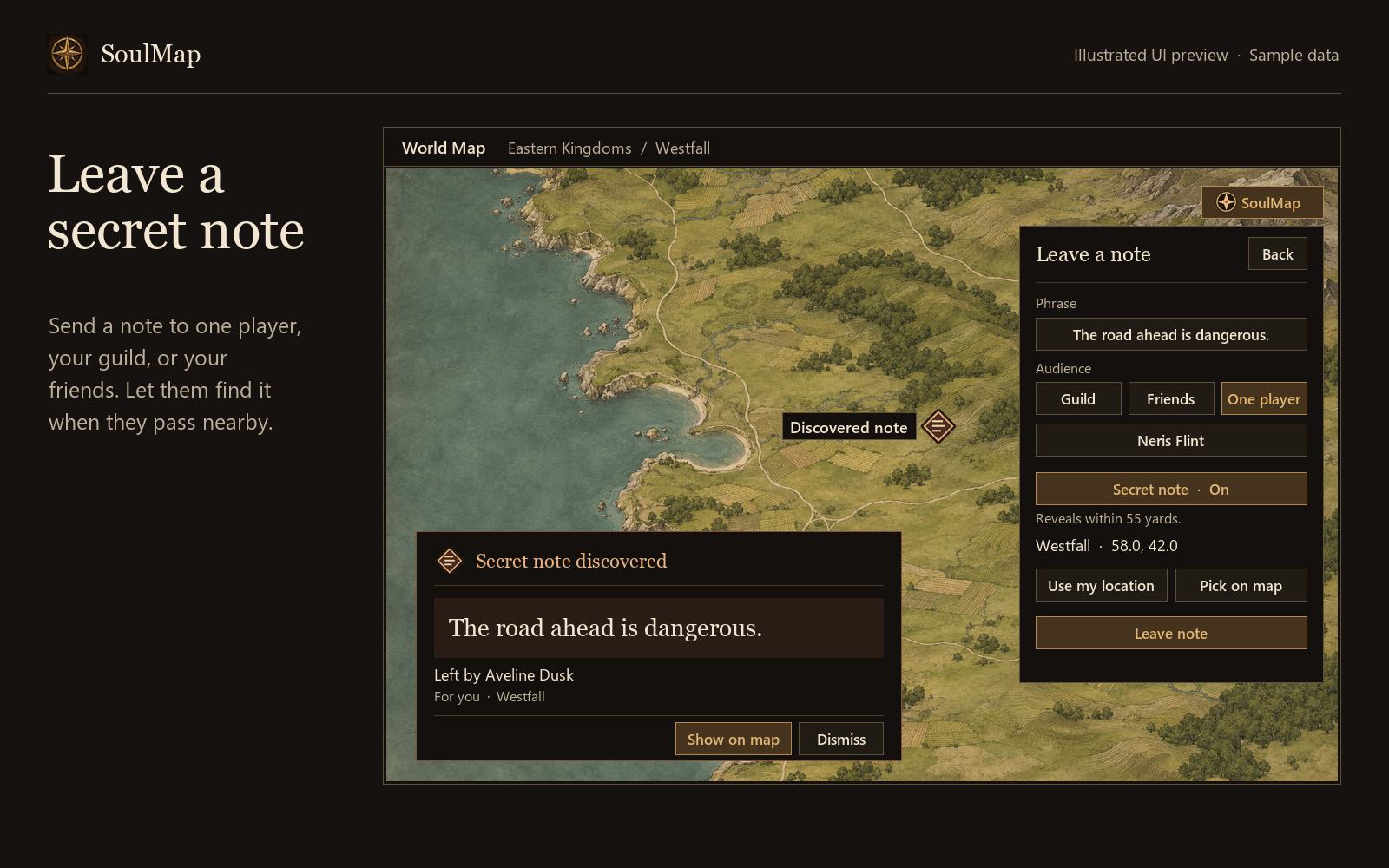
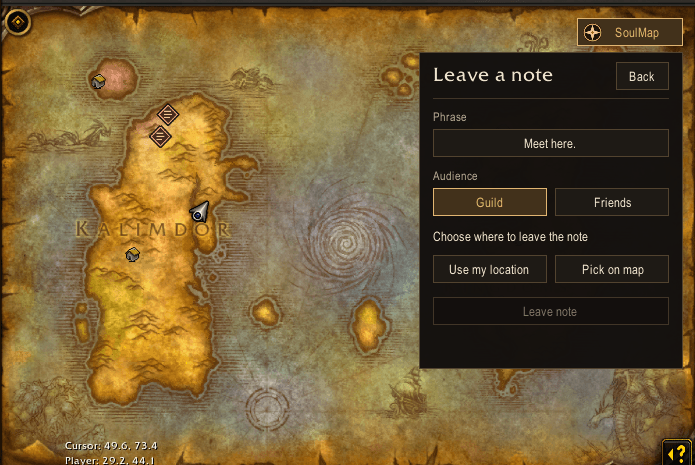
- Private and secret notes. Leave a short preset phrase for your guild, your friends, or one connected player. Turn on Secret note to hide the pin until a reader gets within about 55 yards. The discovery journal shows the note and its author, with a Show on map button. Notes last 24 hours.
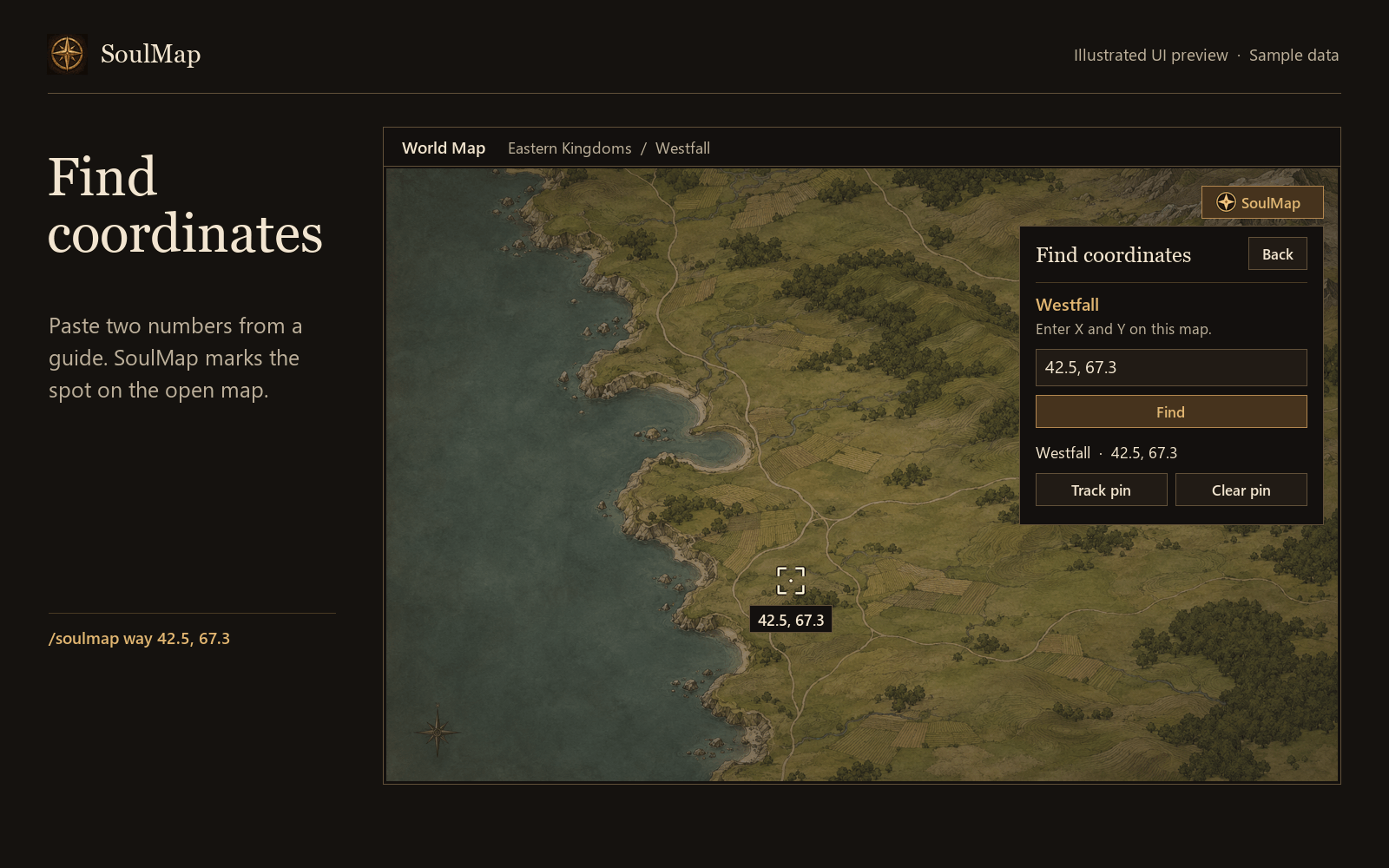
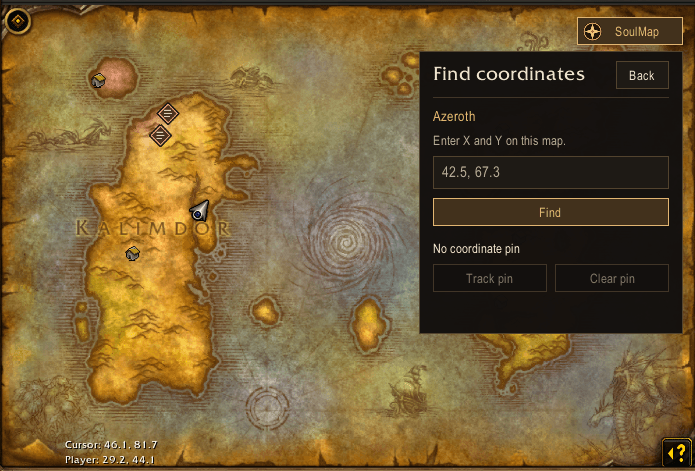
- Find coordinates. Paste
42.5, 67.3into Coordinates or type/soulmap way 42.5, 67.3to mark a spot on the open map. Choose Track pin to use WoW's waypoint on supported maps.
On new profiles, location sharing starts on for guildmates and mutual character friends. Each has its own switch under Location sharing. Dark map is optional and starts off.
Both players need SoulMap to share locations or notes, and 0.2.0 or newer for private and secret notes. Notes sync when the author and reader are online together.
Game version · World of Warcraft: Forever 1.60.1
SoulMap Team