
SoftCombatLock
- By
Wow_rASL1FP5Im.png
Wow_rMAWv4VehP.png
Description
WOOT! GAME ON!! Looks like there was an "Oops, did I do that?" moment for Blizz. Crisis averted thankfully.
Update incoming next week. I discovered a couple of things with the print output that mess with the vibe.
Auto target is great.
Until it isn’t.
SoftCombatLock enables SoftTargetEnemy (3) automatically when you enter combat, so you keep that smooth snap-to-target feel between priority swaps without burning a GCD trying to hard lock something mid-rotation.
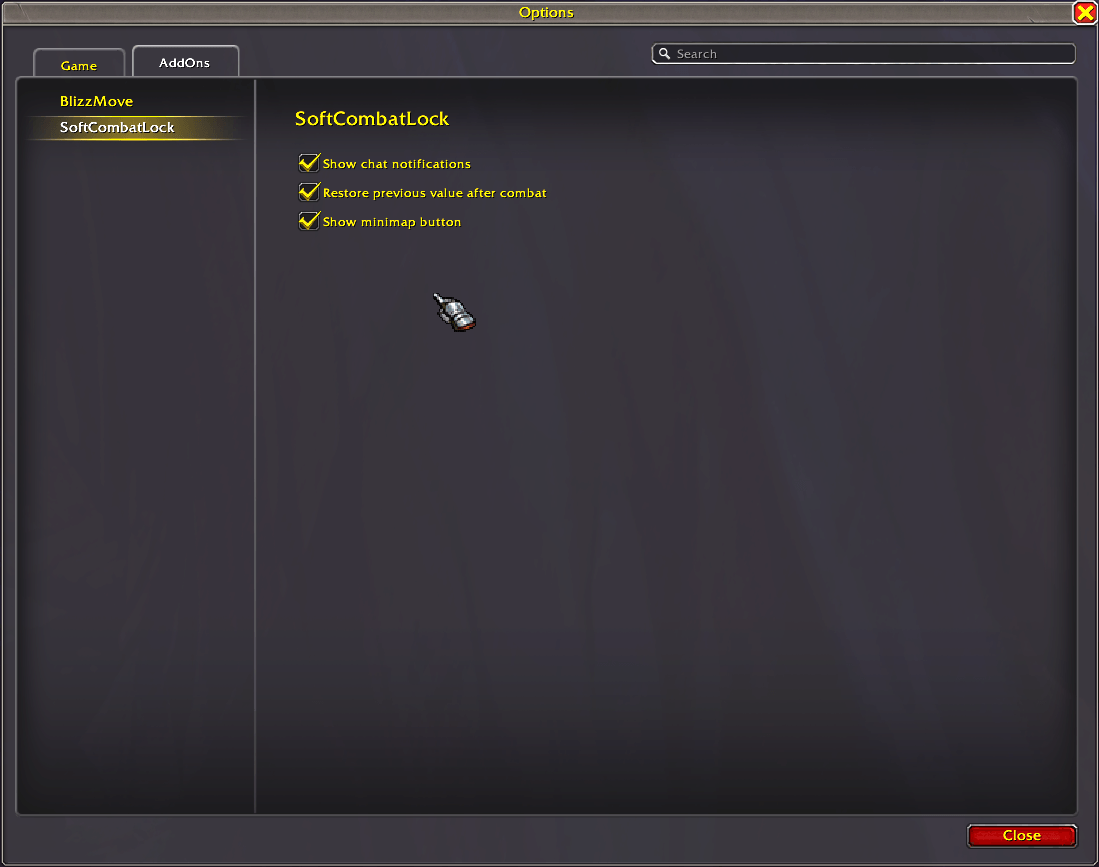
When combat ends, it puts things back the way you had them. By default, it restores your previous setting, but you can choose to have it shut soft targeting off entirely instead.
No permanent CVar flips. No mystery settings left on. No “why did I just target that?” moments while you’re clicking NPCs or moving through the world.
In combat, it’s there.
Out of combat, it’s gone.
What It Actually Does
It sets SoftTargetEnemy = 3 when combat starts. When combat ends, it restores whatever value you were using before, unless you’ve chosen to force it back to 0 instead. It also gives you a minimap button for quick control — left-click toggles between 0 and 3, and right-click opens the settings panel.
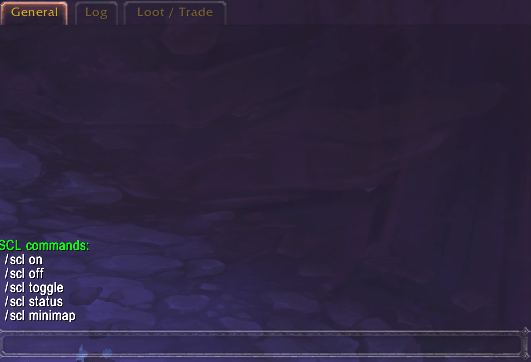
If you prefer commands, /scl on, /scl off, /scl toggle, /scl status, and /scl minimap are available. Chat notifications are disabled by default because nobody needs extra spam.
Defaults
Chat notifications are off. Restoring your previous value after combat is on. The minimap button is visible.
This addon exists for one reason: auto target feels good in combat… and annoying everywhere else.
SoftCombatLock keeps it where it belongs.
Special Thanks and credit: Phobos982 for the idea/starting point and my wife for expressing a need for this sanity saving function.
SoftCombatLock Team
