Read Mode
Syntax Guide
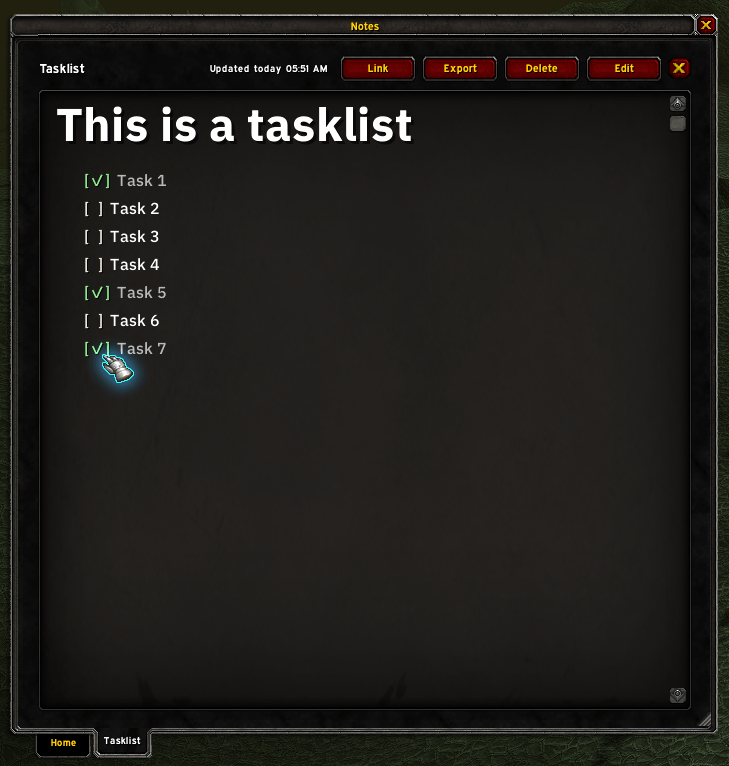
Task list
szqFA8L.png
CaPbLt5.png
Home
Description
Snail Notes
A lightweight WoW classic notes, task, and reminder addon
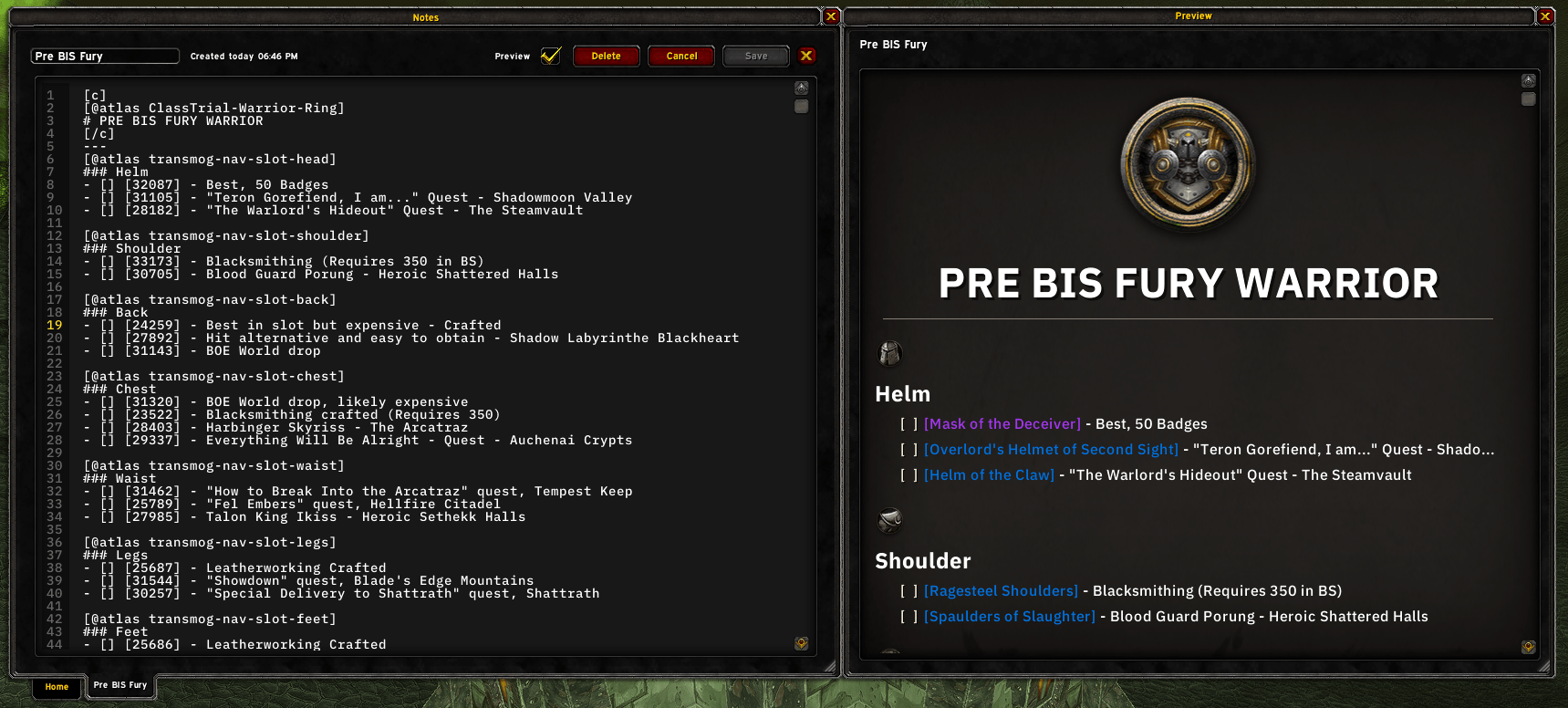
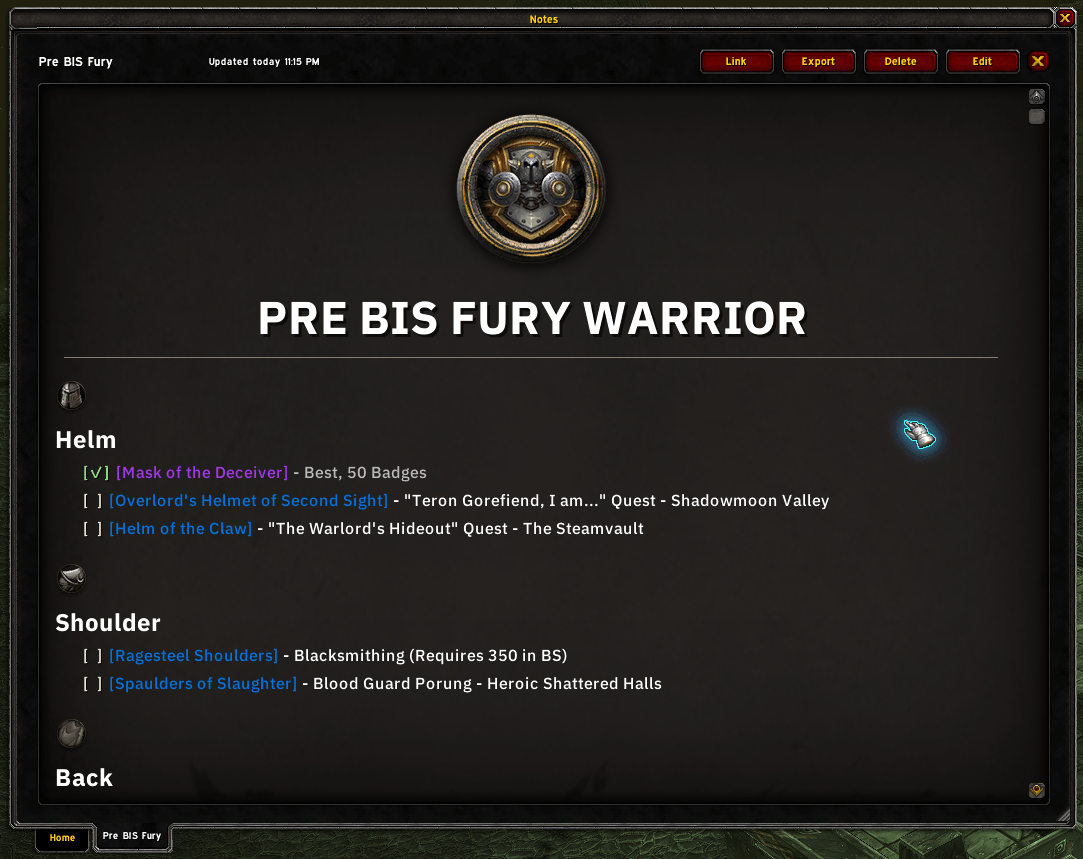
SnailNotes uses separate Edit and Read modes. Write notes in plain text with familiar Markdown-style formatting, then switch to Read mode to view them fully rendered.
Just open with /snotes

Features
- Markdown adjacent syntax for edit mode that is rendered in Read mode
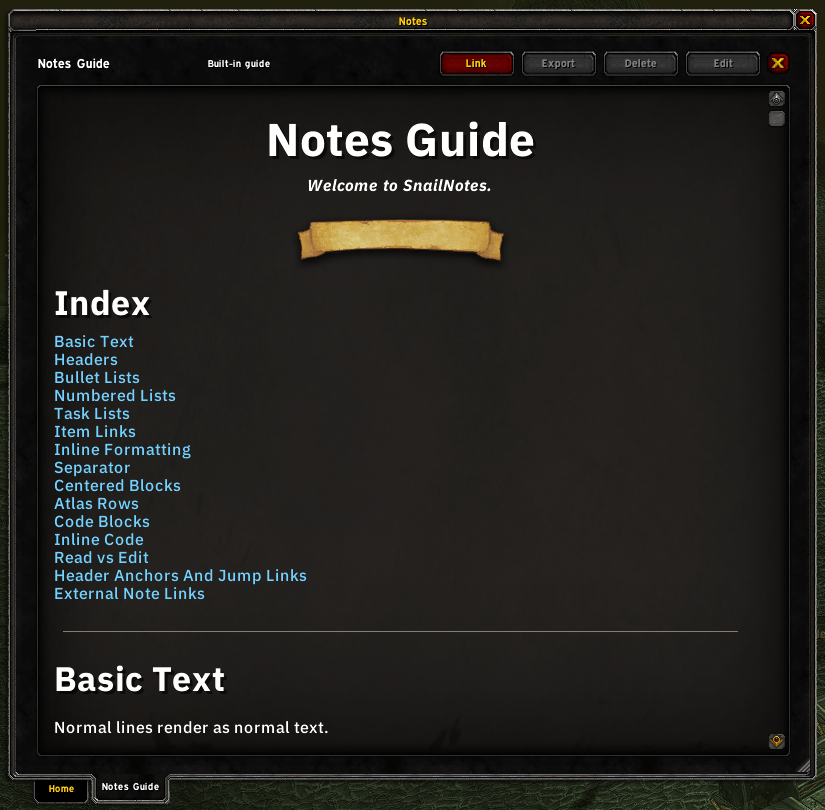
- In game syntax guide for easy referencing
- Place atlas textures (images) in notes
- Item linking with item IDs
- Drop in item linking - Just drag the item into the edit box and it will place the link in the correct format at your cursor
- Task list creation with interactive check boxes in read mode
- Seperate preview window while editing to see your formatting in real time - This window will snap to the main edit window when held close
- Header anchors for in-note link navigation
- External note links to open and navigate to another note from within a note
- Up to 3 notes open at once with bottom anchored tabs
- Autosave (Can be disabled in options)
- Export and Import of notes to backup or send notes to other players
- Bind the notes window to whatever key you like for easy access
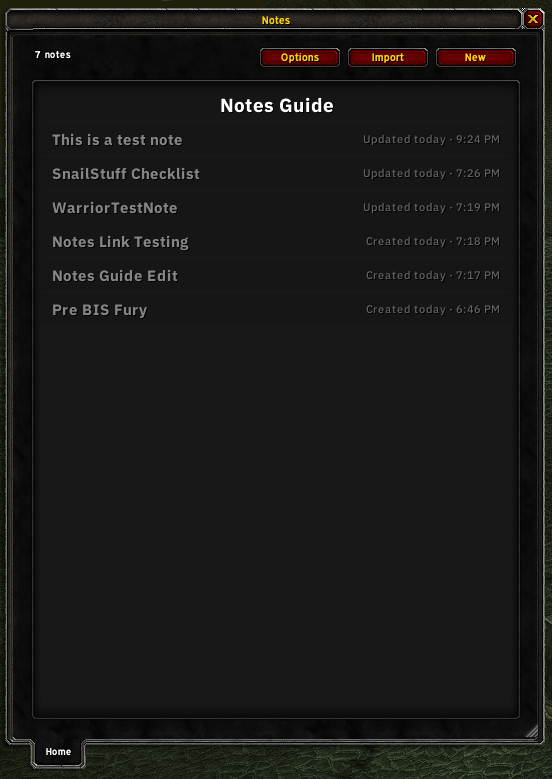
- Right click context menu on all notes in the home tab list - Pin/Duplicate/Delete/etc.
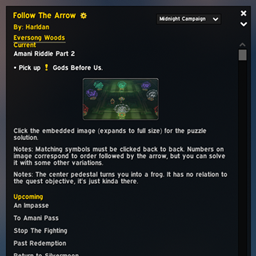
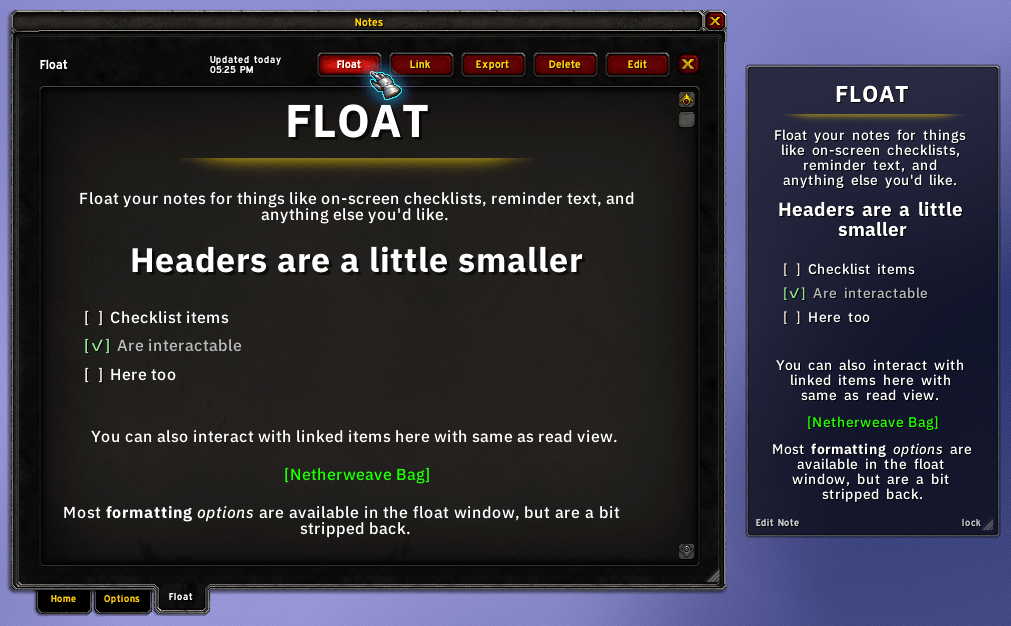
- Floating window version of rendered notes
- Reminder blocks within notes
Float window
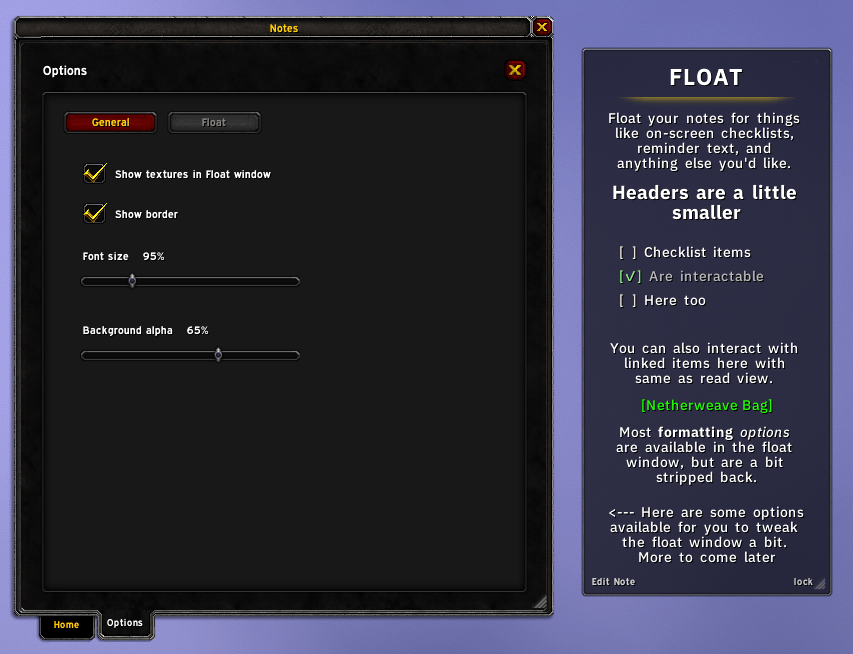
Small floating version of your notes that you can resize and lock anywhere on your screen for easier referencing.
- Slimmer and less heavy formatting
- Interactable task lists and links same as your normal notes
- Textures still viewable, and toggleable in options
- Collapsable


Reminders
You can now tag blocks of your notes as reminder text that will pop up in a small floated window on certain in game events.
For example, this:
[! mail]
# Mailbox Reminders
- [] Mail alt gold
- [] Mail other stuff
[!]
Will show in game like this:

There are a lot more use cases and way's to create reminders in game, all outlined in the Notes Guide available in the addon!
SnailNotes Team