


SmartConsumes
- By
A high-performance consumable manager that dynamically updates macros to prioritize Fleeting (Cauldron) items and your preferred stats.
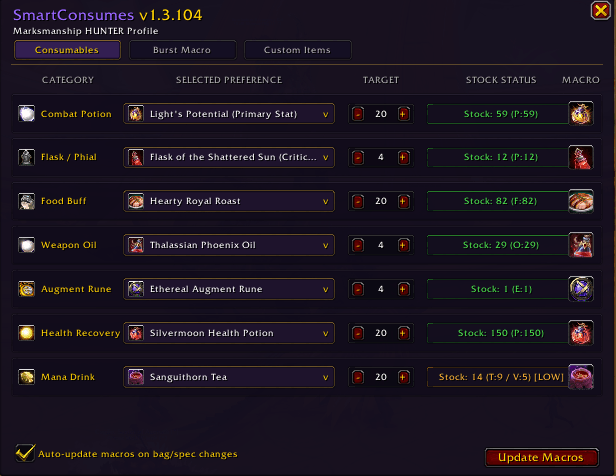
Screenshot 2026-09-02 210349.png

Screenshot 2026-09-02 210139.png
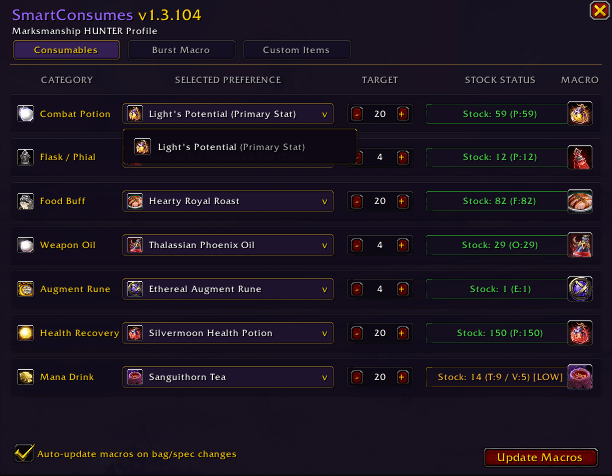
Screenshot 2026-09-02 210413.png
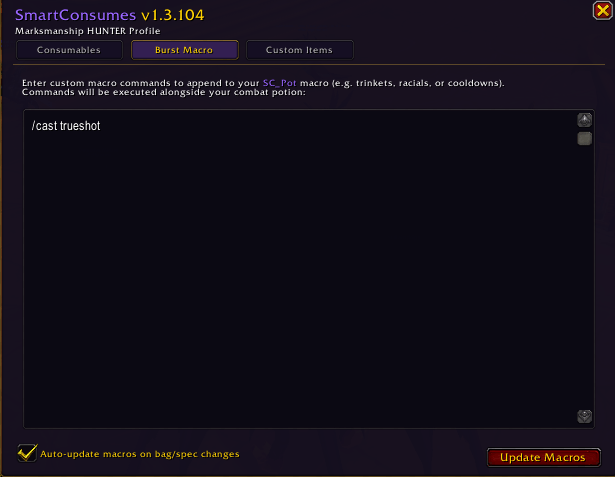
Screenshot 2026-09-02 210102.png
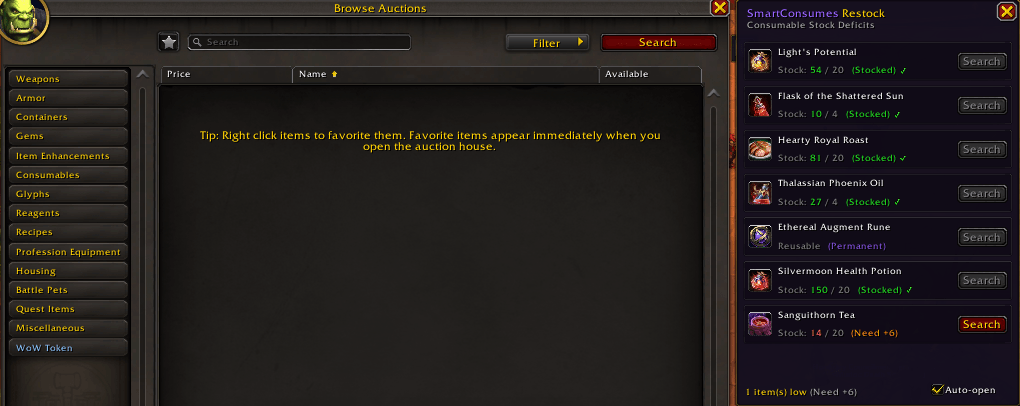


Screenshot 2026-09-03 212035.png
Description
SmartConsumes
One macro for each consumable that updates automatically based on what's in your bags.
SmartConsumes automatically manages your consumable macros so you never have to manually swap items on your action bars again. Put the macros on your bars once, and the addon updates them in the background as you loot, craft, or restock.
What it does
- Cauldron items first: When someone drops a raid cauldron, your macros immediately swap to use the temporary fleeting pots and flasks first so you aren't burning your own gold.
- Dedicated healer mana potions: Healing specs get an automatic mana potion macro (
SC_ManaPot) separate from your burst potion (SC_Pot), so you can bind combat mana recovery independently without sacrificing primary stat potions. - Healthstone & pot on one key: Uses your Healthstone first. If you don't have one or it's on cooldown, the exact same button automatically uses your healing potion.
- Mage food priority: If you grab food from a mage table, the drink macro uses conjured buns first before touching your expensive vendor water or fast teas.
- Auction House restock drawer: Opening the Auction House attaches a clean restock drawer showing exactly which consumables you're running low on. Click [Search] on any deficit to find it instantly, and your shopping list updates in real time as you buy.
- Cooldown & trinket burst tab: If you like popping a racial, cooldown, or trinket alongside your potion, you can add custom lines (like
/use 13or/cast Blood Fury) in/scand they get added straight to your pot macro. - Adaptive spec profiles: Automatically enables mana potions and resizes for healers, while keeping the window compact for DPS/tanks. Keybinds are always preserved when switching specs.
- Keeps junk off your bars: Ignores profession phials (Truesight, Finesse) and utility serums so your combat buttons only use real combat items.
- Works on all game languages: Full support across all 16 client regions (German, French, Spanish, Portuguese, Russian, Korean, Chinese, etc.) so your macros and item detection work seamlessly no matter what language you play in.
- Safe in combat: WoW blocks addons from editing macros while fighting. Any bag updates that happen mid-fight wait cleanly and apply the moment you leave combat.
Commands
/sc— Opens the config window./sc update— Forces an instant macro refresh.
Tags: cauldron, flask priority, potion macro, fleeting consumables, automated potions, wow retail addon, smart consumables, raid manager, healthstone macro, combat potions, auction house restock
SmartConsumes Team
