


Smart Friendly Nameplates
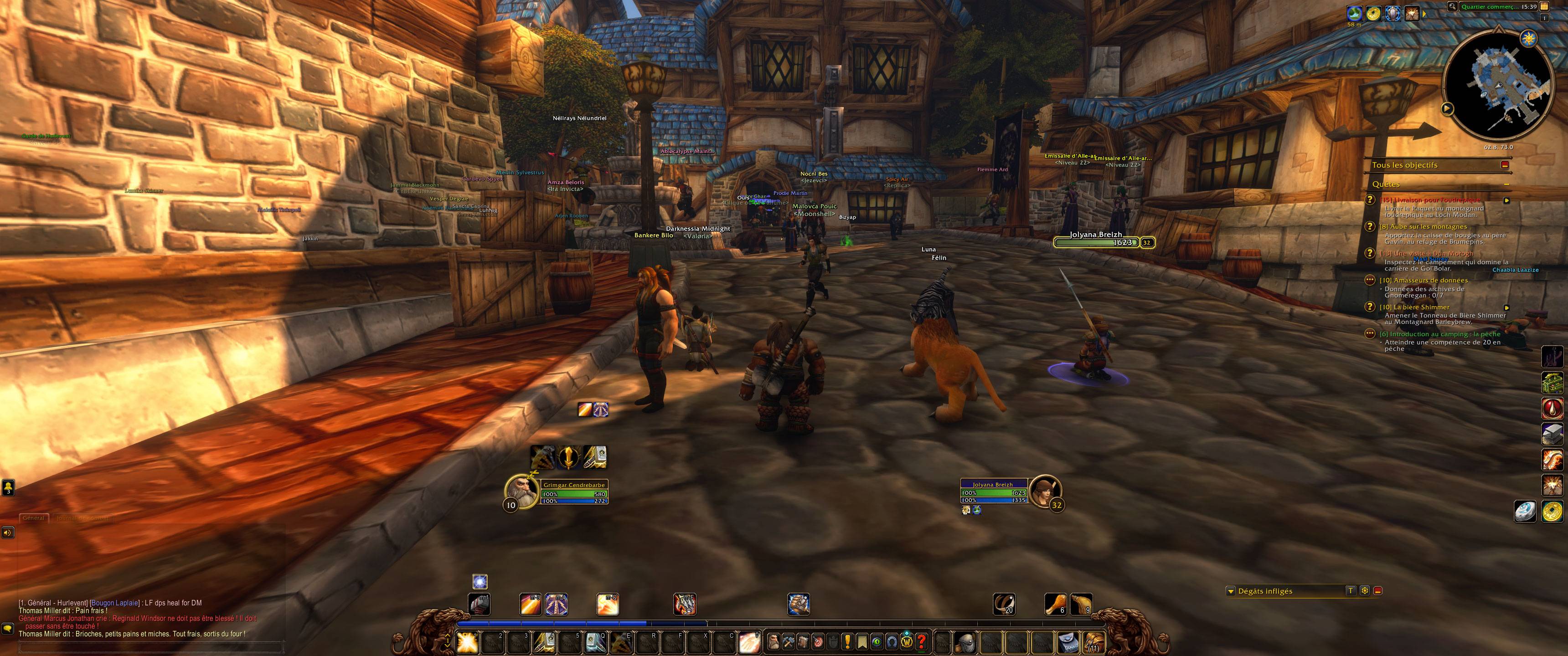
WoWScrnShot_111226_153936.jpg
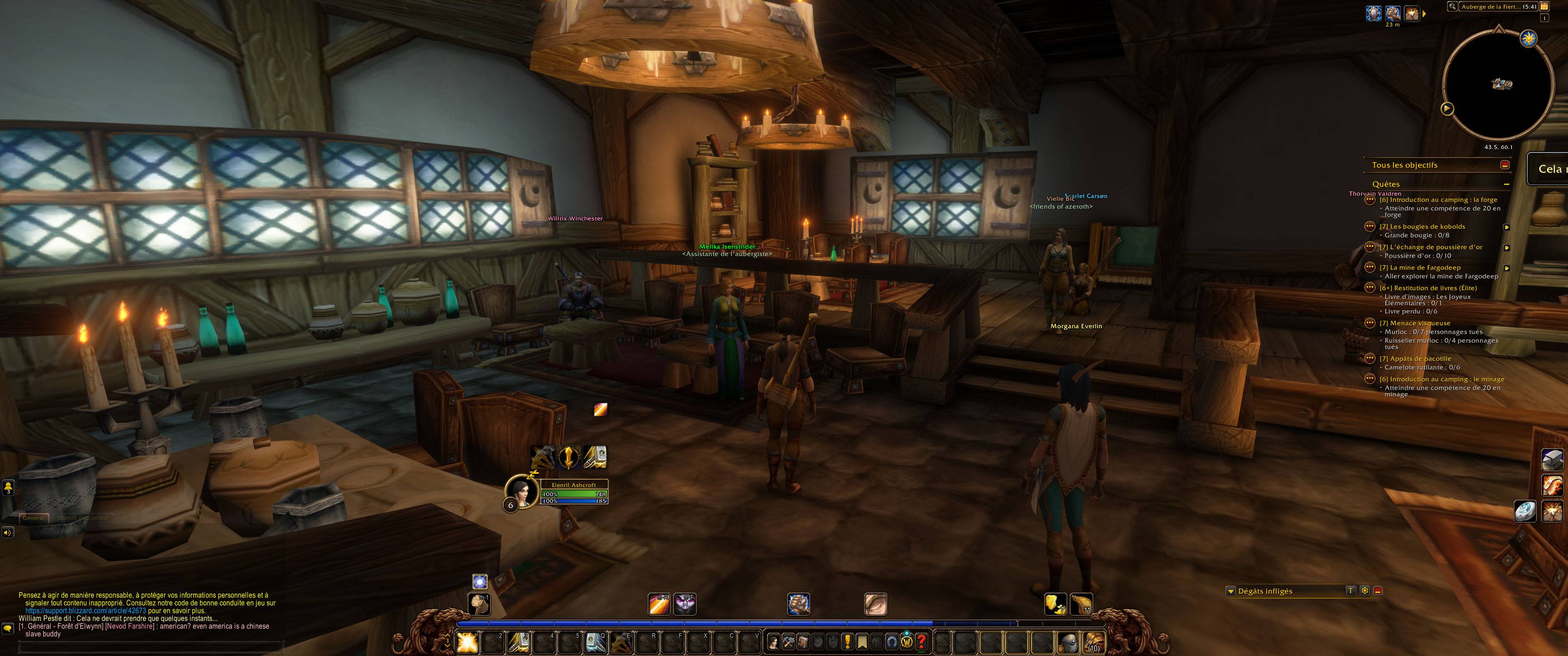
WoWScrnShot_111226_154214.jpg
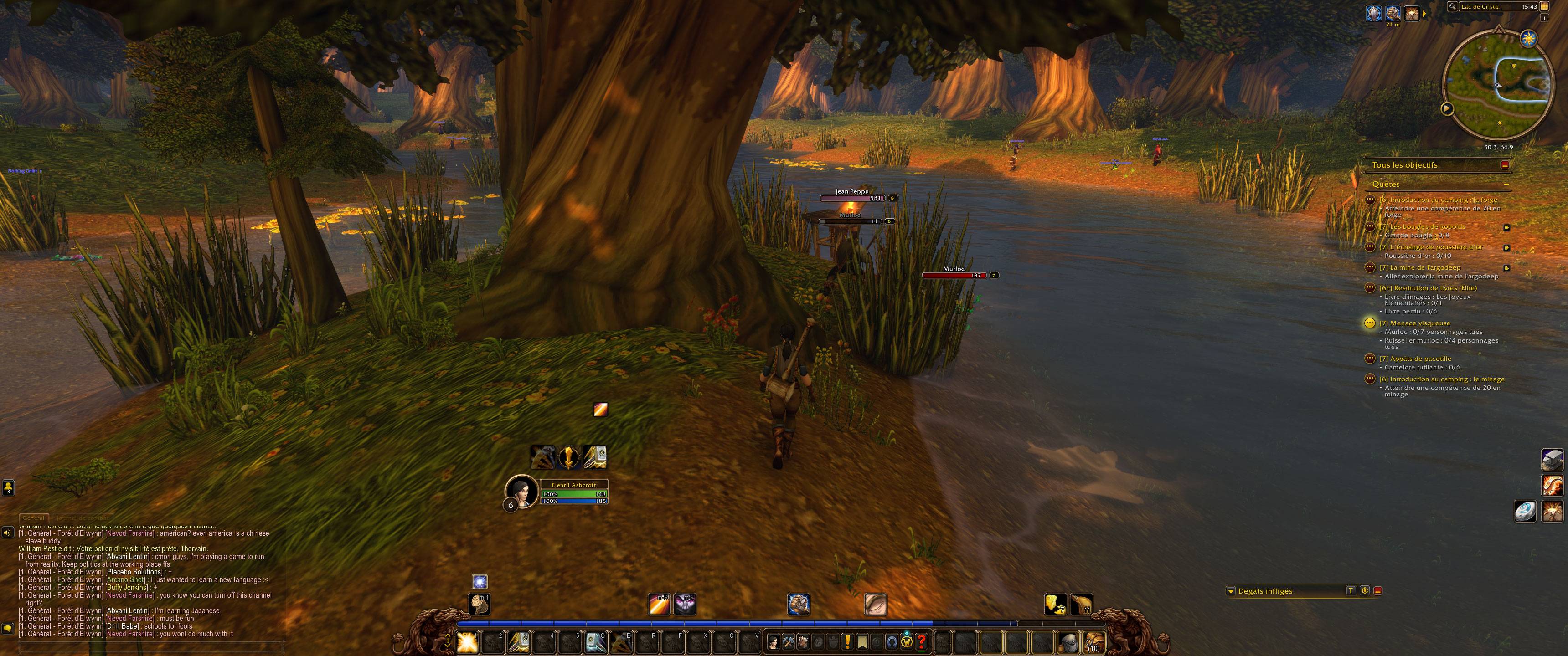
WoWScrnShot_111226_154349.jpg
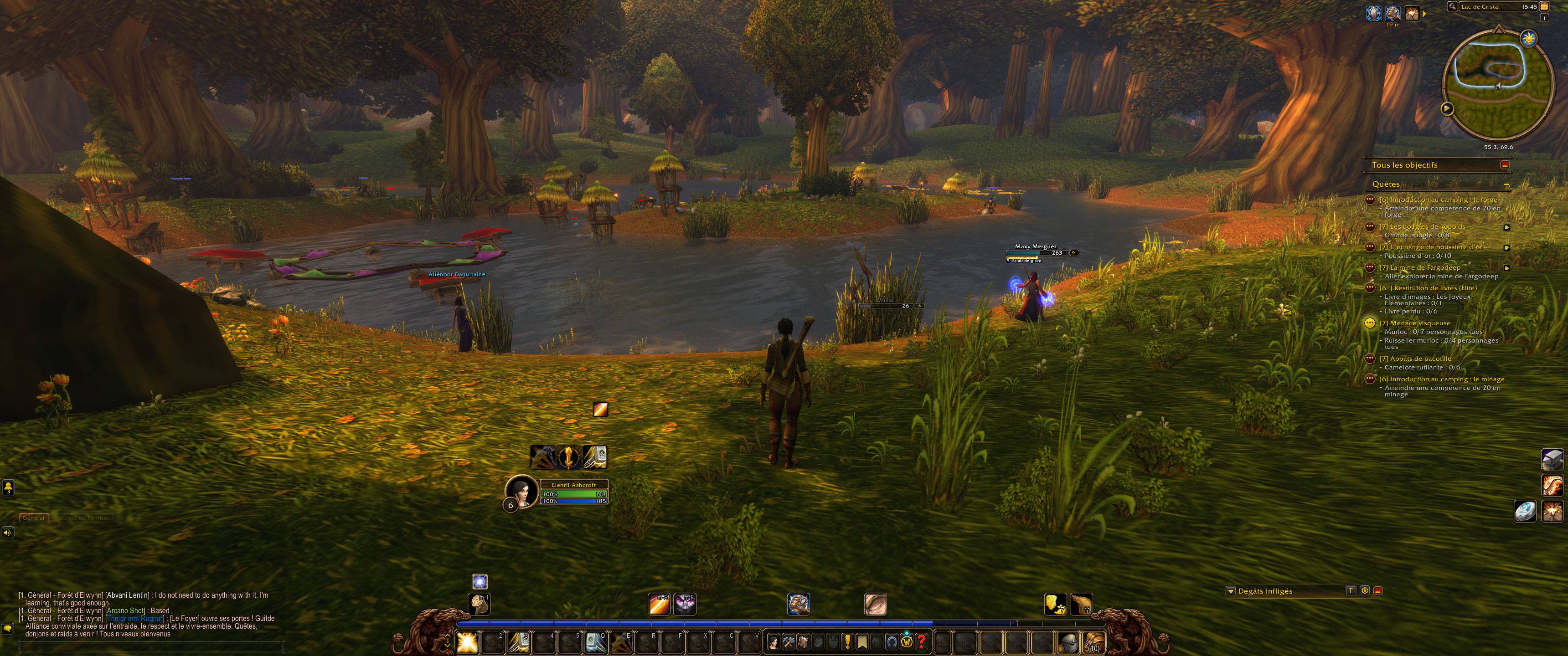
WoWScrnShot_111226_154548.jpg
Description
Keep the friendly health bars you need and show only names for everyone else.
Smart Friendly Nameplates is a standalone addon for WoW Forever 1.60.1, designed for Blizzard’s default nameplates. No dependencies required.
How it works
With the default settings:
- Party and raid members: full health bars.
- Other friendly players in combat: full health bars.
- Other friendly players out of combat: names only, coloured by class.
The combat condition checks that unit’s combat state, independently of your own.
You can customize which conditions keep a health bar visible. Any enabled condition is enough; otherwise, only the name is shown.
Features
Choose which health bars to keep
Independent conditions for:
- Party and raid members.
- Units in combat.
- Your current target.
- Your focus.
- The unit under your mouse.
Optionally apply the same rules to friendly player pets, guardians and totems. Minion names keep their native colours.
Separate friendly NPC settings
- Enable friendly NPC nameplates.
- Choose full health bars or names only.
- Optionally keep a health bar for the NPC you are targeting.
- Display NPC titles beneath their names when available.
- Use native selection colours for name-only NPCs.
Customize names and subtitles
- Class colours for name-only players.
- Optional guild names beneath players.
- Optional titles beneath name-only pets and player minions, such as their owner’s pet label, when available.
- Adjustable subtitle size, colour and vertical spacing.
- Native colour picker with live preview.
- Optional angle brackets around subtitles.
Name-only text uses its natural width instead of being cut off at the hidden health bar’s width, and stays centred across Blizzard’s nameplate styles, including Large and Block. Native name layout is restored when health bars return.
The game continues to control the name font.
Simple setup and profiles
The addon automatically configures the game settings it needs, including disabling Simplify Nameplates so name-only units keep their names.
- Adjust settings through an options panel styled to match the game.
- Keep independent settings per character or select a shared global profile.
- Copy preferences between character and global profiles.
- Restore defaults for the active profile.
- Changes apply immediately; protected game-setting changes wait until combat ends.
Target, focus and mouseover rules, targeted-NPC bars, minion support, minion titles, guild labels and NPC support are disabled by default.
Built-in troubleshooting
The options panel shows whether the required game settings are applied, waiting for combat, unavailable or changed elsewhere, and reports setup failures.
Use Retry to reapply settings and recover accessible nameplates after an error. A copyable diagnostic report includes display reasons and optional operation counters for troubleshooting.
Getting started
Install the addon and enter the game. Default filtering and the required game settings are applied automatically.
Type /sfn outside combat to open the options.
Useful commands:
/sfn on— Enable filtering./sfn off— Disable filtering and restore previous game settings where still managed./sfn status— Print diagnostic information./sfn debug— Explain the display rules for your current target./sfn retry— Reapply settings and rescan accessible nameplates./sfn report— Open a copyable diagnostic report.
Compatibility and limitations
- Designed for WoW Forever 1.60.1, interface 16001, and Blizzard’s default nameplates.
- Protected friendly nameplates, notably in dungeons and raids, remain under Blizzard’s control.
- Unavailable or protected information is handled conservatively, keeping full bars where required.
- Guild labels and titles depend on information available from the game.
- Native name-display and distance rules still apply.
- Hidden bars retain the game’s normal click area and may still occupy stacking space.
- Other nameplate addons are not currently supported.
- The interface follows your game’s language.
Before uninstalling, use /sfn off outside combat so the addon can restore the game settings it changed.
Smart Friendly Nameplates Team
