

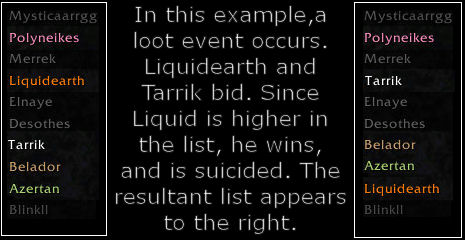
Stage 1 of the visual suicide example

List Management Panel
All of the primary list management functions are here. Once again, this panel is only available to SKG Admins. This view is also on a roll list. If you're operating on the Players List, seve...

second stage of visual suicide example
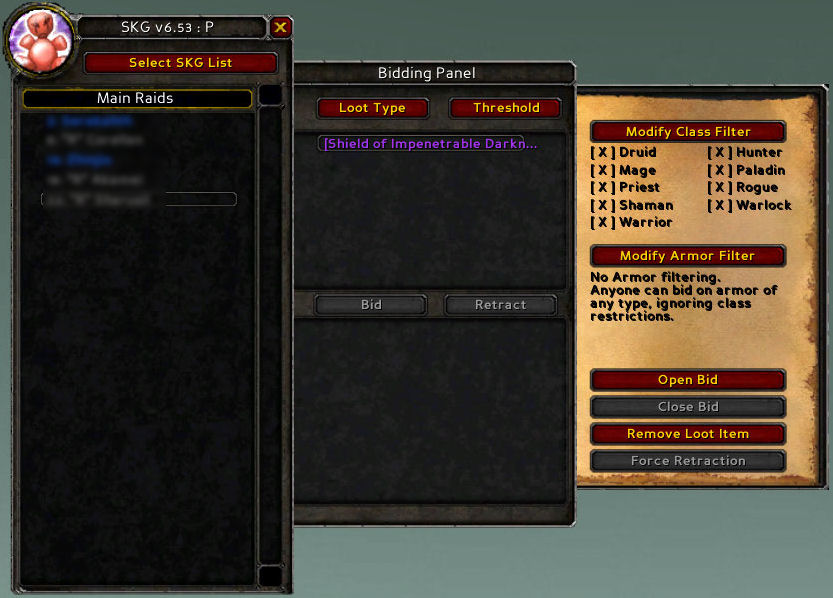
Bid Panel
This is the admin view of a bid event. You can see the item in the list at top of the middle panel. The flyaway on the right hand side is only available to SKG Admins, and allows them to control the bidding. Note t...
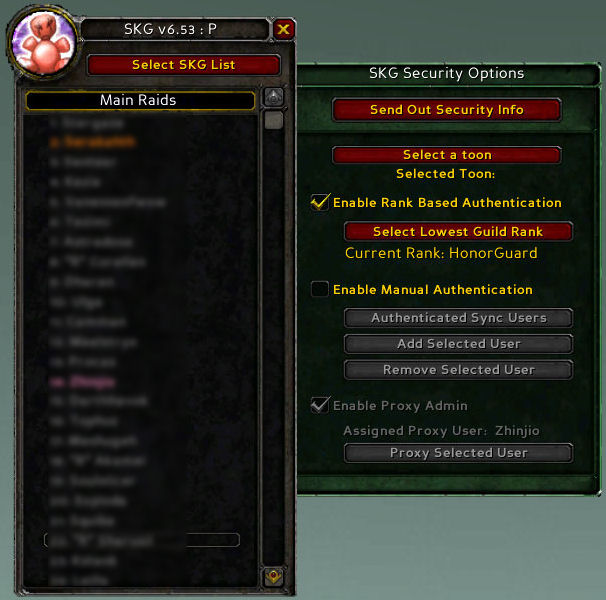
Security Panel
This panel is only available to the Guild Leader (and/or the assigned proxy). The selection of SKG Admins and/or the proxy is available from this panel.
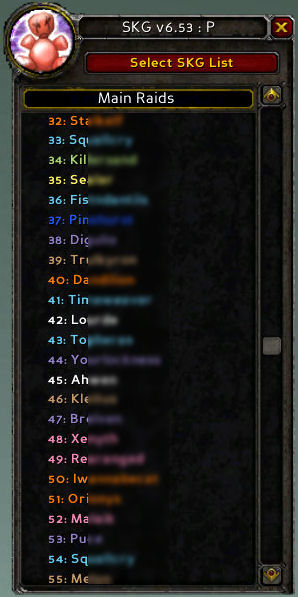
Roll List
This is the Main Panel again, this time with a normal Roll list selected. Note the class coloring, and numbering next to each player, indicating position.
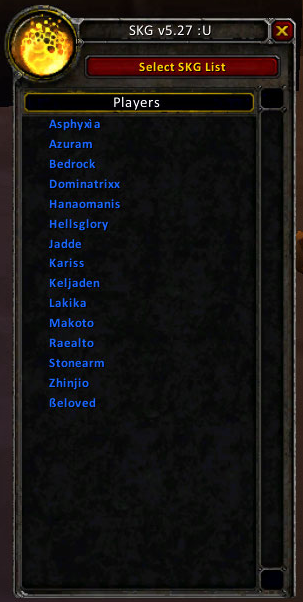
Main Panel with "Players List" displayed
This image is the main panel of SKG. The circular image at the very top left is the option switcher button. This button changes you between all the availa...
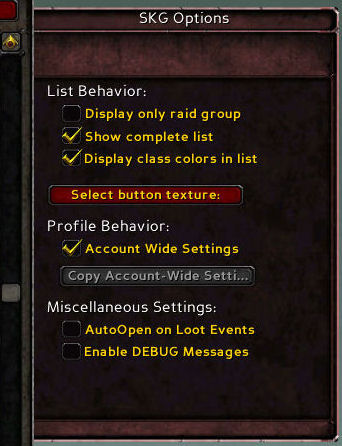
The options panel

Help Panel
In this image, you can see the Help Panel open. The button at the top allows you to select the help topic to display.

