


SissiSupport
- By
Снимок ÑкÑана â 2026-11-03 в 13.57.40.png
Снимок ÑкÑана â 2026-11-03 в 13.58.03.png
Description
SissiSupport
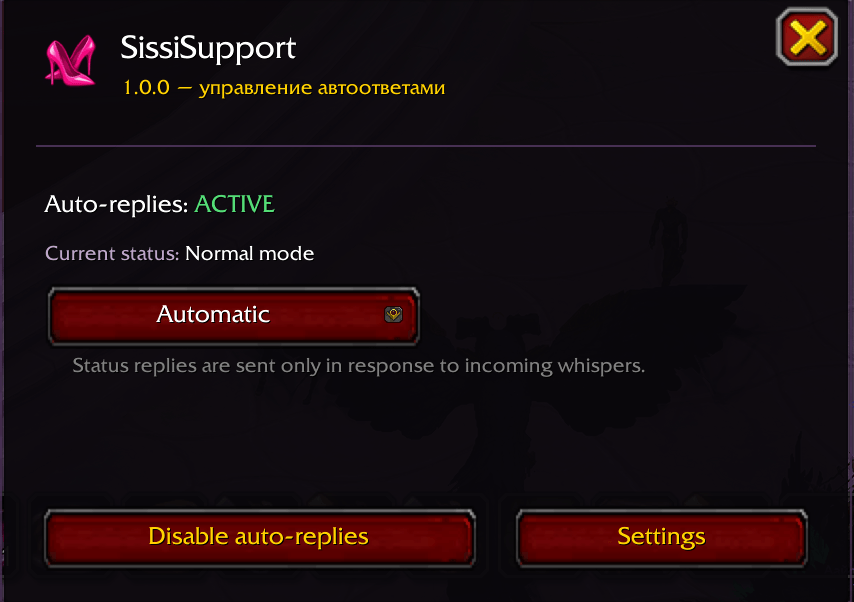
SissiSupport is a customizable auto-reply addon for World of Warcraft. It helps you manage automatic whisper responses based on your character's status or specific keywords found in incoming messages.
Configure your own replies, choose where messages are monitored, and let SissiSupport handle repetitive responses while you focus on the game.
Features
Status-Based Auto-Replies
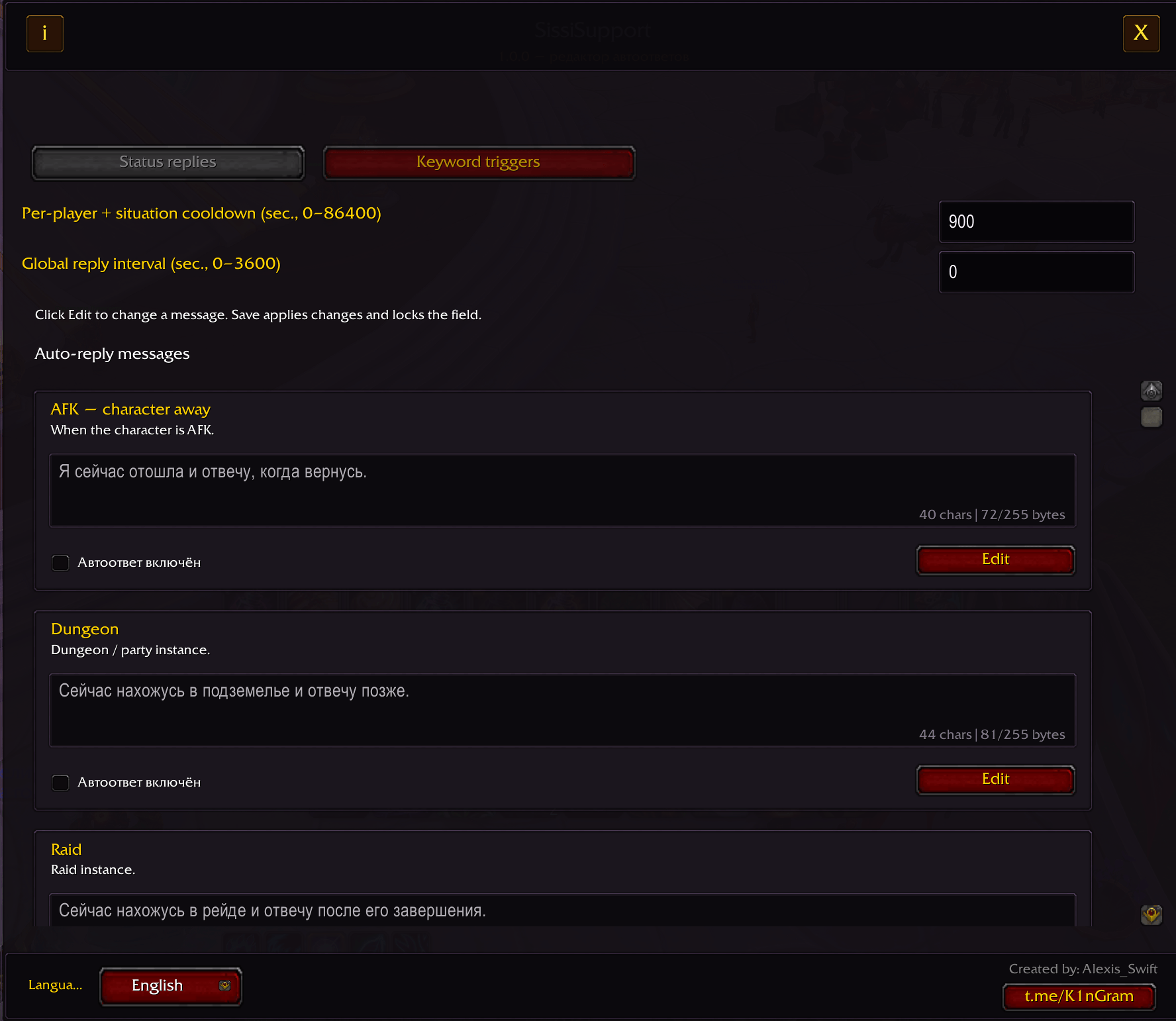
Configure automatic whisper responses for:
-
AFK
-
Dungeons
-
Raids
-
PvP and arenas
-
Returning from AFK
Each response can be enabled, disabled, and customized independently.
Keyword Triggers
Create custom keyword rules to respond to specific messages.
-
Case-insensitive matching, including Cyrillic characters.
-
Multiple trigger alternatives can be separated with commas.
-
Any matching trigger word can activate the rule.
-
Supports individual words and phrases.
-
Choose to monitor all incoming whispers, messages from a specific player, or public chat.
-
Replies are sent privately to the message sender.
Example:
pizza, cat, magic
A message containing any of these words can activate the rule.
Customization
-
Fully customizable response messages.
-
Individual rule enable/disable controls.
-
Per-player cooldowns.
-
Global reply interval.
-
Russian, English, and Spanish interface languages.
Installation
-
Download the latest release.
-
Extract the archive.
-
Copy the
SissiSupportfolder into your World of WarcraftInterface/AddOnsdirectory. -
Restart the game or type
/reload. -
Open the addon using
/sissi openor its minimap button.
Commands
-
/sissi— show addon status. -
/sissi open— open the main window. -
/sissi config— open settings. -
/sissi on— enable auto-replies. -
/sissi off— disable auto-replies. -
/sissi help— show available commands.
Important Notes
SissiSupport sends replies using the game's chat system and does not bypass Blizzard's chat restrictions. Message delivery is subject to the game client and server limitations.
Please configure keyword rules responsibly. Avoid unsolicited, repetitive, or disruptive messages.
Author
Alexis_Swift
Feedback and suggestions are welcome.
SissiSupport Team
