
SIR - Snaginanesh Interrupt Rotation
- By

Tool for tracking interrupts of all or specified group-members.
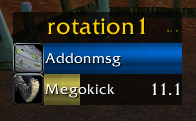
The "rotation 1" frame is only visible while the options are open - click to drag.
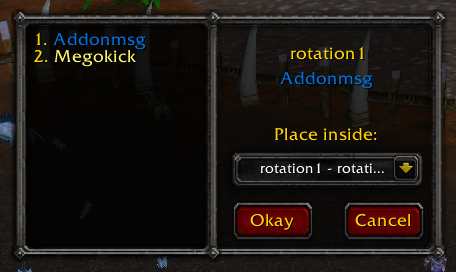
An example for the frame shown when clicking a link from chat. On the left you can see the rotation linked. On the right title / source, a dropdownmenu to select which tab to use for the linked rotation and 2 self-explaining buttons.
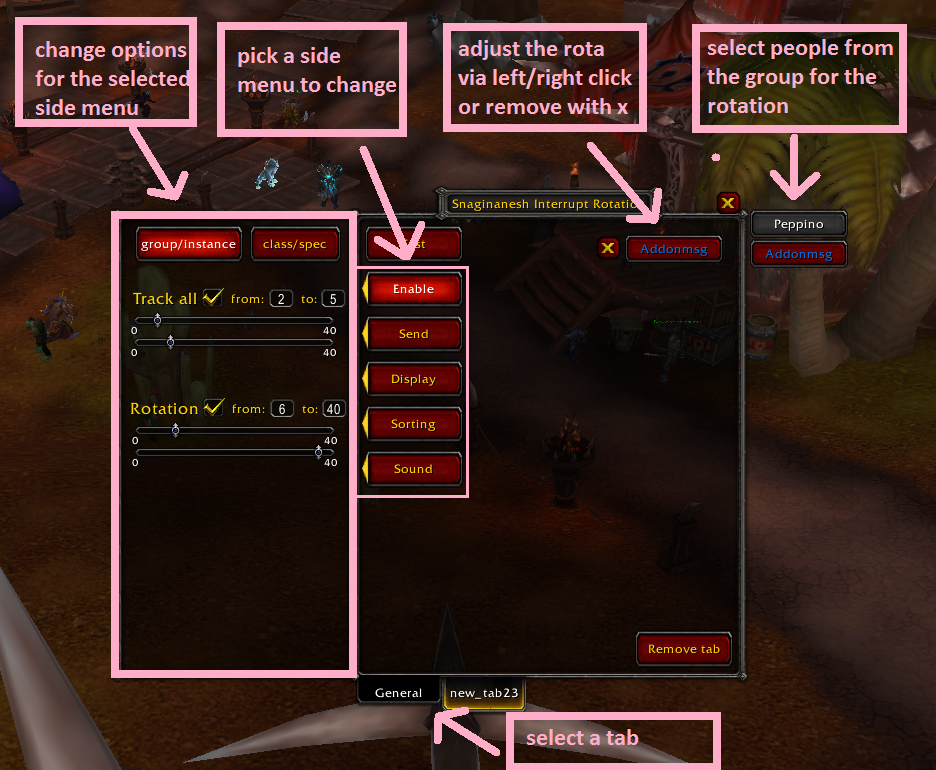
Descriptive Image