SimpleRangeFinder
- By
SimpleRangeFinder is a lightweight range-finding addon for World of Warcraft Midnight. It is designed to help you maintain optimal positioning by checking your distance to hostile targets with 100% item-based accuracy.
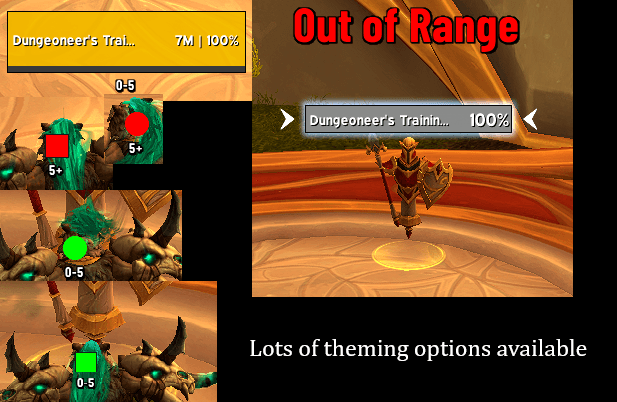
theming showcase.png
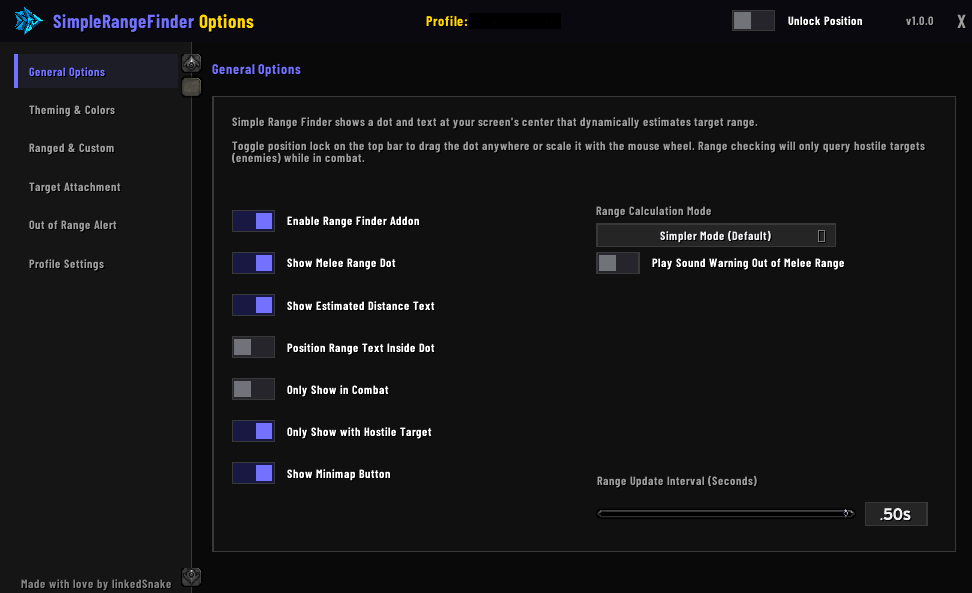
general options.png
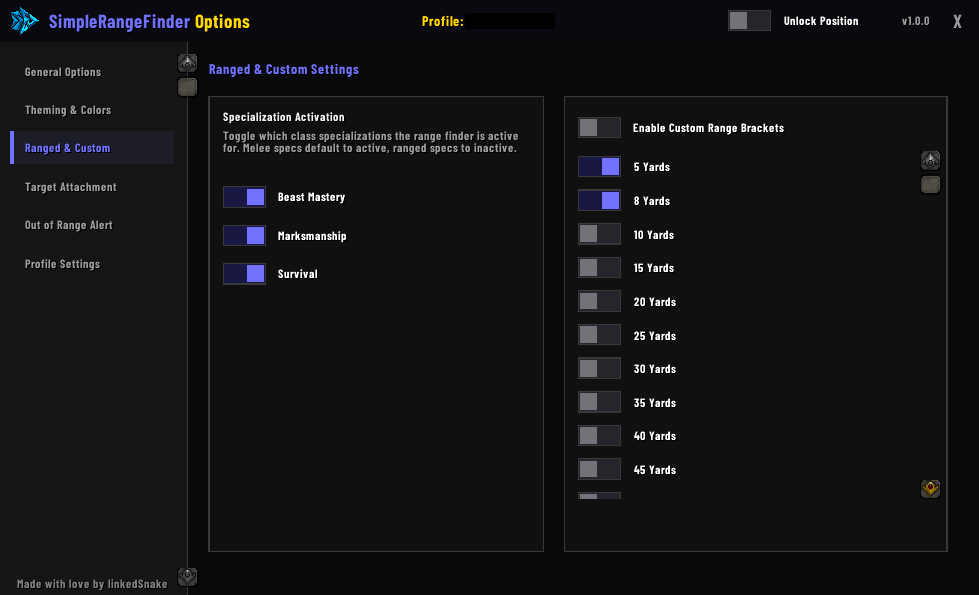
Ranged & Custom.png
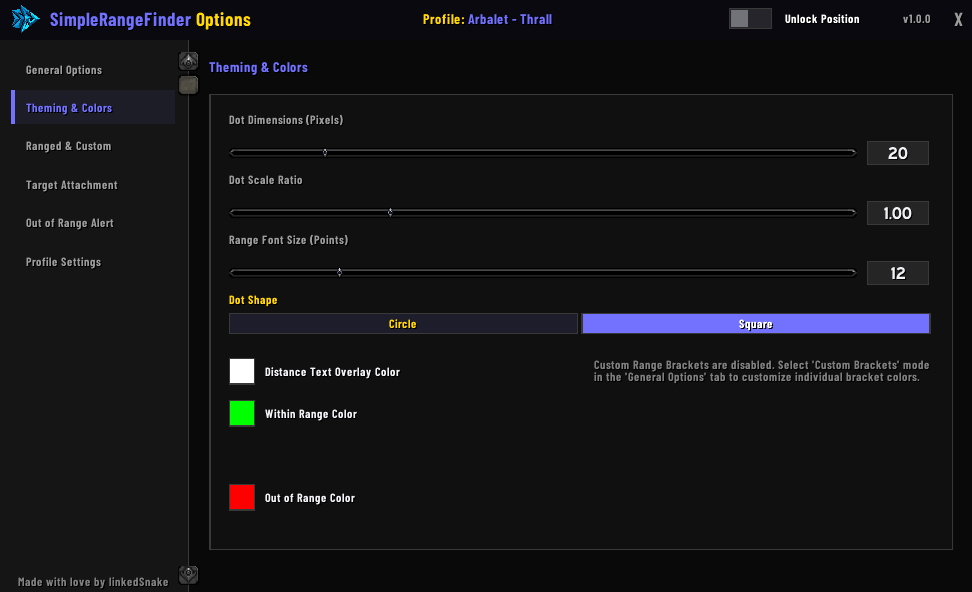
theming & colors.png
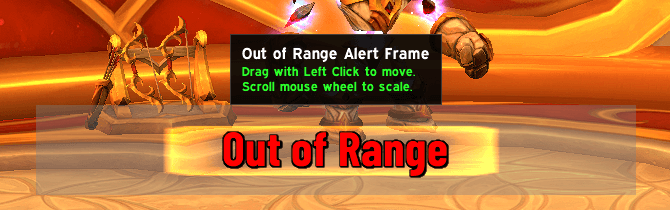
scale and moveable.png
Description
Key Features
- Simple Mode (Default): Automatically determines the correct cutoff range for your current class and specialization (e.g. 5yd for melee, 40yd for casters, 25yd/30yd for Evokers and Devourer Demon Hunters).
- Temporary Range Buffs: Dynamically tracks temporary range-extending abilities (e.g. Hunter's Aspect of the Eagle & Sniper Shot, Evoker's Spatial Paradox, and Marksmanship's Sniper's Advantage PvP talent during Trueshot/Volley) and updates the cutoff instantly.
- Unholy Death Knight Mode: Detects Unholy specialization and automatically switches to a custom 3-zone layout (0-5yd melee, 5-30yd mid-range spells, 30yd+ out of range) to perfectly match your spell kit.
- Colorblind Mode: Includes a toggleable colorblind-friendly indicator palette (using highly distinguishable Blue/Orange/Yellow-White colors) tailored for protanopia and deuteranopia.
- Dynamic Talents: Instantly updates ranges based on talents (e.g. detects Druid's Astral Influence and sets range to 45yd).
- Shapeshifting Guard: Automatically swaps your range cutoff to 5yd when a Balance or Restoration Druid enters Cat or Bear form.
- Text Alert Mode: Displays a fully customizable, draggable, and scalable "Out of Range" text alert on screen when you are outside your target range.
- Advanced Bracket Mode: A 3-bracket warning color indicator (Melee, Warning, Far).
- Custom Bracket Mode: Define your own arbitrary range brackets (5yd, 8yd, 10yd, 15yd, 20yd, 25yd, 30yd, 35yd, 40yd, 45yd, 60yd, 80yd) and assign custom colors.
- Target Frame Attachment: Attaches a clean range text indicator directly to your target unit frame (compatible with default frames, EllesmereUI, ElvUI, Shadowed Unit Frames, oUF, and more).
- Minimap Button: Includes a custom minimap button for quick access:
- Left-Click: Toggle options menu.
- Right-Click: Lock/Unlock positioning.
- Left-Drag: Rotate button around the minimap.
- Sound Alerts: Optional sound warning that plays when you transition out of your target's range.
- Built for Performance: Highly optimized Lua structure utilizing pre-cached talent state event listeners to ensure near-zero CPU overhead during active combat.
Commands
Use /srf or /simplerangefinder to open the options panel.
/srf- Open/Close the configuration panel./srf reset- Completely reset all profile databases and reload the UI./srf scan- Run diagnostics to identify active target unit frames on your screen.
Installation & Setup
- Download the addon.
- Extract the
SimpleRangeFinderfolder into yourWorld of Warcraft/_retail_/Interface/AddOns/directory. - Launch the game, target a training dummy, and type
/srfto customize your look.
SimpleRangeFinder Team