Simple Soft Target Icons
- By
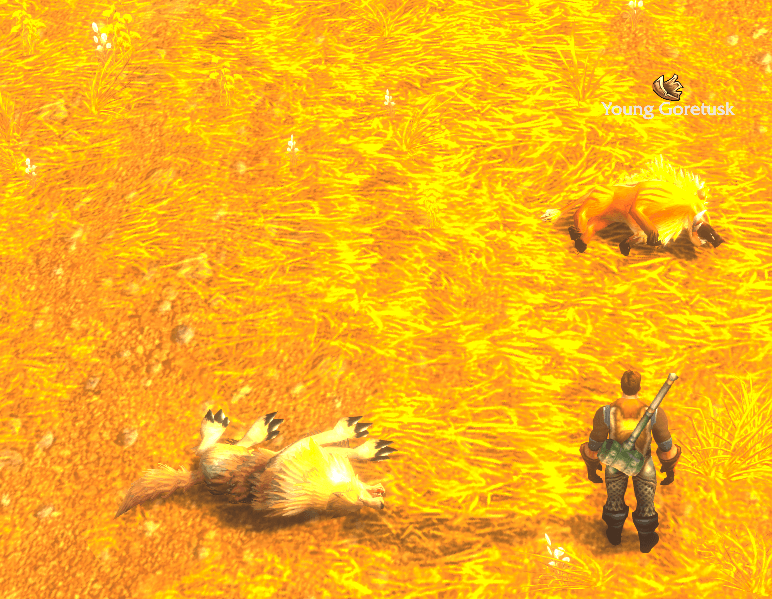
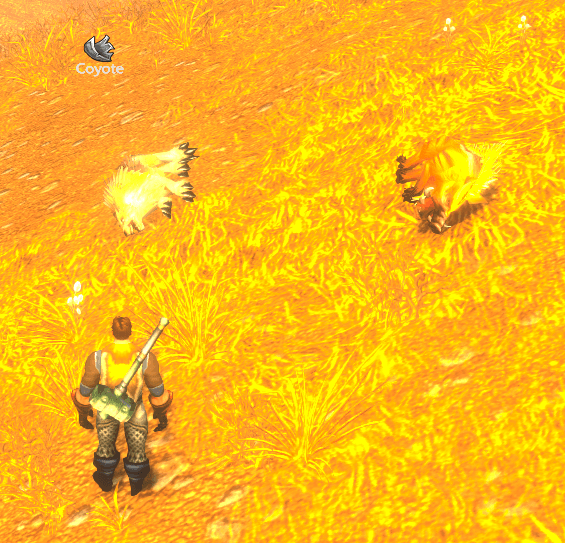
Utilizes the in game soft targeting to auto highlight nearby interactive items, mailbox, chairs, vendors, ore, skinning, and herbs.
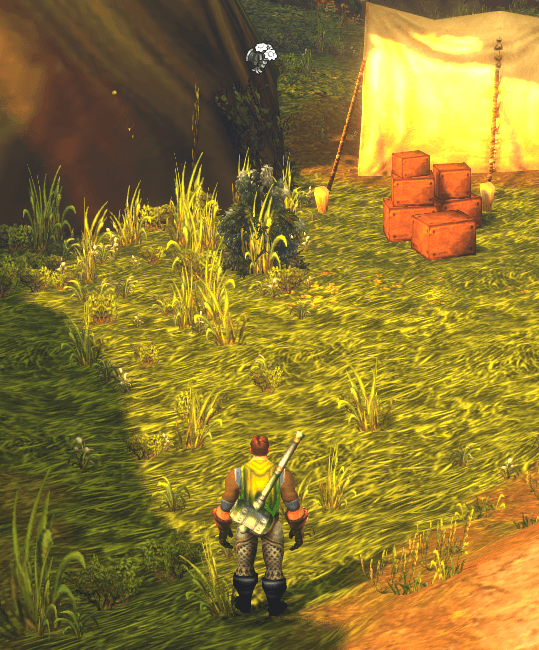
herb.png
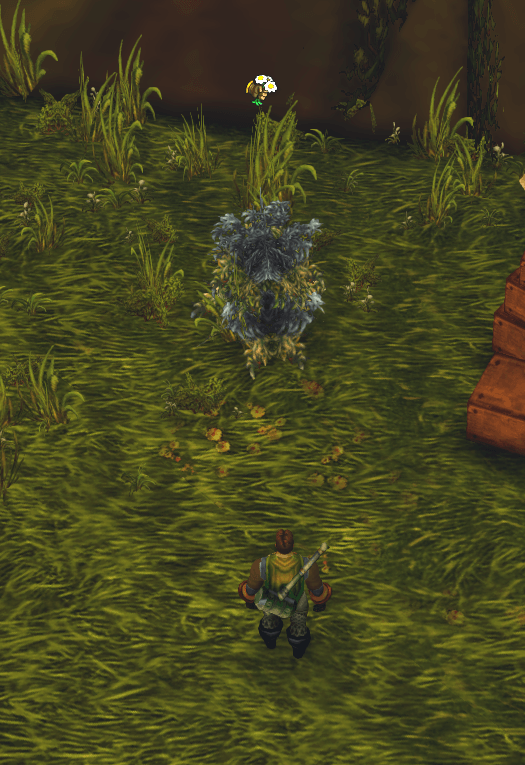
herb2.png
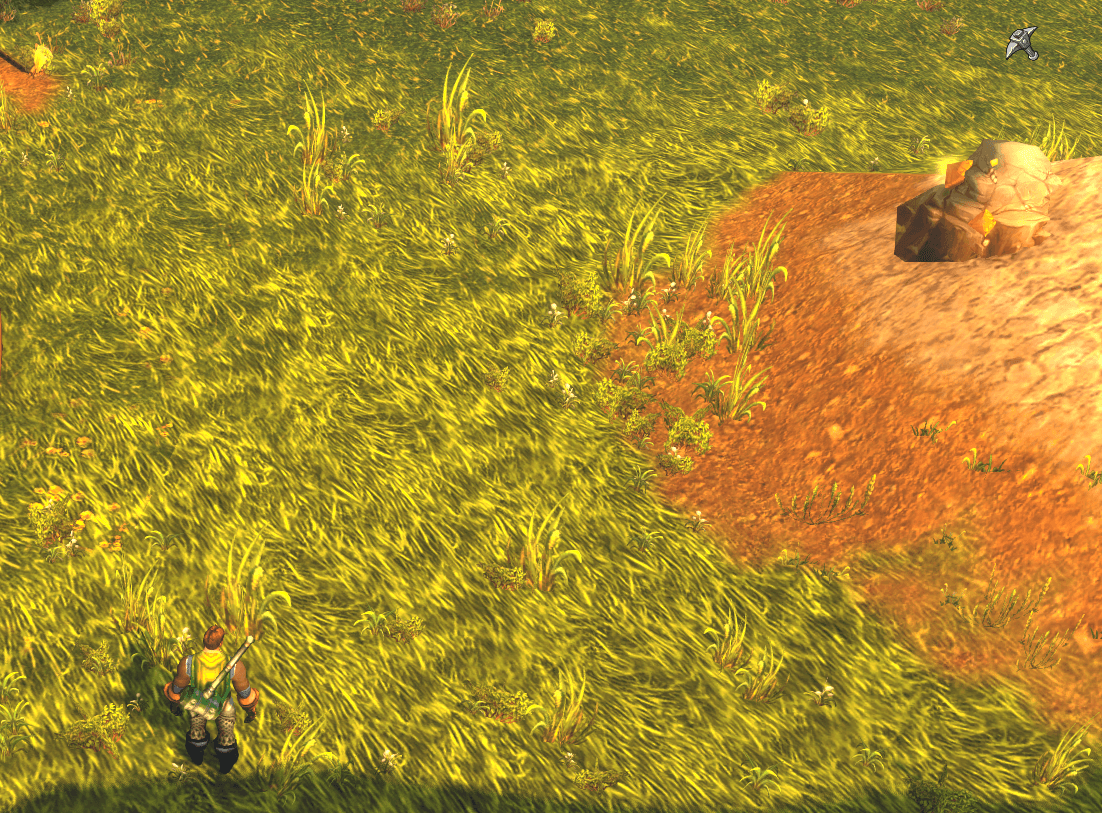
Ore.png
Screenshot 2026-11-13 161423.png
Screenshot 2026-11-13 161440.png
Description
Makes gathering and finding interactable objects easier by automatically displaying the game's native interaction icon when you get close.
How it works
Use your minimap to find the general location of an herb, ore vein, or other object. As you get closer, the addon automatically highlights the nearest interactable object with its normal in-game icon, making it easier to spot without having to point your mouse directly at it.
Automatically detects nearby interactable objects.
Displays the appropriate in-game interaction icon.
Expands the detection angle so you don't have to aim directly at objects.
Other interactions
This also affects other interactable objects throughout the game, including doors, chairs, containers, mailboxes, and other objects. The game displays the icon for the most relevant object in front of you.
To disable
Original game settings are restored when logging out normally.
After logout close the game and uninstall the addon.
Code Review for those interested.
local settings = {
-- CVar, enabled value, WoW default.
{"SoftTargetInteract", "3", "1"},
{"SoftTargetInteractArc", "2", "0"},
{"SoftTargetIconGameObject", "1", "0"},
{"nameplateGameObjectMaxDistance", "60", "30"},
}
-- Register events.
local f = CreateFrame("Frame")
f:RegisterEvent("PLAYER_LOGIN")
f:RegisterEvent("PLAYER_ENTERING_WORLD")
f:RegisterEvent("PLAYER_LOGOUT")
f:SetScript("OnEvent", function(_, event)
for _, setting in ipairs(settings) do
local value = event == "PLAYER_LOGOUT" and setting[3] or setting[2]
if C_CVar.GetCVar(setting[1]) ~= value then
C_CVar.SetCVar(setting[1], value)
end
end
end)
Simple Soft Target Icons Team