


Simple Performance Panel
- By
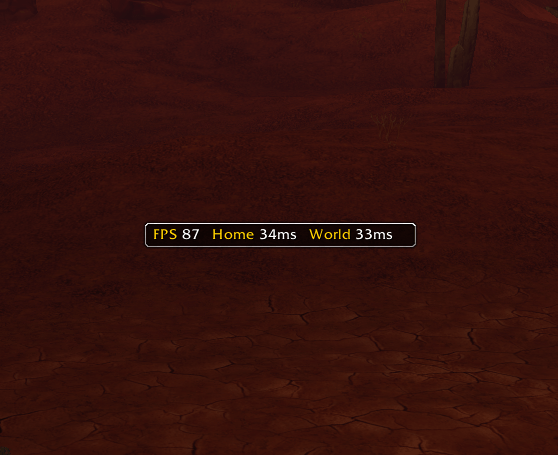
Default View
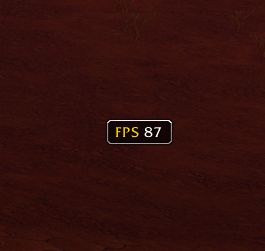
FPS only
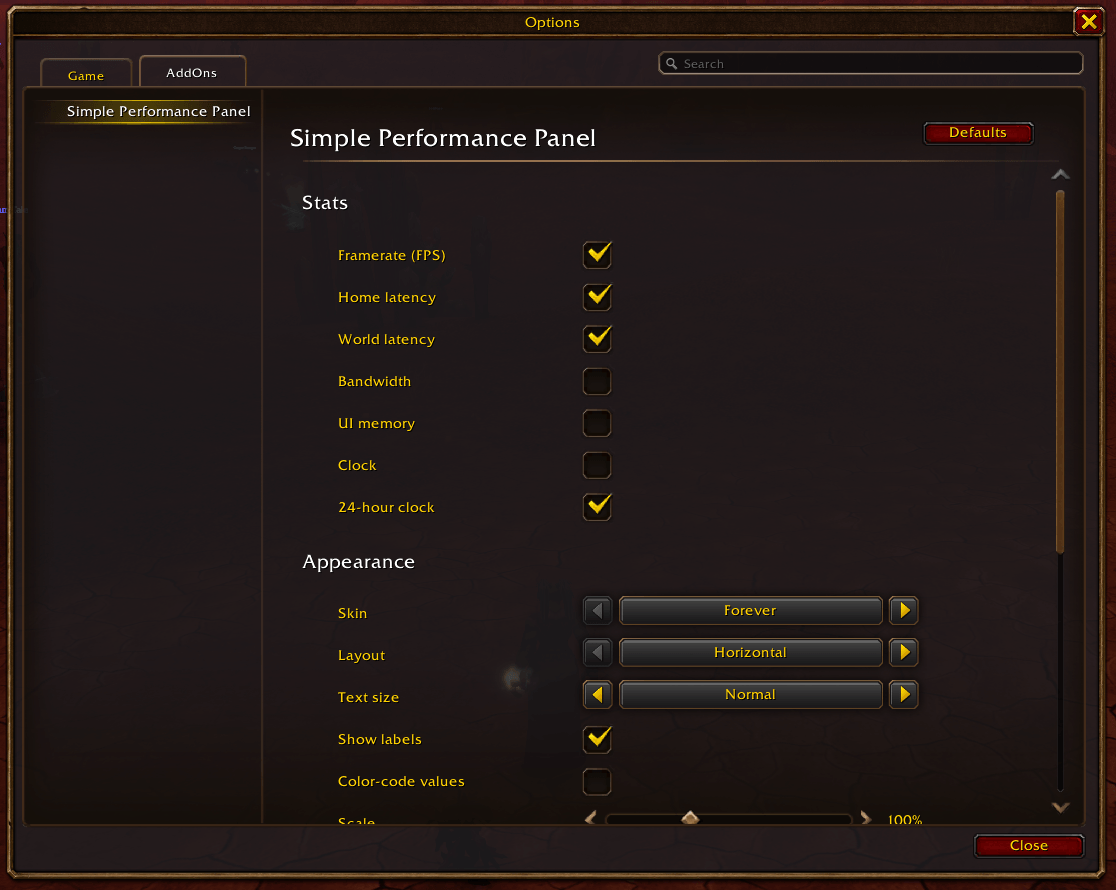
Settings 1
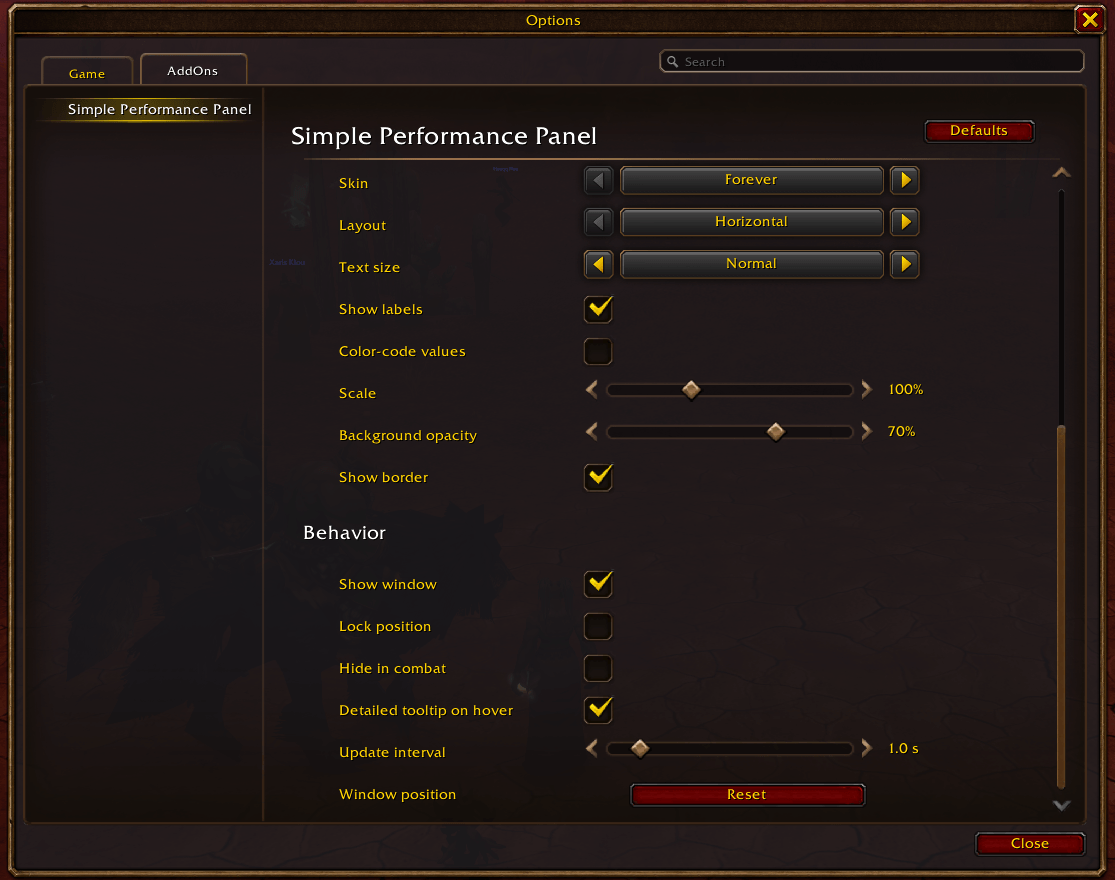
Settings 2
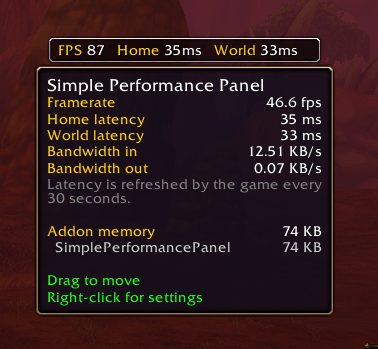
Mouseover Tooltip
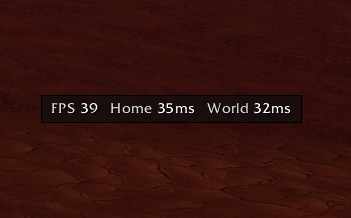
Flat dark skin/theme
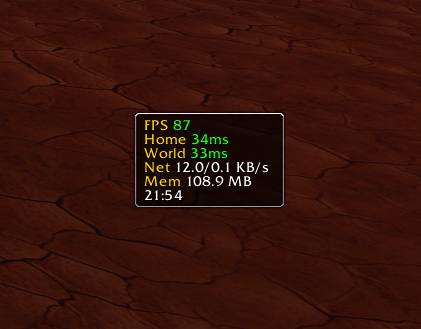
Vertical mode/setting
Description
Simple Performance Panel
A simple, lightweight performance panel for World of Warcraft: Forever and Retail, styled like the default UI.
Features
- FPS, Home latency and World latency, with optional green / yellow / red color-coding
- Optional: Bandwidth (in/out), UI memory, Clock (12h / 24h)
- Three skins: Forever (default tooltip look), Slate (grey frame) and Onyx (flat black, thin border)
- Horizontal or vertical layout, three text sizes, labels on/off
- Adjustable scale, background opacity, border on/off
- Hover for a detailed tooltip: all stats plus the top 5 addons by memory
- Lock position, hide in combat, click-through when locked
- Adjustable update interval (0.5 - 5 seconds)
- Settings page in Esc > Options > AddOns > Simple Performance Panel, and in the minimap addon menu
Light by design
- No OnUpdate script - one timer, once per second by default
- Zero work while hidden; text is only redrawn when a value changes
- Addon memory is only measured while you hover the tooltip
- No libraries; reuses Blizzard's own fonts and textures
Commands
/spp or /simpleperf - open settings
/spp lock | unlock | reset | show | hide | toggle
Right-click the panel to open settings. Unlock it and drag it with the left mouse button to move it.
Note on latency
The game itself refreshes latency numbers only every 30 seconds, so they won't change faster than that.
Simple Performance Panel Team
