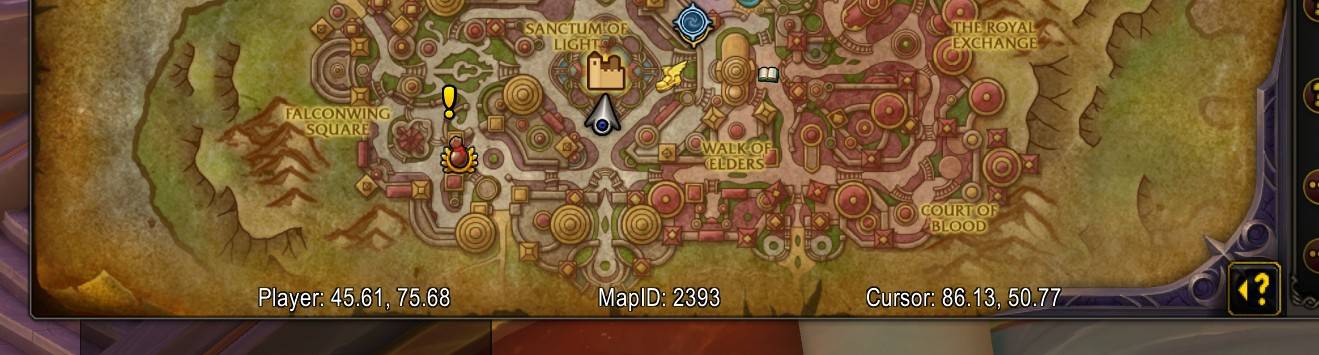
Inside the frame
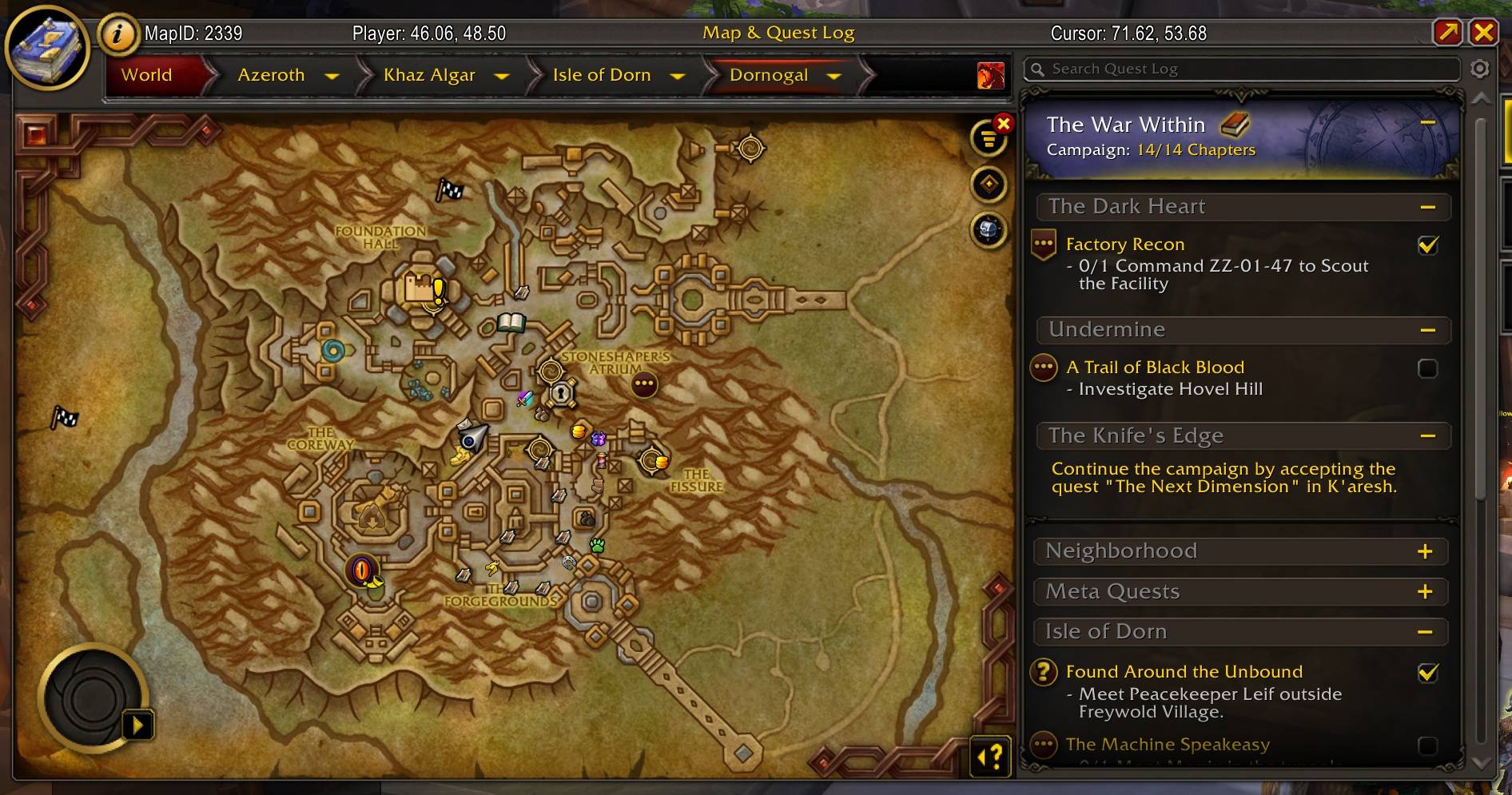
It's a map!
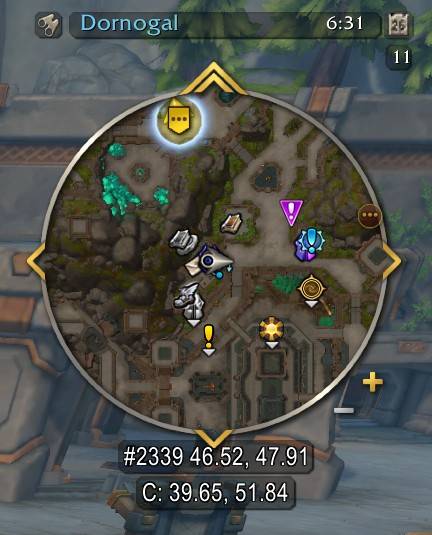
This also shows the current coordinate of the cursor over the minimap
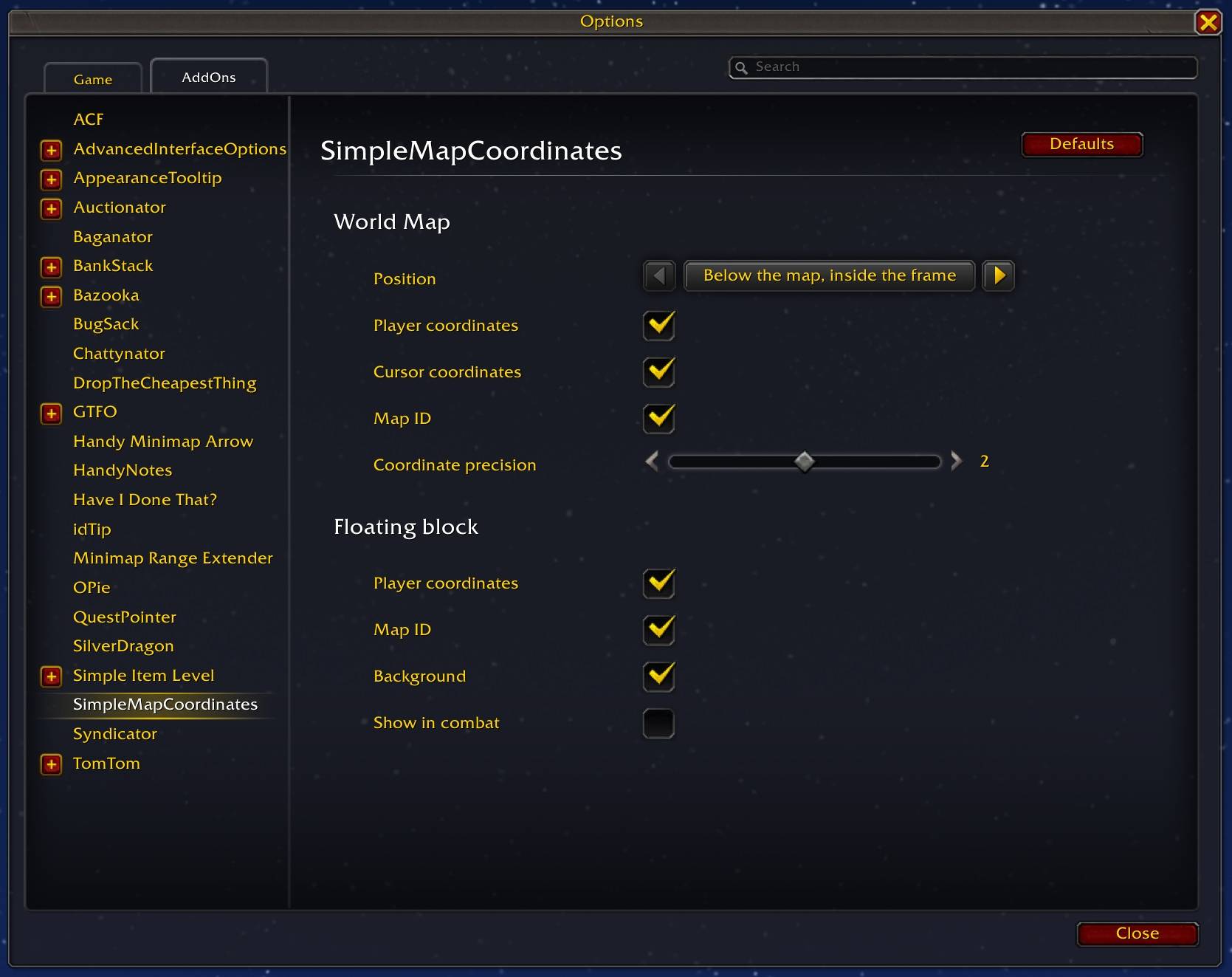
What you can change
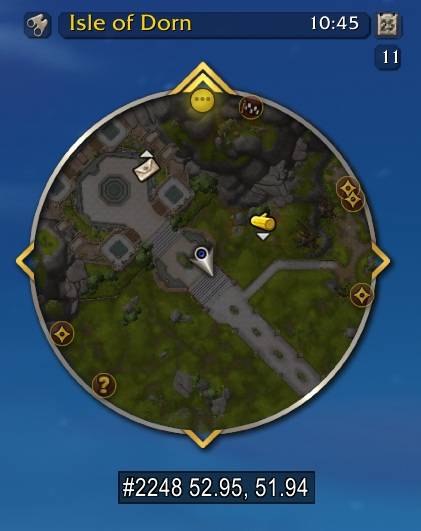
The floating block, with map ID and coordinates enabled
Description
This is an extremely lightweight coordinates addon. It puts coordinates on the map, with some minimal configuration so you can decide where they should be.
It also adds a coordinate block onto the minimap, and can have a separate floating block that you can drag wherever you want.
Usage
Once installed, there'll be coordinates on the world map frame. By default, they appear inside the frame at the bottom.
If you want to change this, type /smcoords and the options will appear.
You can choose:
- Where to show the coordinates on the World Map:
- Below the map, inside the frame
- Below the map, outside the frame
- In the map's title bar
- Whether to show:
- The player coordinates (if they're on the current map)
- The mouse cursor's coordinates (if it's over the map frame)
- The map's ID (mostly a dev thing, but you might want to know it for addons like TomTom)
- And how precise the coordinates should be (10.1, 10.12, 10.123, 10.1234)
Simple Map Coordinates Team

Owner