


Simple Frame Assistant
- By
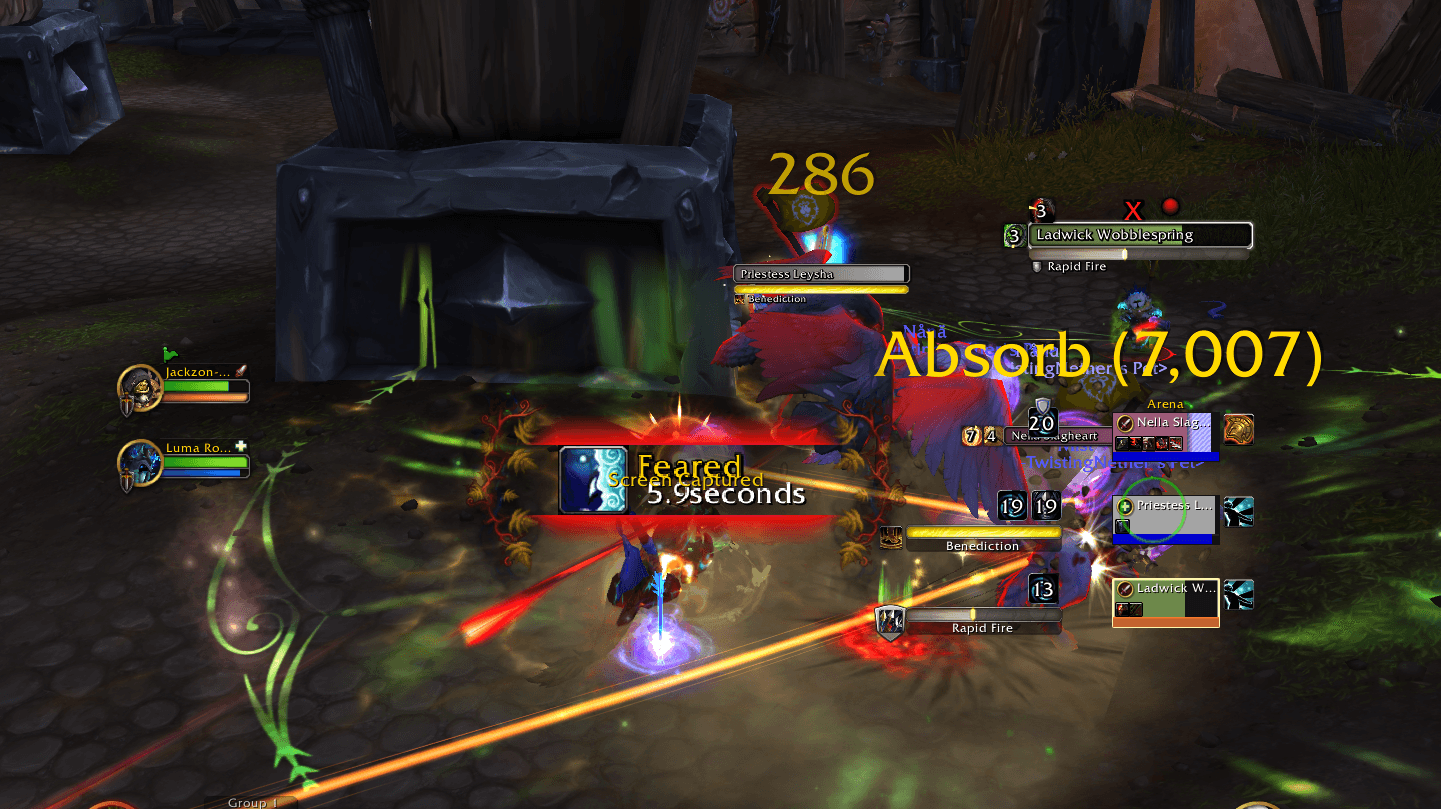
arena.png
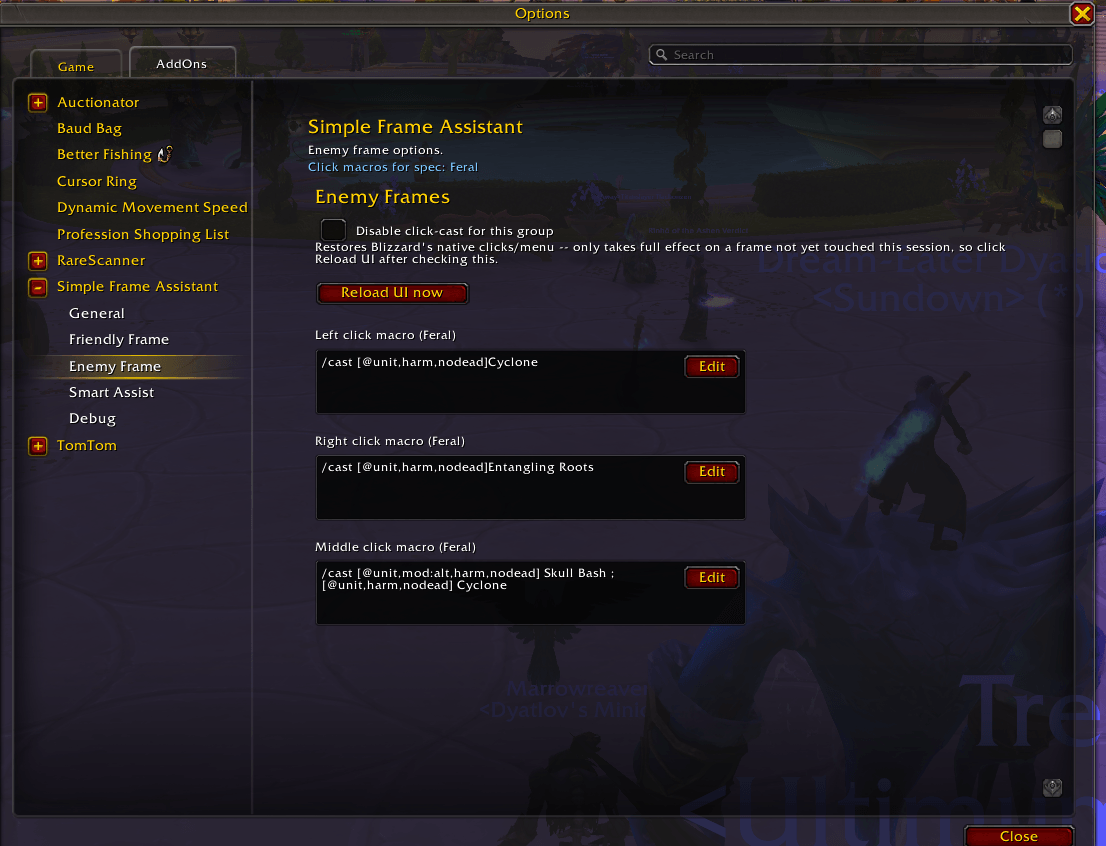
enemy-macro-cast.png
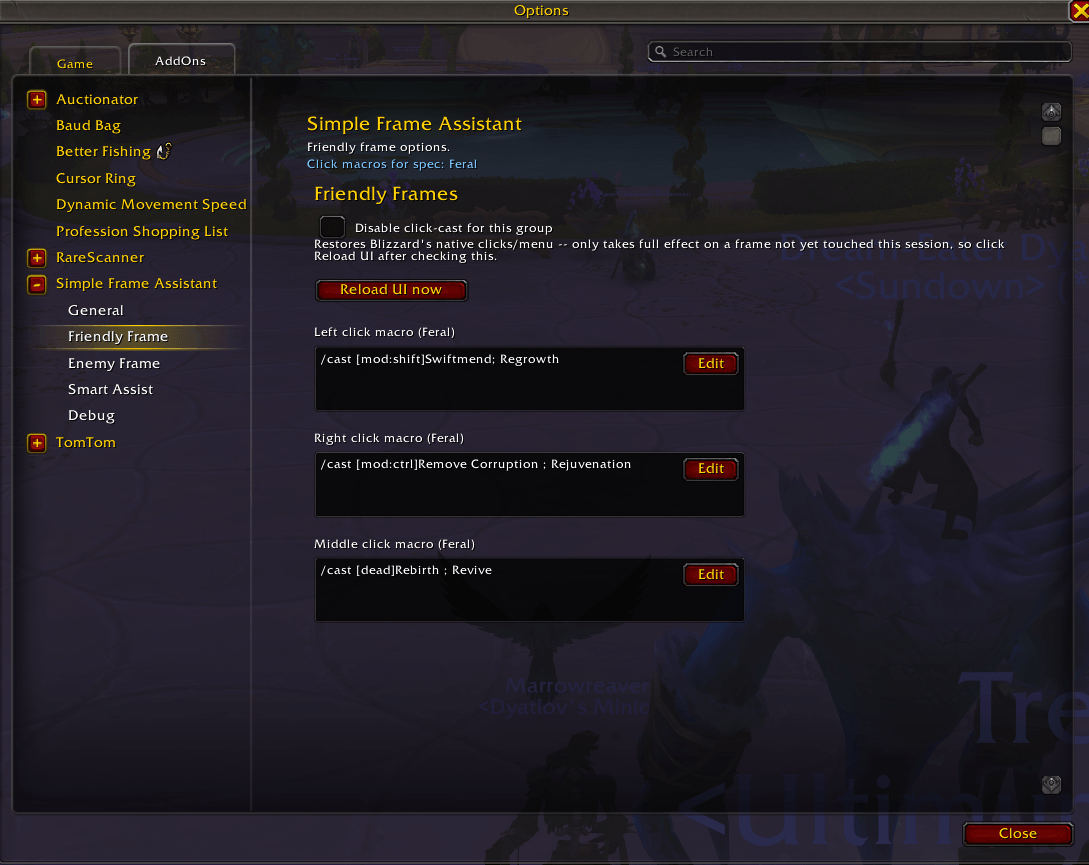
friendly-macro-cast.png
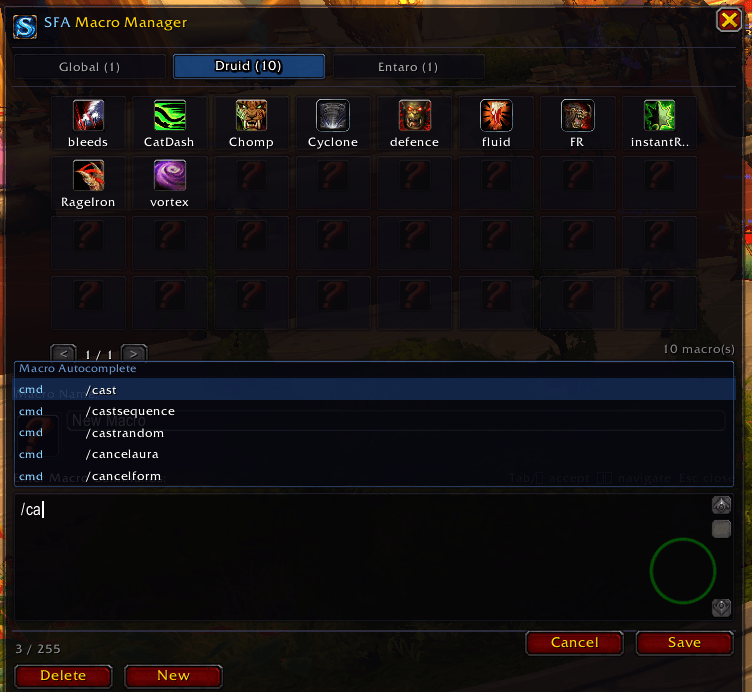
macrowindow.png
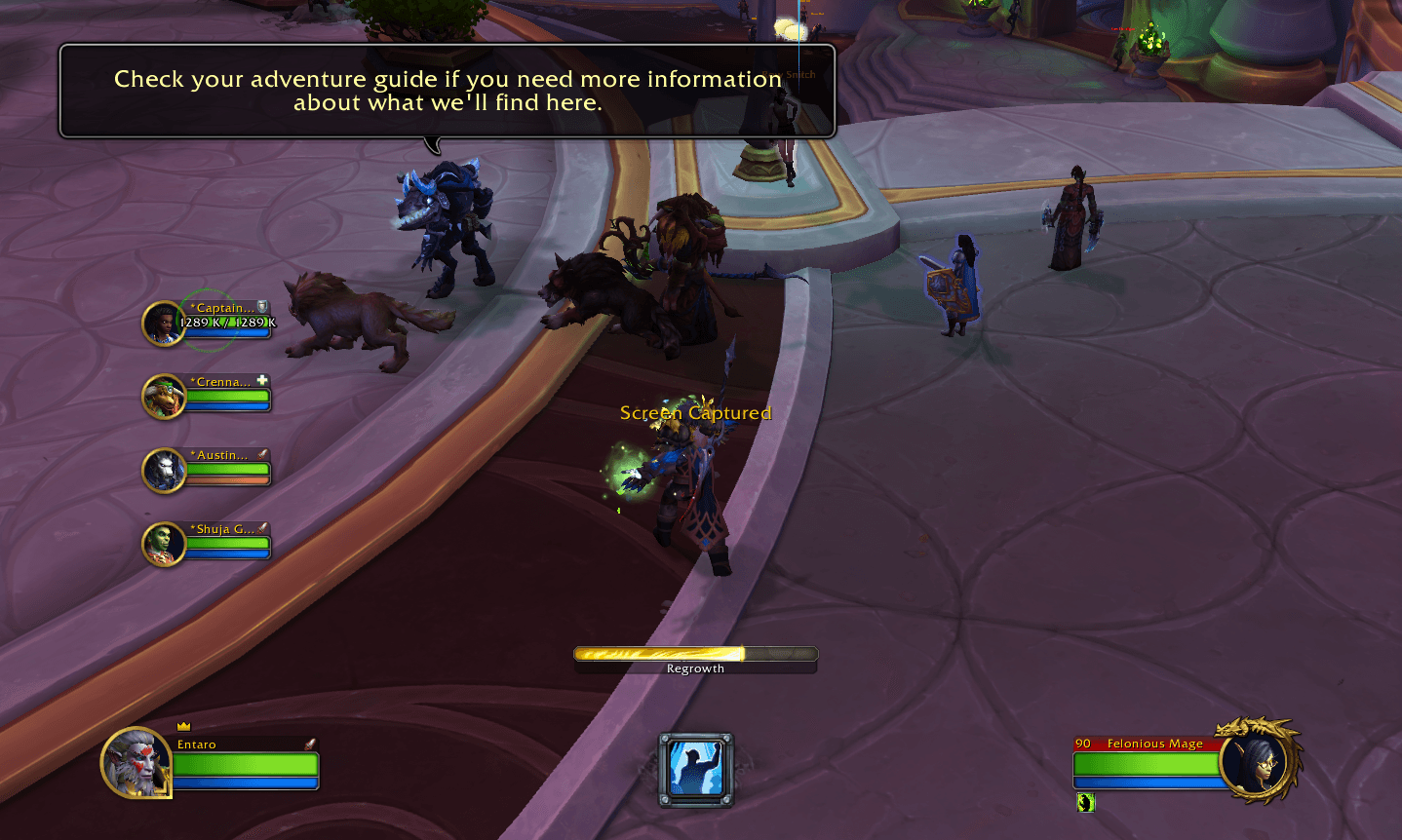
party.png
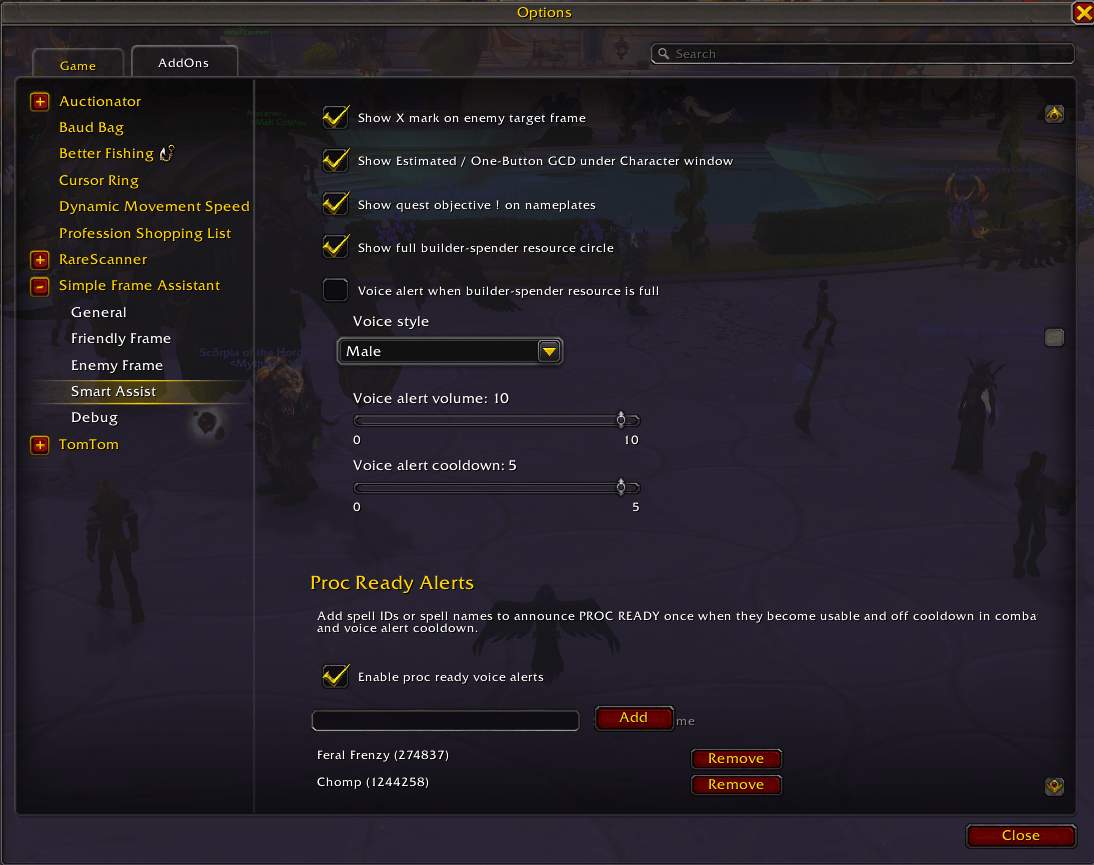
smart.png
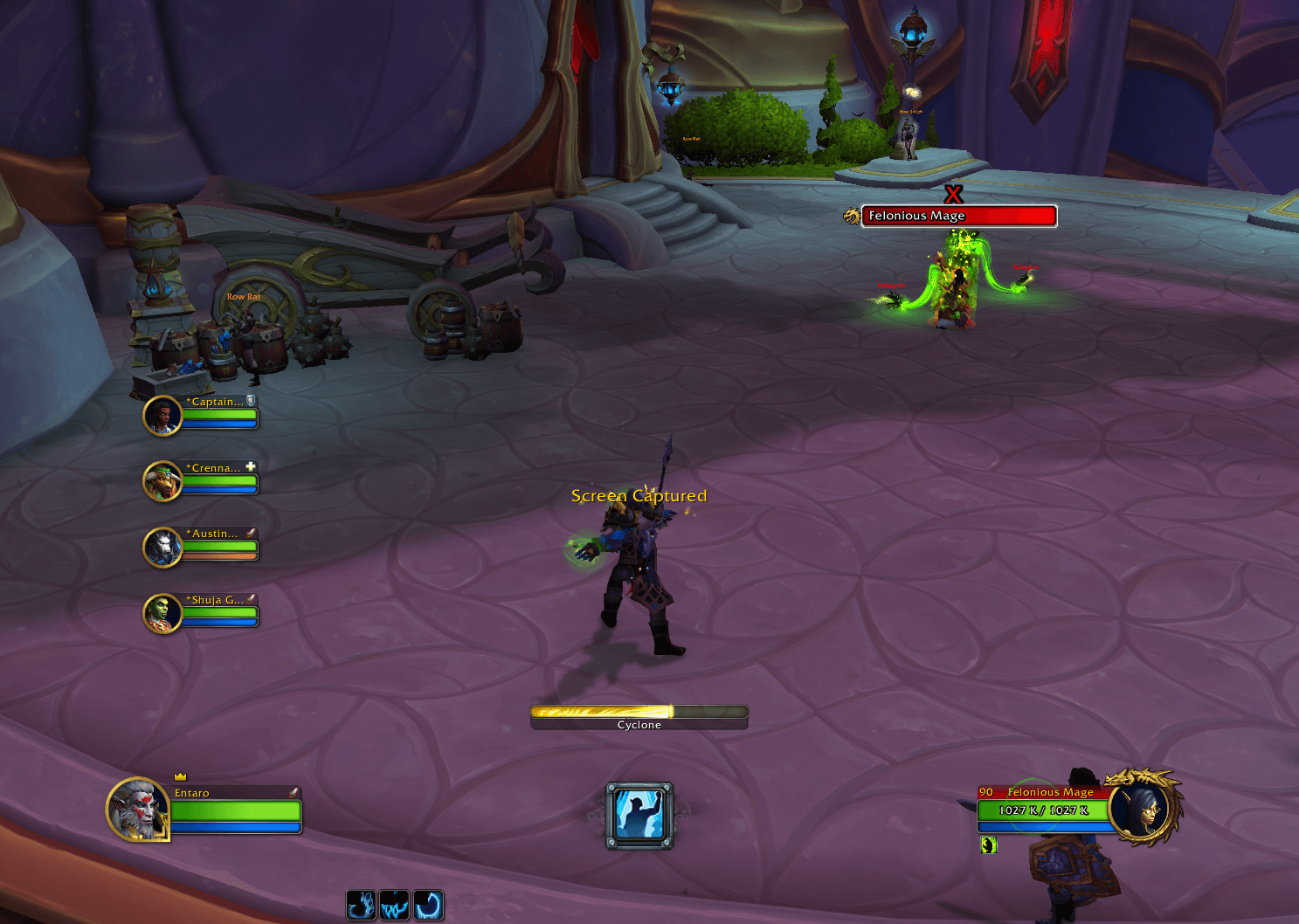
target click frame.png
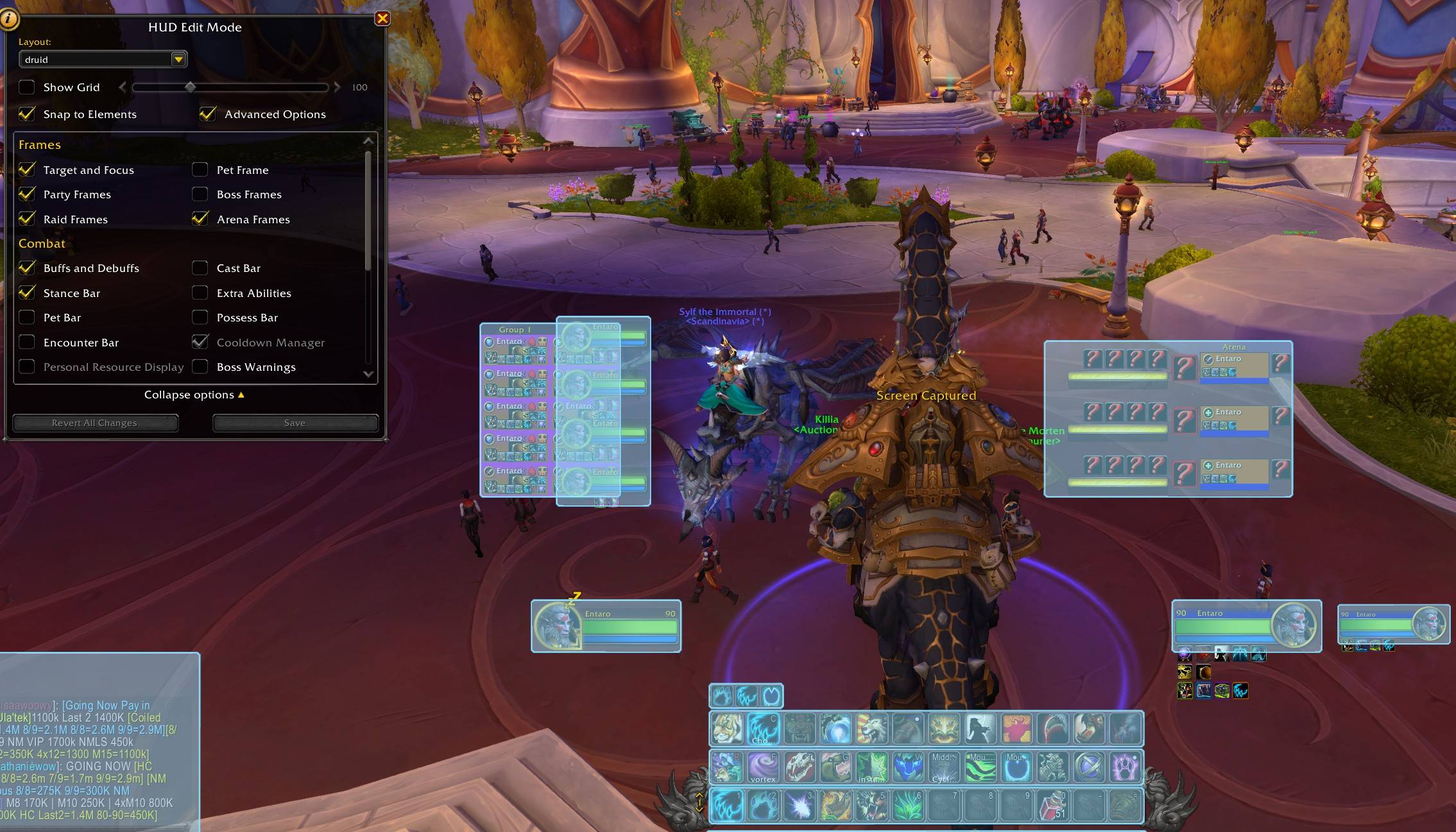
sfa_screenshot_q90.jpg
bg.png
proc-ready.png
Description
Simple Frame Assistant (SFA)
Click-and-cast on Blizzard's own frames — keep the frames you already positioned and styled with the native Edit Mode, and just add fast one-click spells on top.
Why it's different
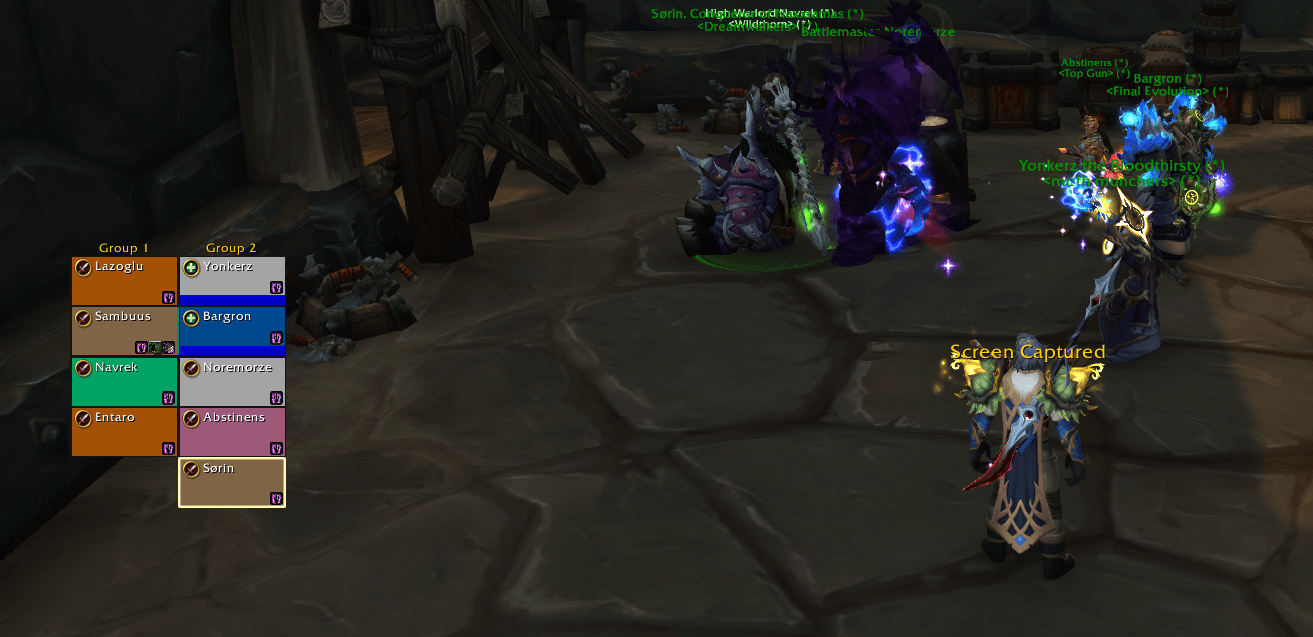
Most click-cast addons come with their own unit frames, which means re-doing your layout, losing Edit Mode, and running two frame systems side by side. SFA doesn't touch your frames at all — it drops your Left / Right / Middle click macros straight onto Blizzard's real Player, Target, Focus, Party, Raid, and Arena frames. Move them, resize them, skin them with Edit Mode or any layout addon you like; SFA just makes them clickable.
Features
- Click-cast on native frames — Player, Target, Focus, Party/Raid (any layout, any group size), and Arena enemy frames. Left / Right / Middle, separate macros for friendly and enemy, per specialization.
- Per-spec macros — set once per specialization, switches automatically with your spec.
- Modifier bypass, per button — choose which of Ctrl/Alt/Shift (held together) makes Left-click select the unit instead of casting, or Right-click open Blizzard's real context menu instead of casting — no need to disable click-cast to reach either.
- Turn it off per group, any time — a "disable click-cast" toggle for Friendly or Enemy instantly hands the clicks back to Blizzard's own defaults, no need to disable the whole addon.
- Redesigned macro window (optional) — organizes Blizzard's macro UI into Global / Class / Character tabs.
Smart Assist
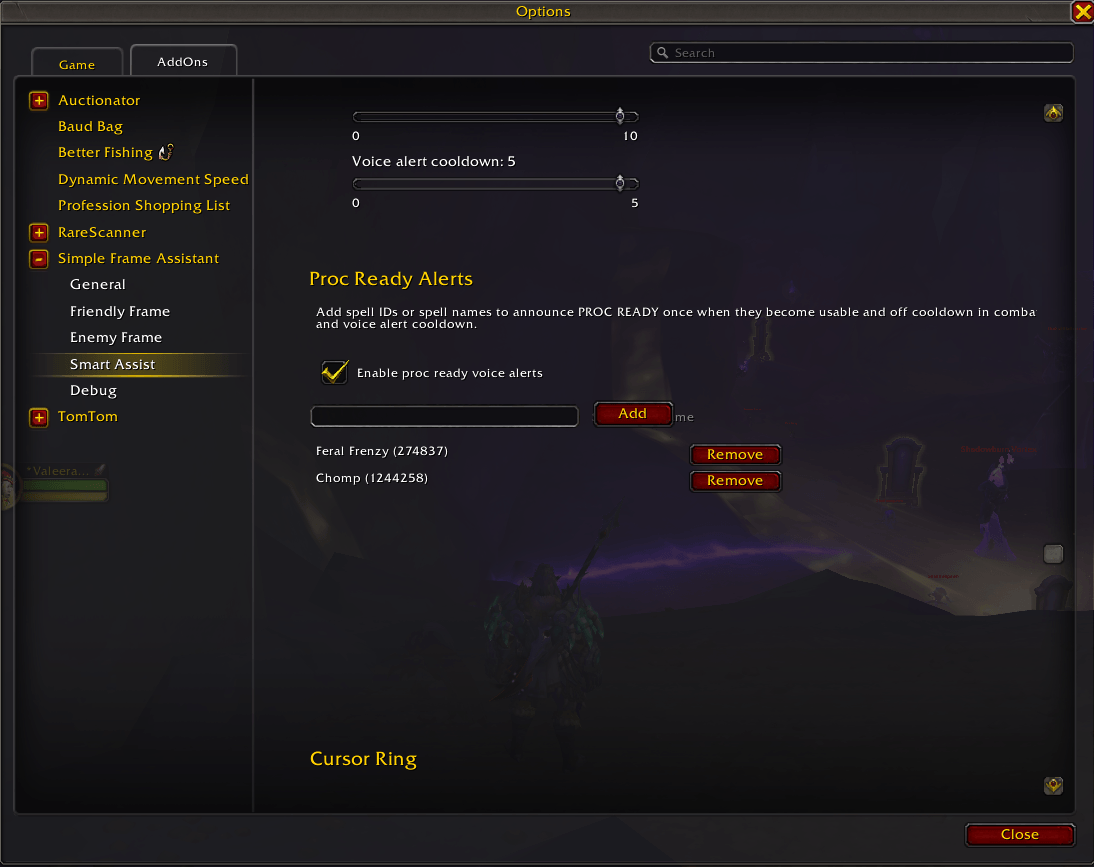
- Proc-ready voice alerts — announces a chosen spell out loud, once, the moment it comes off cooldown and is usable, using the game's built-in Text-to-Speech. Pick the exact TTS voice installed on your system, with Prev/Next/Test controls, plus adjustable volume and cooldown.
- Cursor Ring — a colored ring around your mouse cursor, adjustable color, size, and thickness.
- Quest-objective
!marker on nameplates. - Enemy target
Xmarker on the current target's nameplate. - Estimated GCD readout under the Character window.
- Optional minimap button.
Options
/sfa, or Esc → Options → AddOns → Simple Frame Assistant.
Compatibility
World of Warcraft: Midnight (Interface 120100, 120105), and WoW Forever / Classic+ (beta, Interface 16001).
Forever support comes with a temporary, beta-only limitation: click-cast relies on a secure-macro engine feature (loadstring_untainted) that is currently missing from the Forever beta build. On Forever, SFA detects this automatically, disables click-cast cleanly (a one-time chat message explains why instead of an error), and everything else — options panel, per-spec macro storage, Proc-ready voice alerts, Cursor Ring, quest/target markers, GCD readout — works normally. This is a gap in Blizzard's beta client, not an SFA bug, and click-cast will start working on its own, with no addon update needed, once Blizzard fixes it.
Simple Frame Assistant Team
