
ShiftFocus
- By
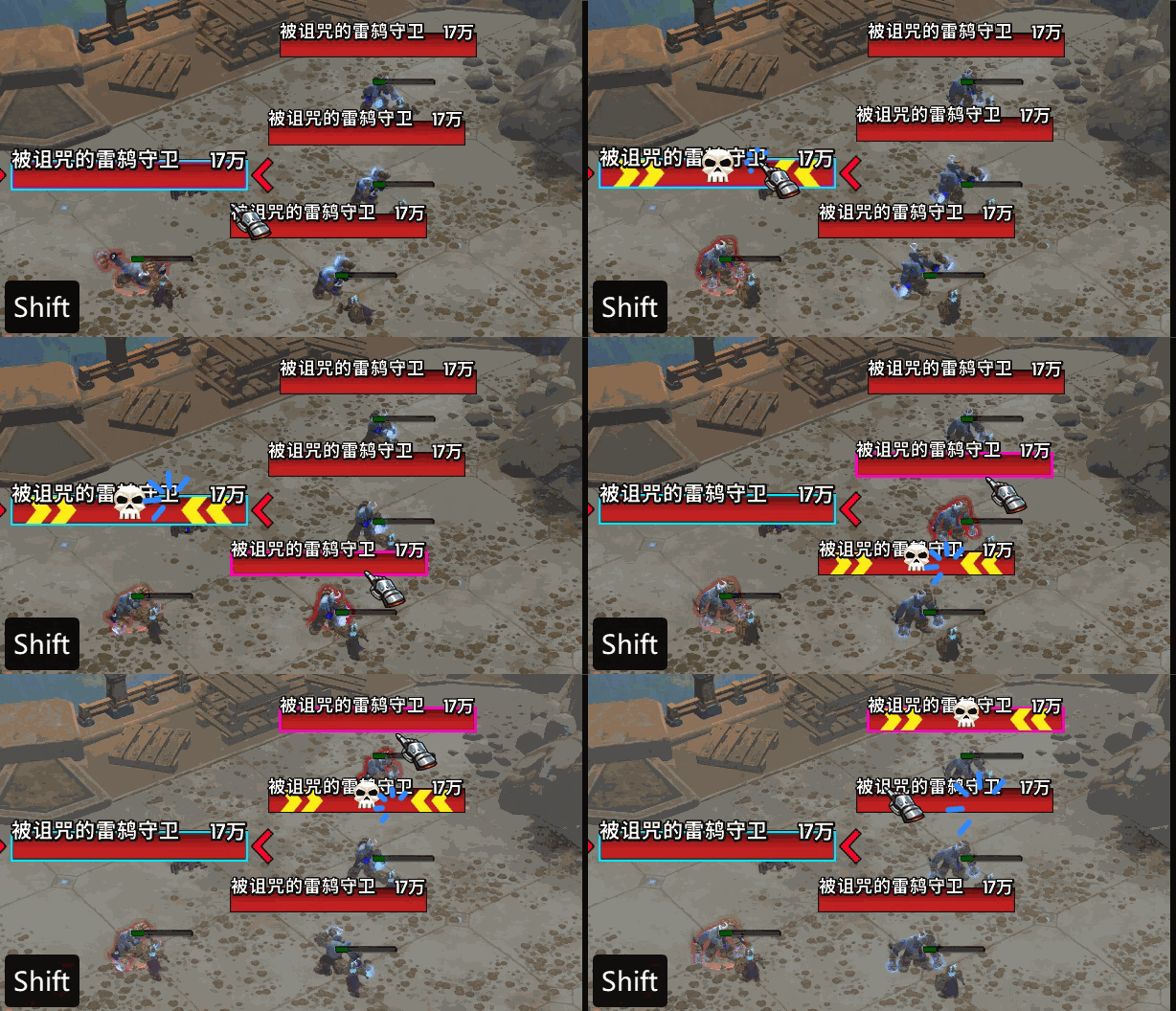
1.gif
Description
Features & Description
1. Modifier + Mouse Button Focus Set your focus target by simply hovering over a unit frame or nameplate and pressing the designated hotkey (Default: Shift + Left Mouse Button). This allows you to set a focus without changing your current target.
2. Clear Focus on Empty Space Enable the option to clear your current focus by clicking on the game world's empty space while holding the modifier key (Default: Disabled).
3. Automatic Raid Marking Automatically apply a specific raid icon (Skull, Cross, etc.) to the unit whenever you set them as your focus (Default: Disabled).
Supported Frames:
Blizzard Frames
UUF (UnhaltedUnitFrames)
DandersFrames
EnhanceQoL
EllesmereUI (new)
Nameplates
How to Configure: Navigate to: ESC -> Options -> AddOns -> ShiftFocus
(Note: If you are using ELVUI with WindTools, this functionality is already built into that suite, so it is not added separately here.)
插件功能说明
1. 修饰键 + 鼠标按键设置焦点 通过将鼠标指向框架或姓名板并按下设定的快捷键(默认:Shift + 鼠标左键)来快速设置焦点。此操作为“鼠标指向”模式,不会改变你当前选中的目标。
2. 点击空白处取消焦点 支持在按住修饰键的同时点击游戏世界的空白区域来清除当前焦点(默认:关闭)。
3. 自动团队标记 在设置焦点的同时,可以自动为该目标上指定的团队标记(如:骷髅、十字等)(默认:关闭)。
支持的框架:
暴雪原生
UUF (UnhaltedUnitFrames)
DandersFrames
EnhanceQoL
EllesmereUI (新增)
姓名板
设置方法: 请前往:ESC -> 选项 -> 插件 -> ShiftFocus
(注意:ELVUI 用户如果安装了 WIND工具箱,该工具箱已包含类似功能,故本插件未对其进行额外适配。)
ShiftFocus Team
