


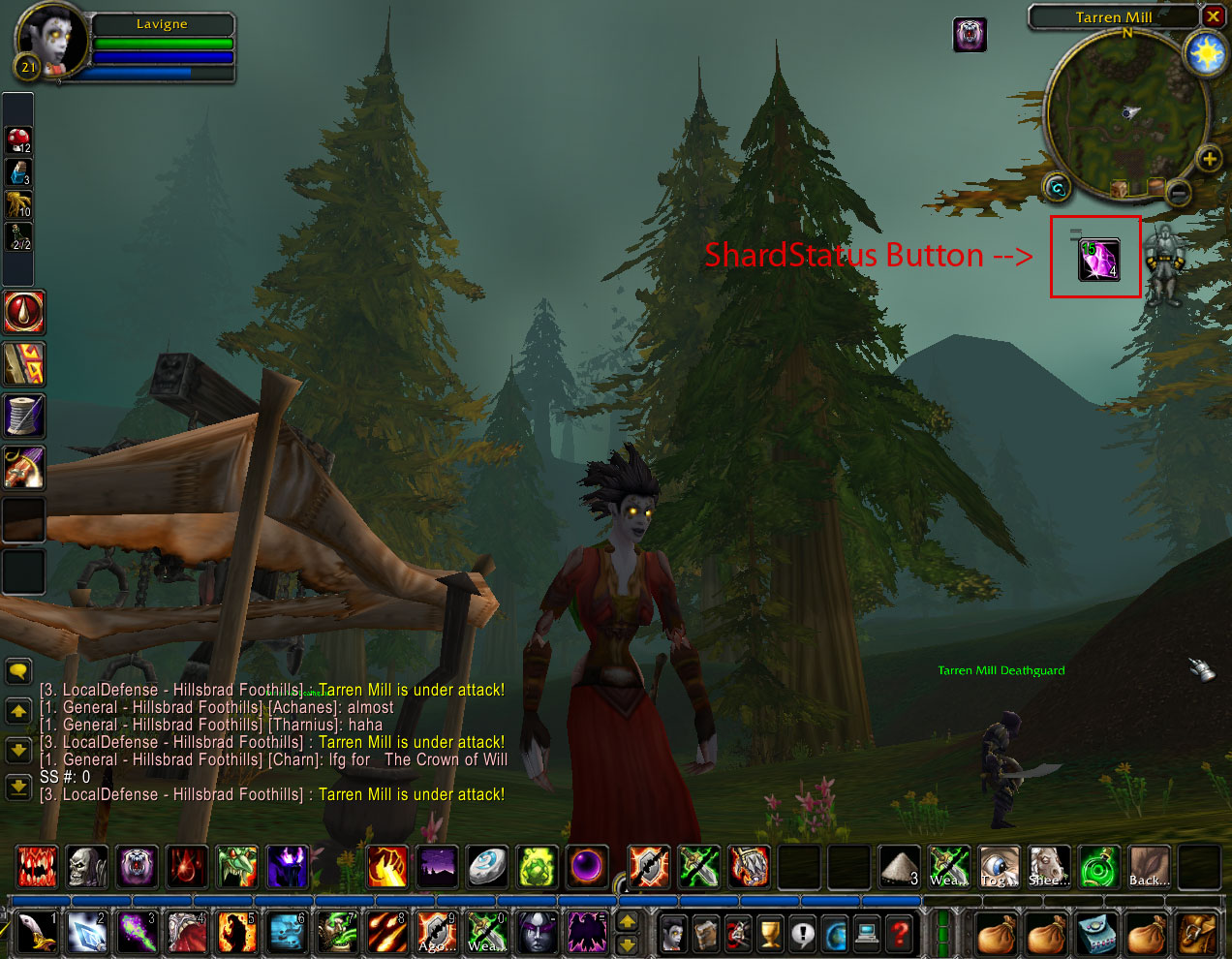
Screenshot
Description
{{{
- !html
Designed to help Warlocks manage the soul shards they create.
Creates a draggable button displaying the number of soul shards in a player's
inventory, and the number of empty bag slots. The green number at bottom right
is the number of soul shards, the white number at top left is the number of
open slots in non-soul shard bags, and the yellow number at top right is the
number of open slots in soul shard bags. Additionally, clicking the button
will delete a sould shard from inventory without a confirmtion dialog.
There are 2 configurable settings for ShardStatus: size and limit. The size setting allows you to specify a font size between 9 and 24 for the numbers displayed. The default is 12. The limit setting allows you to specify a max number of soul shards to keep in inventory. When you create a soul shard above that limit, it will automatically be deleted for you. If you set the limit to 0 or a negative number, no limit will be enforced.
Settings are saved on a per-character, per-realm basis, so you can enable it for you warlock(s), and disable it on other characters if you wish.
Type /shardstatus or /ss for usage.
}}}
The ShardStatus Team
