


ShakeIt
- By
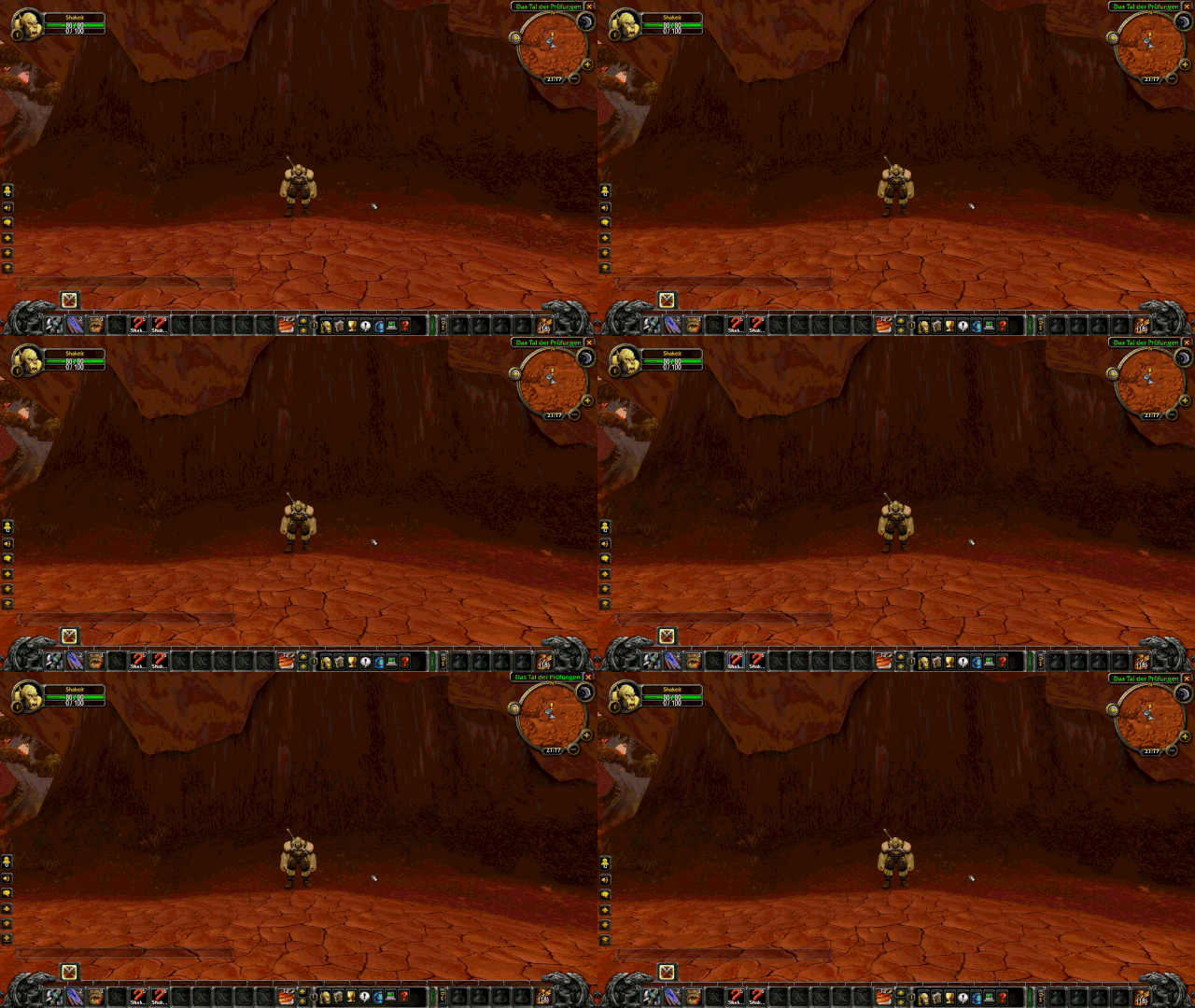
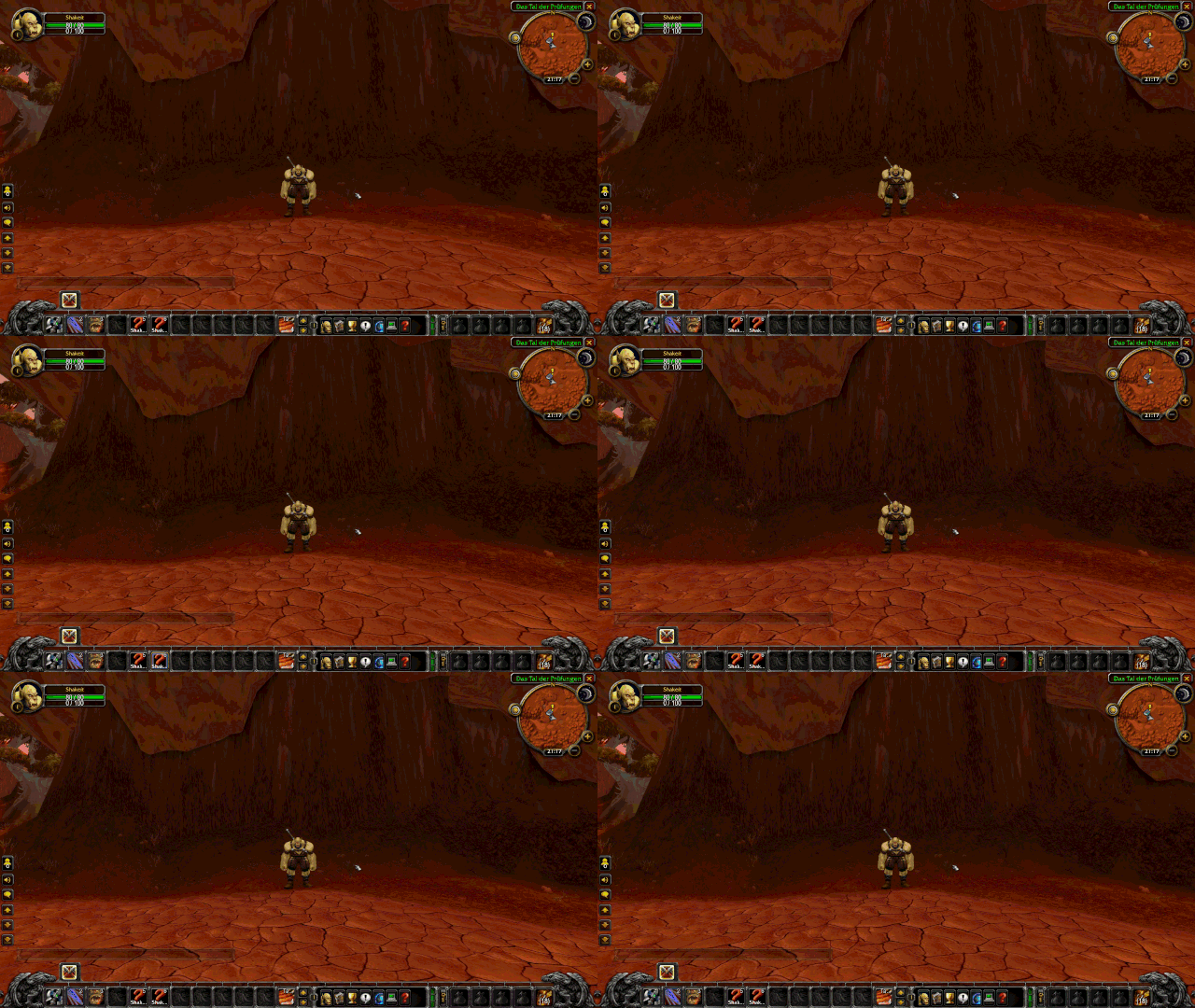
ShakeIt adds visceral feedback to your combat — every time you crit (damage or healing), your UI elements and/or Camera shake briefly.
Description
ShakeIt adds visceral feedback to your combat — every time you crit (damage or healing), your UI elements shake briefly. This creates a satisfying "impact" feeling that makes combat feel more responsive without being distracting.
What Shakes?
Two effects, each one can be turned on or off and tuned separately:
UI frame shake moves "safe" UI elements like:
- Action bars
- Minimap
- Buff/Debuff frames
- Casting bar
- Quest tracker
- Most third-party addon frames
Camera shake rattles the camera itself, like the Fel Reaver's footsteps.
What Stays Put?
Important elements remain untouched:
- Chat frames (so you can still read)
- Player/Target/Pet unit frames (they use special animations)
- Enemy nameplates/raid frames
Performance
ShakeIt is designed to be lightweight:
- No noticeable FPS impact
- Scans once at startup (or on your first crit), typically in a few milliseconds
- Only visible frames are moved — hidden windows are skipped per shake
- The combat log handler allocates nothing, so it stays cheap in raids
- Uses only native WoW API calls
Features
- Automatic Detection: Detects all your critical hits and critical heals (melee, ranged, spells, HoTs)
- Combat-Safe: Only shakes non-protected UI elements that can be moved during combat
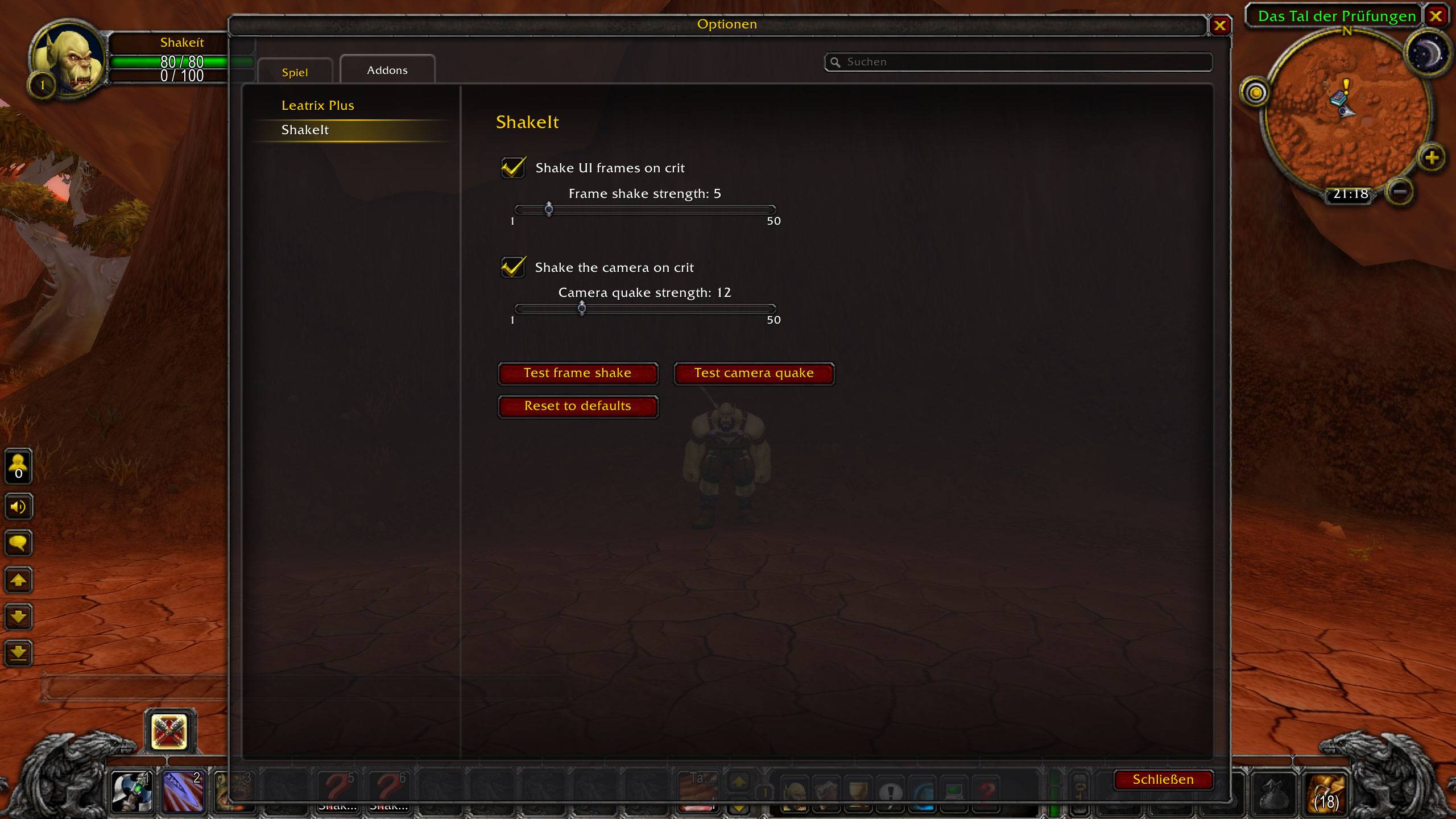
- Configurable: Settings panel to toggle each effect and tune its strength — with test buttons to preview and a reset to defaults
- Works Out Of The Box: Sensible defaults, both effects on
- Addon-Friendly: Handles frames from third-party addons gracefully
Settings
Open with /shakeit config or via Interface Options → ShakeIt.
| Setting | Default | Range |
|---|---|---|
| Shake UI frames on crit | on | — |
| Frame shake strength | 5 | 1–50 |
| Shake the camera on crit | on | — |
| Camera shake strength | 12 | 1–50 |
Commands
| Command | Description |
|---|---|
/shakeit |
Show help |
/shakeit config |
Open the settings panel |
/shakeit shake |
Trigger a manual shake |
/shakeit quake |
Trigger a camera shake |
/shakeit scan |
Rescan all UI frames (prints count to chat) |
/shakeit dump |
Show where the shakeable frames come from |
/shakeit test <framename> |
Shake a specific frame by name |
ShakeIt Team
