
Serene
- By
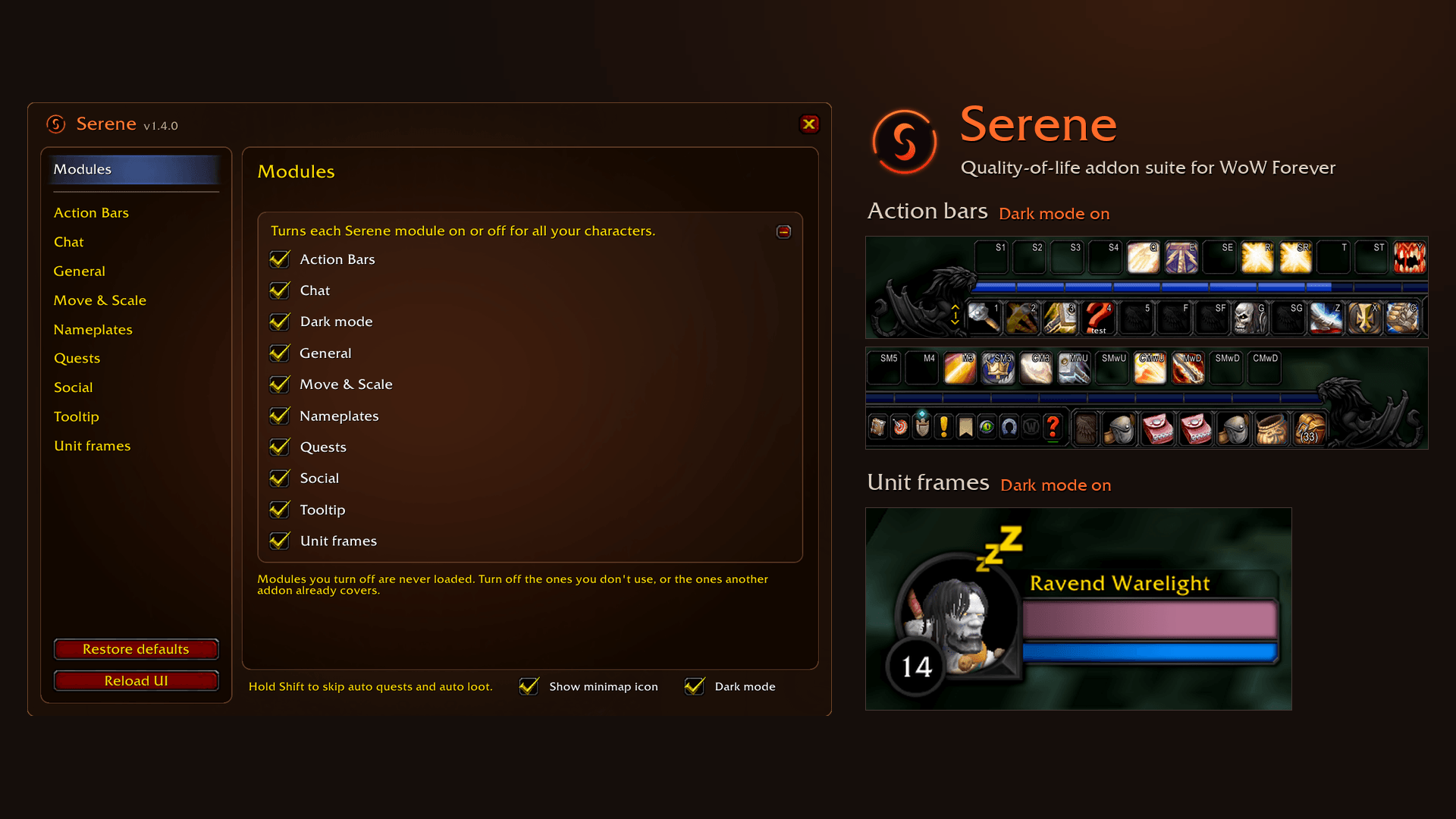
Overview
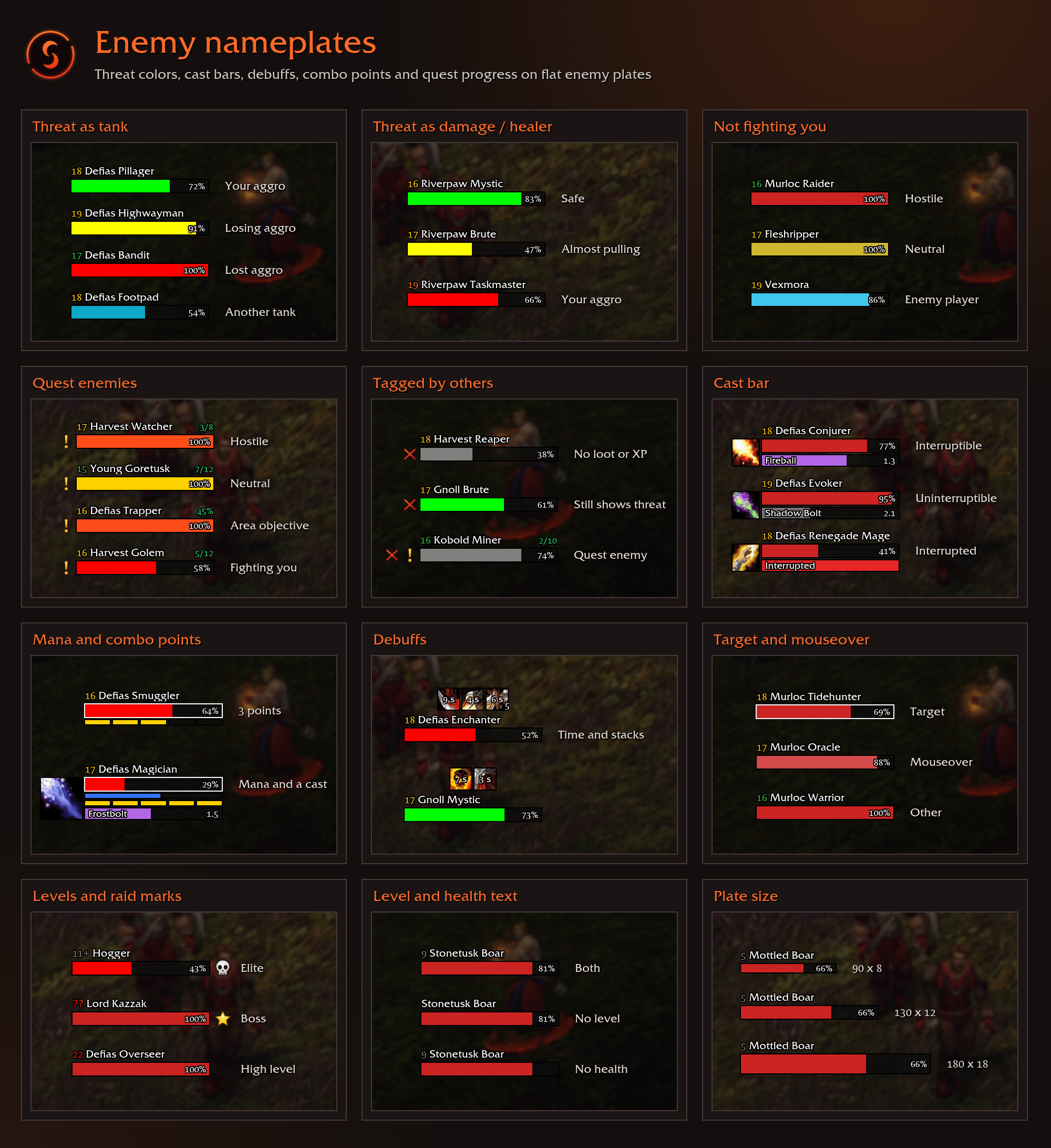
Custom Name plates
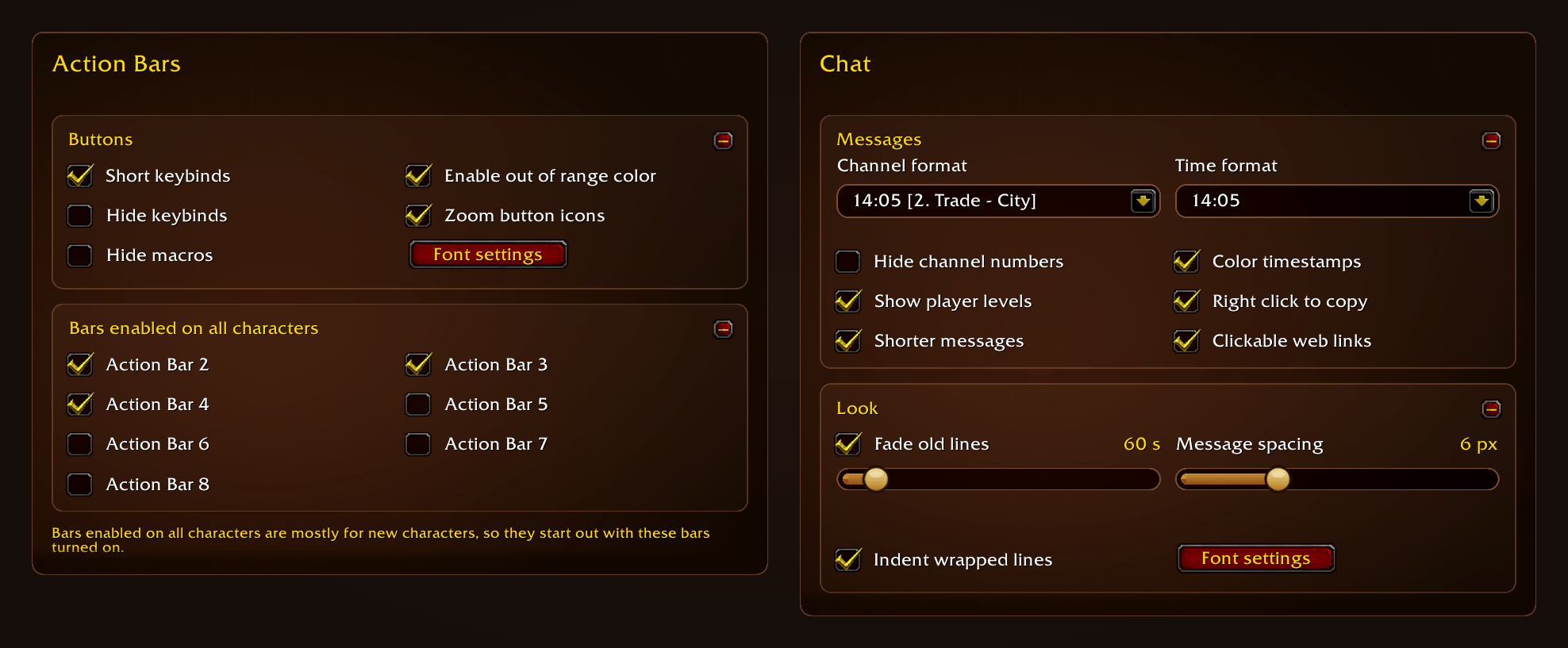
Action Bars and Chat options
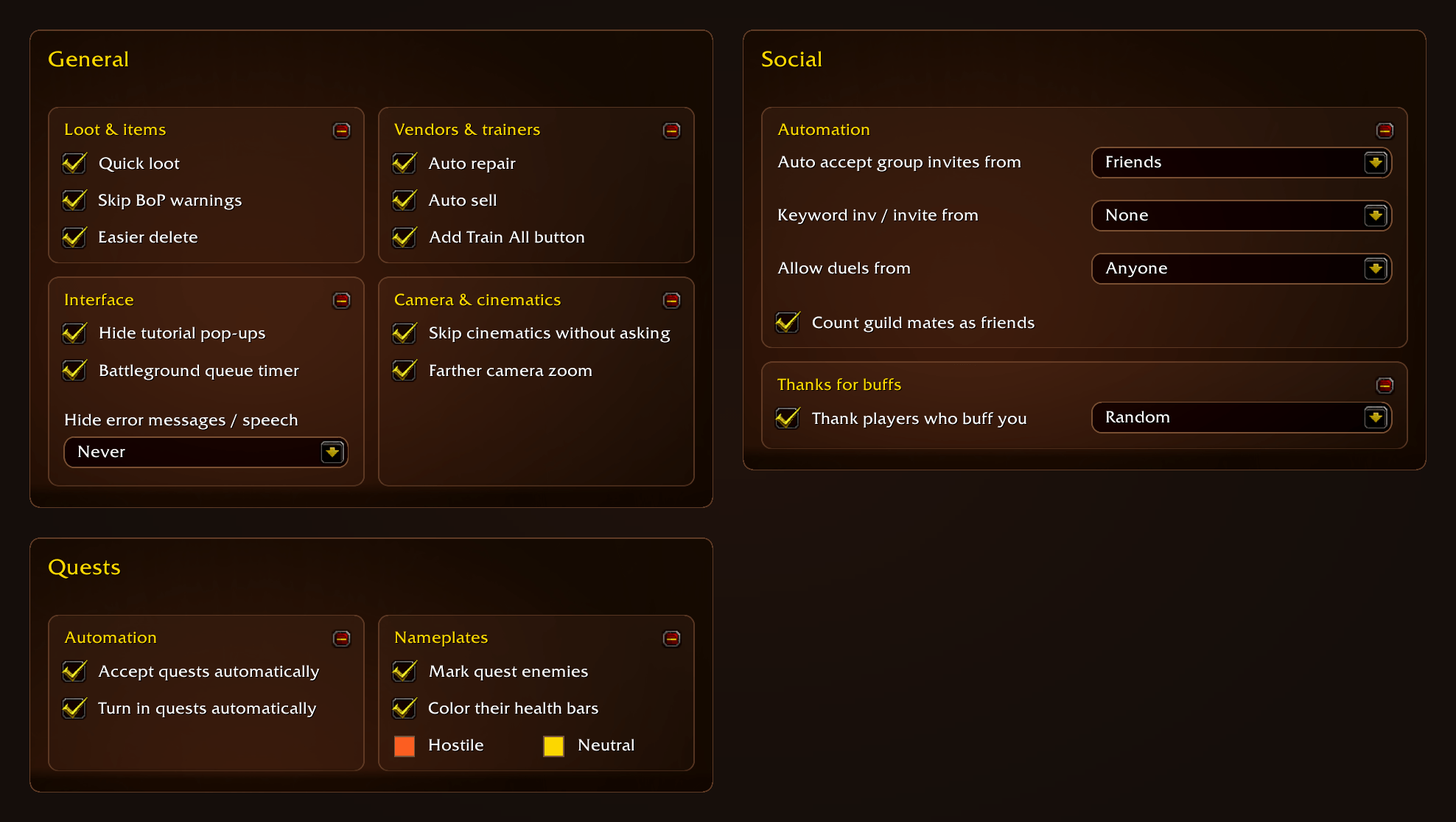
General, Quests and Social options
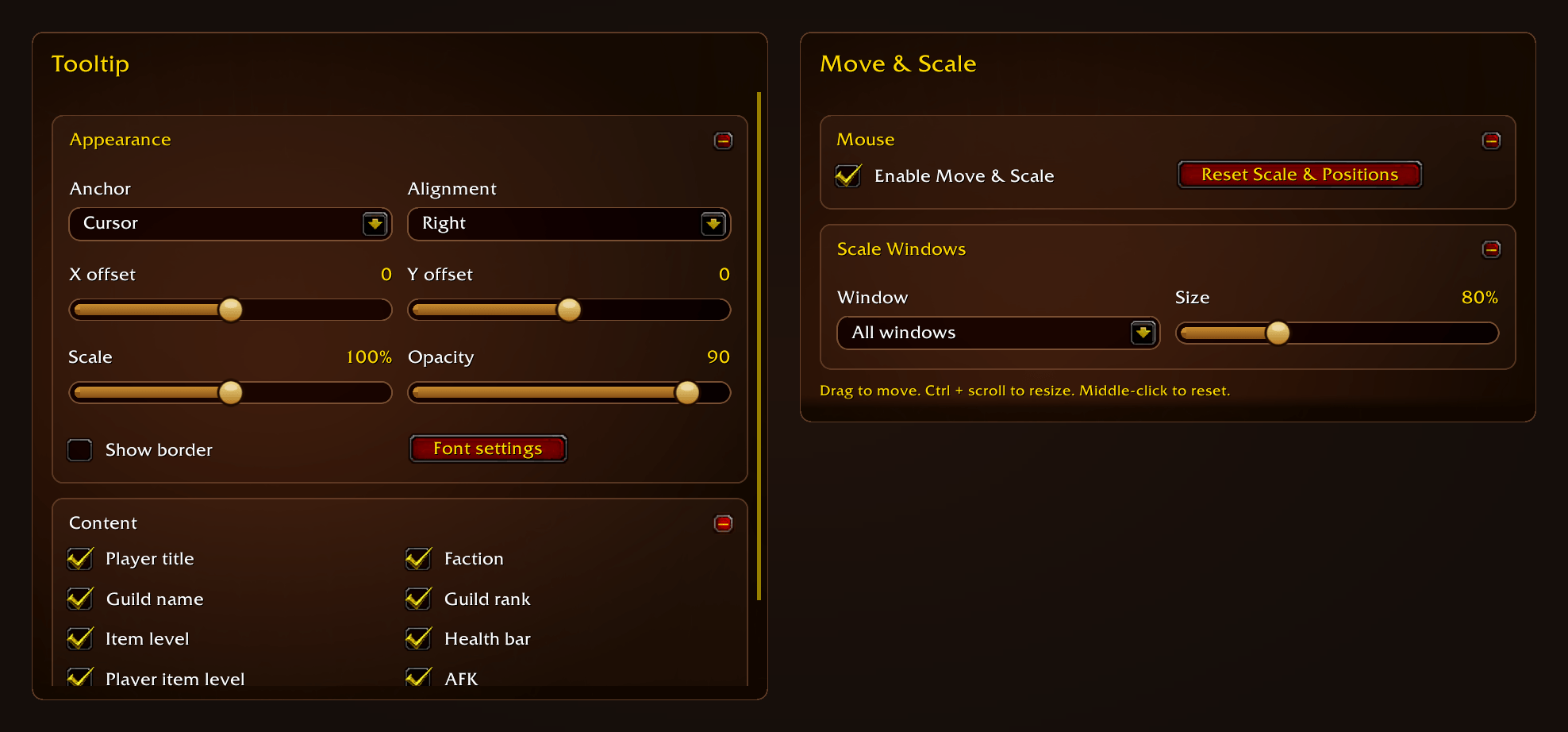
Tooltip and Move & Scale options
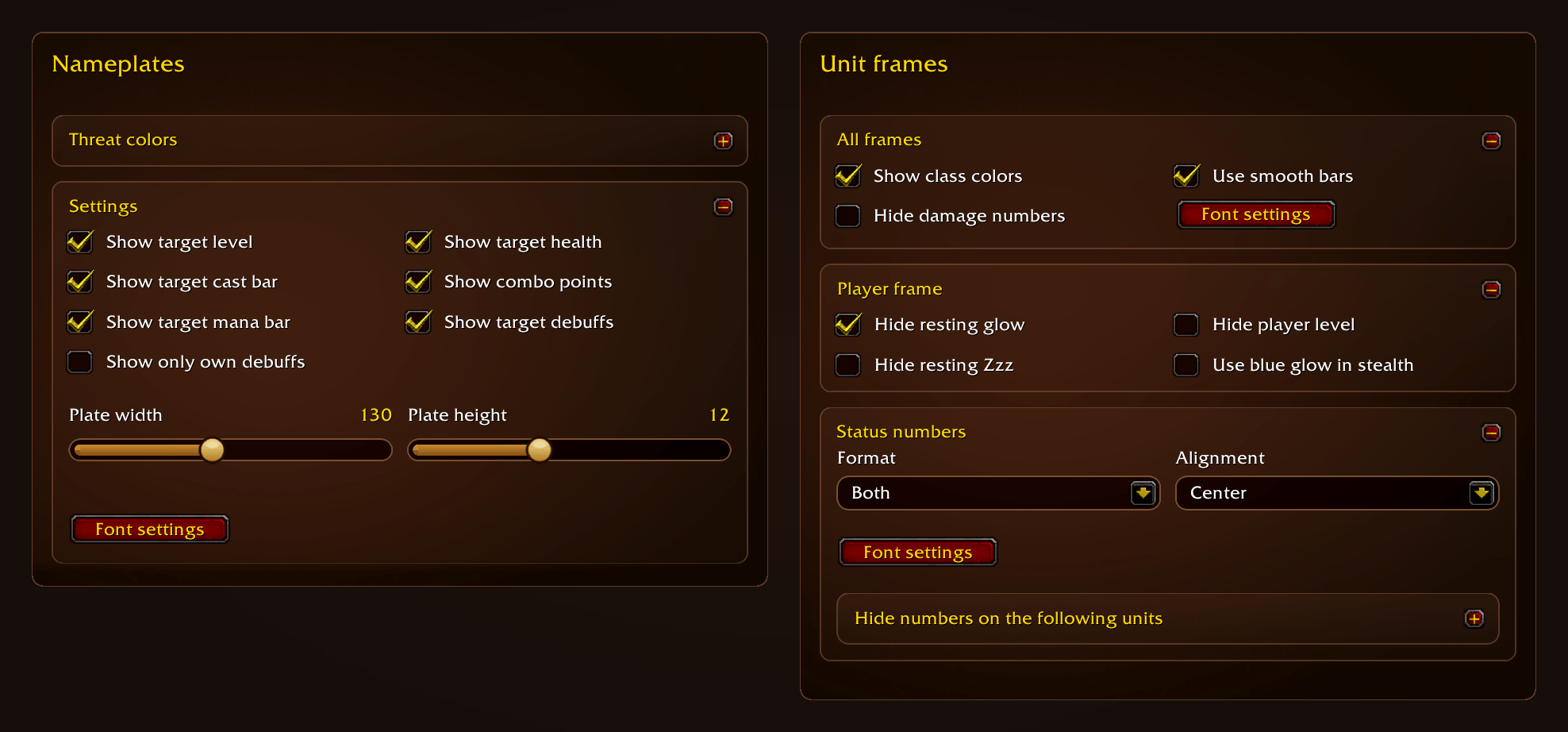
Nameplates and Unit frames options
Description

Serene is a lightweight quality-of-life suite for WoW Forever. It cleans up the default interface and handles the small chores, without replacing Blizzard's UI.
Modular and lightweight
Turn off the modules you don't want. Settings you turn off cost next to nothing and everything is event based to use as little CPU as possible.
Modules
Action Bars
Short keybinds, Out of range coloring and more
Dark Mode
Dark art in place of the bronze and gold on the action bars, unit frames and more…
Nameplates
Flat enemy plates with threat colors, cast bars, debuffs, combo points and more…
Move & Scale
Move and resize Blizzard's windows. Drag to move, Ctrl + scroll to resize.
Tooltip
Customizable position, scale, font and border and more…
Unit Frames
Class colored health bars, hide damage numbers and more…
General tweaks
Quicker auto-loot, no bind-on-pickup popups, easier deleting of items, auto sell/repair, adds a Train All button to various trainers, a battleground queue countdown and more…
Quests
Auto accept/turn in quests and marks quest enemies on their nameplates with your progress
Social
Automatically accepts group invites, choose who can duel you, announce instance resets and more…
Chat
Player levels, shorter messages, clickable web links, right-click to copy and more…
Other
Screenshot and time played on level up, thank players who buff you, action bars and Edit Mode layout for new characters.
Installation & Usage
Install with the CurseForge app, or extract every Serene folder into Interface/AddOns. Serene is the core and is required. All other modules are optional.
Minimap icon left-click opens the options, right-click shows the CPU meter, Shift-right-click reloads the UI.
/serene opens the options.
/serene reset resets all settings to default.
AI Disclaimer
Serene is made with AI. The code and the texts, this description included, were written with Claude (Anthropic), and the art and the logo were made with AI as well. I direct the work, test every change in game and am responsible for the code.
Feedback
Bug reports and suggestions are welcome in the comments.
Serene Team
