Sensory Vignette
- By
11.png
111.png
Code_Generated_Image(2).jpg
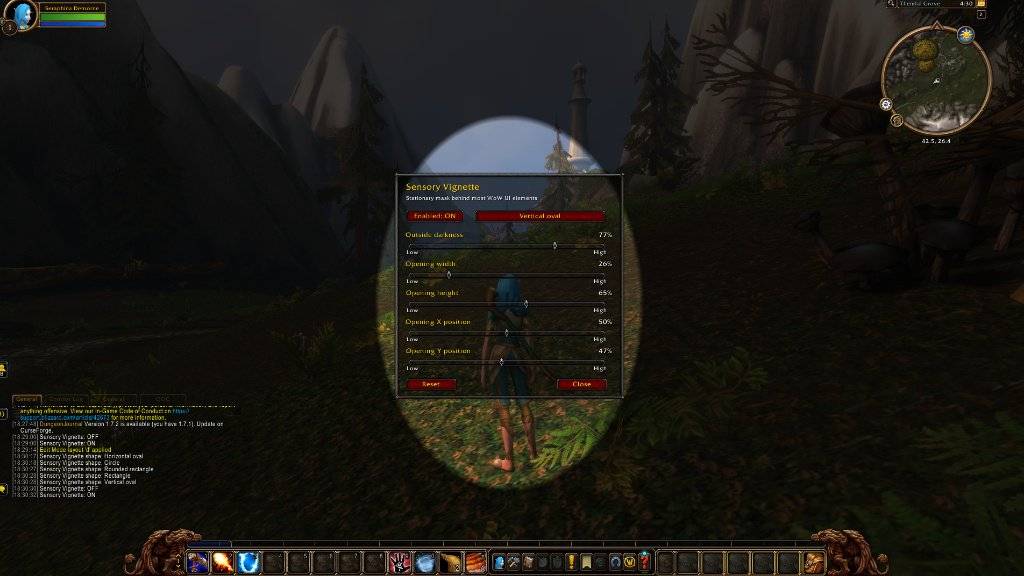
Code_Generated_Image(1).jpg
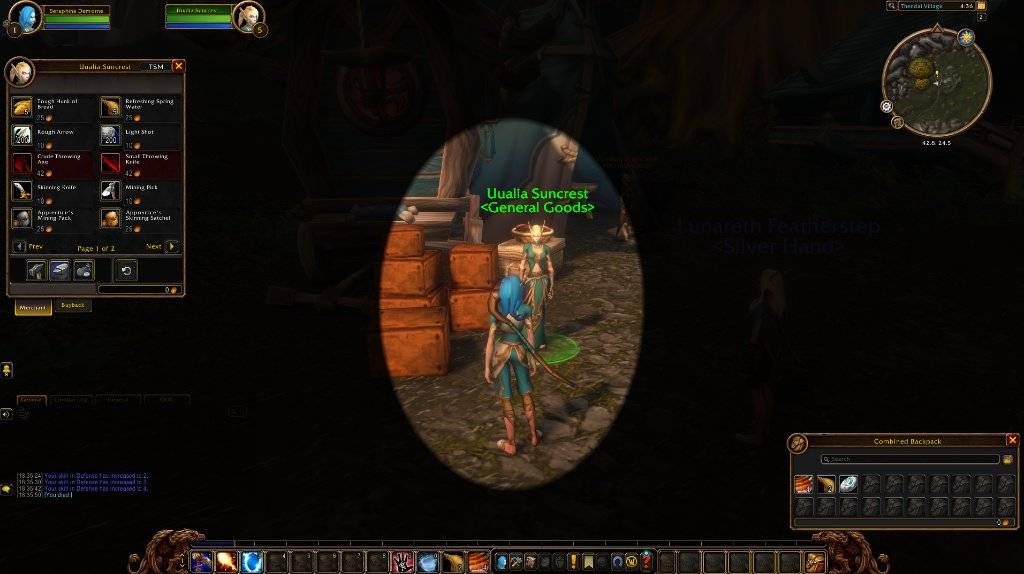
Code_Generated_Image.jpg
Description
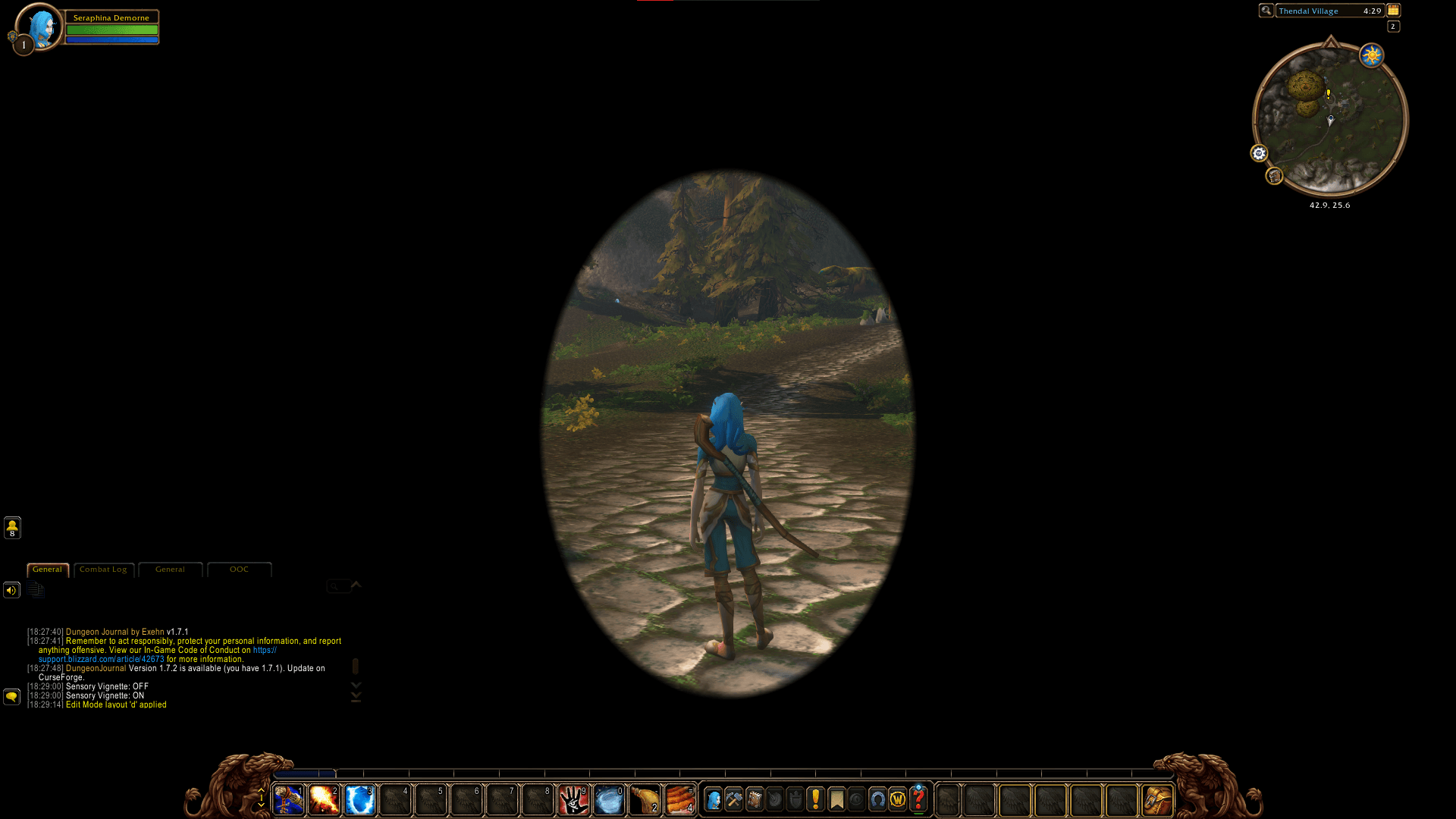
Sensory Vignette is a free accessibility addon developed through the Sensory Accessible Technology Initiative (SAT-I), an initiative of the International Misophonia Foundation.
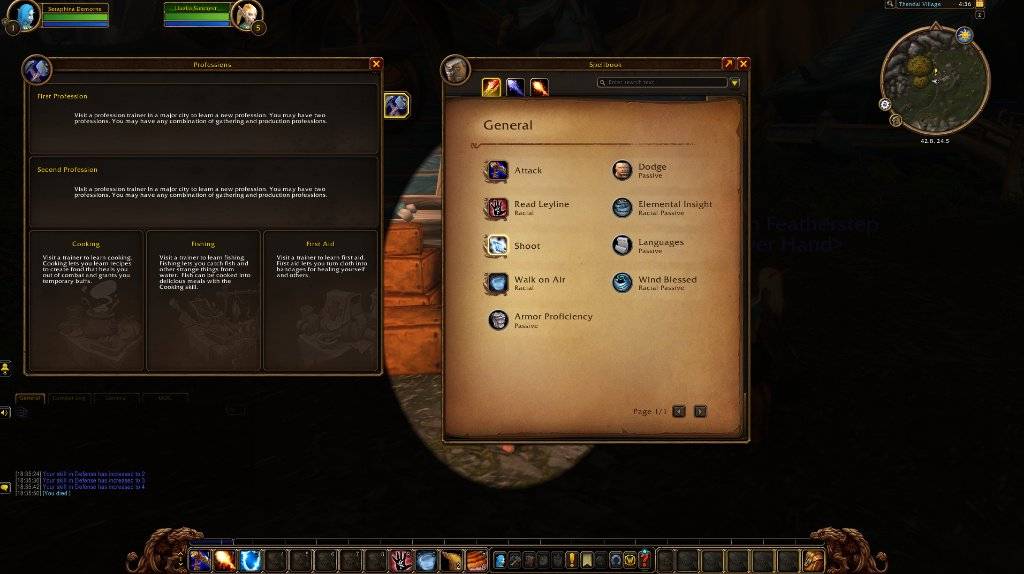
It places an adjustable, non-animated vignette over the game world while keeping normal interface elements visible.
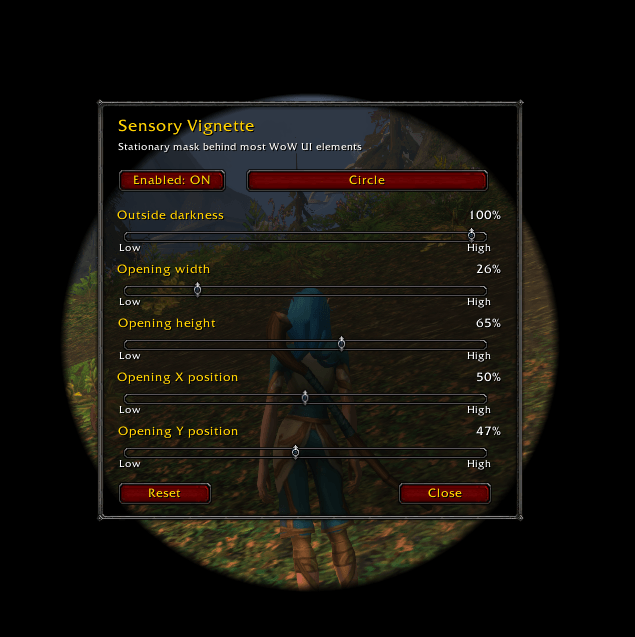
Features include vertical and horizontal oval shapes, circular and rectangular openings, adjustable width and height, 0–100% opacity, positioning controls, customizable keybindings, and saved settings.
The addon was developed with misokinesia and visual sensory sensitivities in mind, but may also be useful for players experiencing visual overstimulation, migraine-related sensitivities, or discomfort from peripheral movement.
Sensory Vignette does not change game mechanics, player models, combat information, or other players' experiences.
Keyboard Shortcuts
Sensory Vignette supports customizable keybindings for quick adjustments during gameplay.
· Toggle Vignette — Turn the overlay on or off.
· Open Vignette Settings — Open the configuration panel.
· Increase Darkness by 5% — Make the peripheral mask darker.
· Decrease Darkness by 5% — Make the peripheral mask lighter.
· Next Vignette Shape — Cycle through the available shapes.
Sensory Vignette Team