SelectionColor
- By
screenshot_6022.png
screenshot_6023.png
screenshot_6024.png
Description
# SelectionColor
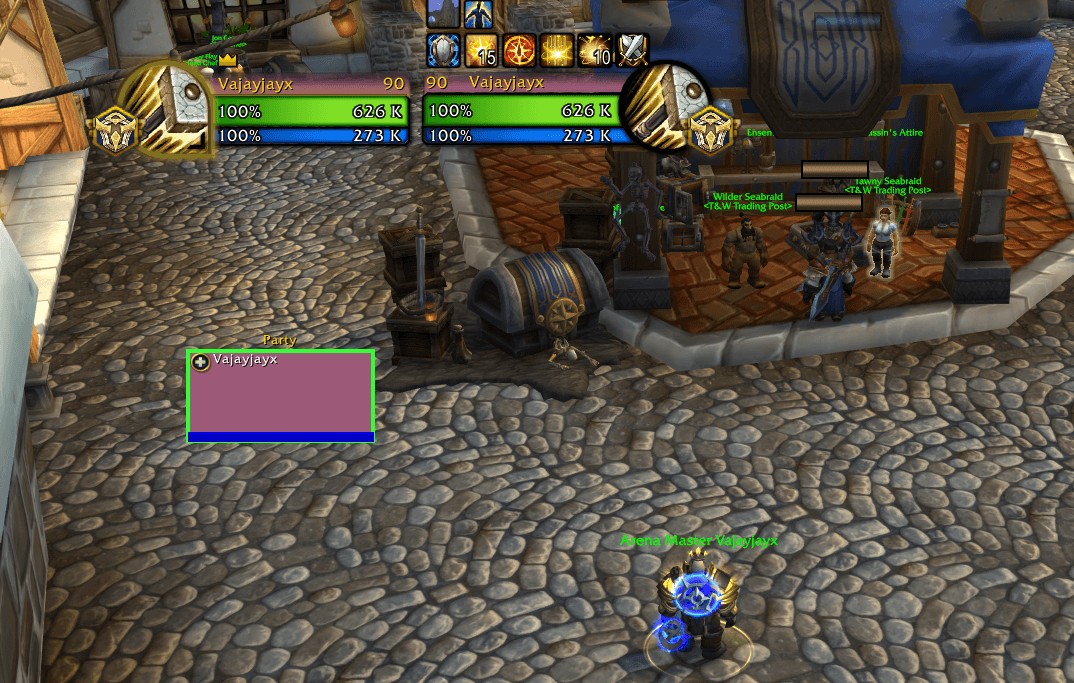
Tired of losing track of who you have targeted on your raid frames? The default white selection border on Blizzard's raid and party frames is thin and easy to miss, especially in arena and hectic raid fights.
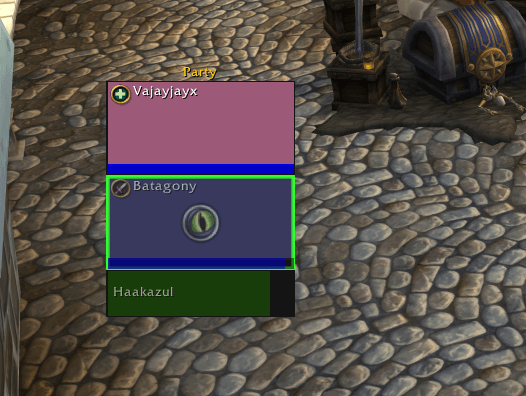
**SelectionColor** lets you recolor that border, for example to bright green or any other color, and make it thicker so your current target always stands out.
## Features
- Change the color of the target selection highlight on Blizzard raid and party frames
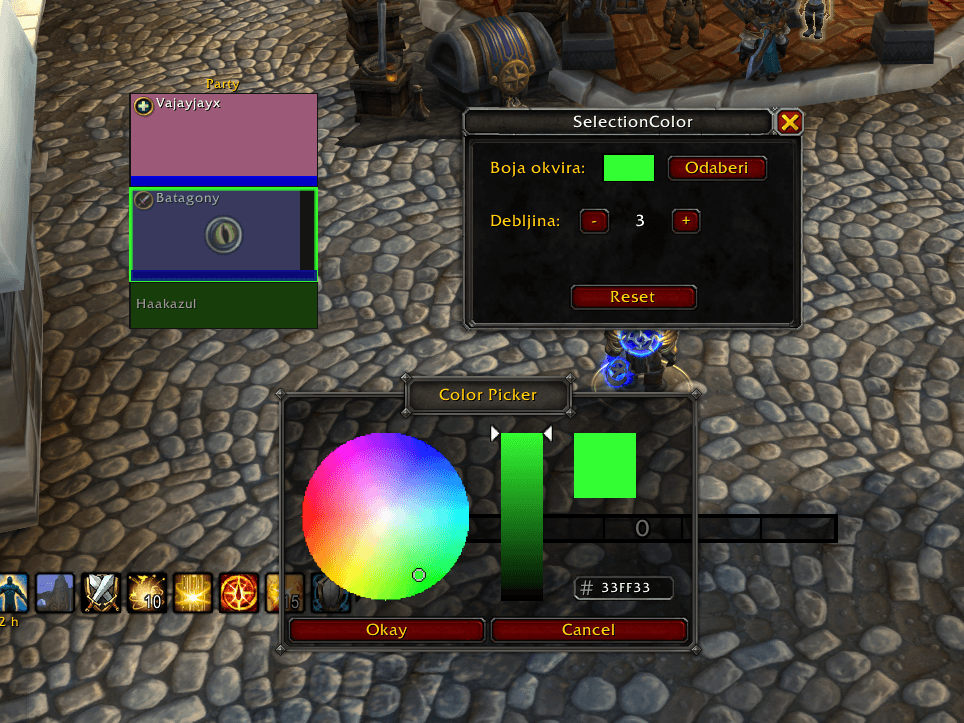
- Full color picker, with a live preview as you pick
- Adjustable border thickness (0–10 pixels)
- Settings are saved per account
- Lightweight, with no libraries or dependencies
## How to use
Type `/selcolor` to open the settings window:
- **Pick** opens the color picker. You can also click the color swatch.
- **– / +** changes the border thickness. 0 keeps only the recolored Blizzard border.
- **Reset** restores the defaults (green, thickness 3).
The window can be dragged, and you can close it with **X** or **ESC**.
### Slash commands
| Command | Description |
|---|---|
| `/selcolor` | Open or close the settings window |
| `/selcolor 0 1 0` | Set the color directly (R G B, values 0–1) |
| `/selcolor thick 4` | Set the border thickness |
| `/selcolor reset` | Restore the default settings |
## Compatibility
- Works with **Blizzard's default raid and party frames** (Compact Unit Frames)
- Does **not** affect nameplates
- Does not work with replacement frame addons such as ElvUI, Grid2 or VuhDo, because they draw their own frames
## Feedback
Found a bug or have an idea? Leave a comment or open an issue. Lua error reports are very welcome.
SelectionColor Team