Scrolly
- By
Screenshot 2026-10-05 153701.png
Screenshot 2026-10-05 153045.png
Screenshot 2026-10-05 152930.png
Screenshot 2026-10-05 152809.png
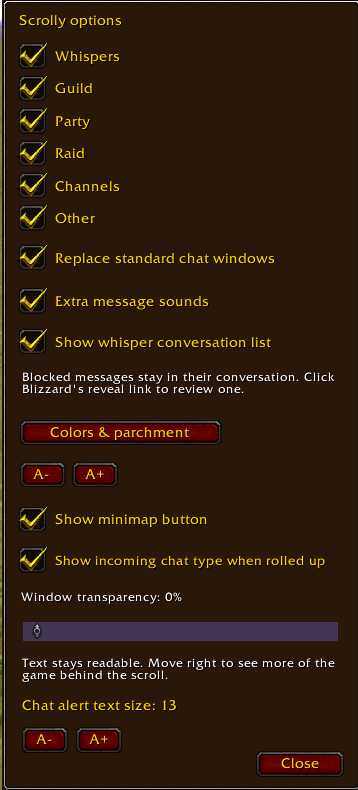
Screenshot 2026-10-05 152408.png
Description
Give your chat a little character with Scrolly.
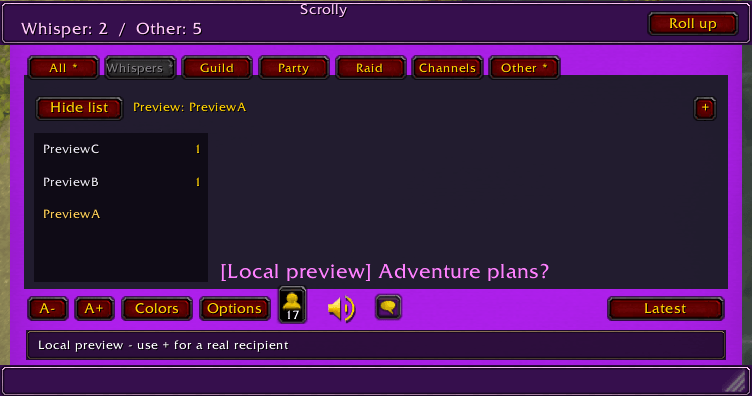
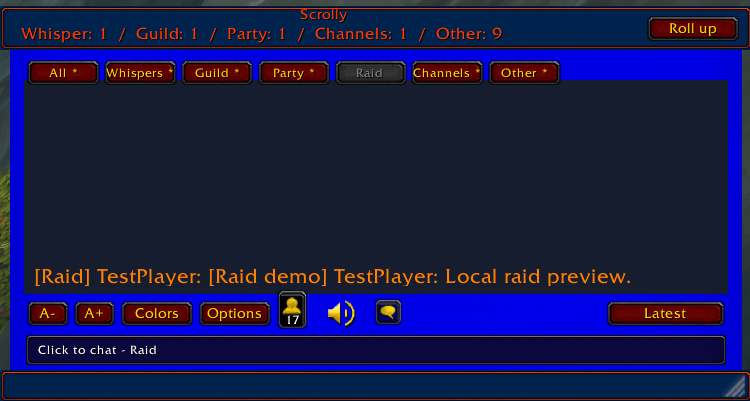
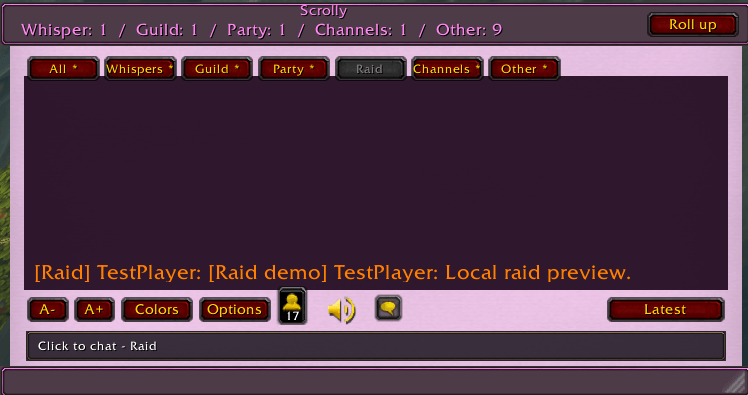
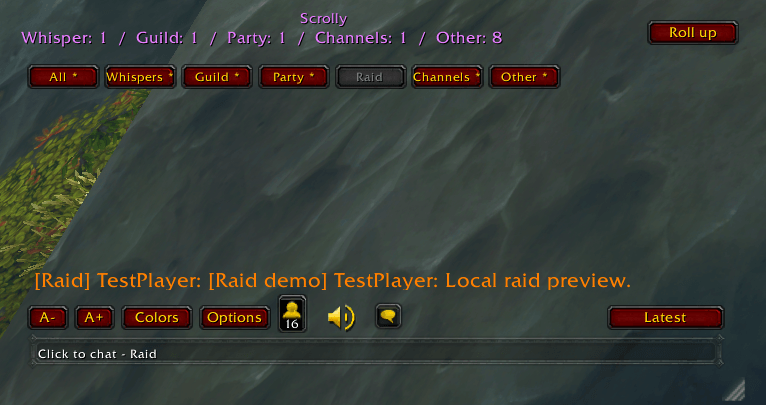
Scrolly is a customizable parchment-style chat window for World of Warcraft Retail. Roll it up when you want more room on your screen, and keep track of incoming chats with alerts showing which chat types have new messages.
It's important to note, other chat addons may interfere with Scrolly.
Features
-
Separate tabs for All, Whispers, Guild, Party, Raid, Channels, and Other.
-
Individual whisper conversations in a compact, scrollable list, with unread counts and options to pin or close conversations.
-
A typing box that lets you chat or reply from the selected tab.
-
Incoming-message counts visible while the window is open or rolled up.
-
Custom colors, theme presets, and adjustable transparency.
-
Adjustable chat text and alert text sizes.
-
A movable, resizable window.
-
Friends-online count, voice-chat controls, and a chat-input menu.
-
Optional message sounds turn off and on via check box
-
Blocked-message notices with Blizzard’s reveal links.
-
Optional replacement of the standard chat windows.
-
A green S minimap button for quick access.
Getting started
Left-click the minimap S to open or roll up Scrolly. Right-click it to open Options.
You can also use:
-
/scrolly— Open or roll up the window. -
/scrolly options— Open settings. -
/scrolly replace— Toggle standard chat-window replacement. (be sure other add on chats are checked off) -
/scrolly minimap— Show or hide the minimap button.
Chat history and whisper conversations are kept for the current session and clear when you log out or reload the UI. Appearance and settings are saved.
Compatibility
Developed and tested for World of Warcraft Retail. Compatibility with Classic versions and other chat-replacement addons has not been verified.
Found a problem or have a suggestion? Leave a comment with what happened, your WoW version, and a screenshot if helpful.
Scrolly Team