ScorpTools
- By
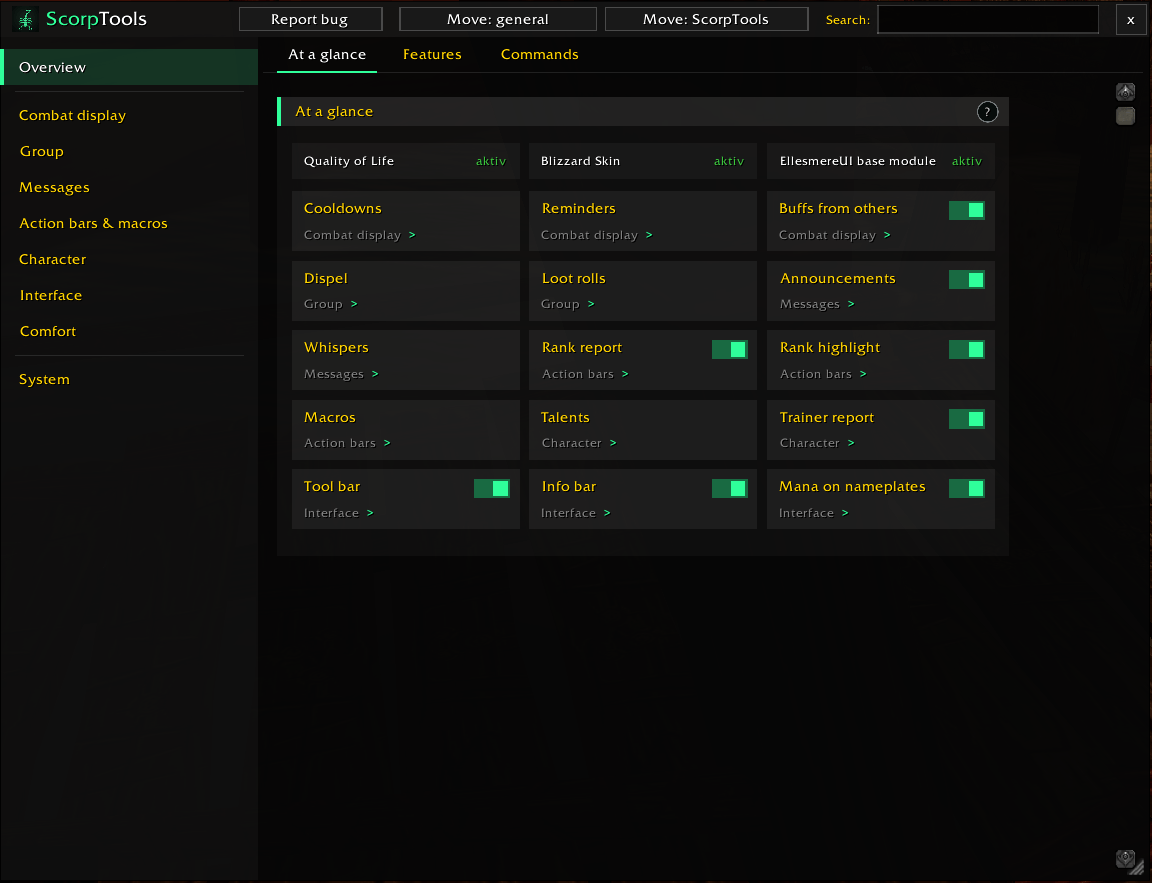
All features as tiles, switch them on or off directly
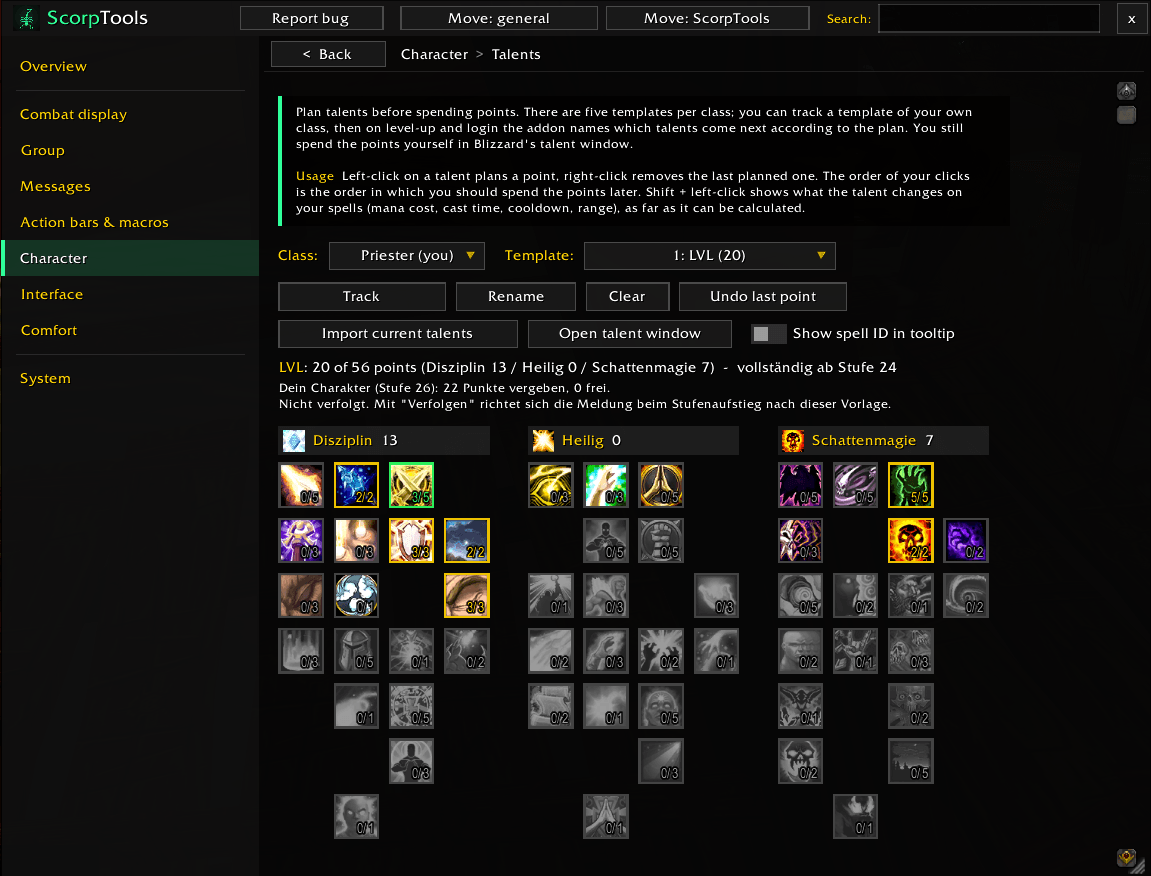
Plan your talents with five templates per class and track one while levelling
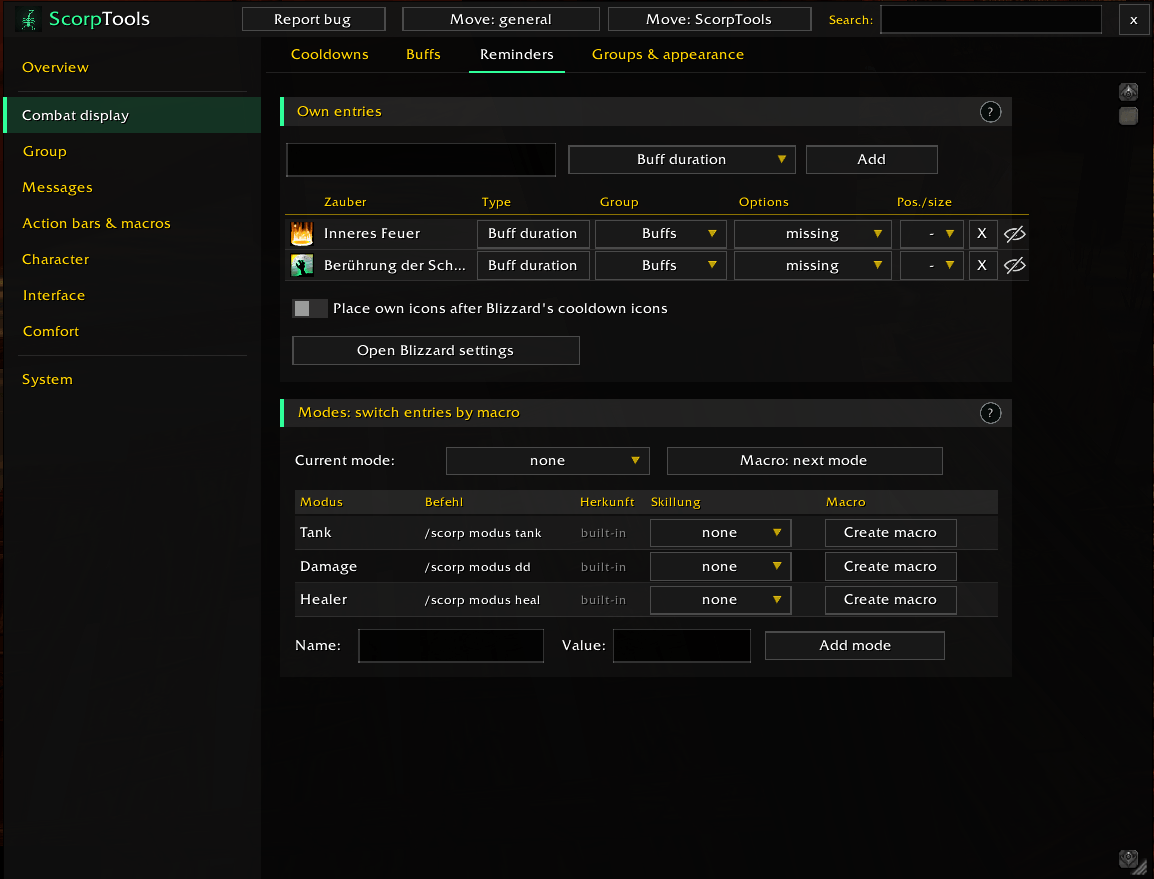
Reminders for missing buffs and modes you switch by macro
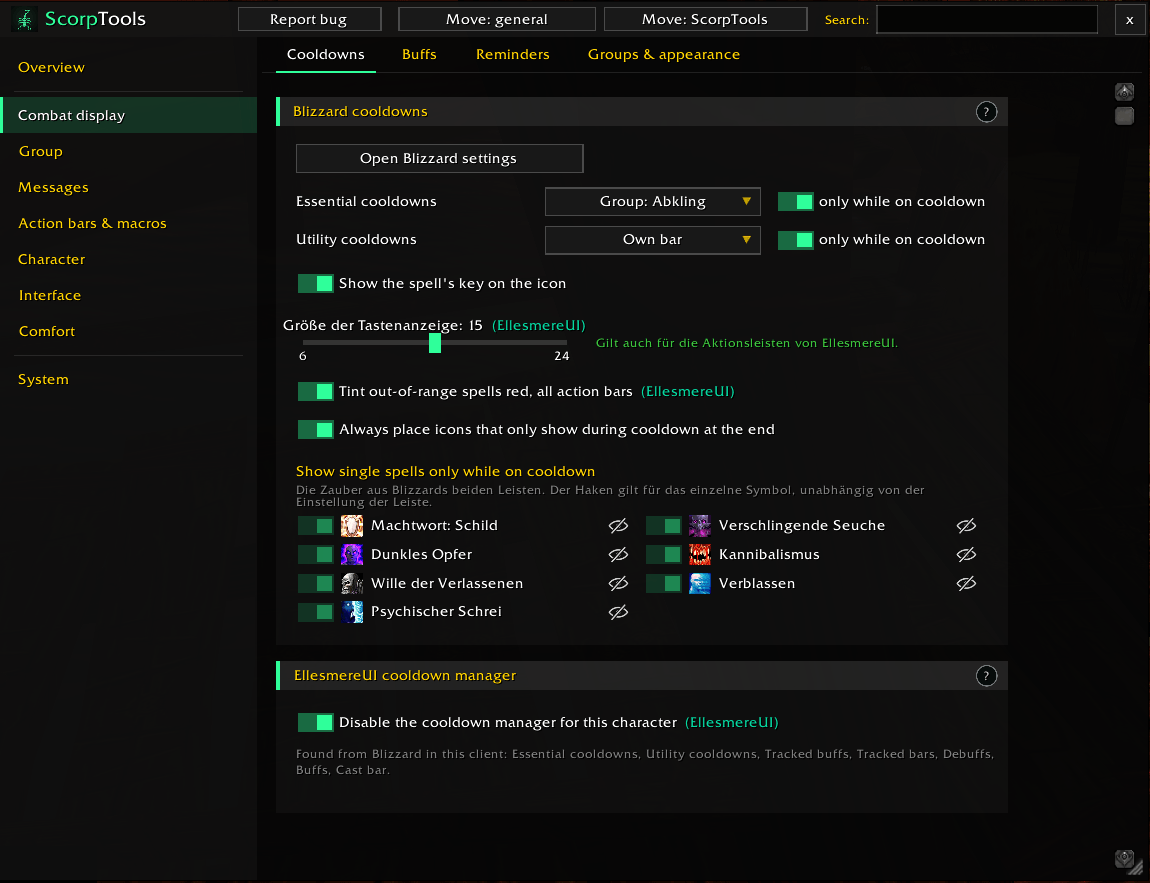
Blizzard’s cooldown icons in your own groups, key bindings on the icons
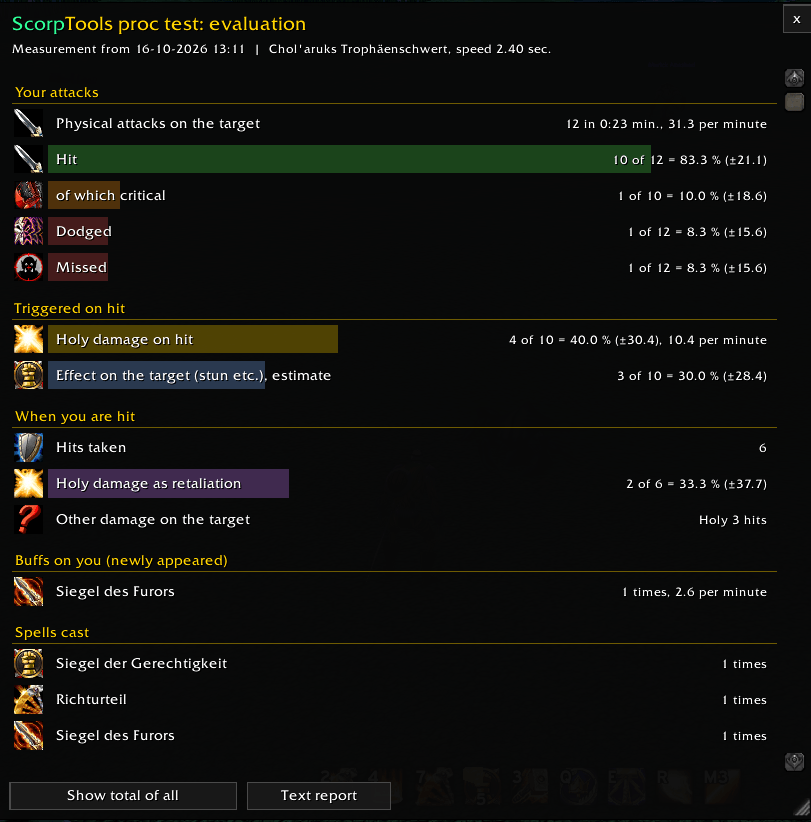
How often your procs trigger, measured in combat
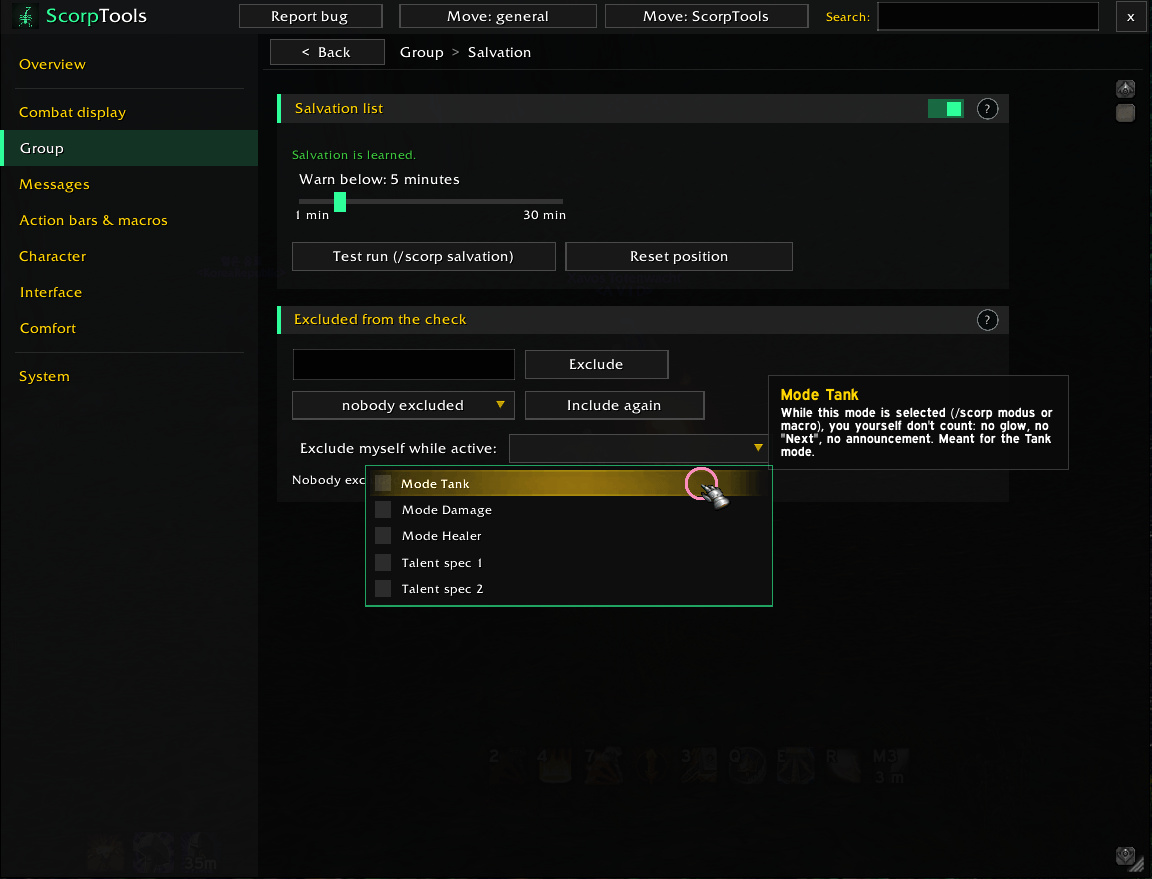
Warning time, test run and excluding yourself while tanking
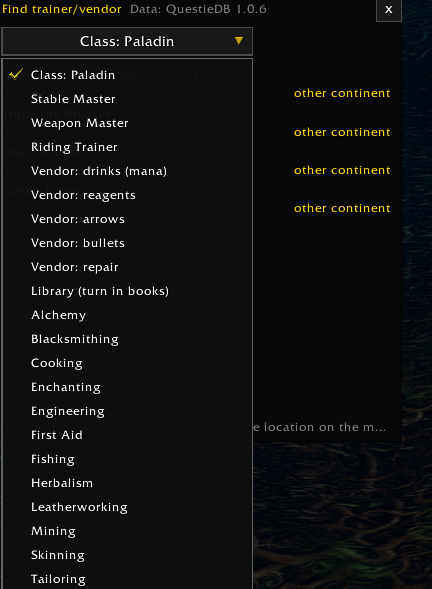
Class and profession trainers, stable masters, vendors
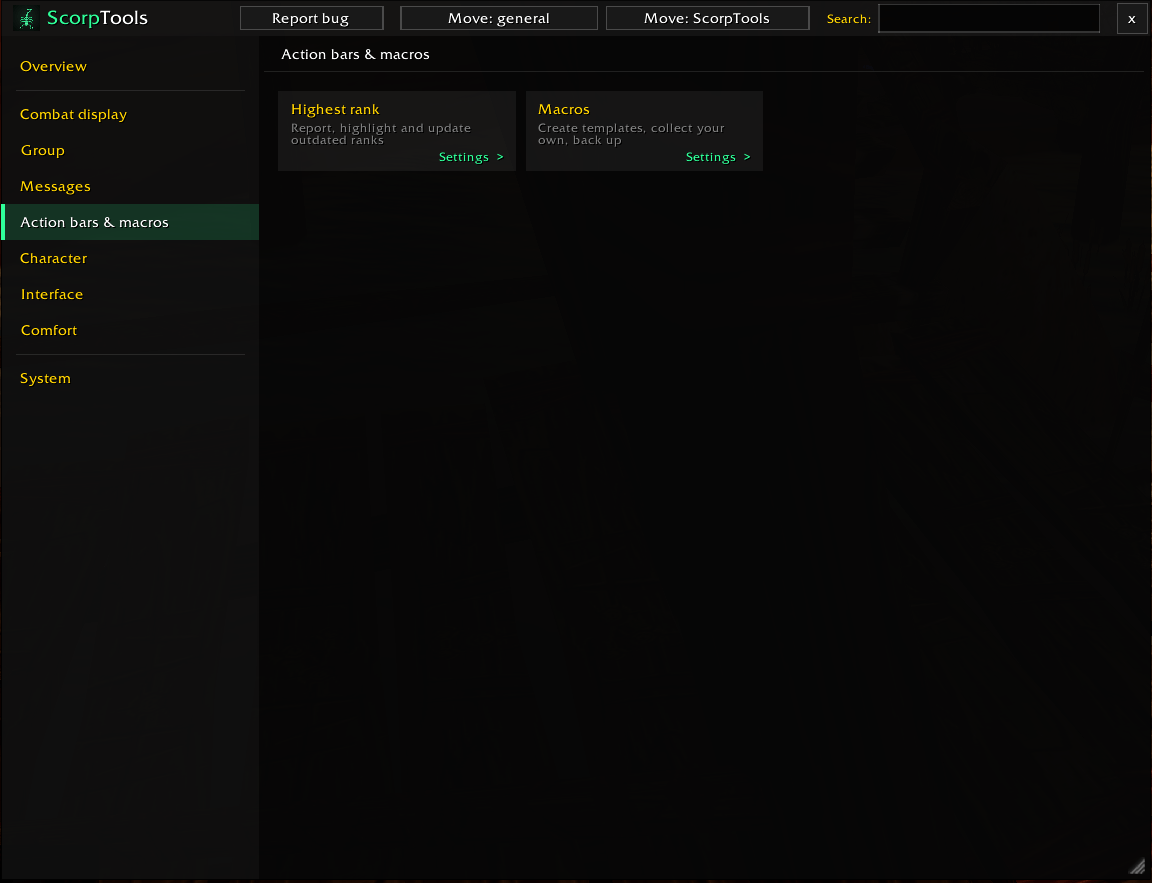
Rank check for your action bars and macro templates
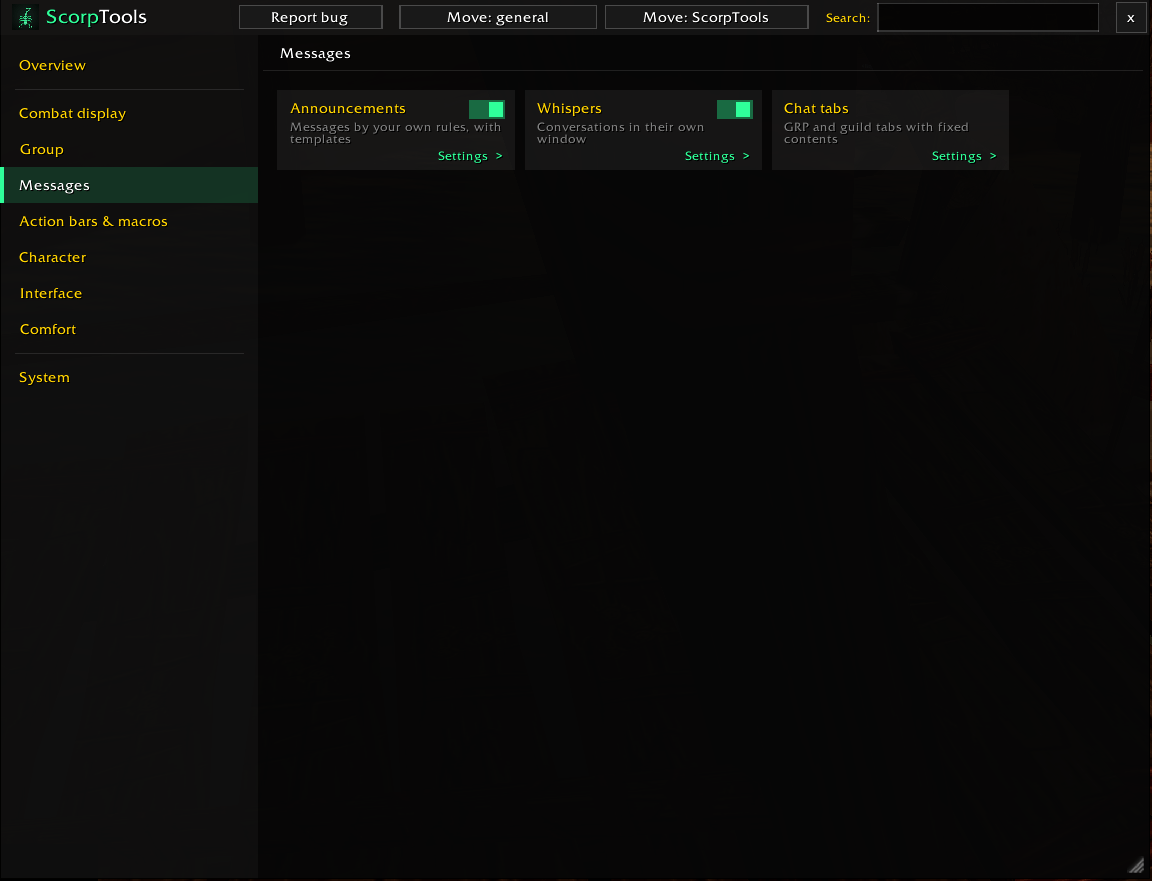
Announcements editor, whisper window and chat tabs
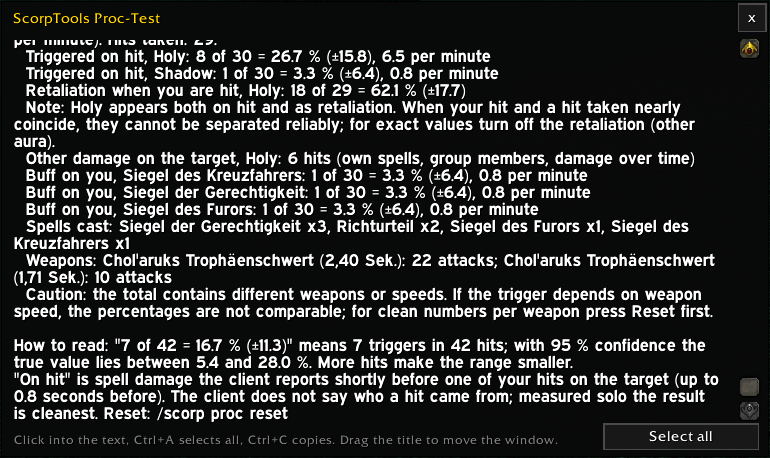
The full proc test result as text to copy
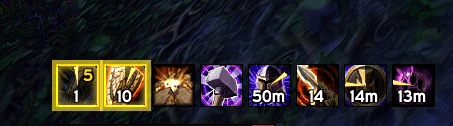
Your own buffs as icons with remaining time; triggered procs are highlighted
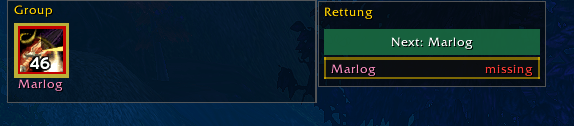
Dispellable debuffs light up; Salvation status of your group
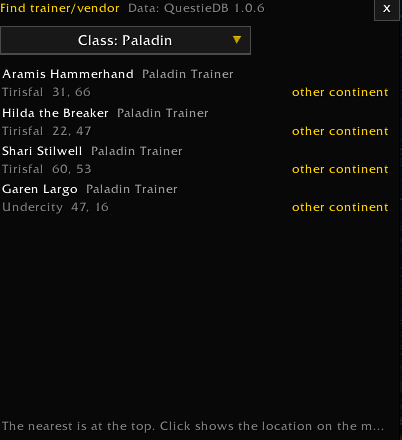
The nearest trainers first, click shows them on the map
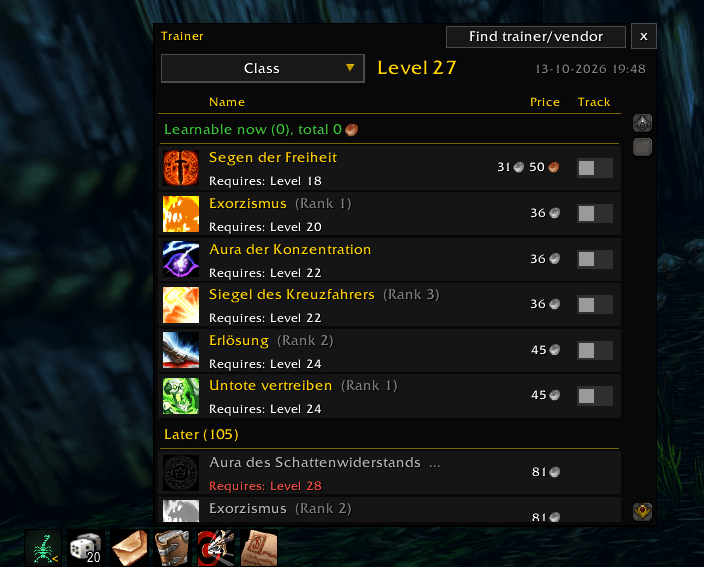
Spells you can learn now and later, with price and level
Description
ScorpTools
Built for me, shared with you. ScorpTools started as my personal toolbox for WoW Forever: every feature in here exists because I needed it while playing. It's tailored to the way I play, but maybe it fits your needs too. Give it a try!
Everything lives in one options window (/scorp), and every feature can be switched on or off on its own. Use what you like, ignore the rest. The interface is available in English and German. Guided tours walk you through the settings step by step: look for the green "? Tour" button or type /scorp tour (new in 0.6.5)
Features
Combat display
- Cooldowns, buffs, procs and debuffs in freely placed groups, also in combat
- Reminders for missing buffs, with conditions: only with a shield, only in a certain mode, only in talent spec 1 or 2
- Weapon enchantments (shaman weapons, sharpening stones, oils, poisons) as reminders or as icons with time left in a group (new in 0.6.5)
- Icon size and number size per group; Blizzard's cooldown bars can show only spells that are on cooldown, with your keybind on each icon (new in 0.6.5)
Modes
- Tank, damage, healer or your own modes, switched with one click by macro or
/scorp modus - Ready-made macros with their own icons for Tank, Damage and Healer, plus a "mode off" macro (new in 0.6.4)
- One switch, several effects: reminders that only show in a certain mode, your talent spec switching along (dual spec), and excluding yourself from the Salvation check while tanking
- Current mode shown in the info bar, colour-coded
Nameplates (new in 0.6.3)
- Threat as a percentage next to the health bar instead of inside it, coloured by your mode: as a tank, aggro on you is good; as damage or healer, it's bad
- On your target the tank sees the lead over the second, also above 100 % (e.g. 250 %)
- EllesmereUI's threat colour switches mirrored in one place, with an explanation of each colour
- Without EllesmereUI: Blizzard's own threat colours on nameplates can be switched (colour bar, glow, flash) (new in 0.6.4)
- EllesmereUI's threat window switched on and off for you: always, in a group, in a raid, with the Tank role or in a mode such as Tank, optionally only in combat (new in 0.6.5)
- Target's mana as a thin strip under the health bar
Group
- Salvation list for Paladins: Salvation is now its own one-hour buff in WoW Forever. See who in your party or raid has it and for how long, with a yellow glow when it runs low. Click a name to cast Salvation, right-click for Mass Salvation, or use the "Next" button to buff everyone one after another. Exclude off-tanks who need threat.
- Dispel boxes for party and raid: dispellable debuffs light up, click to dispel
- Loot roll history and target marker wheel
Action bars & macros
- Checks your action bars for outdated spell ranks: highlight on the bar, update per slot, exceptions per slot
- Macro templates and macro buttons right on the ScorpTools icon bar
Announcements
- One editor for everything: spell cast, item used, low health, low mana, supplies or ammo running low, Salvation running out, cooldown over and own buff running out (new in 0.6.3)
- Own on-screen alert with spell icon, movable, adjustable size and duration, sound per rule (new in 0.6.3)
- "Only in combat" per rule, and spells picked from a list instead of typed (new in 0.6.3)
- Outputs freely combinable: on screen, chat tab, party, raid, say, yell
Totem bar for Shamans (new in 0.6.5)
- Replaces Blizzard's call bar: one button per element places your chosen totem, right-click destroys it, a small arrow opens the totem selection, also in combat
- Always casts the highest rank you know; Call of the Elements and Totemic Recall right on the bar once learned
- Totemic Projection to move your totems, and each extra button placed where you want it: at the start or end of the bar, or above, below or beside it (new in 0.6.6)
- Time left on every totem, red and blinking when you're out of range, a yellow border shortly before it expires as a recast reminder, grey when you lack the mana
- Range is measured by distance, also in combat; the addon learns each totem's buff and range by itself
- Horizontal or vertical, selection opening up, down, left or right; movable, also in EllesmereUI's move mode
- Adjustable font size for the time left (new in 0.6.6)
Character
- Talent planner with five templates per class, level-up hints and spell effects
- Find trainers and vendors (reagents, ammo, drinks, repair) with map locations
Interface & comfort
- Vendor automation: repair (guild bank first, guild bank only or own gold) and sell grey junk, with cost and earnings in chat (new in 0.6.4)
- Info bar: current mode, latency, FPS, bag space, ammo, durability, gold, time
- Collapsible icon bar for quick access to all windows; pin the icons you always want to see
- Whisper window and chat tabs
- Proc test with an evaluation window
Optional
ScorpTools runs on its own. Only these features use EllesmereUI and its modules:
- Threat colours on nameplates (Nameplates)
- Switching the threat window on and off (Forever Essentials)
- Spells out of range coloured red on all action bars, keybind text size (Action Bars)
- Buffs and debuffs on the EllesmereUI player frame (Unit Frames)
- Dark window design for Blizzard's windows (Blizzard Skin)
- Font of the numbers in the icons (core)
The options mark these switches with "(EllesmereUI)" and offer the download link if it's missing. Everything else, including the totem bar, cooldown groups and vendor automation, works without it.
Feedback
Found a bug or have an idea? Click the Report bug button in the options window: it shows my contact address for bug reports and feedback. If BugSack shows an error message, please include it.
Credits
Trainer and vendor locations are derived from QuestieDB, whose data comes from Questie (GPLv3) and its contributors. Thank you!
License
GPL-3.0-or-later
ScorpTools Team