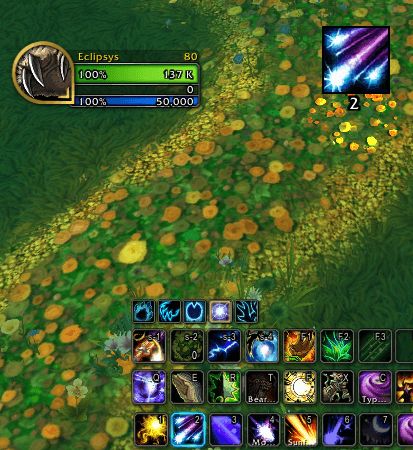
UI_1.png
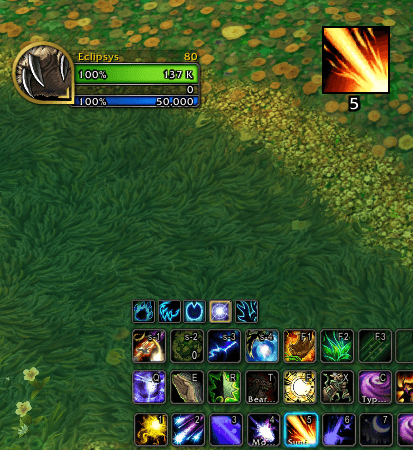
UI_2.png
Description
Rotato
🎯 Never Miss Another Suggested Ability!
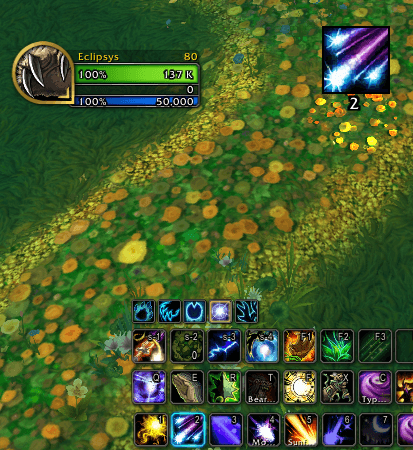
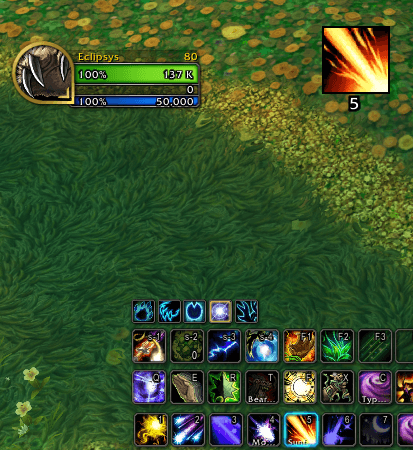
Rotato displays Blizzard's Assisted Combat Highlight (the glowing ability suggestion) in a clear, prominent icon right in the center of your screen. No more scanning your action bars during intense encounters!
✨ Features
- Central Display — Shows the highlighted/suggested ability as a large icon near the center of your screen
- Keybind Display — Displays the keybind for the suggested ability below the icon so you know exactly which key to press
- Spell Name Option — Choose to show the spell name instead of the keybind
- Cooldown Tracking — Built-in cooldown swipe and text so you know when the ability is ready
- Fully Movable — Drag and position the icon anywhere on your screen
- Lock Position — Lock the frame in place once you've found the perfect spot
- Customizable Size — Adjust the icon size to your preference
- Adjustable Transparency — Set the opacity to blend with your UI
🎮 Slash Commands
/rotato — Open the configuration panel
💡 How It Works
Rotato continuously scans your action bars for abilities that are highlighted by WoW's Assisted Combat system (the glowing proc indicators). When it detects a highlighted ability, it displays a large, clear icon in your preferred location — making it impossible to miss!
📌 Perfect For
- Players who want clearer visual cues during combat
- Anyone using Blizzard's Assisted Combat / Rotation Helper feature
- Raiders and M+ players who need quick visual feedback
- New players learning their rotation
🔧 Requirements
- World of Warcraft: Midnight (12.0+)
- Blizzard's Assisted Combat Highlight feature enabled
Made with ❤️ by Eclipsys-Silvermoon
Rotato Team