


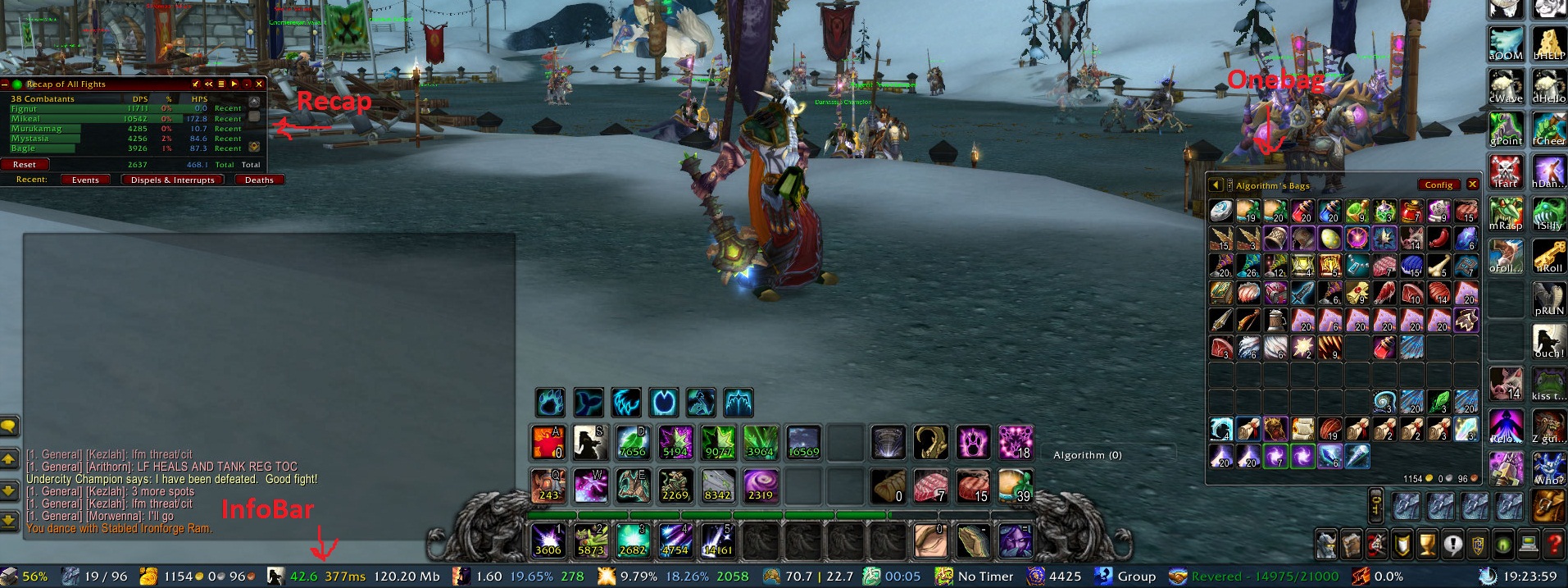
Default Action Bar, Bag, menus
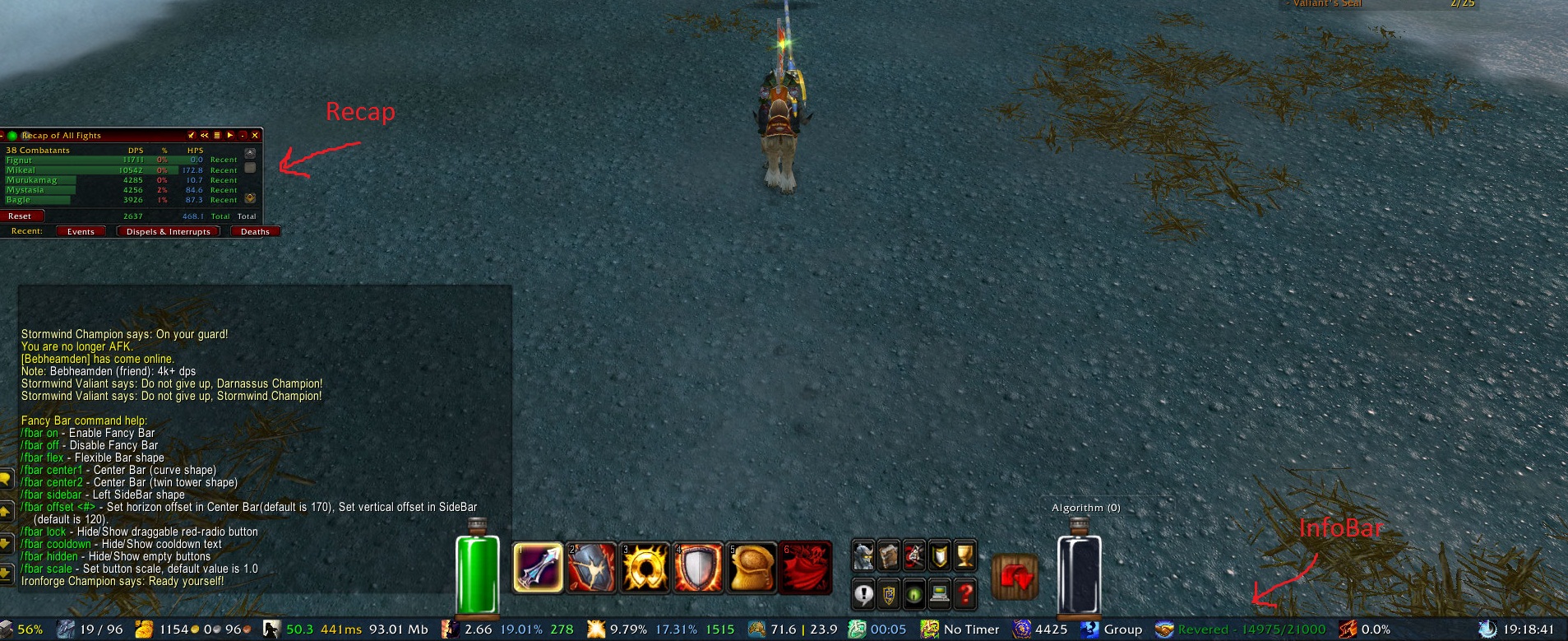
Vehicle Bar (with endcaps off)
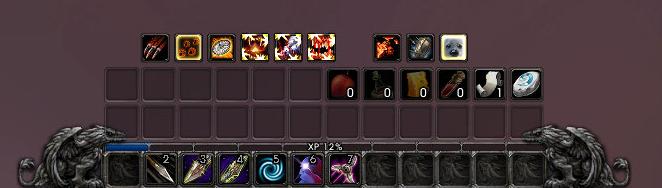
Roath Action Bar (defaults)
My favorite setting
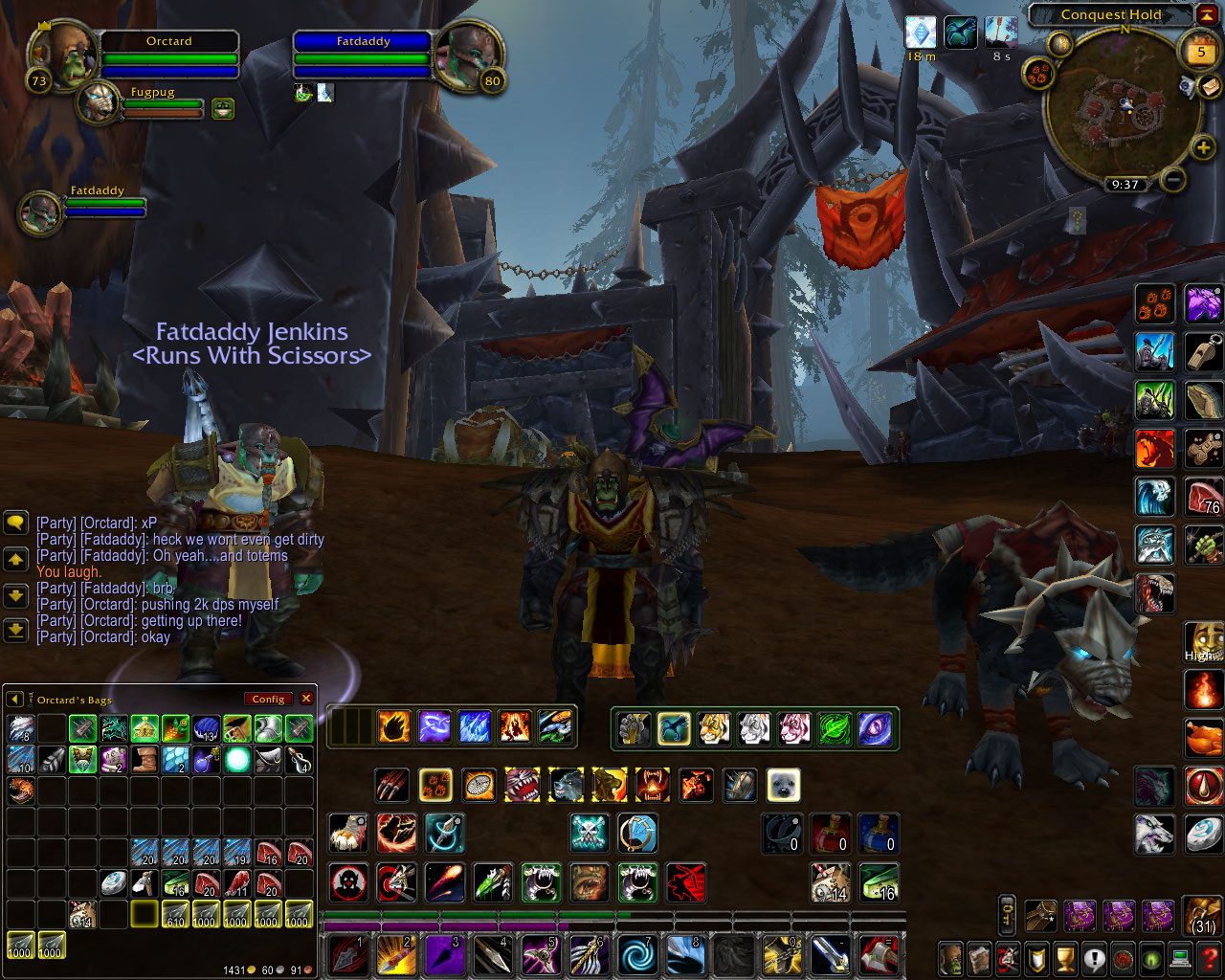
thanks turkishturd
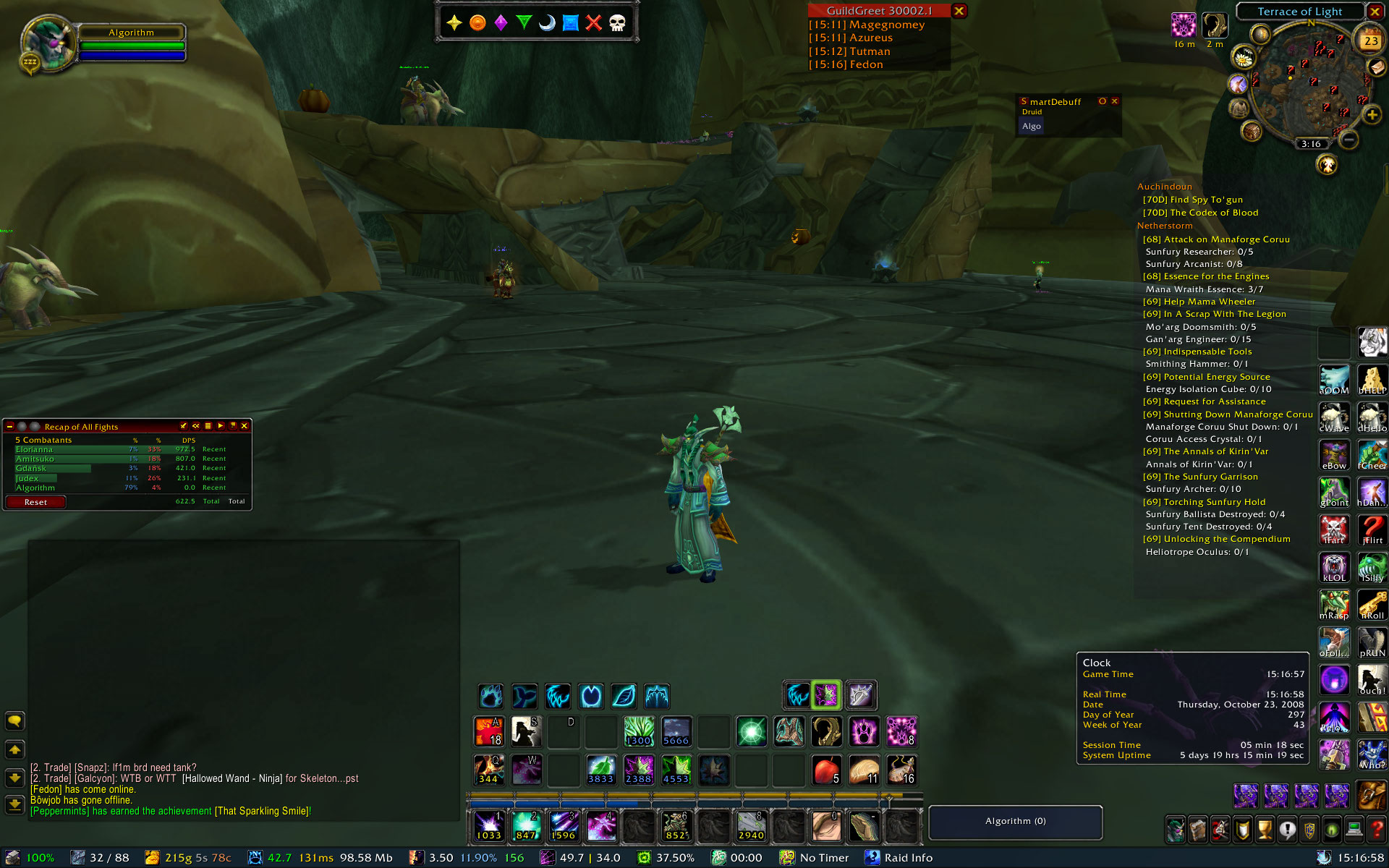
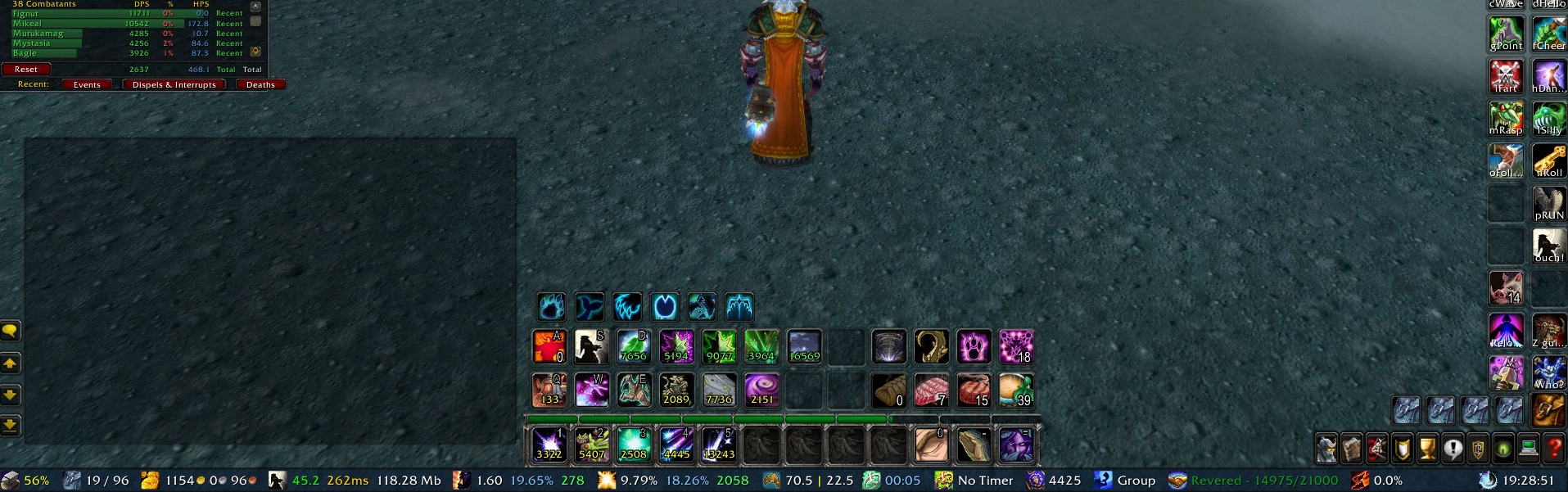
Everything turned on
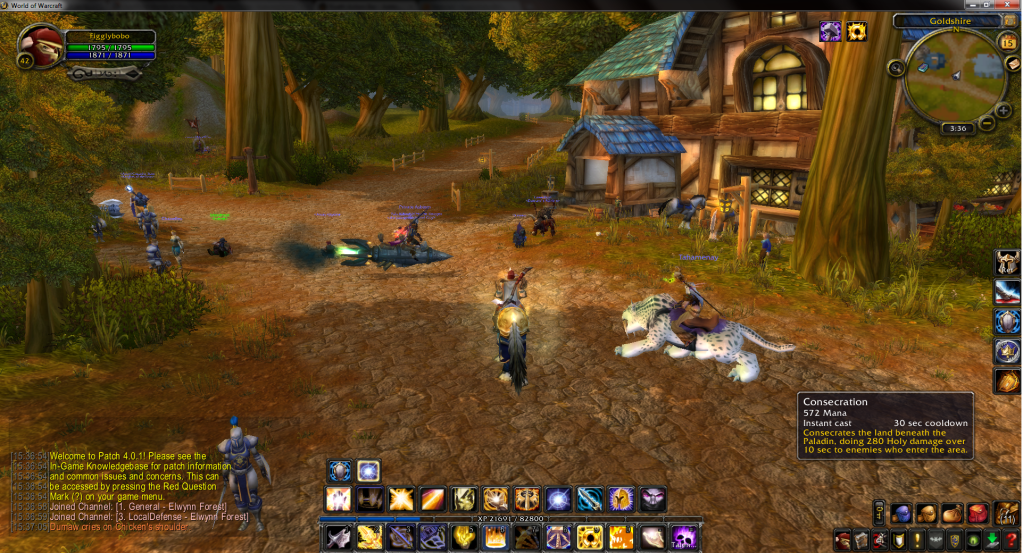
Works in 4.0.1
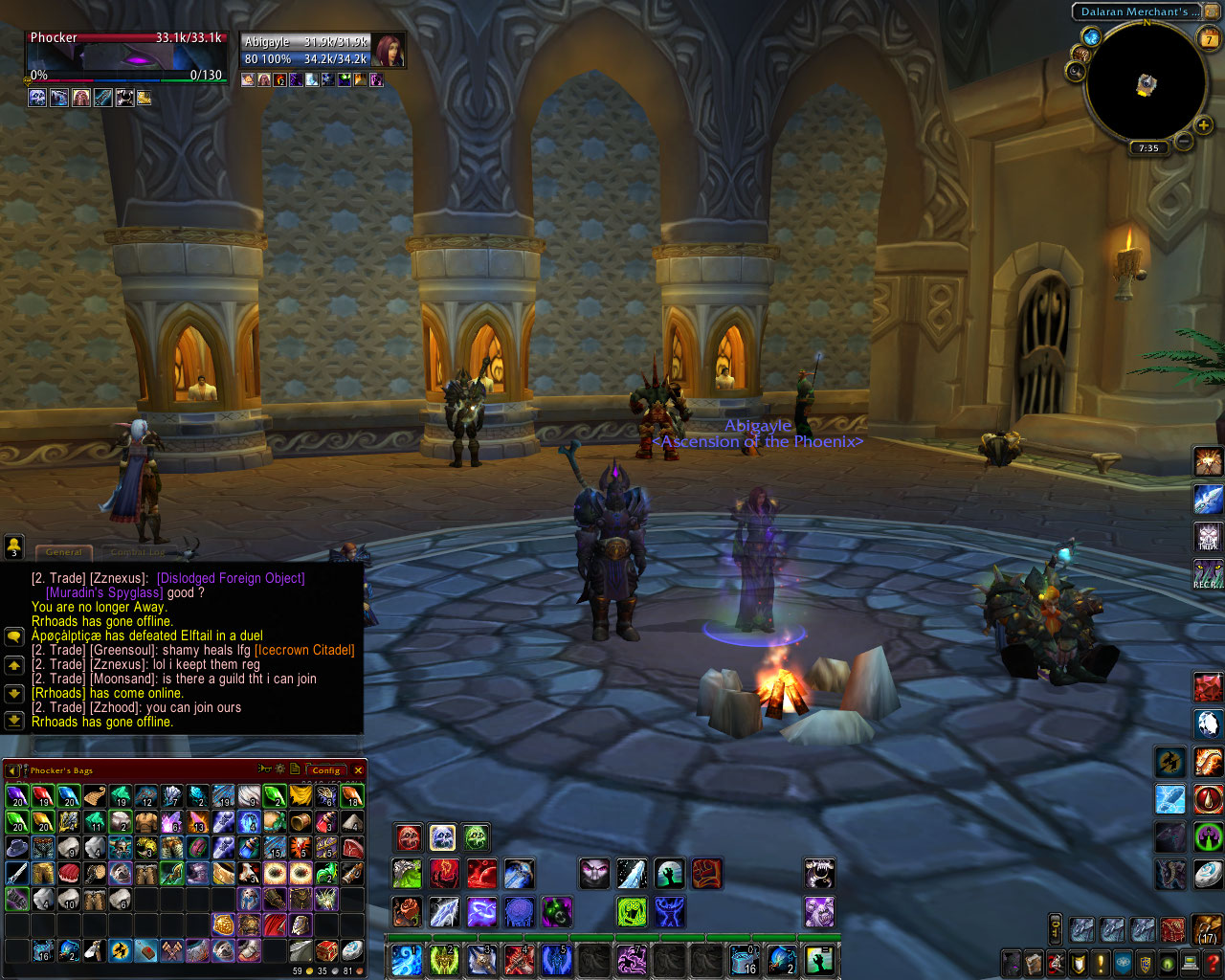
So simple, so convenient.... so SEXY!
Description
===========
Roath Action Bar===========
   - Moves the all three horizontal actionbars on top of each other (if they are enabled)
   - Moves the Shapeshift/Stance and petbar on top of the actionbar stack (screenshots should help explain this)
   - Relocates/Removes the micromenu (optional)
   - Relocates/Removes the bags (optional)
   - Relocates/Removes the Keyring (optional)
   - Removes the actionbar paging buttons and number
   - Move the casting bar up so it doesn't overlap the actionbars (adjustable)
   - Ability to scale the action bars, micromenu and bag bars
Available commands:
   "/roath" - It will print the available commands, which are as follows (default is always off unless otherwise stated):
   "/roath gryphon" (or gryphons) - Toggles the gryphons on or off and saves its state.
   "/roath bag" (or bags) - Toggles the bags on or off
   "/roath menu" - Toggles the micromenu on or off
   "/roath key" (or keyring) - Toggles the keyring on or off and saves its state.
   "/roath scale x" - scaling your action bars!
   "/roath vehicle scale x" - scale the vehicle interface!
   "/roath stanceoffset x" - aother additional horizontal offset variable, this time for the stance / presence / form / pet bars! rejoice!
   "/roath horizon x" - sets a fixed horizontal offset from center to move the Roath bars left (neg value) and right (pos value), and
     saves it. This is useful if you have issues with the chat window and/or the bags being in the way. (or just install OneBag!)
   "/roath castoffset x" - sets additional vertical offset for casterbar only, if you want
   "/roath offset x" - sets a fixed vertical offset to raise the bottom of the Roath bars, and saves it. This is useful if you have
     Infopanel, Fubar, or any other similar addon.
   "/roath values" - outputs the current values of all customizable variables.
If you find any bugs or similar, don't hesitate to report them here. Credit for inspiration/ideas/help eiszeit (LynUI, big source of inspiration) Sehn - Xavius EU Guardix BlueFighter Constructive Criticism and Comments are most welcome. Highly recommended addon to go with this: Button Forge - add almost unlimited amount of extra action bars
The Roath Action Bar Team


