Screenshot 2026-01-18 130738.png
Screenshot 2026-01-18 130729.png
Screenshot 2026-01-18 130733.png
Screenshot 2026-01-18 130722.png
Description
RL BugHistory
RL BugHistory is a lightweight Lua error history viewer for World of Warcraft, built for the RL Addons suite.
In the current version RL BugHistory captures all Lua errors on its own, without any external error‑capturing addons.
Features
- Own error capturing via the global Lua error handler
- Suppresses the Blizzard Lua error frame so RL BugHistory is the only error UI
- Minimap / LibDataBroker icon with error counter
- Error window with:
- Tabs per addon (all errors of this addon in the current session)
- Full message, stack trace and locals, formatted for readability
- History view:
- Persistent error history across multiple sessions
- Grouped by addon, sorted by time
- Filter by addon to only see errors for a specific addon
- Copy helper:
- “Copy last error” button for the current selection
- Popup with pre‑selected text for quick bug reports
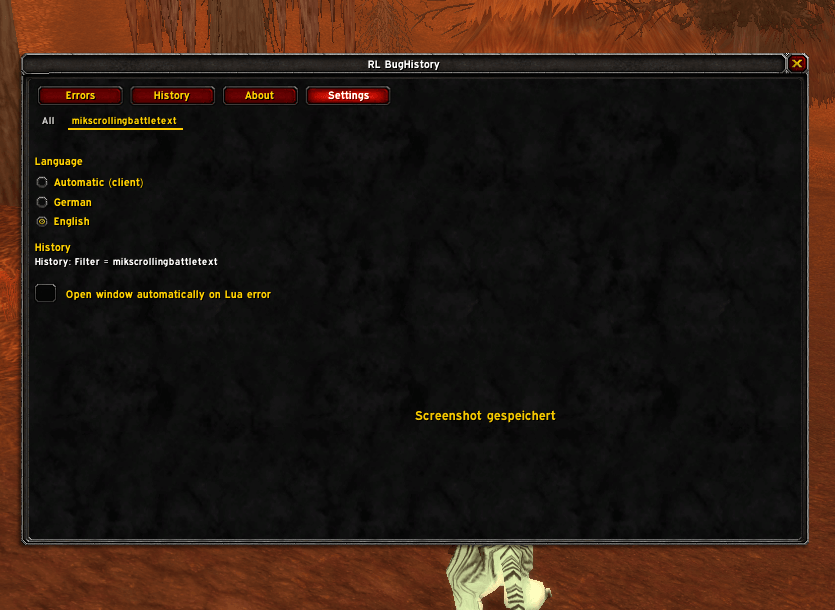
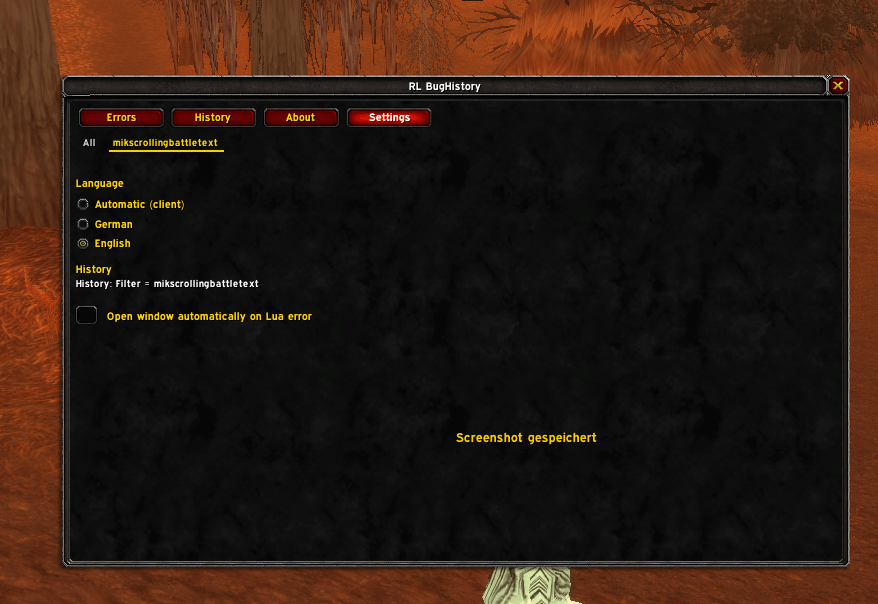
- Settings:
- Language (Automatic / German / English)
- Option to automatically open the RL BugHistory window when a Lua error occurs
Requirements
- World of Warcraft Retail or Classic (see interface versions in the TOC)
- Optional:
- LibDataBroker‑1.1
- LibDBIcon‑1.0
RL BugHistory automatically detects these libraries, whether they are standalone addons or embedded in other addons.
Installation
- Copy the
RLBugHistoryfolder into yourInterface\AddOnsdirectory. - Restart the game or reload the UI (
/reload).
Usage
Minimap / LDB icon
- Left‑click: open or close the RL BugHistory window
- Shift + Left‑click: reload the UI
- Right‑click: reserved for future options
The icon text shows the number of errors in the current session.
Error window (“Errors”)
- Open via:
- The minimap/LDB icon, or
- Slash commands:
/rlbugor/rlbughistory
- Tabs at the bottom:
- All: all errors of the current session
- One tab per addon name (determined from the stack trace):
- Selecting an addon tab shows only errors from that addon
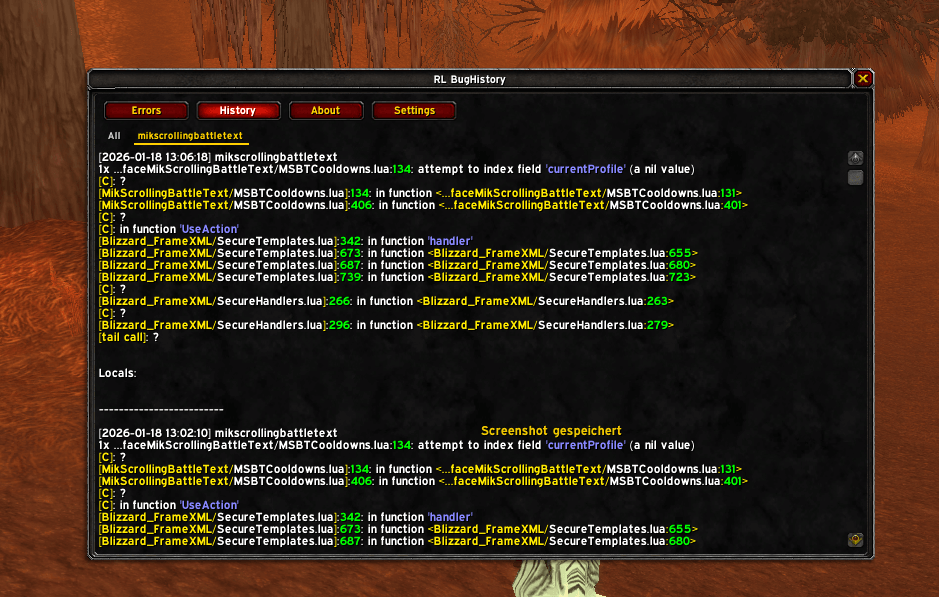
History view (“History”)
- Shows all stored errors from the database
- Sorting: newest errors first, grouped by addon
- For each entry:
- Timestamp
- Addon name
- Formatted error text (message, stack, locals)
- The history filter can be set to a specific addon to only show that addon’s error history.
Copying errors
On the “Errors” page:
- “Copy last error” button:
- Opens a popup with:
- the last error of the current selection (All or selected addon)
- full message, stack trace and locals
- The text is pre‑selected so you only need to press Ctrl+C.
Typical targets:
- Tickets
- Discord
- Bug trackers
Bug tracker
Please report bugs and feature requests here:
- Bug tracker: https://rl-dev.de/bugtracker.html
Ideally, paste the copied error text from RL BugHistory into your report.
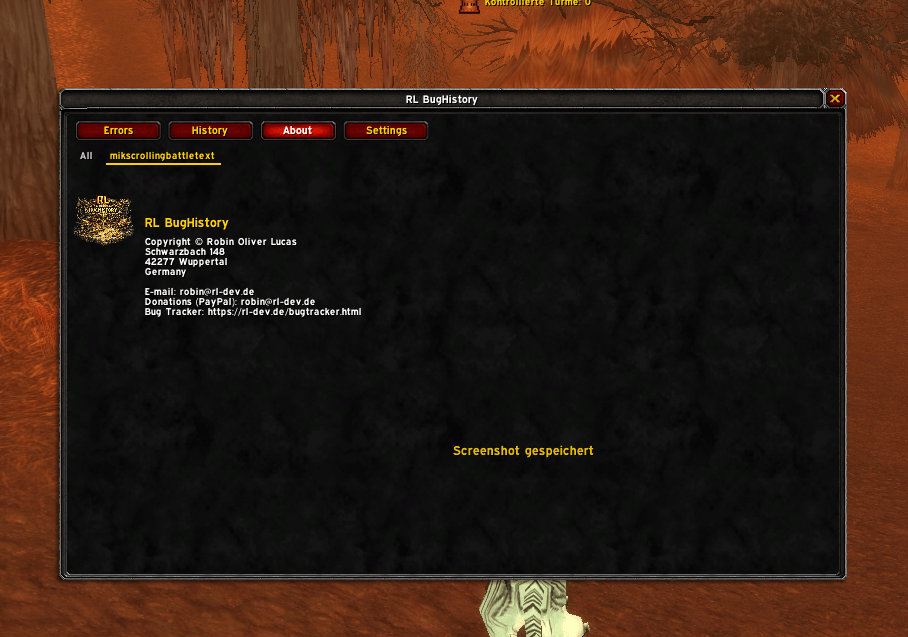
About page
The “About” tab shows:
- RL logo
- Addon title
- Author and contact information (including donation address and bug tracker link)
Localization
RL BugHistory currently supports:
- German (deDE)
- English (default for all other locales)
The addon automatically selects the language based on the client locale, but you can override it in the settings tab.
License and credits
- Author: XamiraNRW – RL‑Dev
- Part of the RL Addons suite.
The RL BugHistory Team


Owner