Rival Damage and Threat Meter
- By
Rival Damage and Threat Meter is a customizable damage, healing, and threat meter for WoW Forever and so much more, featuring individual player statistics, flexible window layouts, and extensive appearance options.
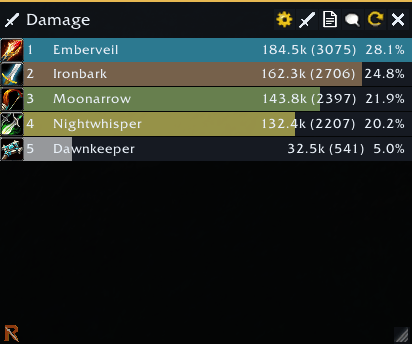
Rival Damage Meter Screenshot Main.png
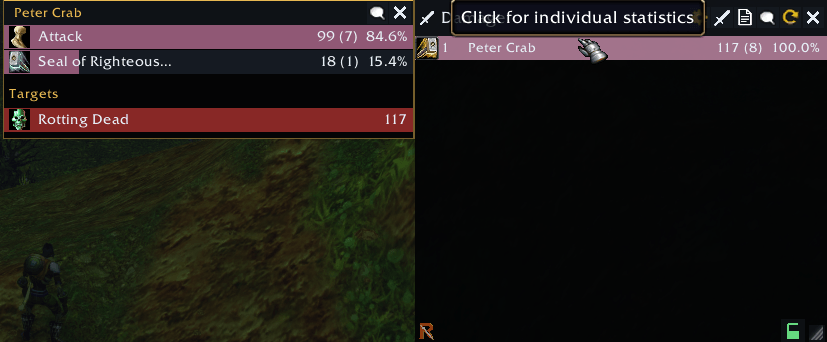
Rival Damage Meter Screenshot Breakdown.png
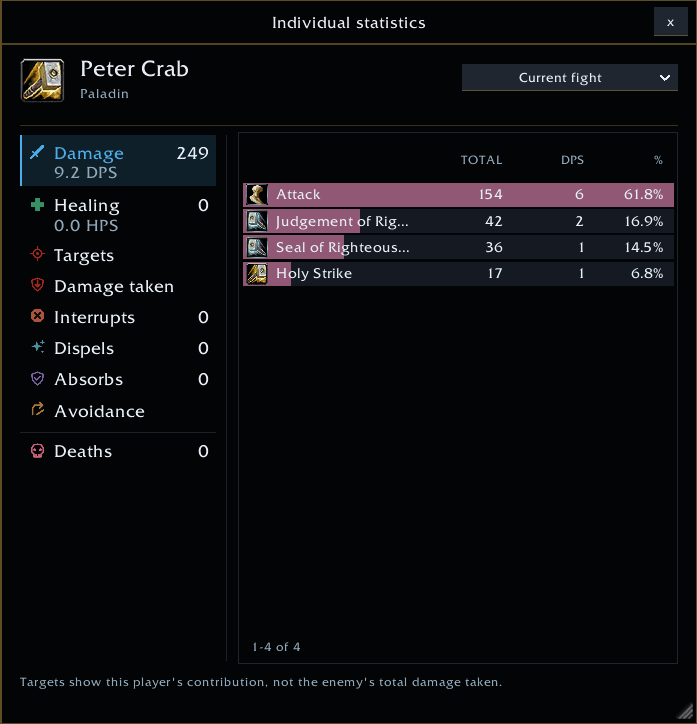
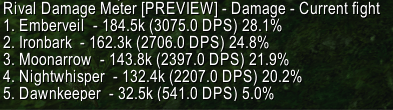
Rival Damage Meter Screenshot Report.png
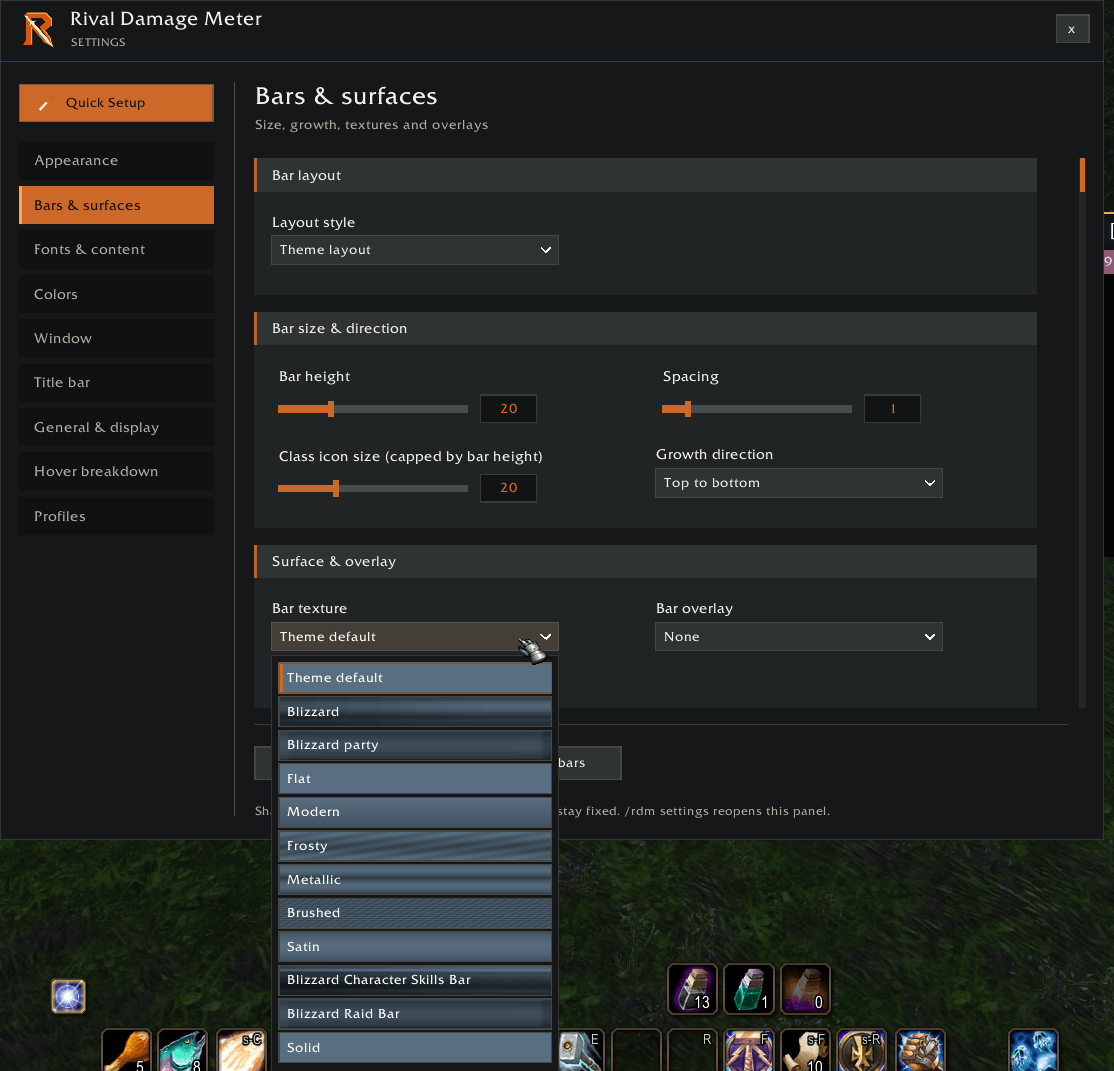
Rival Damage Meter Screenshot Settings 2.png
Description
Rival Damage and Threat Meter
Rival is built for WoW Forever. Track your damage, healing, threat and much more with a customizable meter. Rival combines readable combat statistics with flexible layouts and an appearance you can make your own.
Combat Statistics
- Track damage, DPS, healing, HPS, absorbs, damage taken, interrupts, dispels, and deaths.
- Monitor threat with red bars that intensify as threat increases.
- Switch between the current fight, overall totals, and recorded fights.
- Hover over players for an ability breakdown and available target totals.
- Click a player to open a resizable individual statistics window.
Customize Your Meter
- Resize, lock, and snap customized windows together.
- Choose themes, bar textures, and overlays.
- Adjust bar height, spacing, fonts, text sizes, and colors.
- Choose which values appear: ranking, totals, DPS or HPS, and percentages.
- Show class icons and use class colors.
- Set bars to grow from top to bottom or bottom to top.
- Create multiple windows to watch different statistics simultaneously.
Quick Setup and Profiles
Use the visual Quick Setup to choose your starting layout, or skip it and begin with Rival’s defaults.
Create profiles, switch between setups, and copy settings between profiles. Appearance settings apply consistently across your meter windows.
Reports and Shortcuts
- Share meter results through the chat report menu.
- Left-click the minimap button to toggle settings.
- Right-click the minimap button to toggle the primary meter.
- Right-click a meter to change its displayed category.
- Type
/rdm settingsto open settings.
Compatibility and Data Availability
Rival is built for WoW Forever and uses the combat information available through the client’s APIs. Some detailed breakdowns may be unavailable when the client does not expose the necessary data. Rival does not invent or estimate missing spell-by-target information.
Chat reporting is subject to the client’s channel and addon restrictions.
Developer Notes: I am continually working on adding more features. Please let me know your thoughts and if you run into any bugs. Cheers.
The Rival Damage and Threat Meter Team