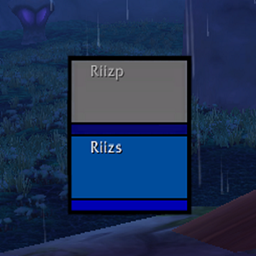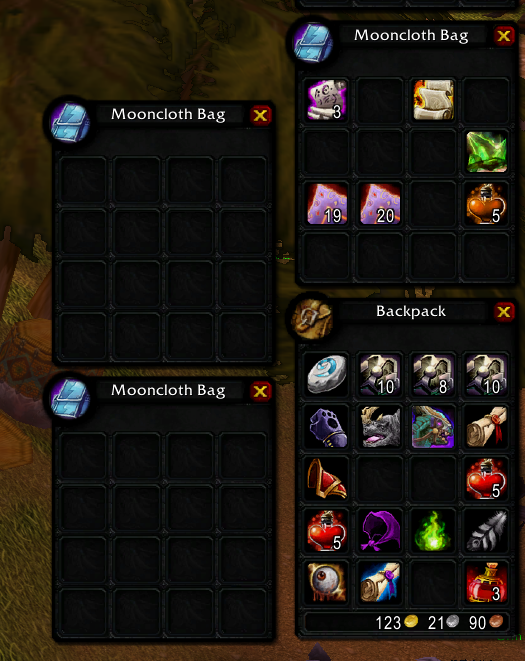
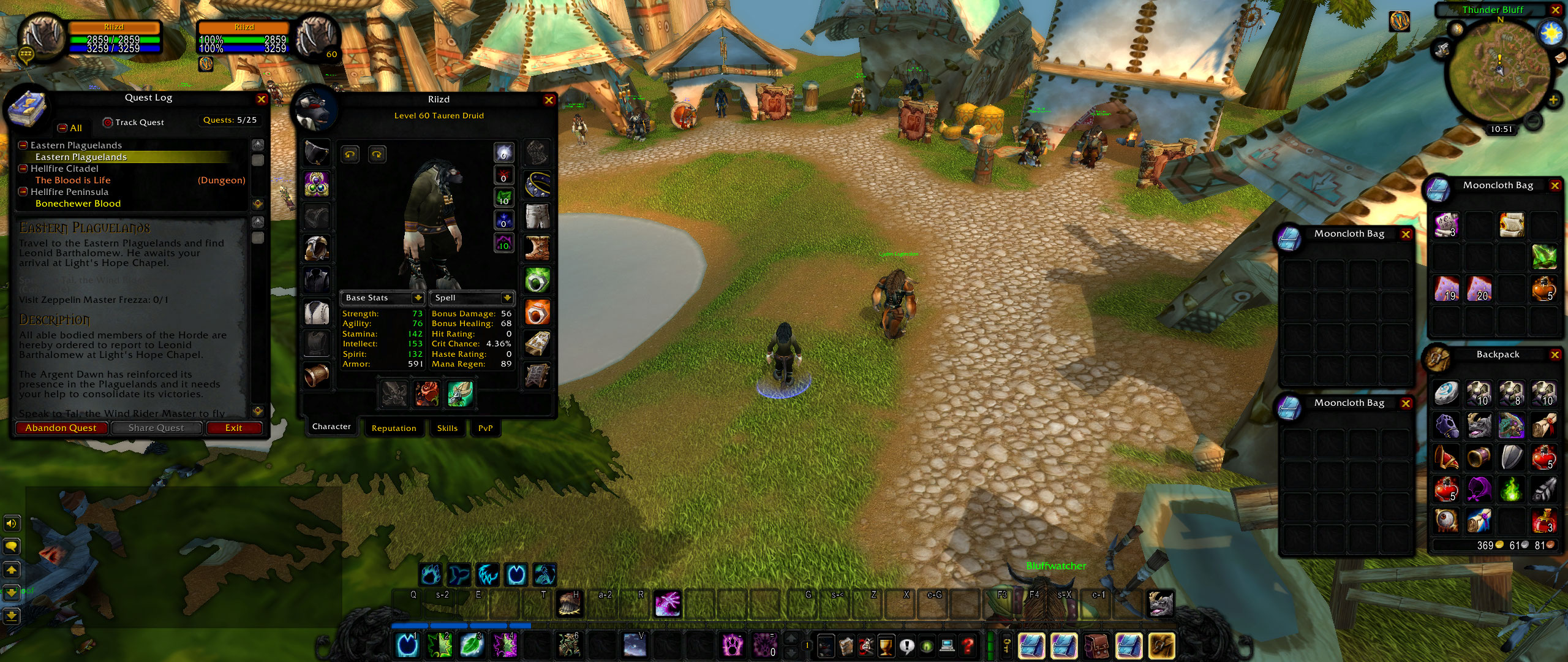

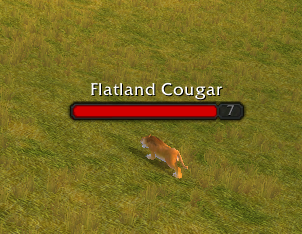
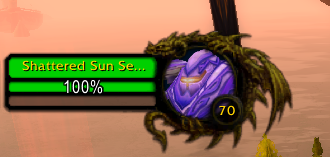
Mode 1 Target frame when enemy is elite


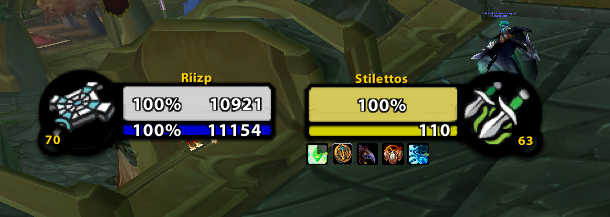

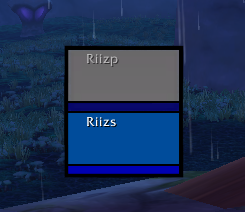
Raid frame
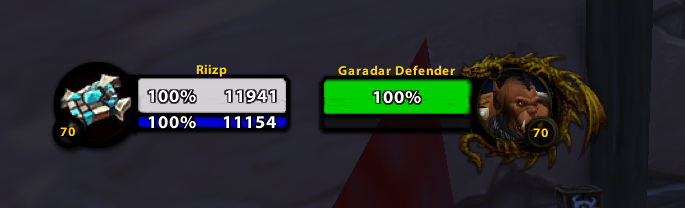
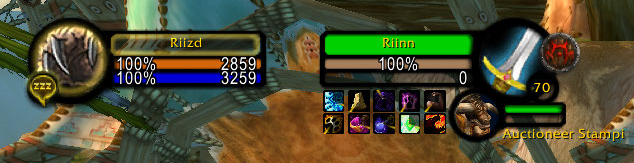
Description
!!!!!!!!!!!!!!!!!! DISCONTINUED !!!!!!!!!!!!!!!!
I am not maintaining or updating the addon anymore. Similar features and functions can be achieved with other addons like BetterBlizzFrames & BetterBlizzPlates by Bodify. Dark textures can still be used without the addon.

RiizUI includes:
- Darkened textures for default blizzard frames.
- Adjustable options to the Player and Target frames (see pictures).
- Optional Thick frames for Player and Target frames (bigger health bar than mana, no name bar)
- Ingame interface menu with multiple options (highlights, PvP icon, rest icon).
- Option to use masque for Blizzard default actionbars
- Two different dark themes for masque.
Installation:
With Curse client:
1. After installing RiizUI curse client creates folder called "TEXTURES" inside your addon folder. Move all folders inside the "TEXTURES" to your interface folder. These folders contains the custom textures and are not within the addon folder, default path C:\Program Files (x86)\World of Warcraft\_classic_\Interface
2. Check that you have folder called "RiizUI" inside addon folder, path: C:\Program Files (x86)\World of Warcraft_classic\Interface\Addons.
3. You are done with the installation.
Manually:
1. Download RiizUI from curse website and extract it to folder that you can find.
2. Go inside the extracted folder "TEXTURES" and copy everything inside it.
3. Locate your WoW Interface folder ( NOT ADDONS!). Default path: C:\Program Files (x86)\World of Warcraft\_classic_\Interface
4. Paste the copied files inside interface folder.
5. In the extracted folder from step 1 is also folder called RiizUI. Copy this and paste it inside your addons folder. Default path: C:\Program Files (x86)\World of Warcraft_classic\Interface\Addons
6. You are done with the install.
Note that if you only install for the textures, you do not need to install RiizUI folder into your addon folder
- If you use Raid style party frames you have to enable border to get the dark look.
Interface Menu ingame
Ingame options can be changed by typing: /riizui or /riiz.
Multiple options how you want to customize your UI!
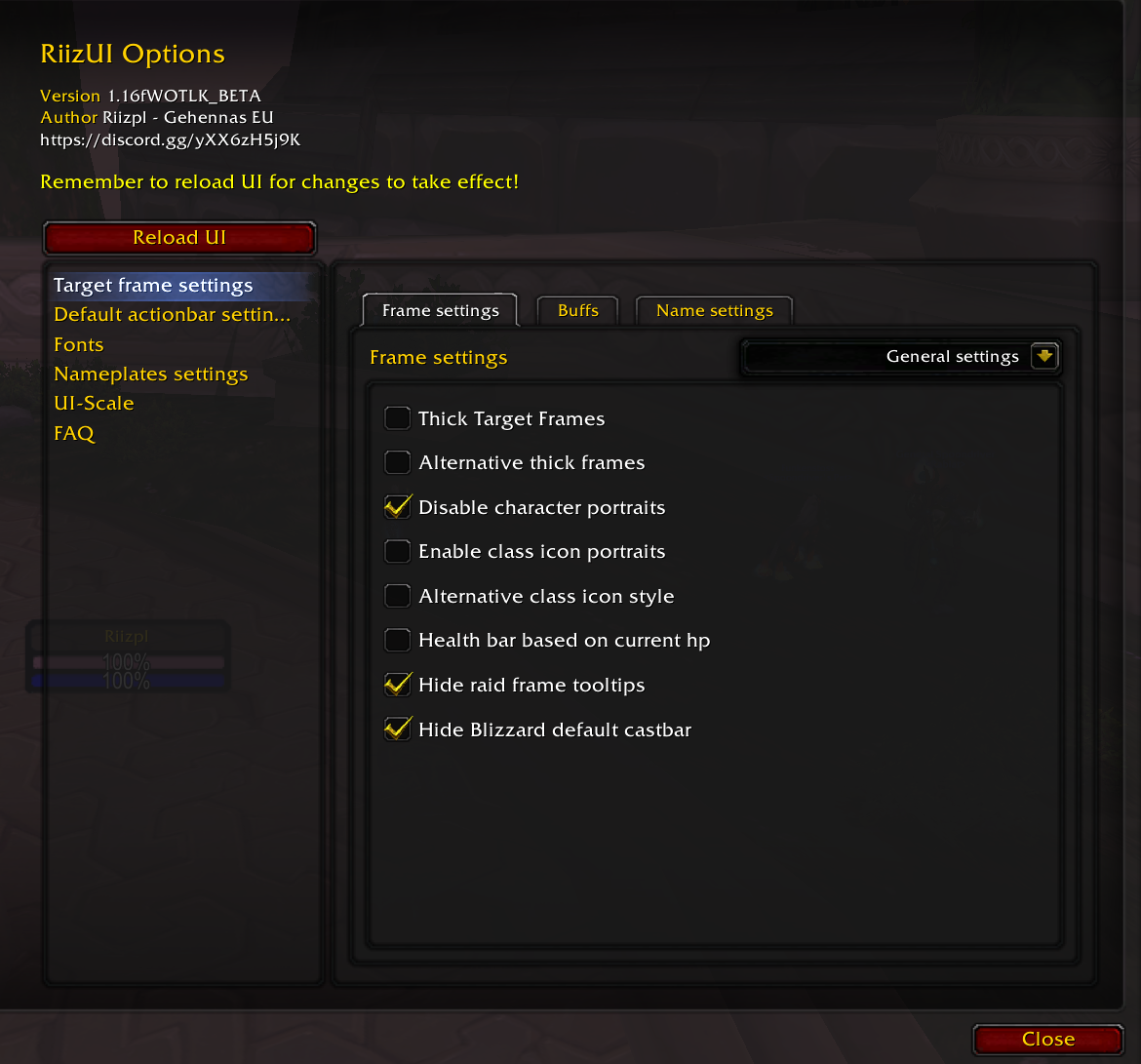 General settings to change
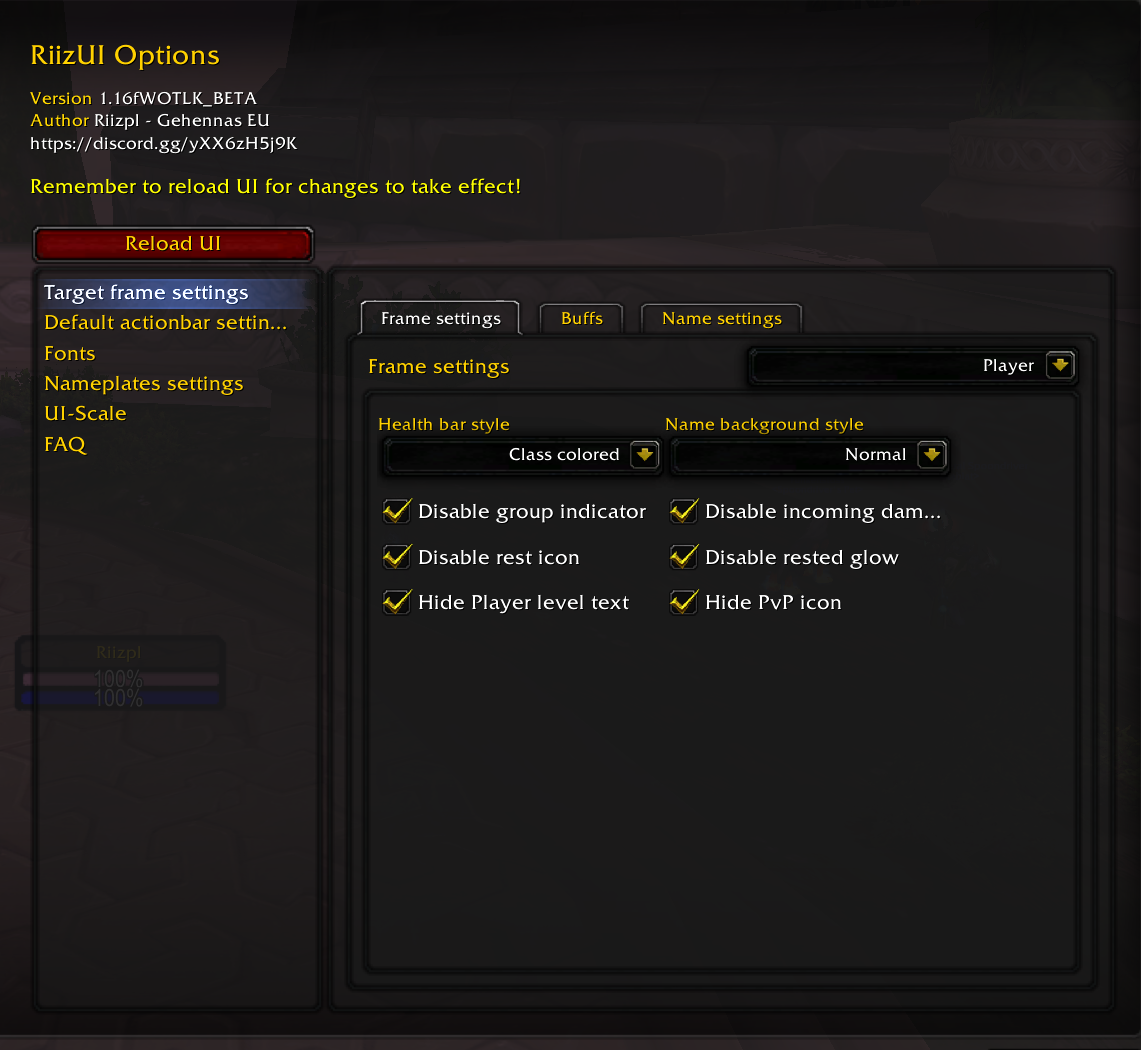 Player frame related settings
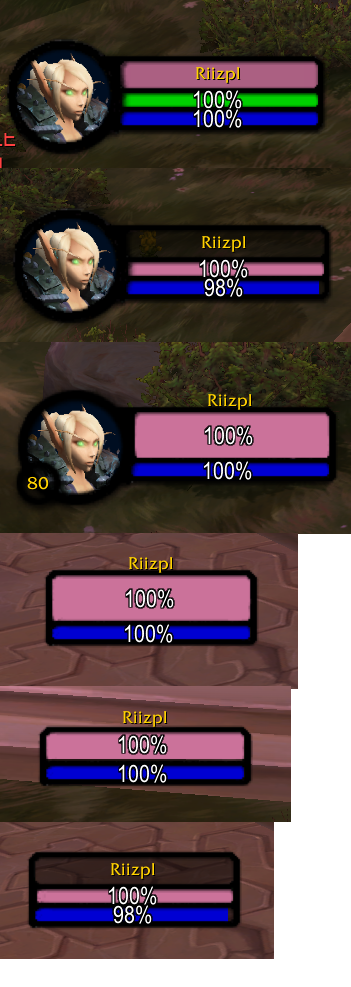 Targetframe textures
FAQ:
I want to only use the textures, no addons. Is this possible?
Yes, incase you installed the addon called "RiizUI - remove this from your addon folder.
Does this work in Retail or Classic era?
I do not know. Only latest classic expansion is supported ( at the moment CATACLYSM).
I do not like the class icons on player / target portraits. How to delete them?
You can disable them from addon settings. Open settings by typing "/riizui"
For questions, feedback or bug reports post a comment here or join Discord
Credits:
Addon authors whos work I have edited and adjusted: CloneVince for the original Wide questlog, Evolve (Evolve UI) for the alternative class icons, Heomel for class colored unitframes, Lorti for the original dark UI.
People who have helped by testing and providing feedback for the UI: BAUSZ, Minpojke
For translations: 魔兽特工 for the chinese localization.
If you want to support me

RiizUI Team