RIDE
- By
RIDE is a lightweight **World of Warcraft Classic TBC Anniversary** addon that gives you one smart keybind for travel.
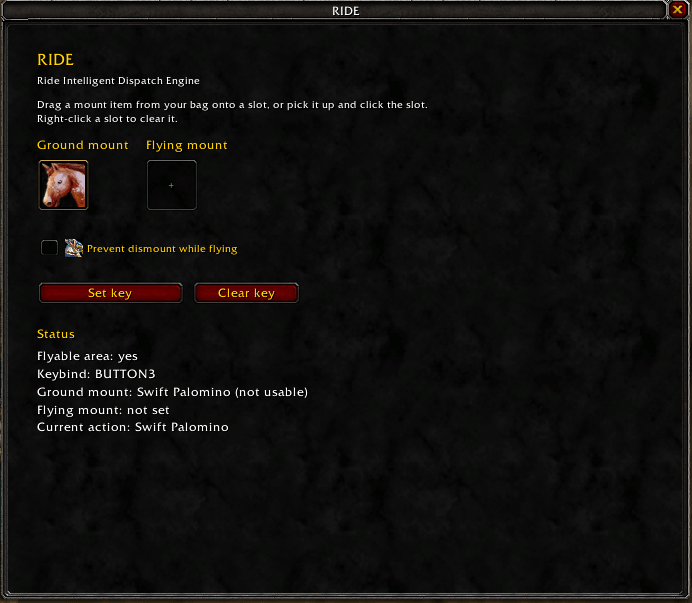
ride-config.png
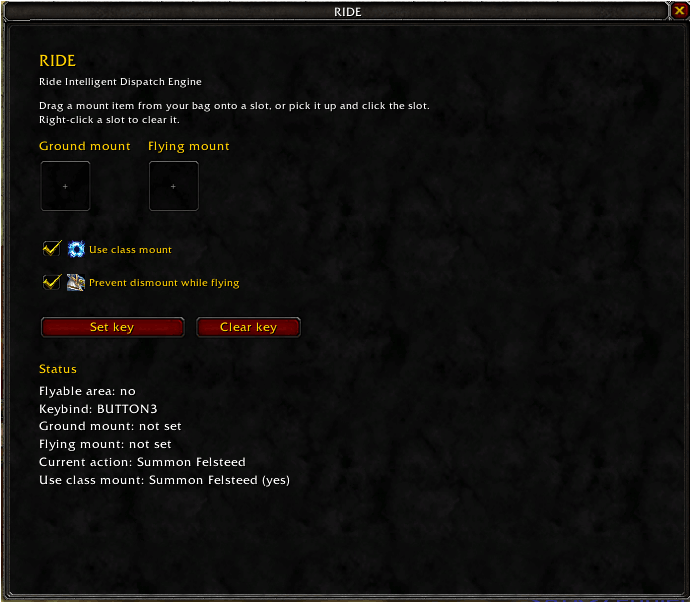
ride-config-warlock.png
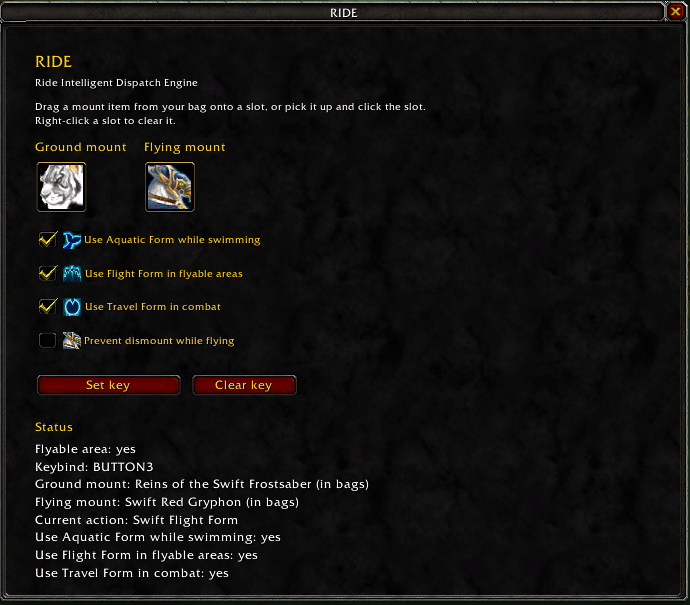
ride-config-druid-2.png
Description
RIDE is a lightweight World of Warcraft Classic TBC Anniversary addon that gives you one smart keybind for travel.
Instead of managing separate buttons for ground mounts, flying mounts, Paladin or Warlock class mounts, and Druid travel forms, RIDE chooses the best available action for your current area, class, combat state, and configuration.
Features
- One configurable keybind for ground mounts, flying mounts, class mounts, and Druid travel forms.
- Ground and flying mount slots with simple drag-and-drop setup from your bags.
- Automatic fallback to a usable ground mount when flying is unavailable or no flying mount is configured.
- Druid support for Aquatic Form, Flight Form, and Travel Form as an outdoor combat fallback.
- Paladin Warhorse and Charger support when learned.
- Warlock Felsteed and Dreadsteed support when learned.
- Optional Paladin Crusader Aura activation while mounted.
- Restoration of the previous Paladin aura when dismounting through RIDE.
- Optional protection against dismounting while flying.
- Keybind setup from the RIDE options panel or WoW's Keybindings menu.
- Localized interface for all locales supported by WoW.
Setup
- Type
/rideto open the configuration window. - Drag a ground mount item and a flying mount item from your bags into their slots.
- Enable the class-specific options you want to use.
- Click Set key, or open Options > Keybindings > AddOns > RIDE, and assign the Smart Travel keybind.
Mount slots accept mount items from the character's bags. Right-click a slot to clear it. Class and Druid options only appear when the current character knows the corresponding spell.
Paladin Crusader Aura
Paladins who know Crusader Aura can enable an optional setting that activates it while mounting and restores the previously active aura when dismounting through RIDE. The setting is disabled by default.
Item-based mounts can activate Crusader Aura and begin mounting with one key press. Paladin class mount spells require two key presses because Crusader Aura and the mount spell share the global cooldown.
If another action dismounts the character, the previous aura is restored on the next Smart Travel key press.
Commands
/ride- open the configuration window/ride status- print the current setup/ride ground <item link or item name>- set the ground mount/ride flying <item link or item name>- set the flying mount/ride clear ground|flying- clear a mount slot/ride druid- toggle Druid travel forms/ride classmount- toggle Paladin or Warlock class mounts/ride crusader- toggle Crusader Aura management for Paladins/ride bind <key>- bind Smart Travel/ride bind- capture the next key or mouse button/ride unbind- clear the Smart Travel keybind/ride update- rebuild the secure travel action
Classic TBC Compatibility
RIDE is designed for Classic TBC, where mounts are still items in your bags. It validates configured mount items and only uses them while they are present and usable.
The addon does not rely on the broken [flyable] macro conditional. It determines whether the current area permits flying and prepares a secure travel action outside combat.
Supported interfaces: 20505, 20506.
RIDE Team