Revath's Enchanted Frames
- By
obraz_2026-09-15_100329225.png
obraz_2026-09-15_100346565.png
obraz_2026-09-19_201927419.png
obraz_2026-09-19_201954361.png
obraz_2026-09-19_202002910.png
obraz_2026-09-19_202027510.png
obraz_2026-09-19_202046630.png
obraz_2026-09-19_202056657.png
Description
Revath’s Enchanted Frames
A modular quality-of-life suite for World of Warcraft Retail, bringing together an enhanced mailbox, a macro workshop, account-wide item ownership tooltips, and a weekly planner for your characters.
Each module has its own settings, with consistent styling throughout the suite. Choose Modern or Classic-inspired skins, customize colors and fonts, and adjust transparency and scale.
Revath’s Enchanted Mailbox
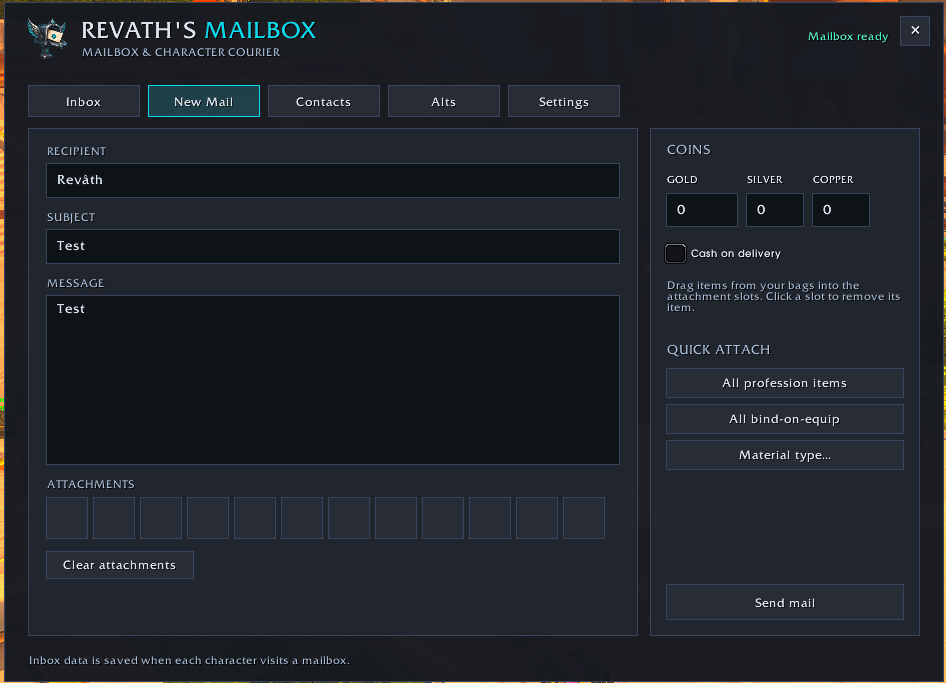
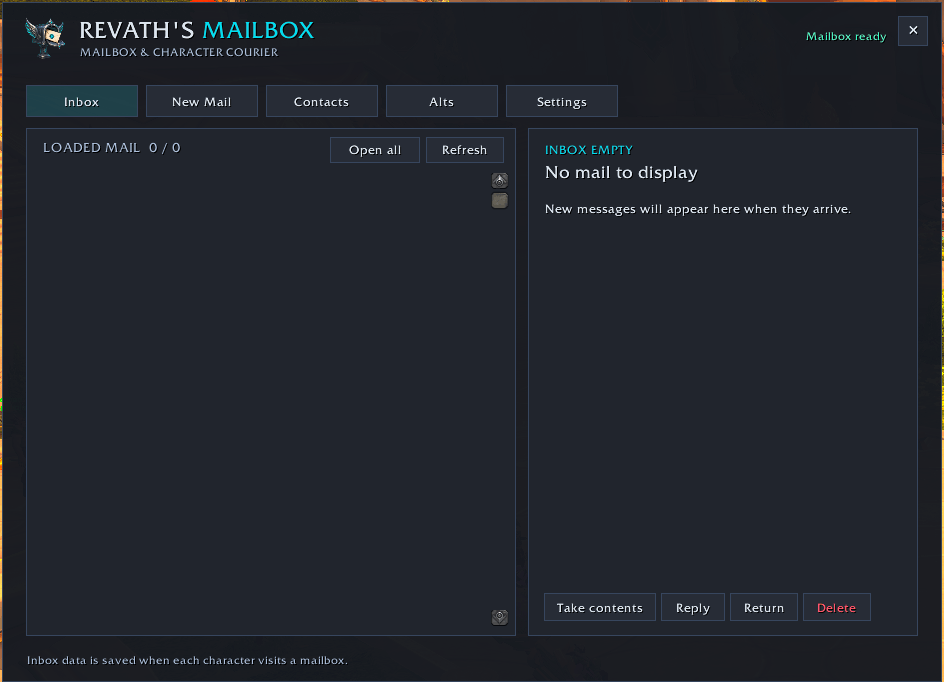
A spacious mailbox interface that makes reading, sending, and organizing mail easier.
- Read and manage messages in a clear two-pane inbox.
- Compose mail with recipient suggestions for friends, guild members, and known characters.
- Quickly attach items and profession materials.
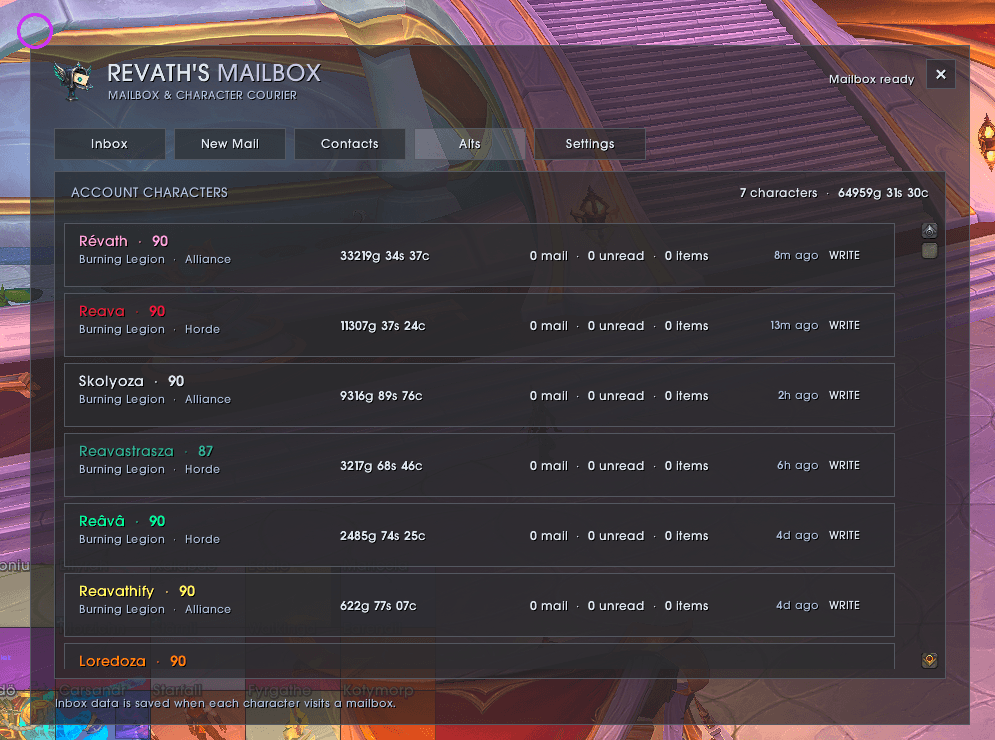
- Keep track of mailbox information and gold across your characters.
- Customize the skin, palette, font, opacity, and window scale.
Open with /rmail or /revathsmailbox while interacting with a mailbox.
Revath’s Enchanted Macros
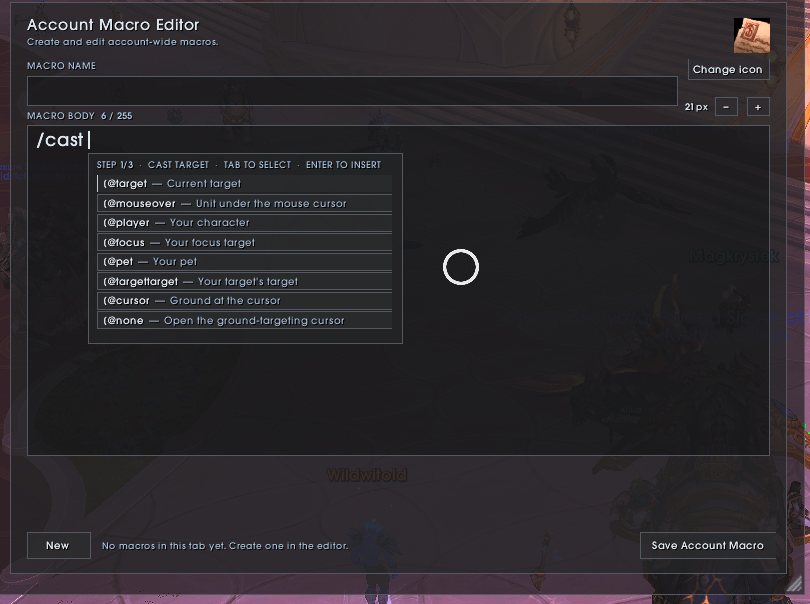
A dedicated macro editor with guidance for both simple commands and advanced conditions.
- Manage account and character macros in separate libraries.
- Browse curated class- and specialization-specific templates.
- Find icons in a scrollable browser, or let
#showtooltipselect the icon for a new macro. - Drag macros directly onto your action bars.
- Adjust the editor’s text size.
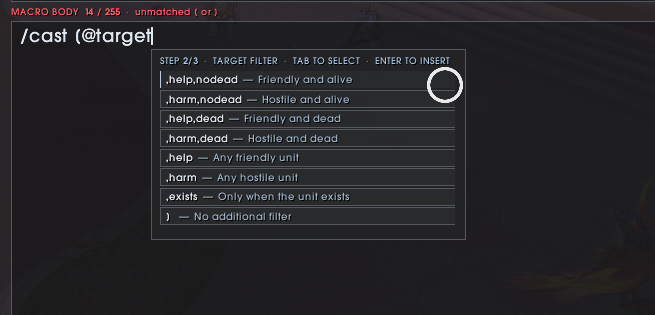
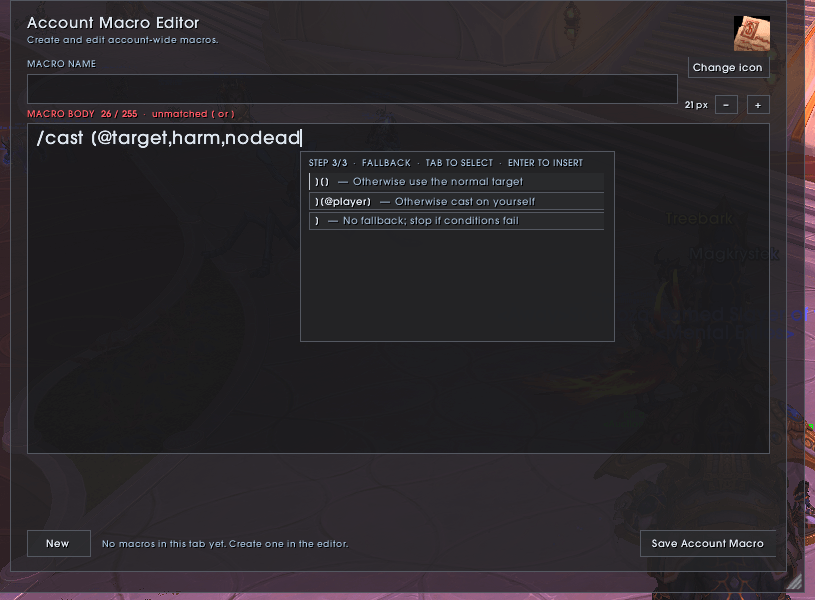
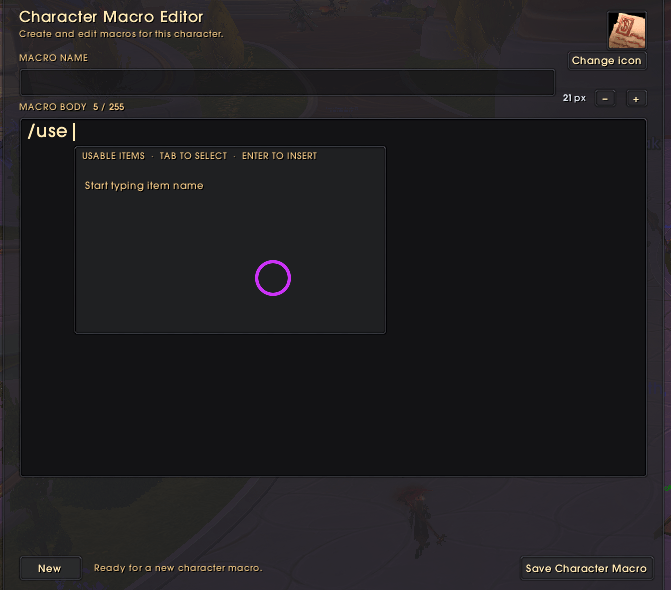
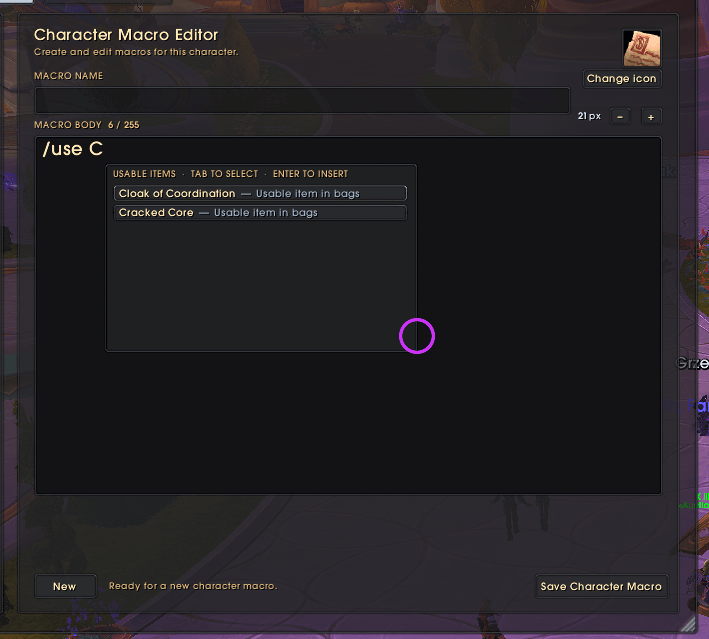
- Get suggestions for commands, targets, conditions, known spells, usable items, and cast sequences.
- Build targeting conditions step by step, including mouseover, focus, friendly or hostile targets, and fallback behavior.
Open with /rmacro, /macroworkshop, or from the Game Menu.
Revath’s Enchanted Weekly Planner
Keep your characters’ weekly progress, raid lockouts, and currencies together in one customizable window.
- Track season raid bosses, completed Mythic+ runs, tracked weekly quests, and filled Great Vault slots.
- Follow additional activities such as Saltheril’s weeklies, Abundance, Prey, Void Assaults, and profession knowledge sources.
- Add personal goals and choose which activities appear for each character.
- Check goals off manually, or let supported goals follow recorded progress.
- View saved raid IDs, difficulties, killed and available bosses, and reset times.
- Hover over goals for boss details, dungeon runs, quest objectives, and available Vault reward item levels.
- Browse Crests and Other resources tabs for balances and earning allowances, including Voidlight Marl, Undercoin, and Coffer Keys.
- Drag characters into your preferred roster order.
- Resize the window and customize its appearance to match the suite.
Weekly progress resets automatically using Blizzard’s regional reset timing. Offline characters retain their last saved information; log into each character to refresh its data. Weekly quest tracking covers recognized or accepted quests rather than every available weekly.
Open with /rweekly, /rplanner, or the planner’s minimap icon.
Revath’s Enchanted Tooltips
See where your items are stored without searching every character.
- Display a clear Owned Total on item tooltips.
- Include recorded items from character bags, banks, and available Warband-bank storage.
- Hold Shift for a per-character breakdown.
- Enable or disable ownership totals from the Tooltips settings page.
Settings and appearance
Open Options → AddOns → Revath’s Enchanted Frames for the suite overview and separate Mailbox, Macros, Tooltips, and Weekly Planner pages.
- Choose skins, palettes, and fonts from clear selectors.
- Discover fonts provided by compatible installed LibSharedMedia addons.
- Keep supported in-window appearance controls synchronized with Blizzard Options.
- View suite version, author, and module information.
Use /ref or /enchantedframes to open the shared settings directly.
Built for World of Warcraft Retail using Blizzard’s in-game addon APIs. No external network connection is required while playing.
In-game contact: Revath#2331
Revath's Enchanted Frames Team