Retrovision
- By
Give your game an old-school screen: CRT scanlines, VHS tape effects, retro monitor frames, 4:3 mode and presets.
Screenshot from 2026-11-15 22-50-34.png
Screenshot from 2026-11-15 22-50-53.png
Screenshot from 2026-11-15 22-51-42.png
Description
Play WoW like it's on an old TV, a 2004 PC monitor or a worn VHS tape.

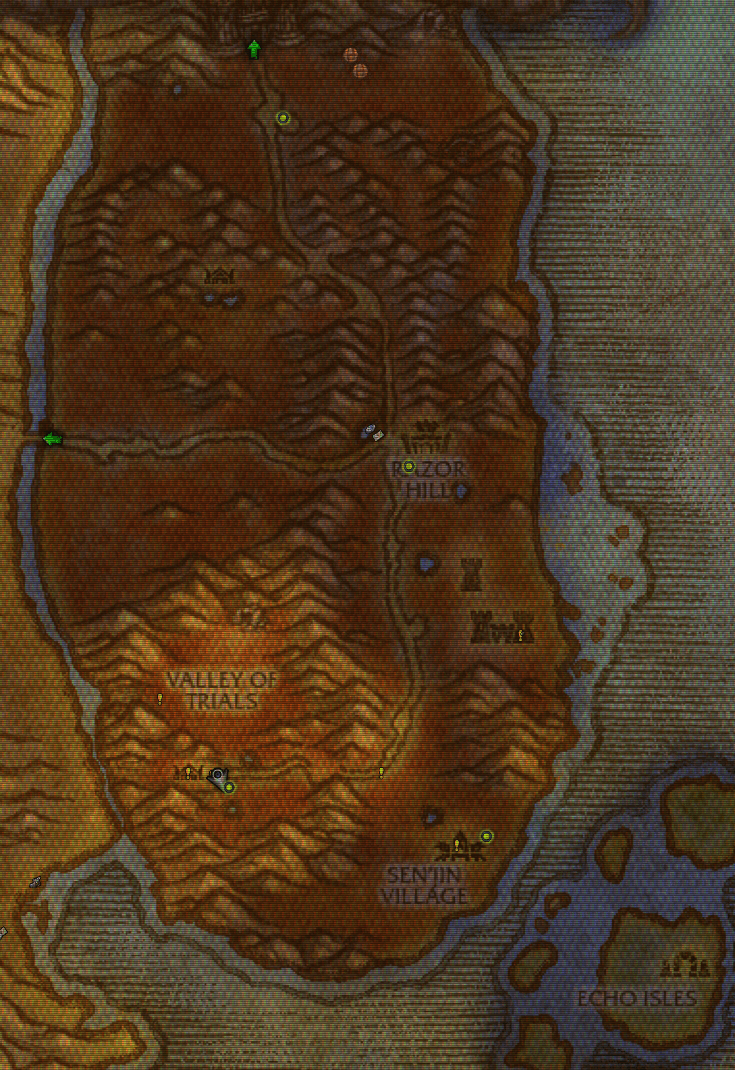
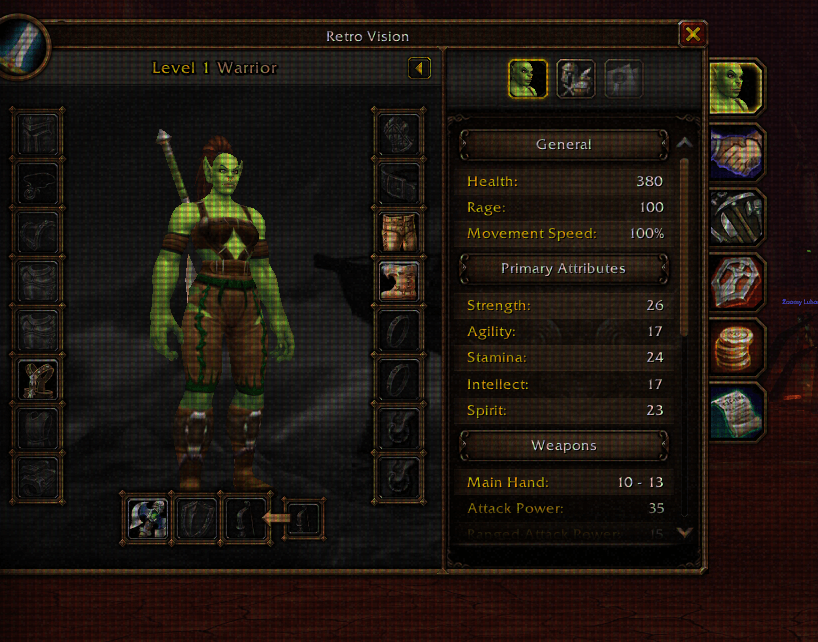
Retrovision lays a retro screen look over the game: scanlines, a phosphor mask, a monitor or TV frame, tape noise and VCR text. It's all done with lightweight UI textures, with no shaders and no third-party tools. Pick a preset and you're done, or fine-tune everything.

## Features

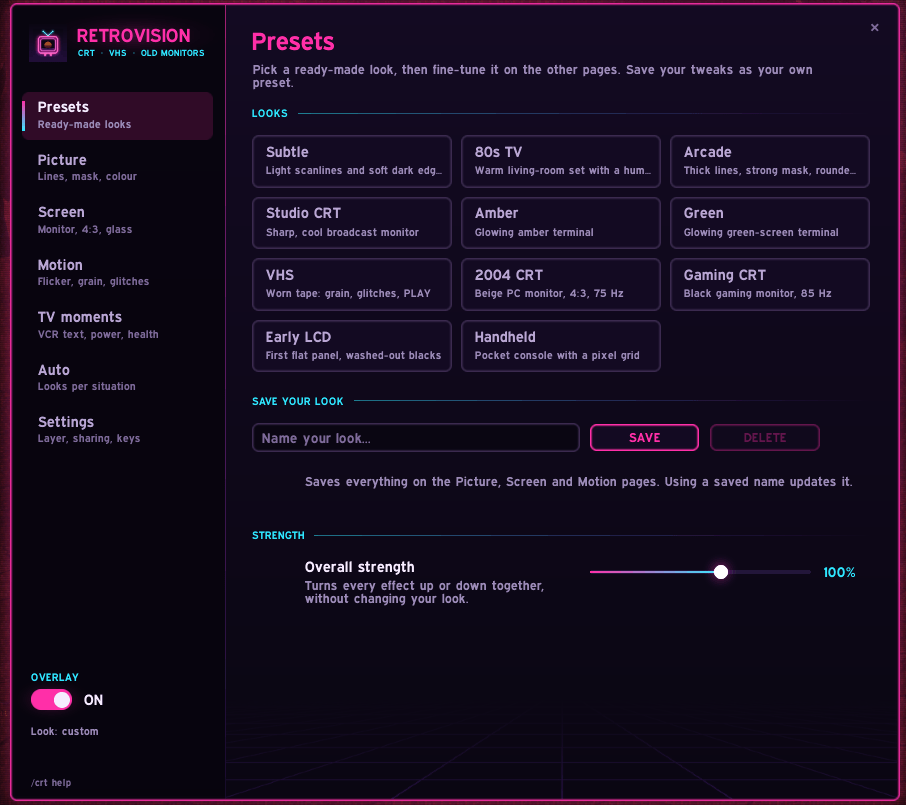
**Presets.** 11 ready-made looks, one click each: Subtle, 80s TV, Arcade, Studio CRT, Amber, Green, VHS, 2004 CRT, Gaming CRT, Early LCD and Handheld. Save your own tweaks as presets and flip through them with the mouse wheel on the minimap button.

**Picture**
- Pixel-exact scanlines at 2, 3, 4 or 6 px spacing, with optional interlacing
- Phosphor mask: aperture-grille stripes, shadow-mask dots, LCD subpixels or a handheld grid
- Phosphor tints (amber, green, warm, cool, LCD green), vignette, brightness and black level

**Screen**
- Monitor frames: plain rounded bezel, beige 2004 PC monitor or black gaming monitor
- 4:3 mode with side bars, like an old monitor
- Glass glare, early-LCD viewing angle and backlight bleed
- A degauss button, just for fun

**Motion**
- Tube flicker, low-refresh shimmer (60/75/85 Hz) and a rolling hum bar
- Film grain, VHS tracking glitches and the fuzzy bottom noise strip

**TV moments**
- VCR text in the corner: PLAY, REC or a clock
- Old-TV power on/off animation when you log in or toggle the overlay
- Channel-change static and a channel number when you change zone
- Static that builds up at low health, and a signal flicker on big hits

**Auto rules.** Change the look by situation: in combat, raids, dungeons, PvP or cities. Turn it off, run it at half strength or switch to any preset.

**Sharing.** Copy your look as a short code that fits in chat; friends paste it in to load it.

**Comfort.** A "Reduce flashing" switch pauses every flicker, flash and glitch effect in one click.

## How to use

- Type **/crt** (or /retro) to open the settings, or click the minimap button
- Right-click the minimap button to turn the overlay on or off
- Mouse wheel on the minimap button flips through presets
- Key bindings: Game Menu > Options > Keybindings > AddOns > Retrovision
- **/crt help** lists all chat commands

**Draw over:** "Game world" puts the effect under your UI so bars and text stay crisp. "Everything" covers the whole screen, including the UI.


- Everything is made from UI textures, so there is no screen curvature, bloom or blur; the game doesn't let addons do those.
- Works with any UI. If EllesmereUI is installed, the settings window uses its Expressway font.
Retrovision Team