RestedXP Blizzard Style
- By
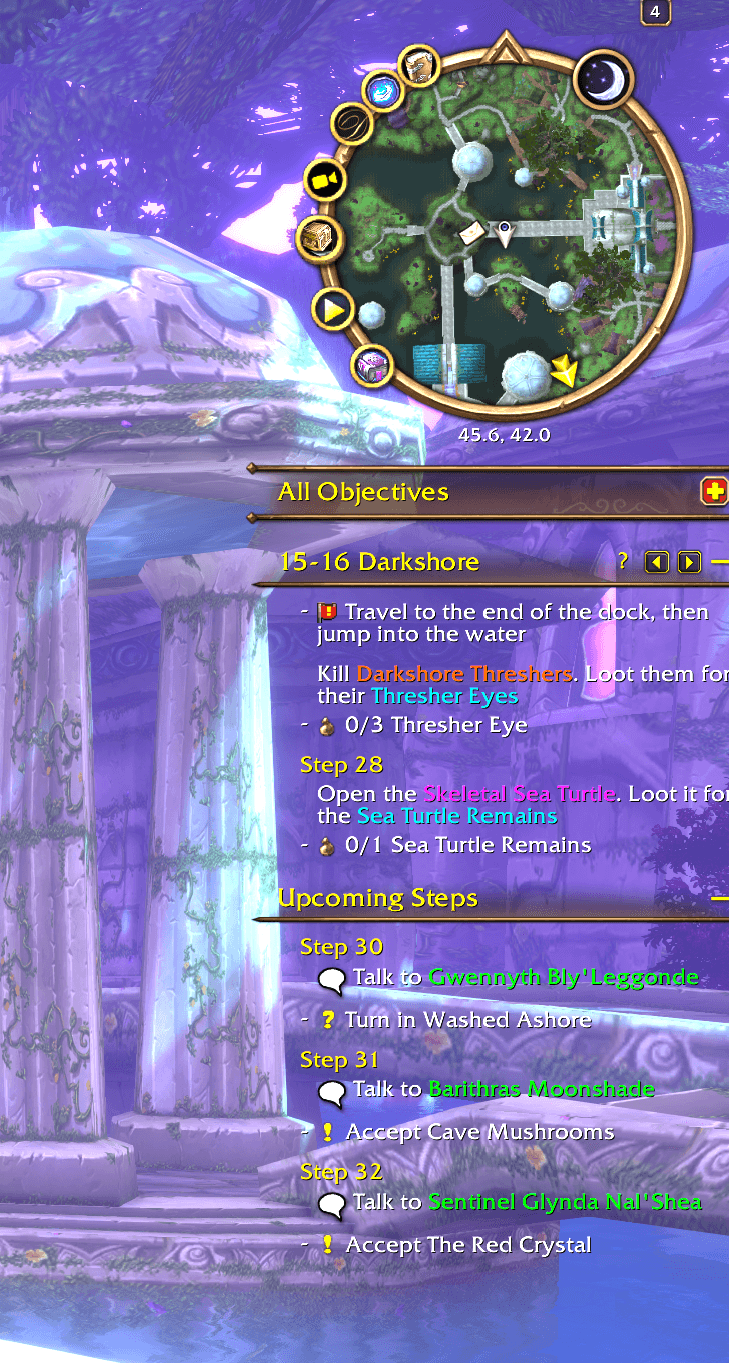
Shows RestedXP guides in the style of the quest tracker for WoW: Forever, with the current step and upcoming steps below it.
Screenshot 2026-11-05 233321.png
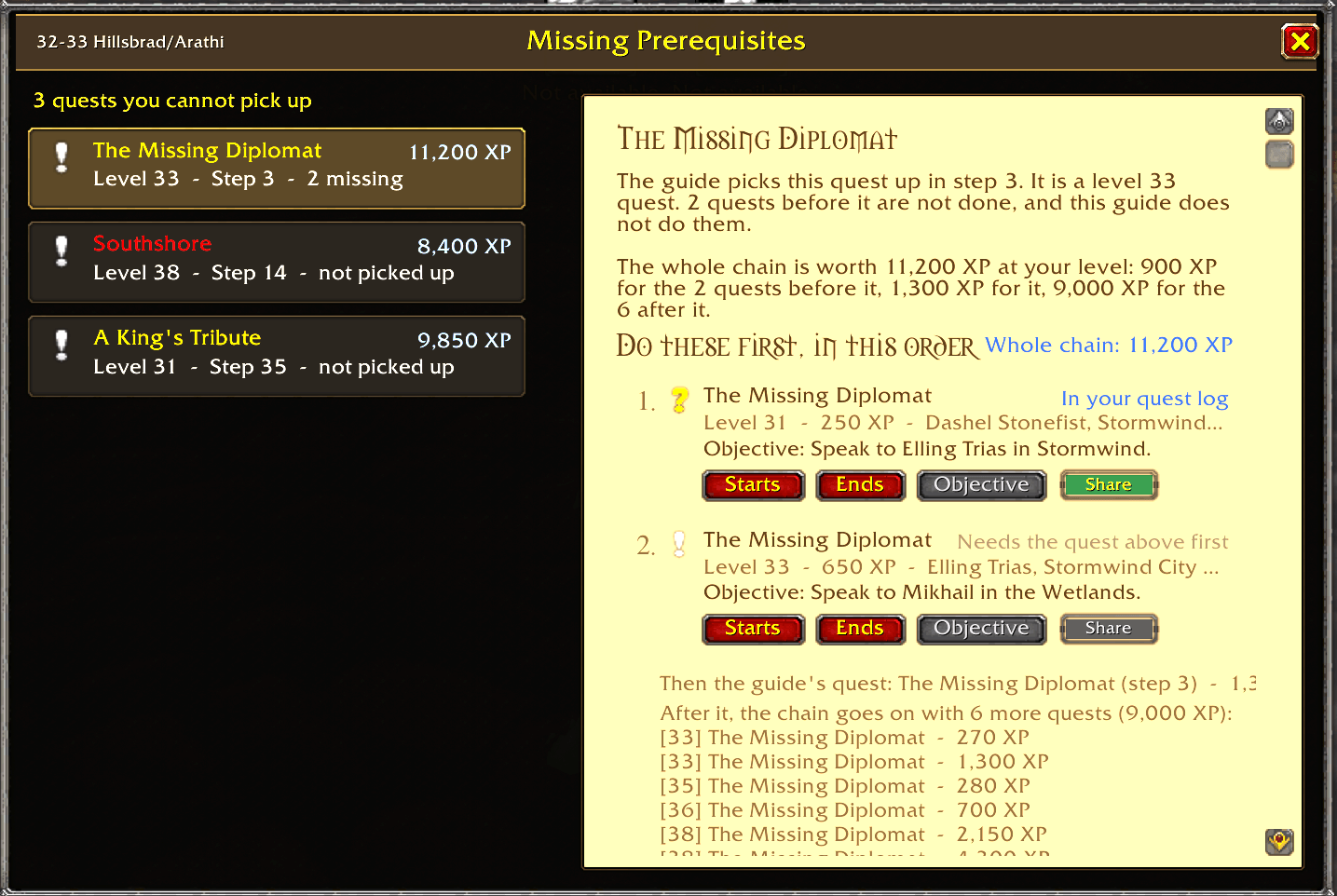
image-1794207935696.png
Description
Shows RestedXP Guides in the style of Blizzard's quest tracker on WoW: Forever, instead of the RestedXP guide window.
Requires the RestedXP Guides addon. This is an independent addon and is not made or supported by RestedXP.
What you get
- The current step with its to-dos, and the upcoming steps below it, styled like a section of the quest tracker.
- Click the dash in front of a line to tick it off by hand. The two arrows in the header bar go to the previous or next step.
- Right-click the header bar for guides and RestedXP's own options.
- Shift-click an upcoming step to jump to it. Scroll over the upcoming steps to look further ahead.
- The guide sits directly below the quest tracker, or anywhere you drag it.
- The guide can be cut off at a line so it does not cover what sits below it. Move the mouse over the guide and drag the yellow line at its lower end.
- The current step is written below the waypoint arrow. If TomTom is installed, its arrow can point to the step instead.
- New: Prerequisites window with missing quests for that guide and where to find/complete them (Click the exclamation mark in the header.)
- New: Scaling options under Esc -> Options -> Addons -> RestedXP Blizzard Style -> Display
Options
Open them with /rxpstyle, or in RestedXP's settings on the tab "Blizzard Style". Every feature can be switched off on its own.
How it works
Nothing in the RestedXP Guides folder is changed, so its updates keep working. If an update changes something this addon relies on, the affected part switches itself off with one chat message and the normal RestedXP window comes back.
Reporting problems
Click the "?" on the header bar, or type /rxpstyle report. It shows the current step and your active quests as text to copy. Paste that into an issue on GitHub. If a guide step itself is wrong, please use RestedXP's own feedback form instead: right-click that step and choose "Give Feedback for step".
RestedXP Blizzard Style Team