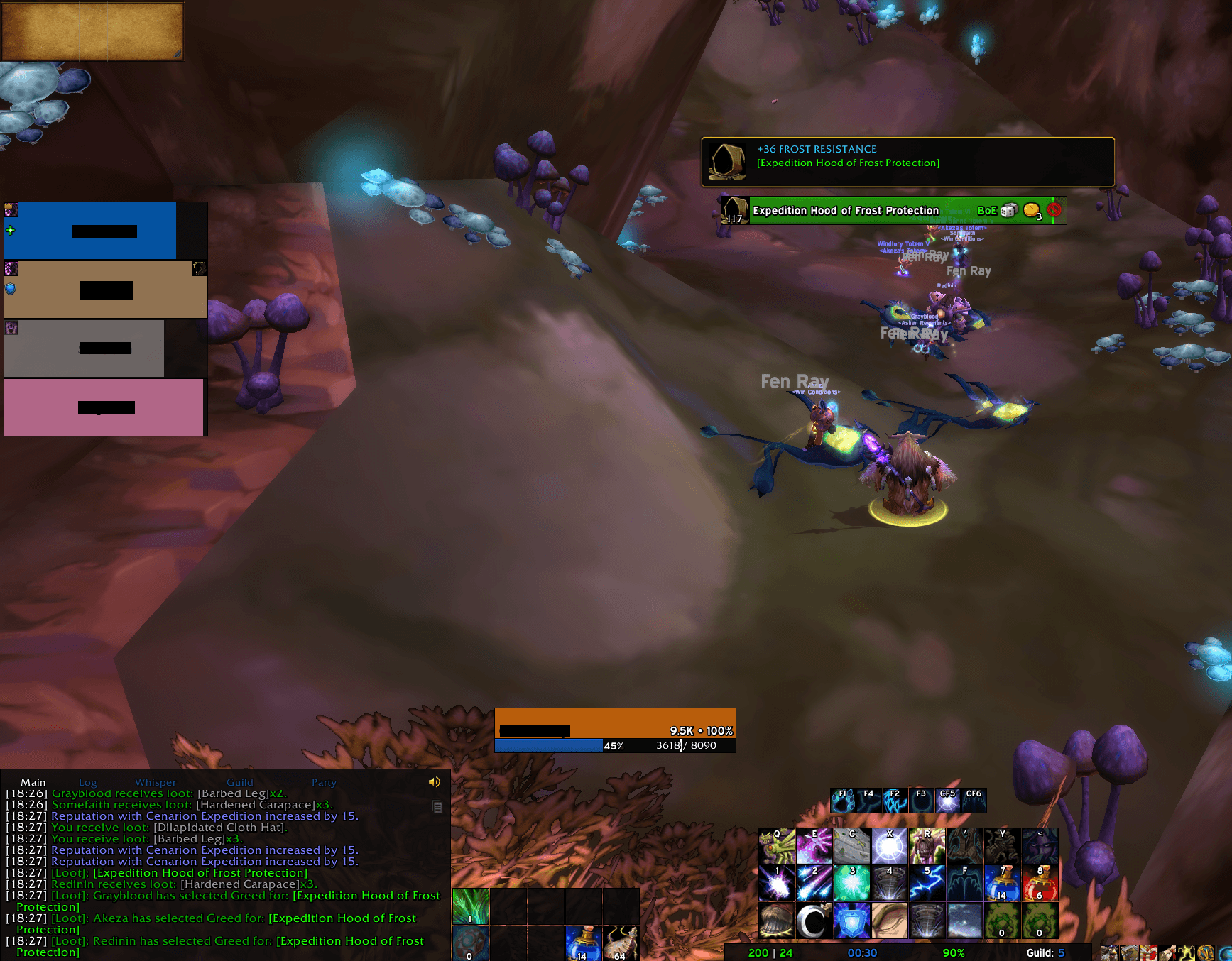
Group Loot, the window above shows you what Res it got.
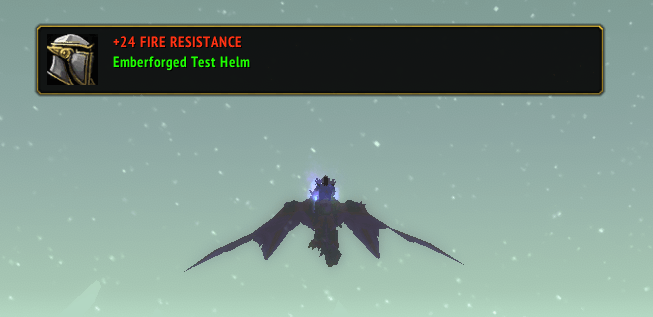
Alert
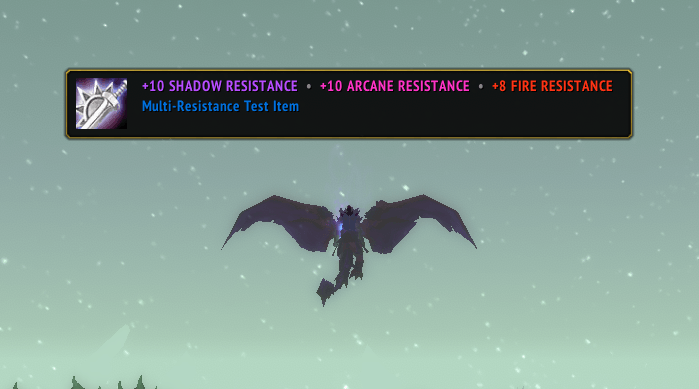
Detecting Multi Resist Items
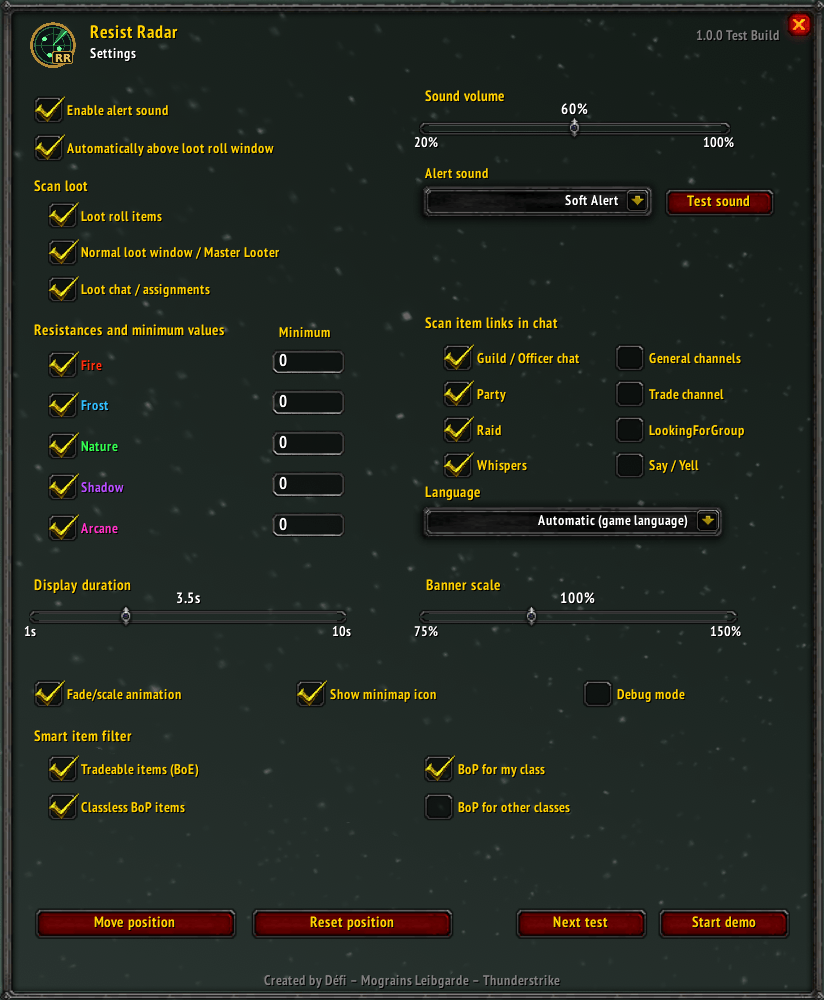
Settings of Resist Radar
Description
Whether you're preparing resistance sets for challenging raid encounters or keeping an eye out for potentially valuable BoE items, Resist Radar helps make sure useful resistance gear doesn't go unnoticed.
Resist Radar is a lightweight quality-of-life addon for World of Warcraft: The Burning Crusade Anniversary.
Resistance gear can easily be overlooked — especially uncommon items that would otherwise end up being disenchanted or passed on.
Resist Radar automatically detects items with Fire, Frost, Nature, Shadow or Arcane Resistance and alerts you with a small, unobtrusive notification.
FEATURES
• Detects resistance gear during loot and loot rolls
• Detects resistance items shown in the loot chat
• Supports Master Looter situations
• Scans configurable chat channels for linked resistance items
• Fire, Frost, Nature, Shadow and Arcane Resistance detection
• Individual minimum resistance thresholds
• Smart BoE / BoP and class filtering
• Configurable notification duration
• Multiple subtle notification sounds
• Movable notification banner
• Minimap button
• German and English localization
• Debug mode for troubleshooting
• Designed specifically for TBC Anniversary
SMART ITEM FILTERING
Resist Radar can automatically filter items based on their binding and class restrictions.
For example:
• Bind on Equip items can always be shown
• Bind on Pickup items for your own class can be shown
• Bind on Pickup items without a class restriction can be shown
• Bind on Pickup items restricted to other classes can be ignored
This helps prevent unnecessary alerts for class-specific resistance gear you cannot use while still detecting valuable BoE resistance items regardless of armor type.
CONFIGURATION
Open the settings with:
/rr config
Additional commands:
/rr test
Tests a resistance notification.
/rr demo
Runs through the different resistance notification types.
/rr move
Allows you to reposition the notification banner.
/rr debug
Enables or disables debug information.
/rr reset
Resets Resist Radar settings.
/rr version
Displays version information.
SUPPORTED RESISTANCES
• Fire Resistance
• Frost Resistance
• Nature Resistance
• Shadow Resistance
• Arcane Resistance
Each resistance type can be enabled or disabled individually and can have its own minimum threshold.
LANGUAGES
• English
• German
Resist Radar can automatically use the language of your game client or be configured manually.
Whats next?
- Bugfixes
- Minor Tweaks
- Inventory Item Icons to show the Res as a little colored number
- WoW Classic Support
- WoW Wotlk preperations
You can Bug Report in the Comments. I take care of it.
Défi – Mograins Leibgarde – Thunderstrike
Resist Radar Team