Refactor
- By
Comprehensive Quality of Life automation for WoW. Auto-sell junk, auto-repair, auto-quest, fast loot, loot toasts, quest nameplates, tooltip enhancements, action camera, and more.
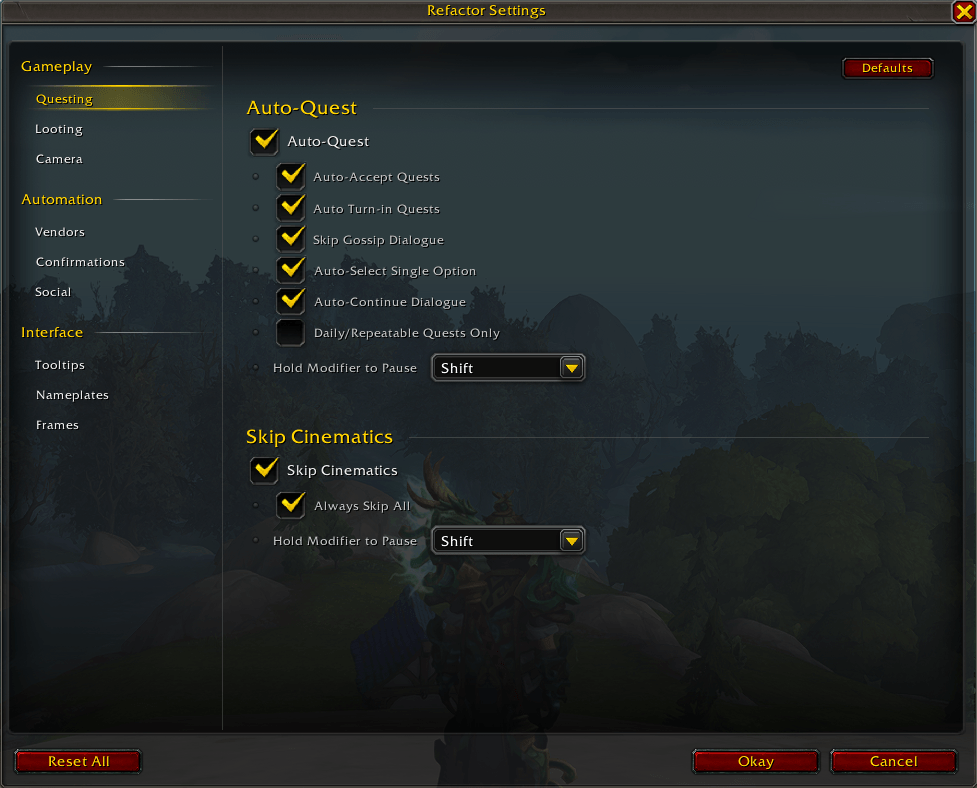
image.png
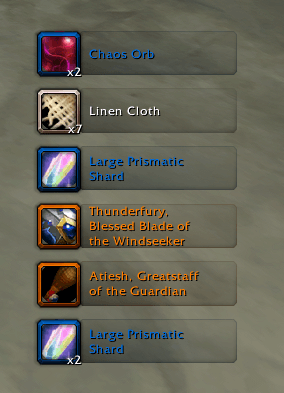
image1.png
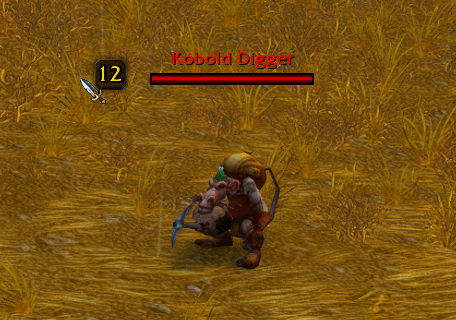
image2.png
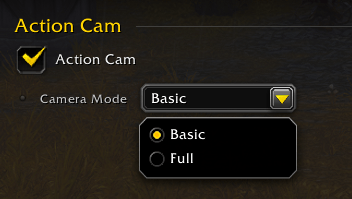
image3.png

image5.png
Description
Refactor
Quality of Life automation for World of Warcraft.
Less clicking. More playing.
Features
| Module | Description |
|---|---|
| Smart Vendor | Auto-sell junk and low-ilvl gear, with transmog protection |
| Auto-Repair | Automatic repairs with guild bank support |
| Auto-Quest | Auto-accept/turn-in quests, skip gossip, modifier bypass |
| Fast Loot | Instant looting in a single frame |
| Loot Toasts | Visual loot notifications with quality filtering |
| Item Upgrades | Stat-weighted upgrade detection with bag indicators and tooltips |
| Quest Nameplates | Kill/loot objective icons on enemy nameplates |
| Skip Cinematics | Auto-skip watched cutscenes, or skip all |
| Auto-Confirm | Accept ready checks, summons, resurrections, role checks |
| Auto-Invite | Accept invites from friends, guild, Battle.net |
| Auto-Release | Context-aware auto-release (PvP, PvE, open world) |
| Action Camera | Dynamic camera presets for immersive gameplay |
| Combat Fade | Action bars fade out of combat |
| Speed Display | Real-time movement speed percentage |
| Tooltip Plus | Class-colored names, transmog status, item IDs, custom positioning |
Commands
| Command | Description |
|---|---|
/refactor |
Open settings |
/rf |
Shorthand |
Installation
Addon Manager: Search "Refactor" in CurseForge or WowUp.
Manual: Extract to Interface/AddOns/Refactor and reload.
Configuration
Access settings via /refactor, minimap button, or ESC > Options > AddOns > Refactor.
Each module can be individually enabled with granular sub-options.
Compatibility
- WoW Retail: The War Within (11.0+)
- Baganator: Transmog icons and upgrade detection integration
Feedback
- GitHub Issues
- CurseForge comments
Version: 1.1.0 | WoW: The War Within (11.0+) | License: MIT
Refactor Team