RCLootCouncil Awarded
- By
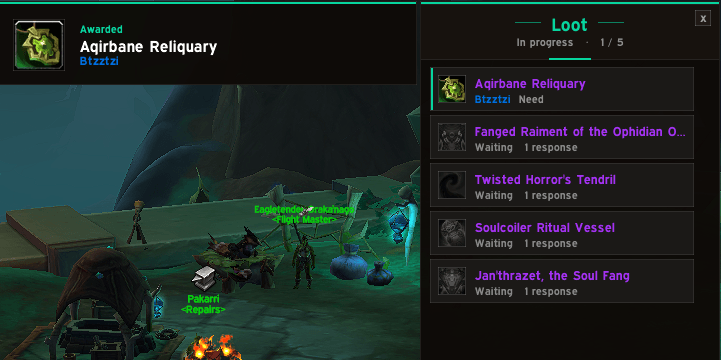
Popup when RCLootCouncil awards you an item, showing the item and who awarded it.
Screenshot 2026-11-22 215511.png

Screenshot 2026-11-22 215537.png
Screenshot 2026-11-22 215551.png
Screenshot 2026-11-22 215643.png
Description
RCLootCouncil Awarded
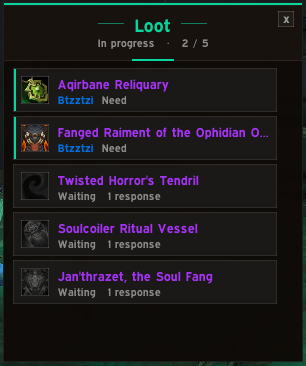
Never miss your loot again. A clean popup shows up the moment RCLootCouncil awards you an item, and a live loot window tracks every award of the session, so you always know who got what.
Features
Award Popup
- Appears instantly when an item is awarded to you
- Shows the item icon, the item name, and who awarded it, in their class color
- Optional sound alert
- Double right-click to dismiss
Session Loot Window
- Lists every item of the session, who won it, and why
- Winner names in class color
- Shows the real award reason in grey: Need, Greed, Minor Upgrade, Pass, or custom reasons such as Disenchant
- Scrollbar for long sessions
- Closes automatically 6 seconds after the session ends
Themes
- Modern: clean, minimal look
- Classic: uses the Blizzard dialog frames (brown/gold default look)
- On first login a theme picker with live previews opens. You choose your theme once and can change it any time with
/awarded theme
Fully Customizable
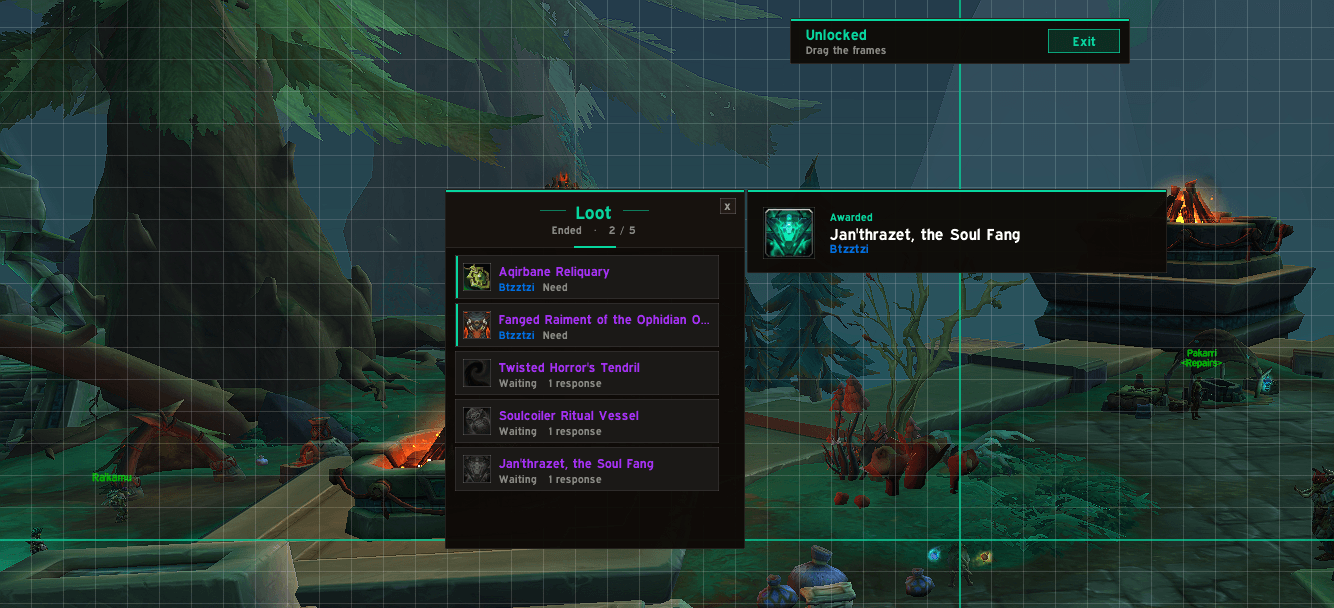
- Unlock mode with a screen grid: drag the popup and the loot window exactly where you want them
- Sound on or off
- Display time from 2 to 30 seconds
- Settings are integrated into the RCLootCouncil options, right next to Master Looter
Requirements
- RCLootCouncil
Settings
Esc > Options > AddOns > RCLootCouncil > Awarded
Slash Commands
All commands use /awarded.
| Command | Description |
|---|---|
/awarded |
Show the command list |
/awarded test |
Show a sample popup |
/awarded move |
Unlock mode: drag the frames, then press Exit |
/awarded loot |
Show or hide the loot window |
/awarded loot test |
Show a sample loot session |
/awarded loot reset |
Reset the loot window position |
/awarded theme |
Open the theme picker |
/awarded theme modern|classic |
Set a theme directly |
/awarded sound on|off |
Toggle the sound |
/awarded time <seconds> |
Set display time (2 to 30) |
/awarded on|off |
Enable or disable the addon |
Author: Klotzi
RCLootCouncil Awarded Team